
Keep the same character in every image and video.
Text prompts redraw a face every time. A Character Reference sends the face itself, so the same character appears in every scene, outfit and video.
Free accounts get one Character Reference with three images.
Renders cost the normal gold price.
Why AI keeps changing your character's face.
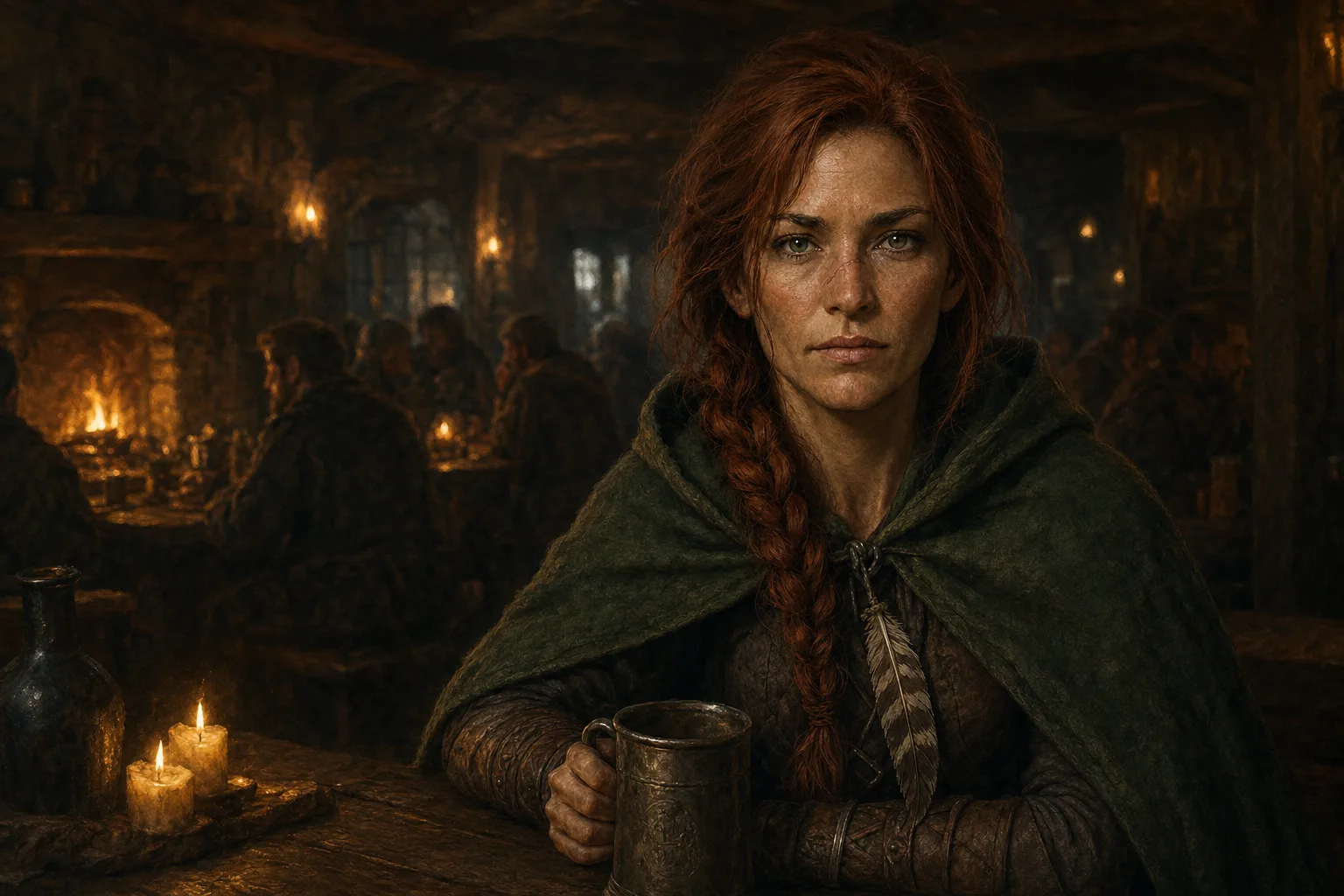
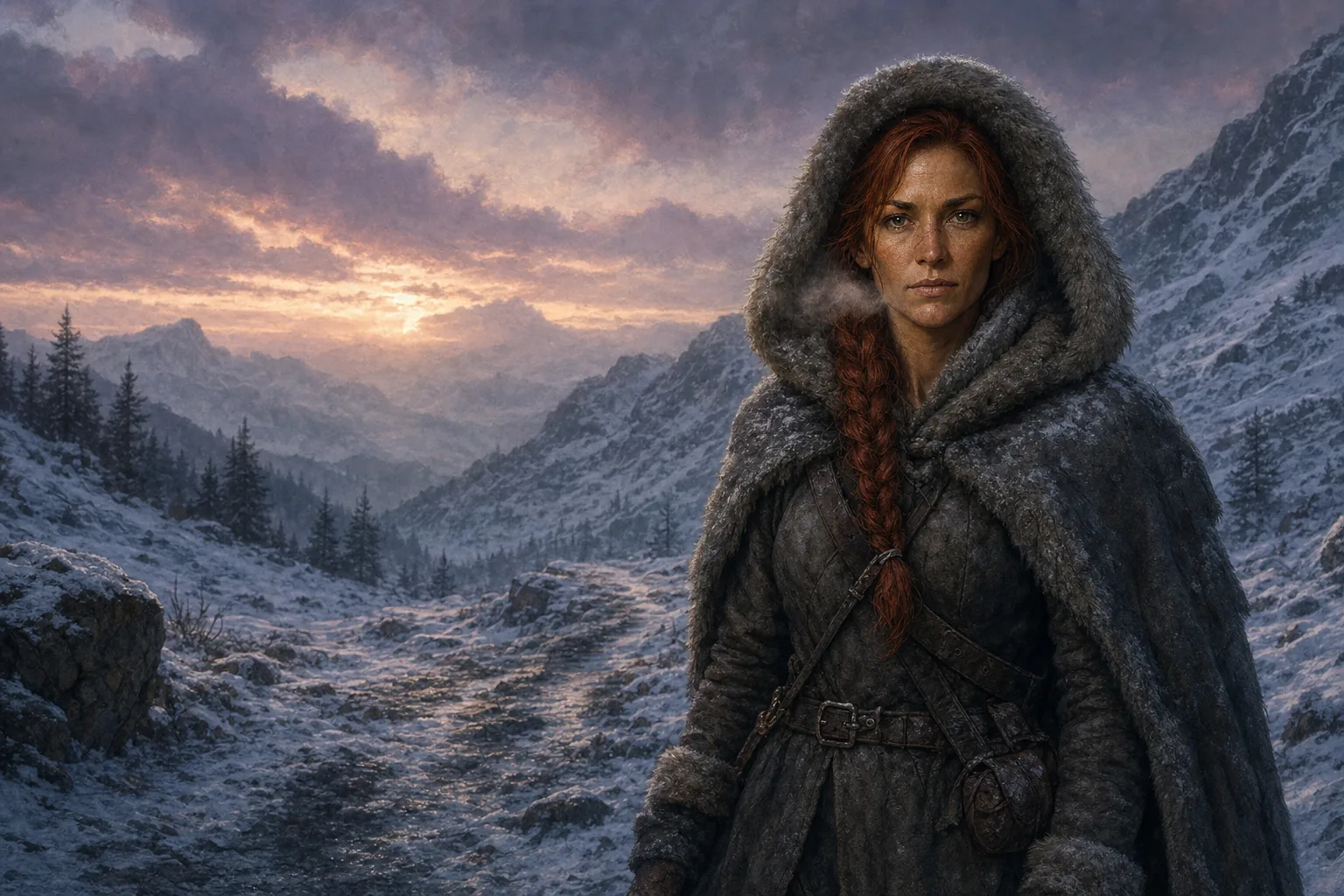
“A ranger buys apples at a harbour market at dusk.”
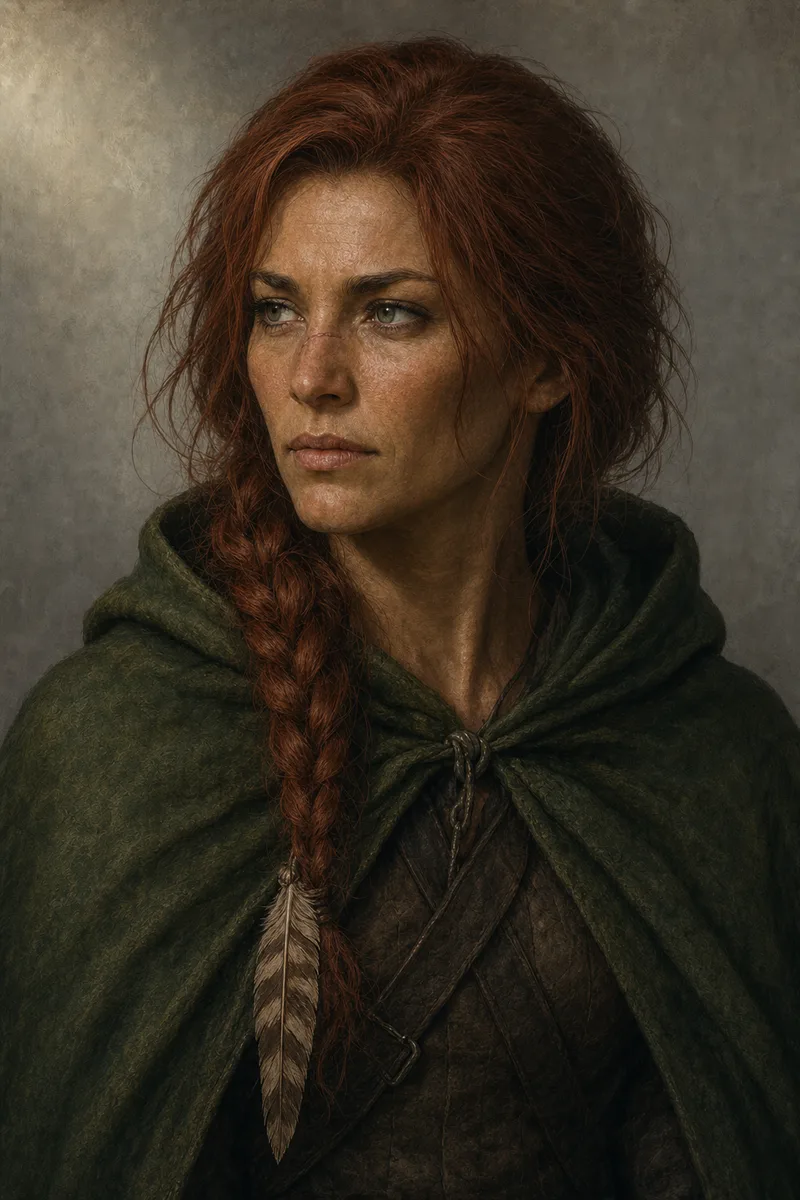
No hair colour, no cloak, no freckles in the words. Without the reference the model invents a ranger. With it, the model draws Maren.
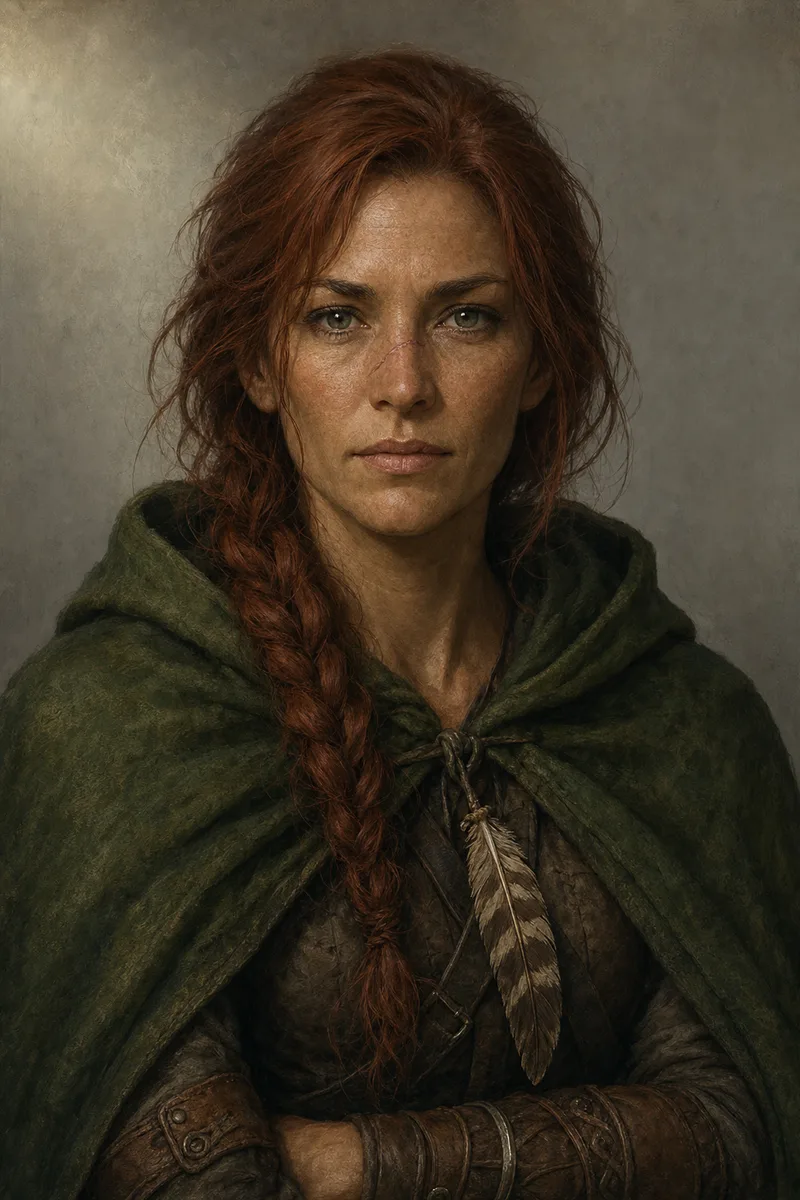
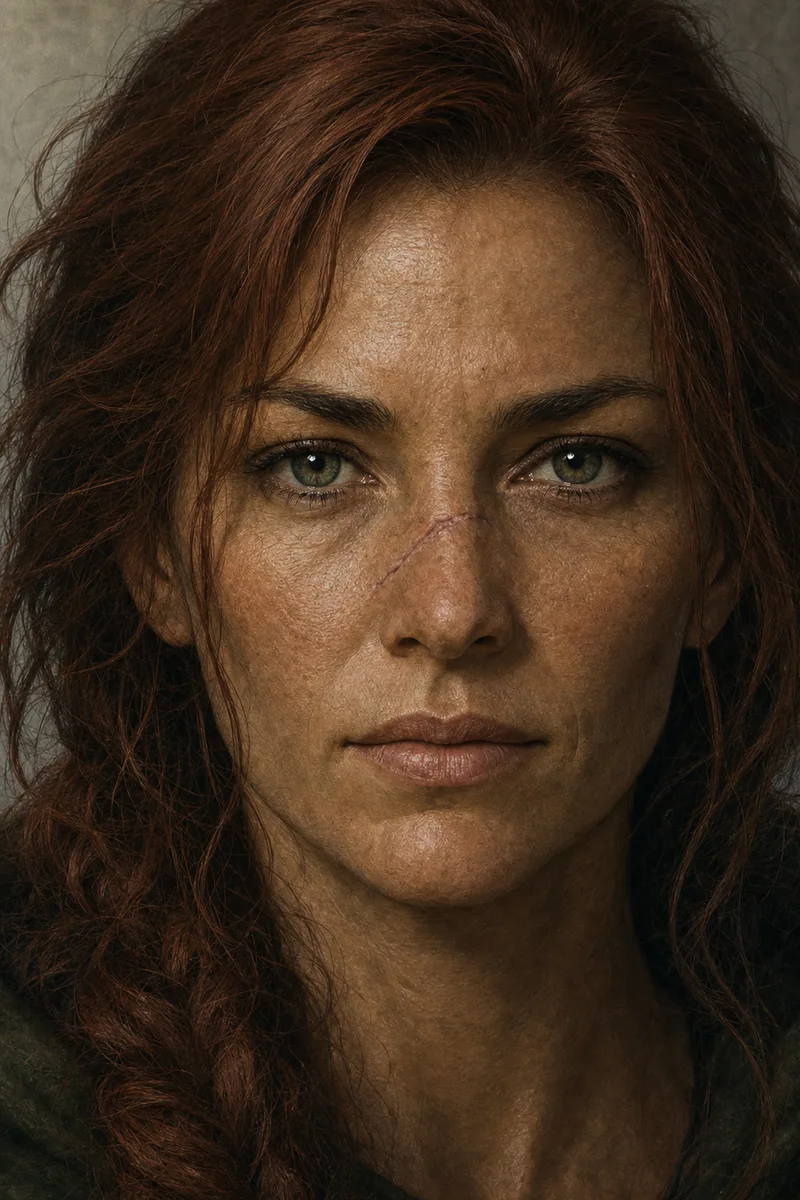
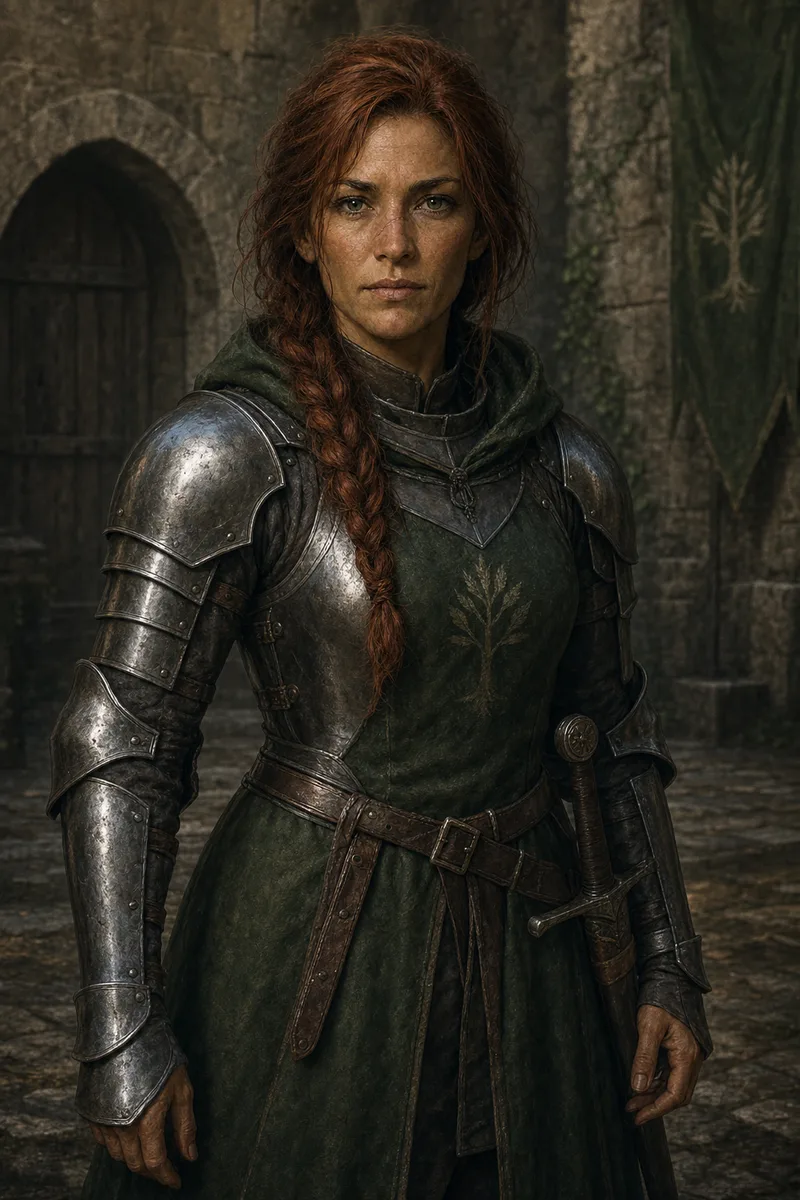
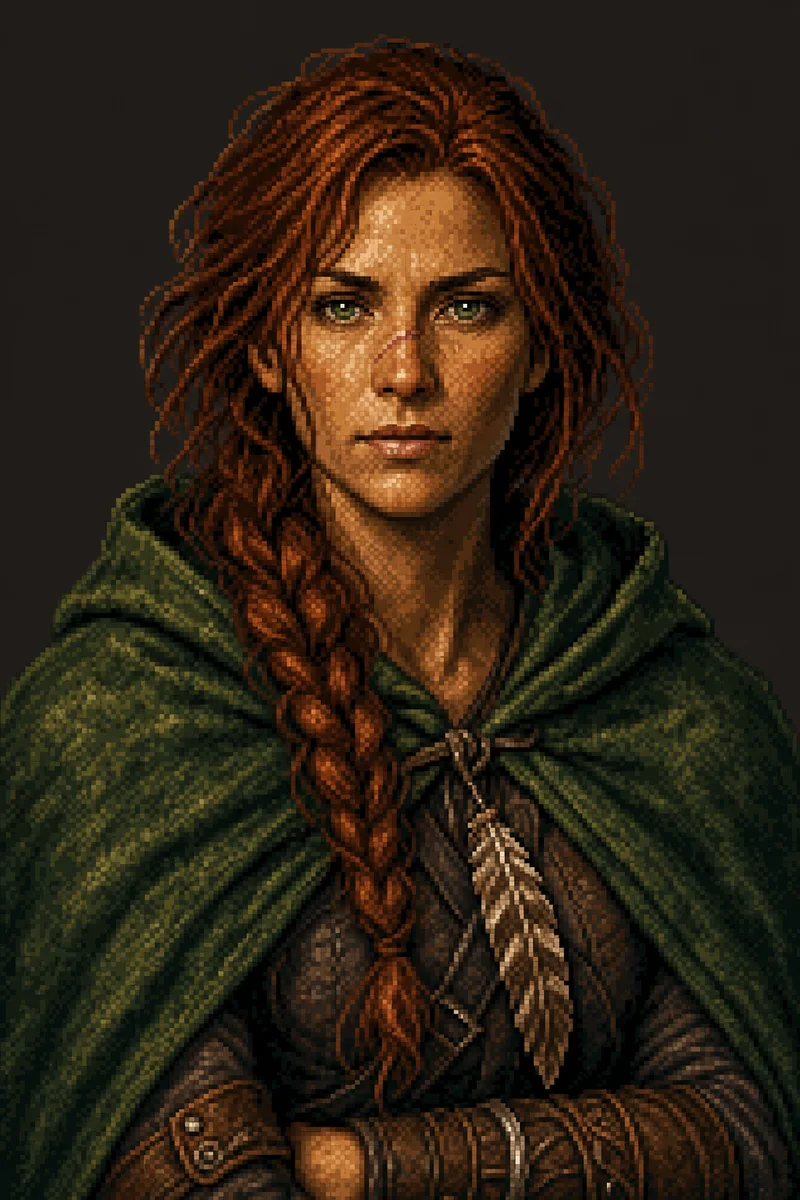
Maren Holloway. Saved once with three images and a trait spec.
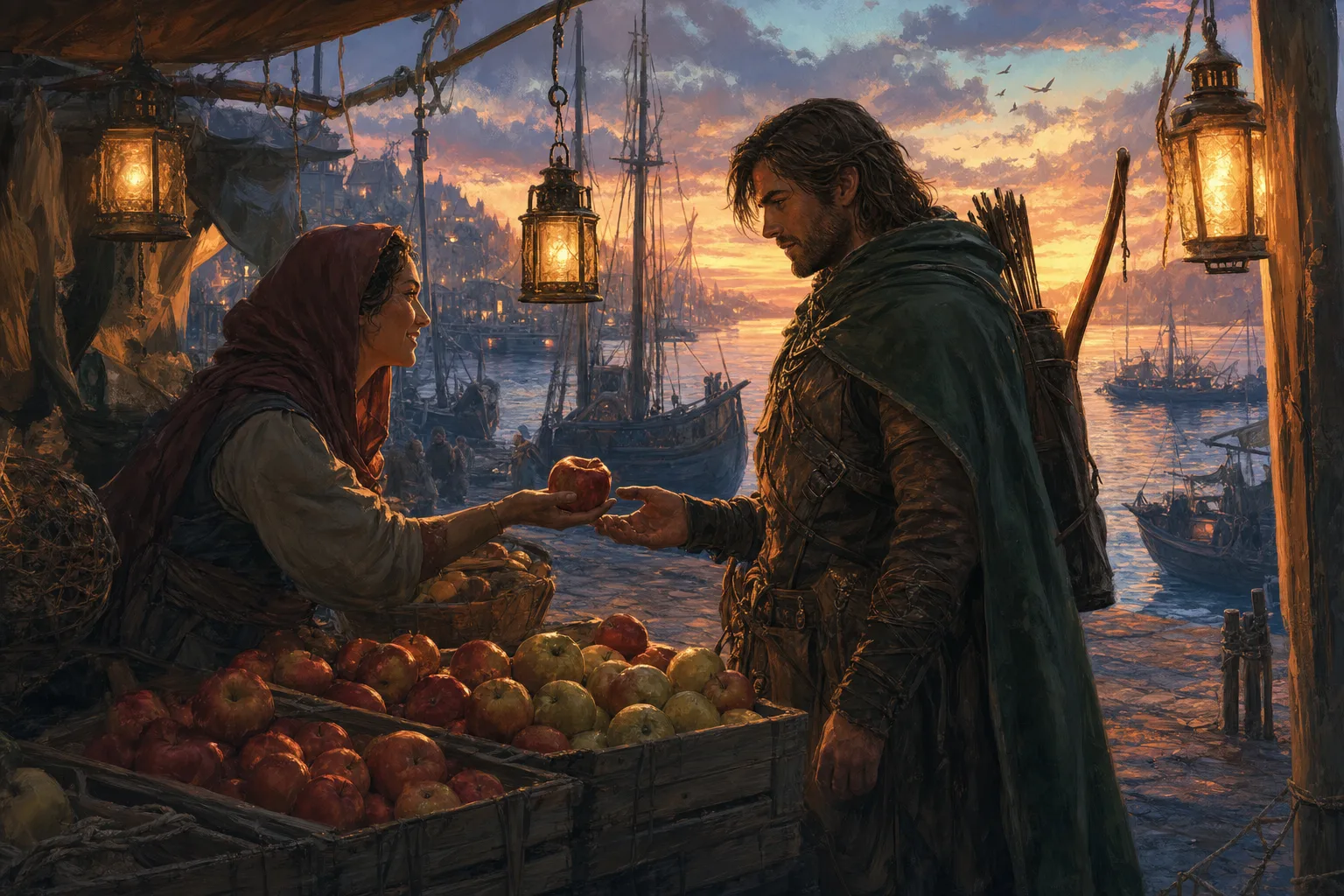
The prompt alone. The model fills in a new face, new hair, new gear.
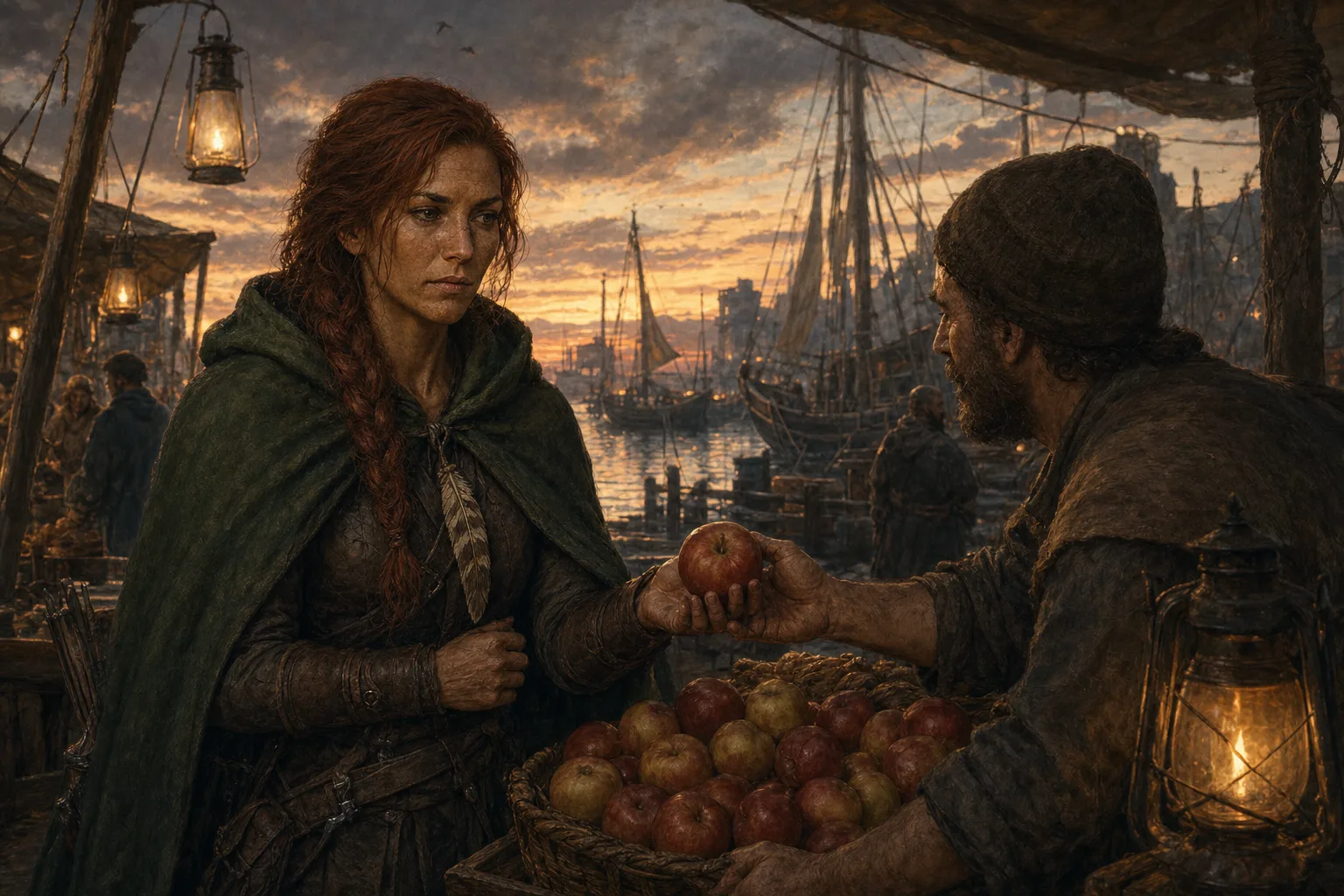
Same prompt plus the reference. The braid, the freckles and the cloak come from the images, not the words.
Save one portrait. Get the angles you need.
Add one image to a Character Reference. CharGen creates front, profile, back, and face-detail views automatically at Low quality. You do not need a prompt, and it costs no Gold.
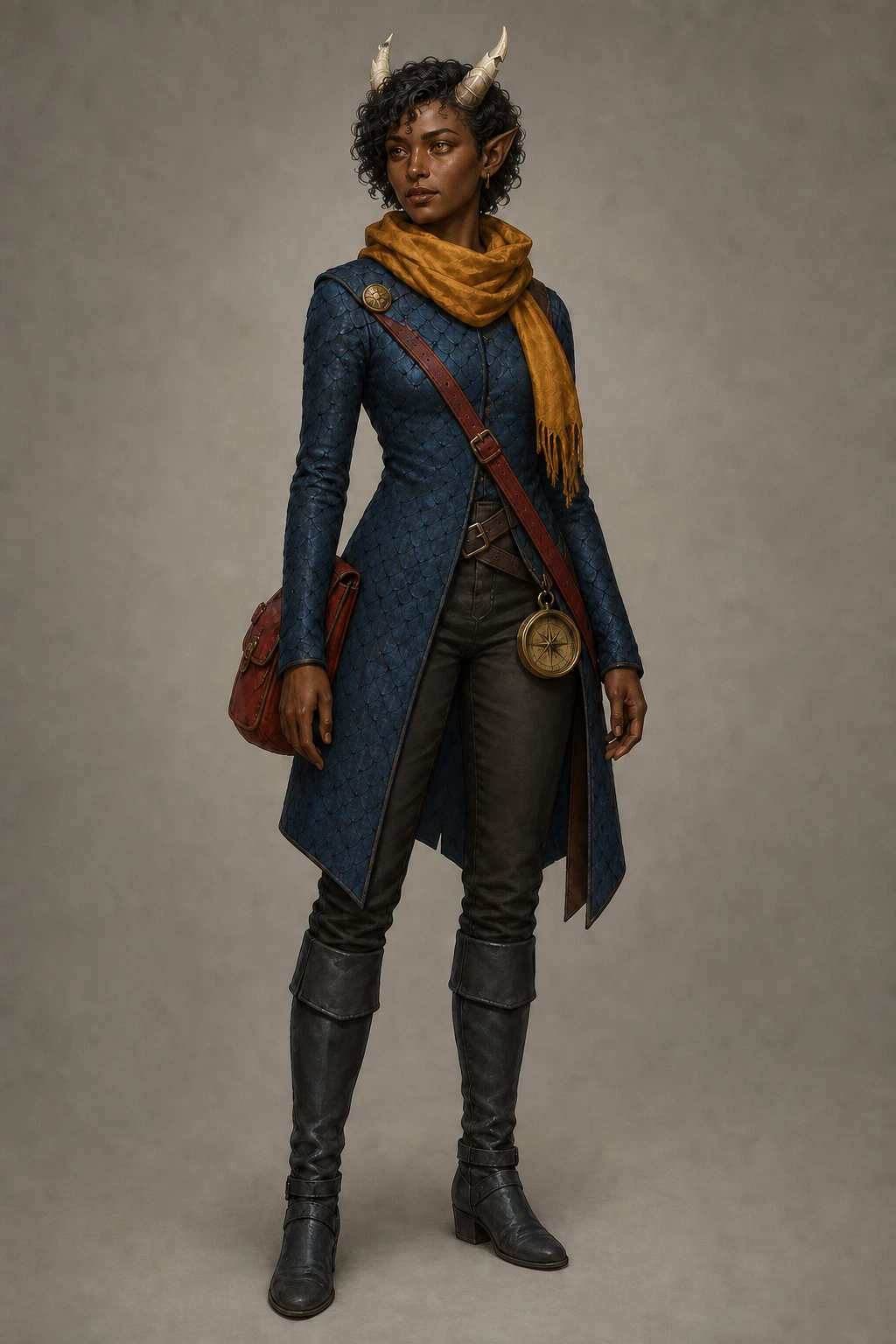
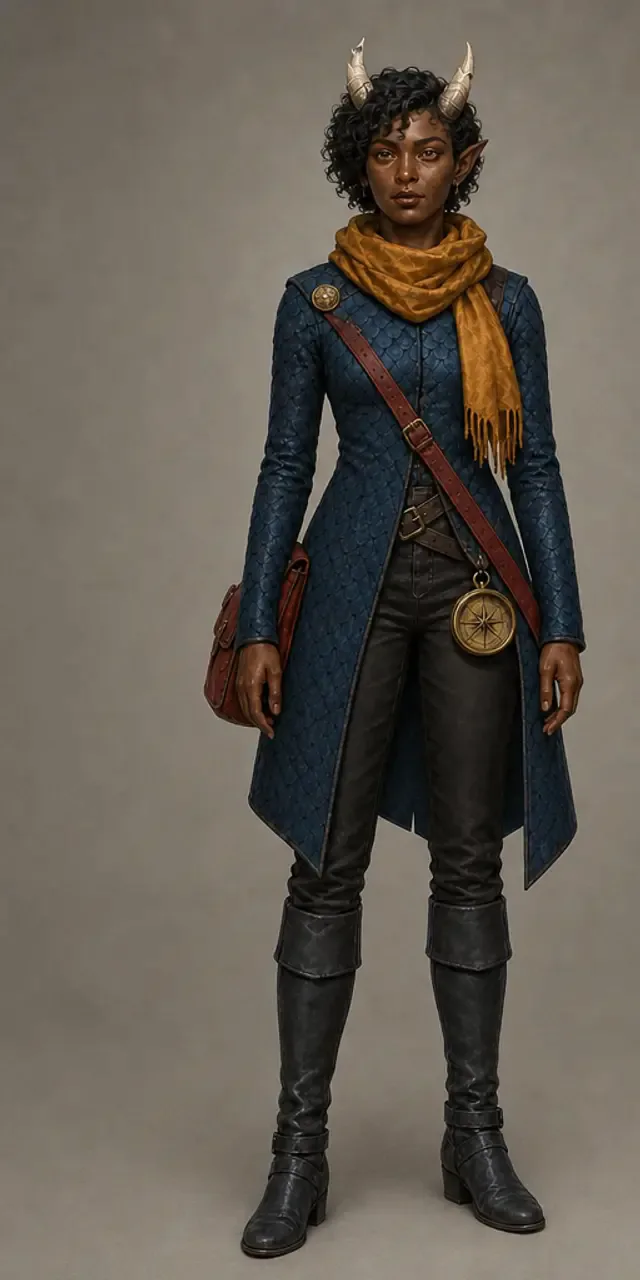
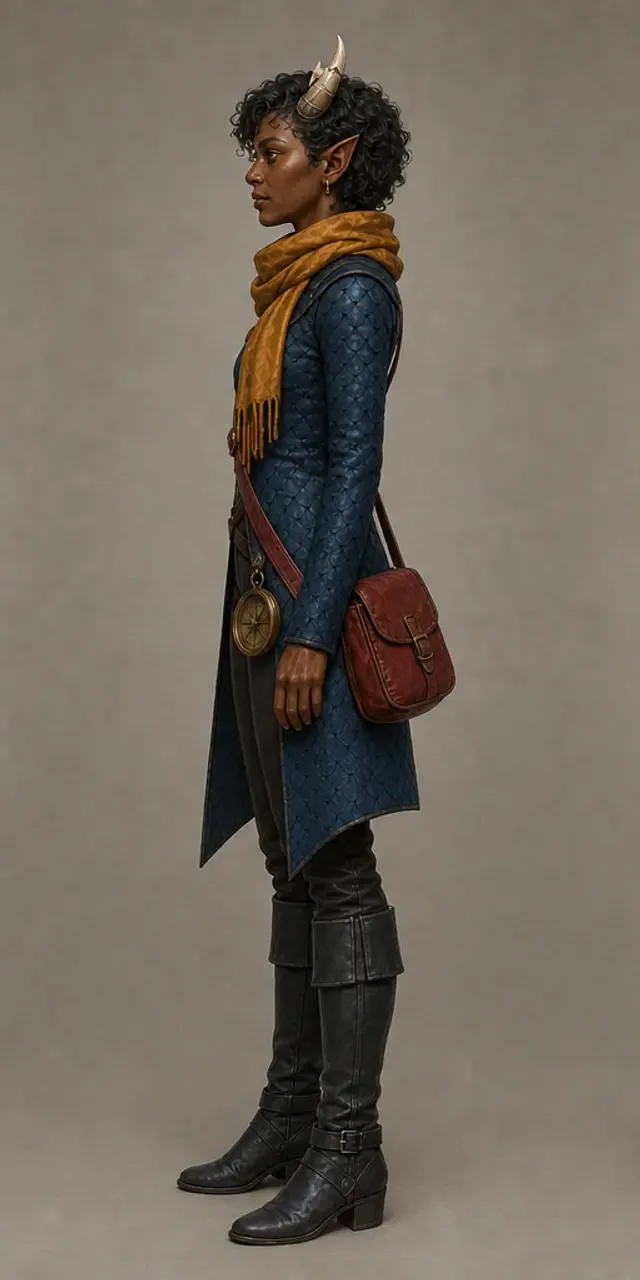
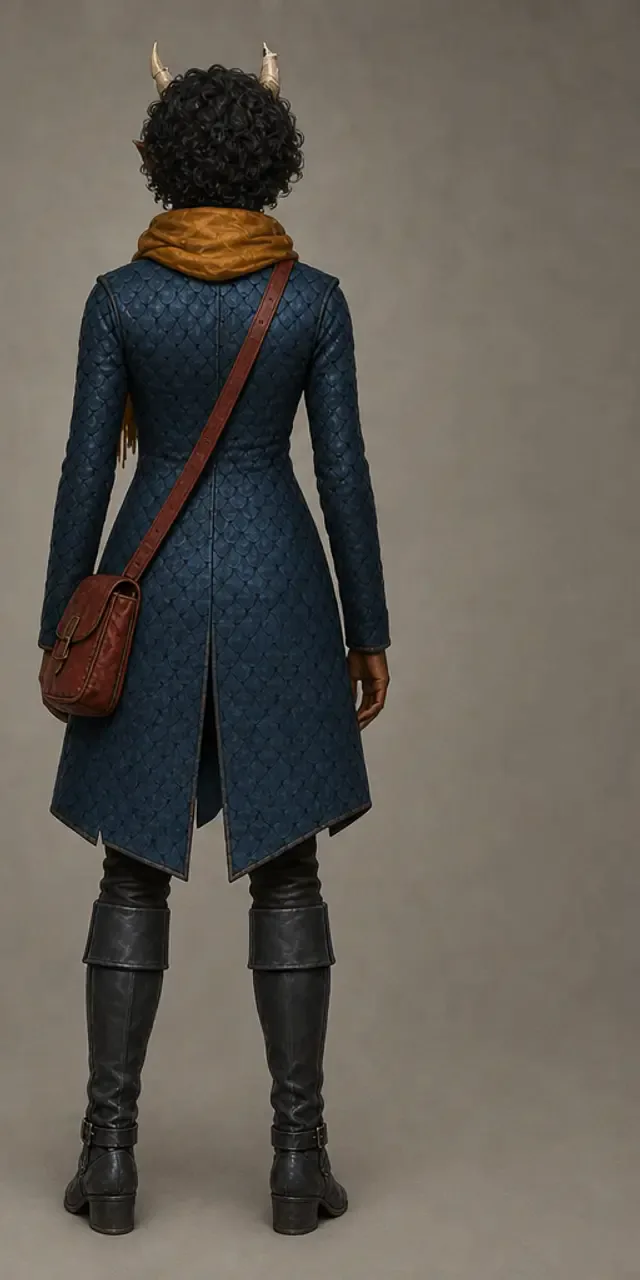
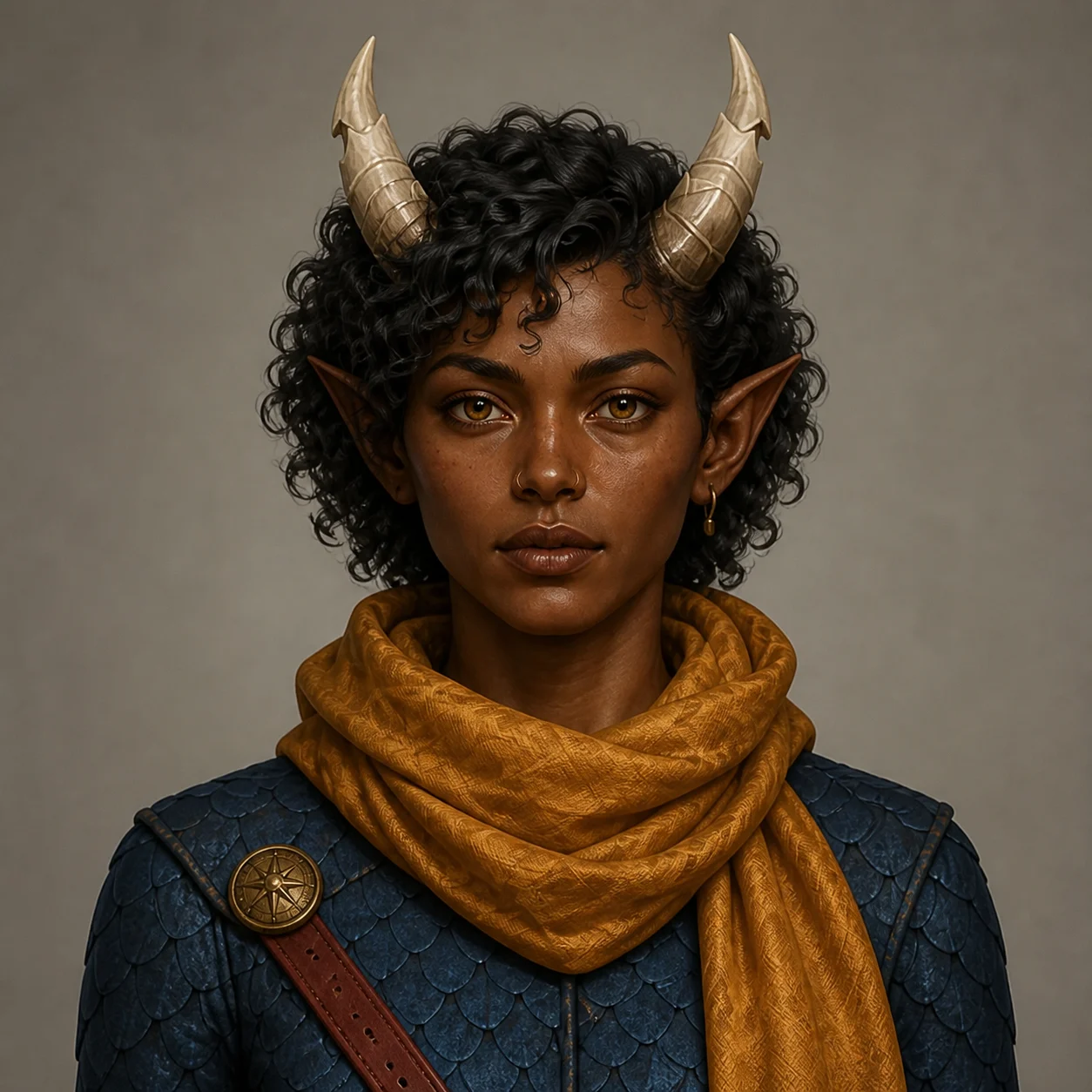
Your original stays primary. The four new views stay private and join the same Character Reference.
Need more detail? Run Character Reference Views manually in Medium or High quality with Gold.
Storyboard a scene with a consistent character.
Four shots, one saved reference. The face holds from the wide shot to the close-up, so the sequence reads as one character and not four lookalikes.
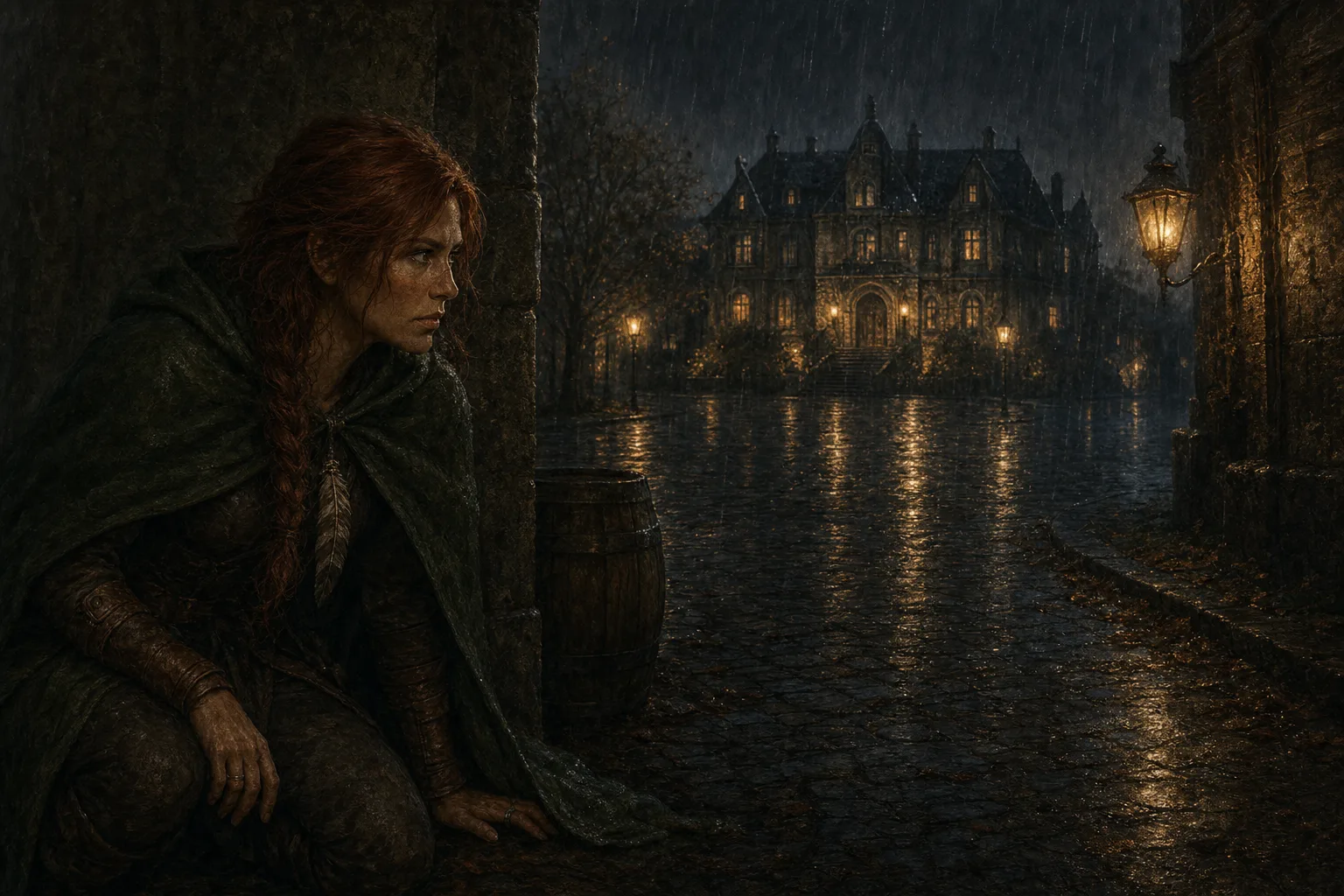 Shot 1 · Wide
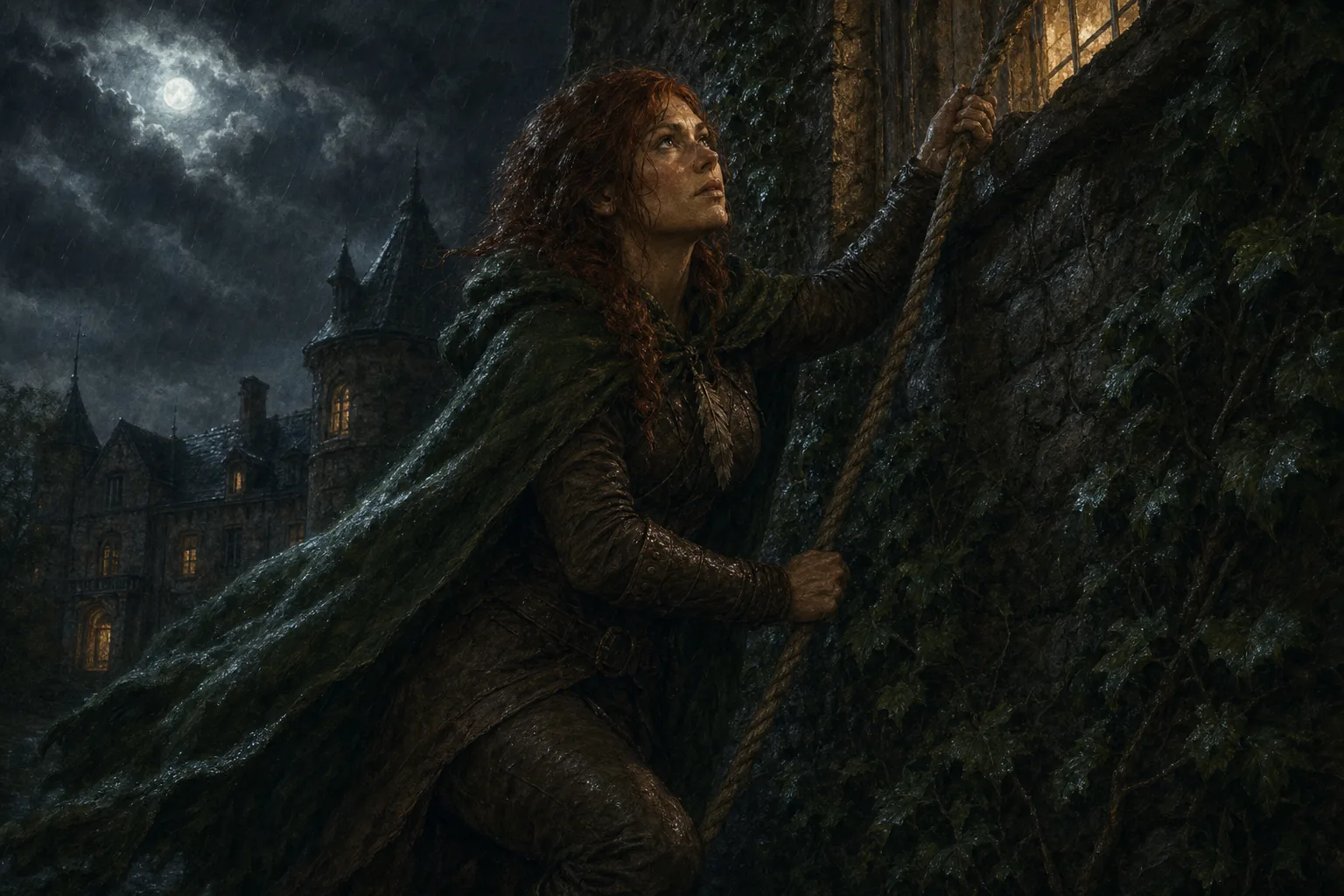 Shot 2 · Medium
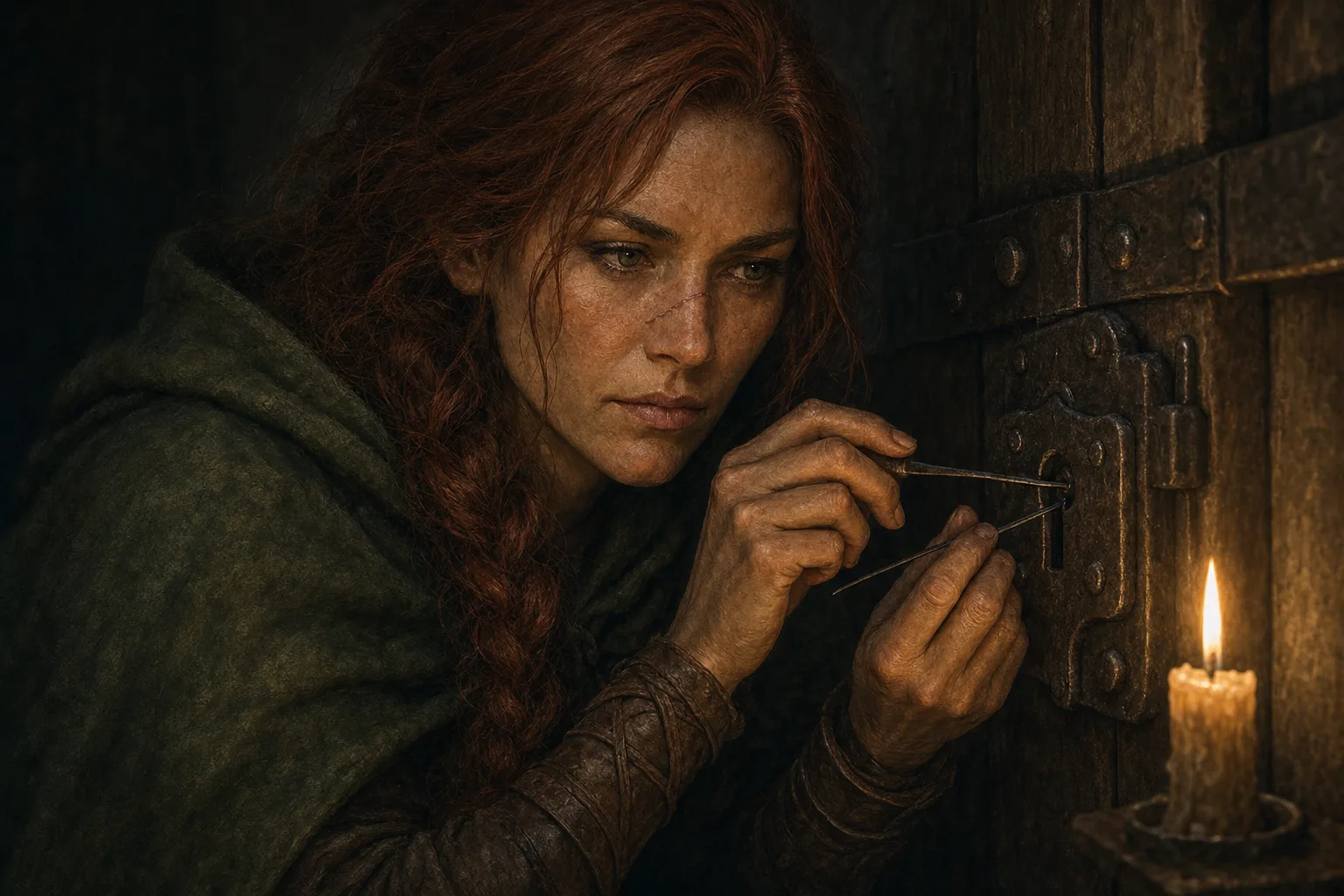 Shot 3 · Close
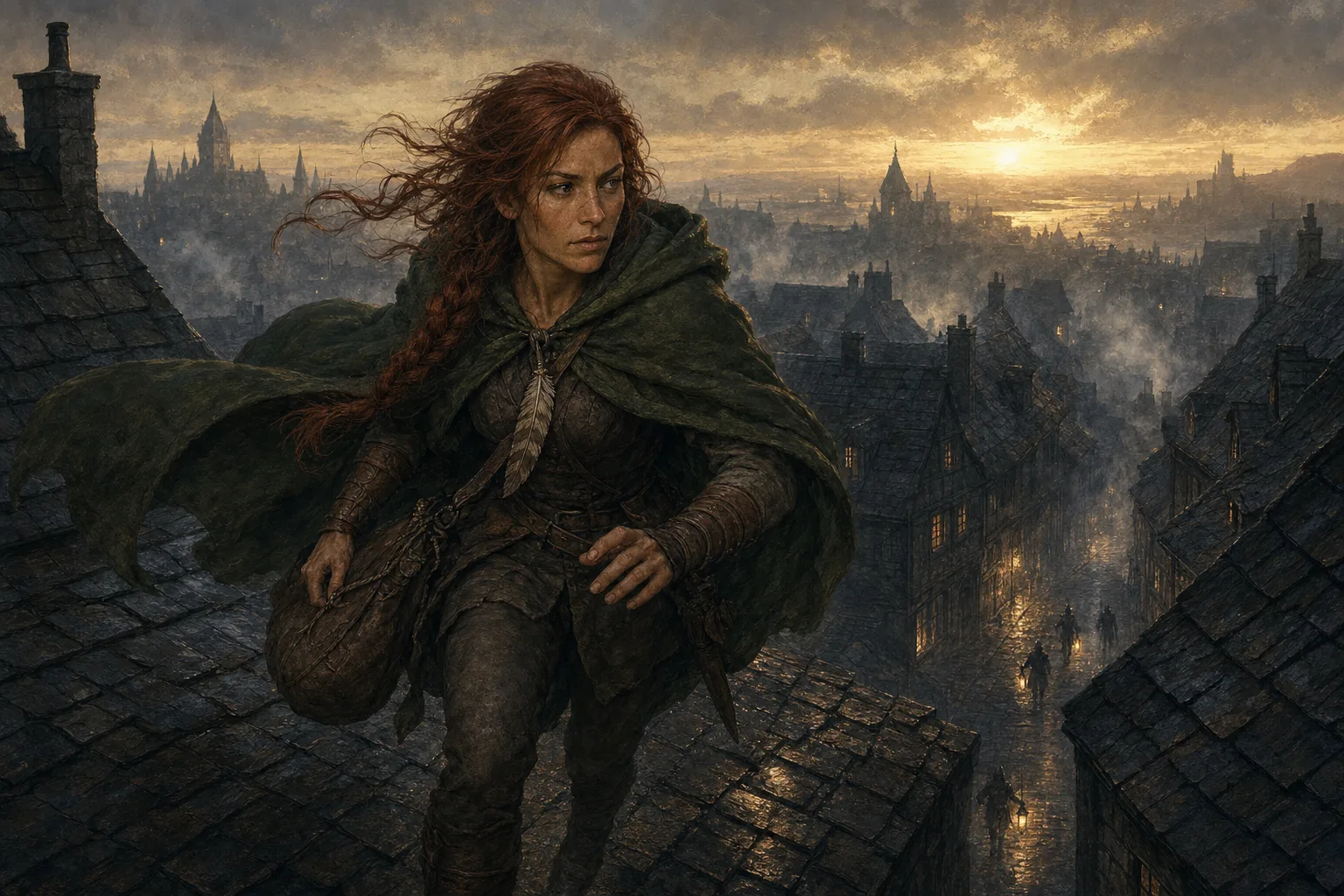 Shot 4 · Wide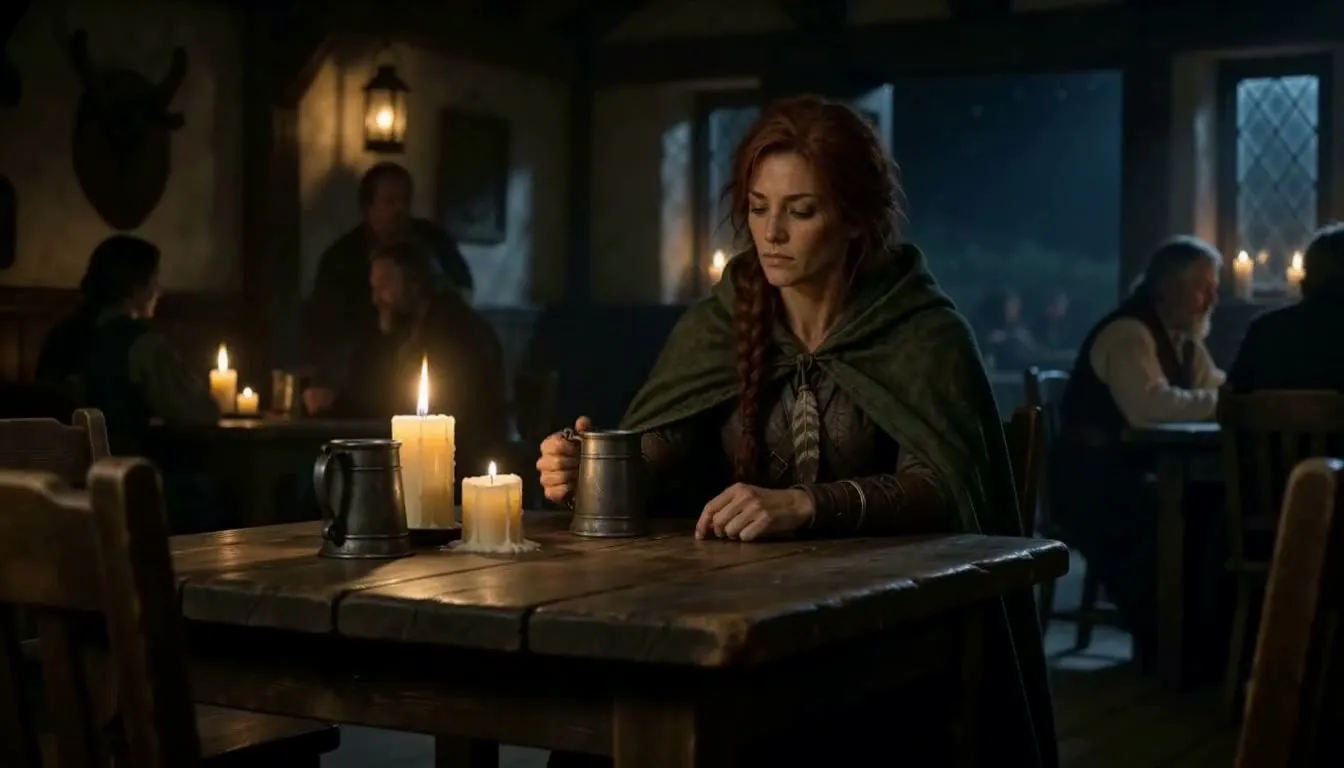
The same face, now moving.
AI video with a consistent character. Pick the reference on the video form and the clip keeps the face, the hair and the gear from the first frame to the last.
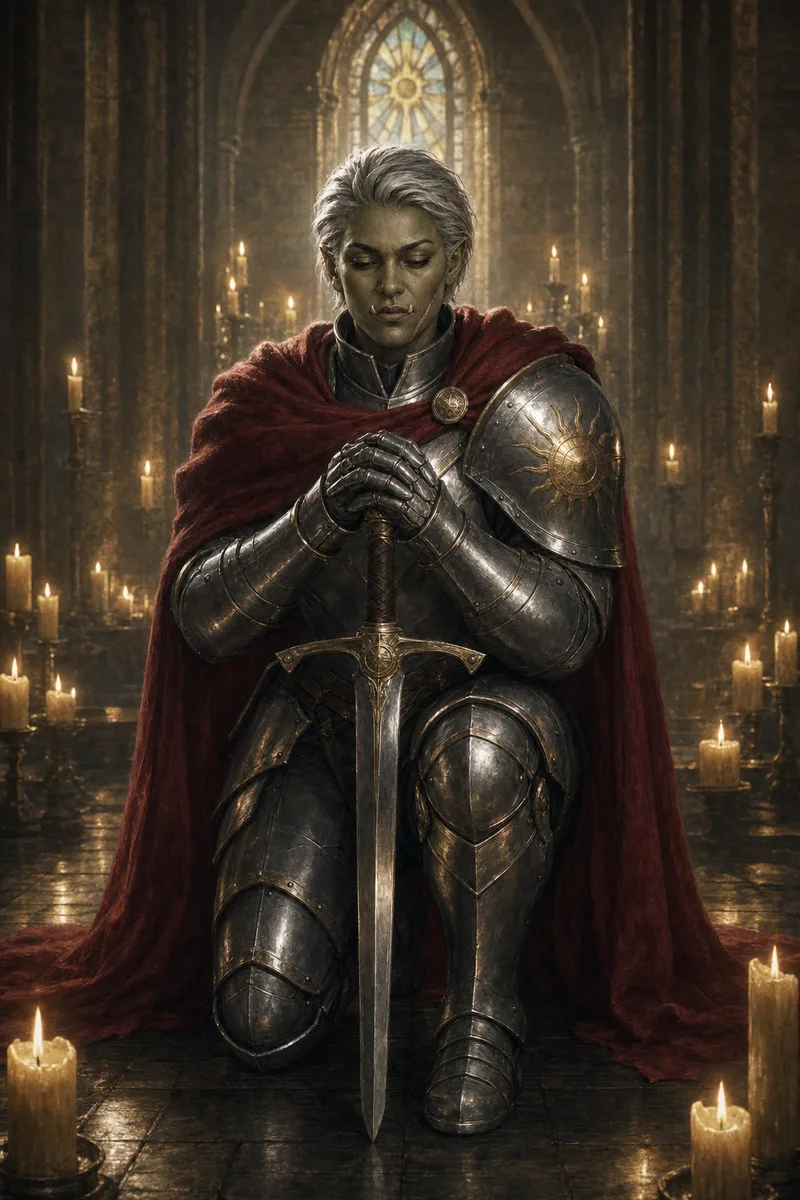
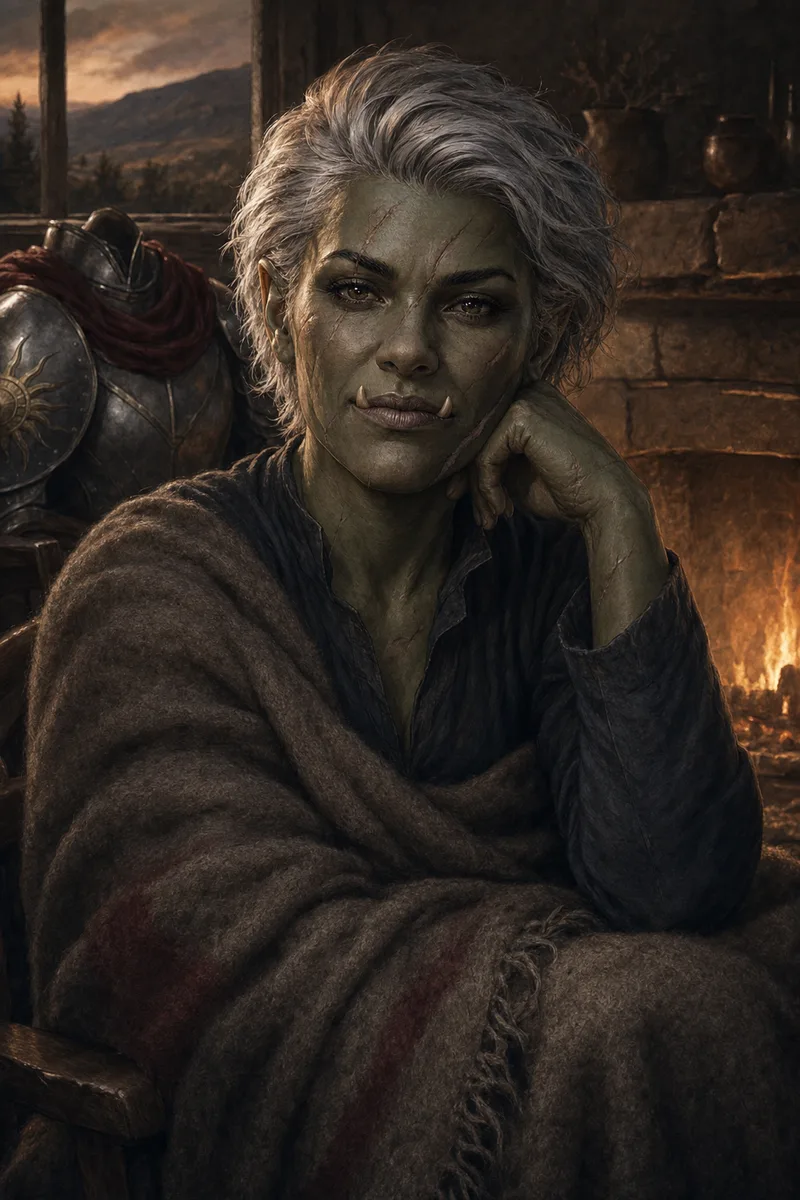
The same character from chapter one to the epilogue.
The years change. The identity does not. One saved reference holds the face across a whole story, for book illustrations, a comic or a campaign journal.
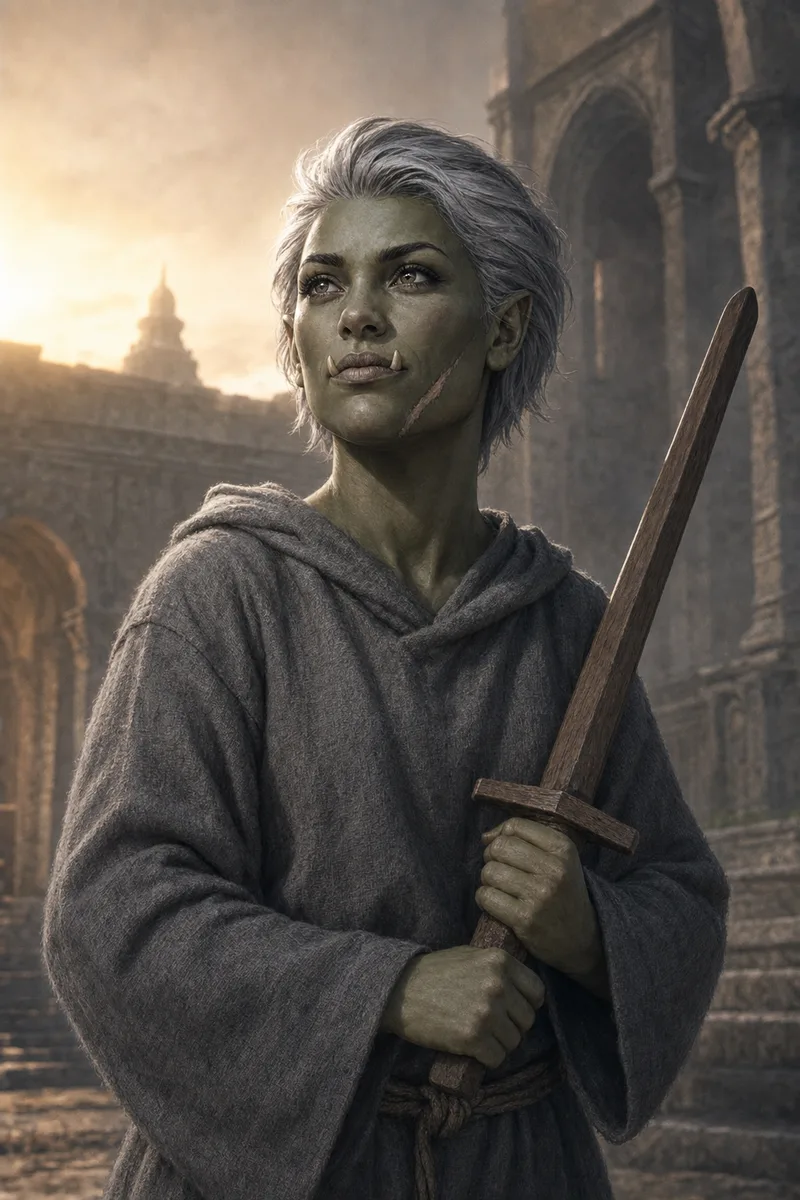 Chapter one
 Chapter four
 Epilogue
Level up the gear. Keep the face.
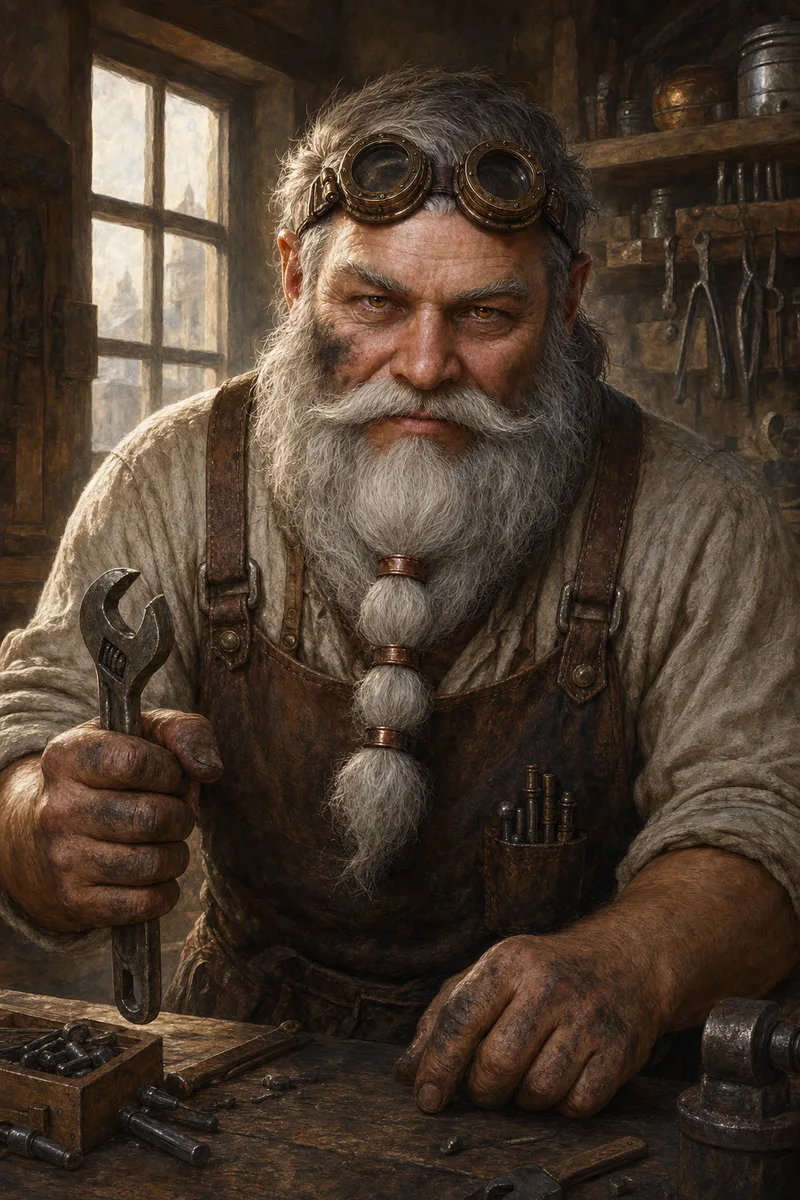
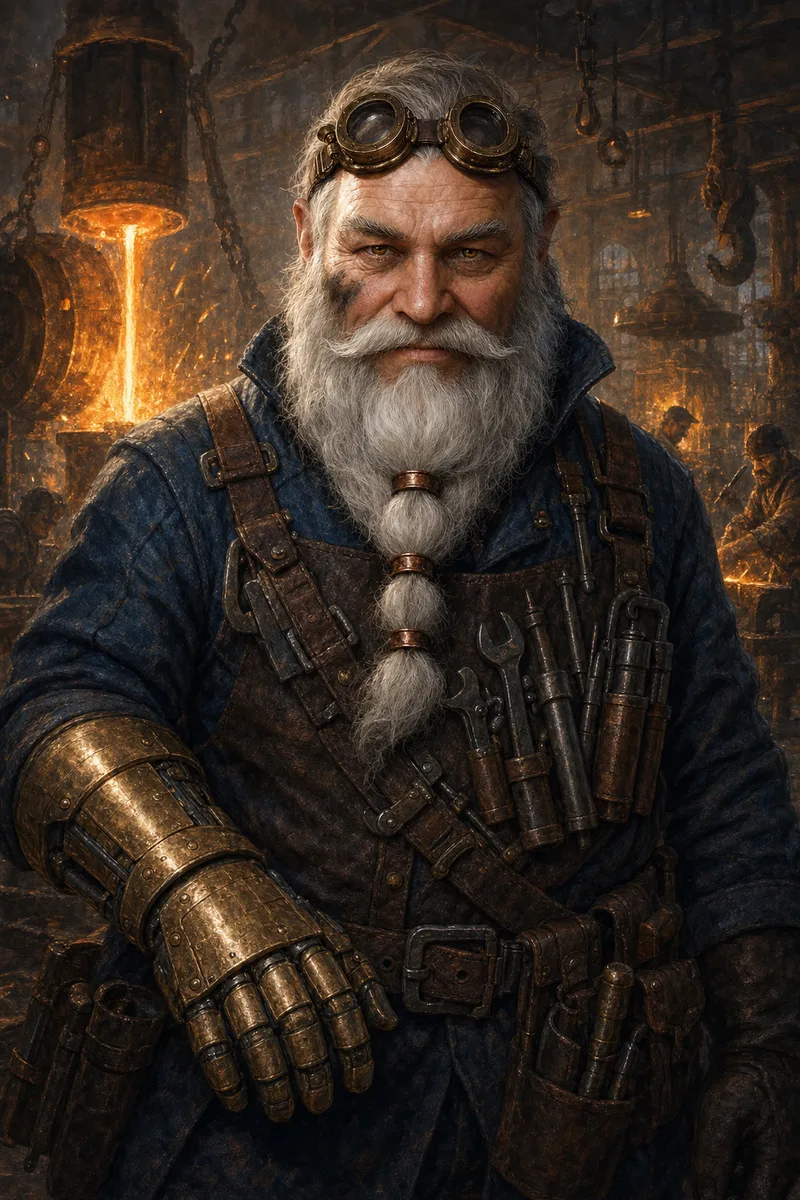
A D&D character gains gear at every level. Oszkar starts with a wrench and ends in clockwork plate. Each level is one prompt with the same reference and new gear in the text. Drag the slider.
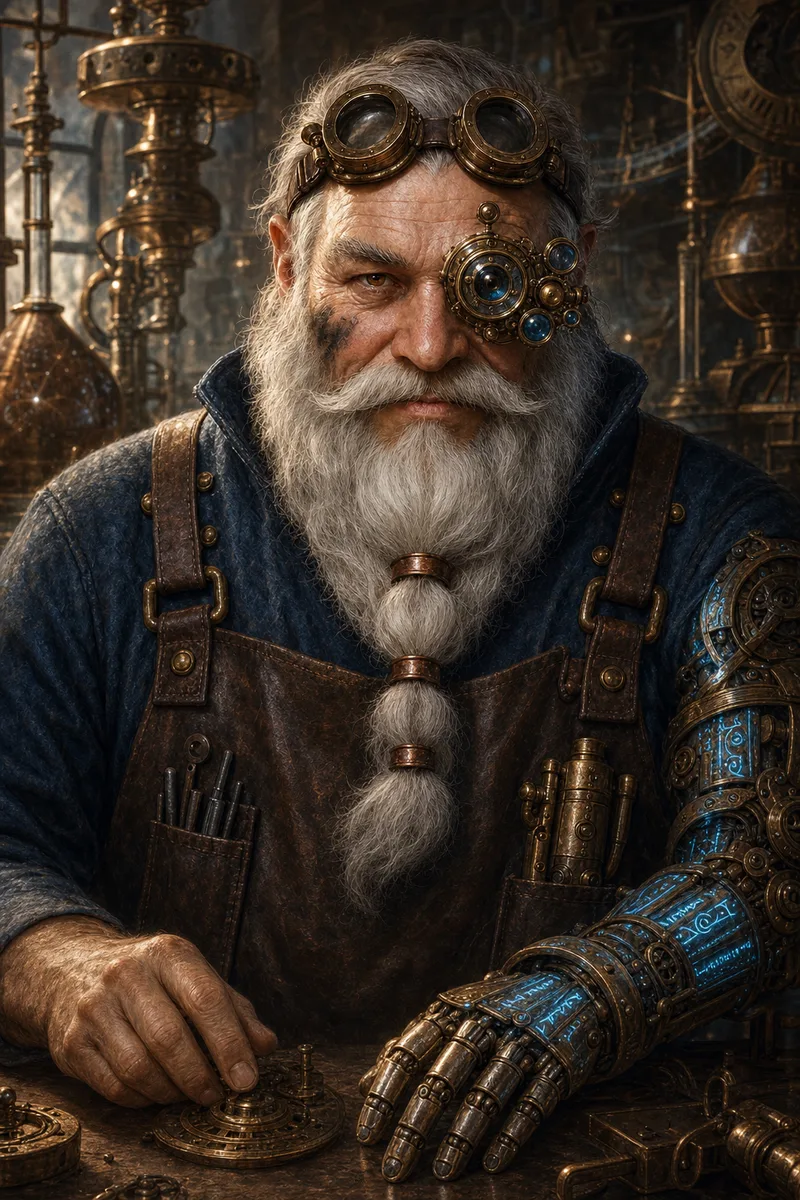
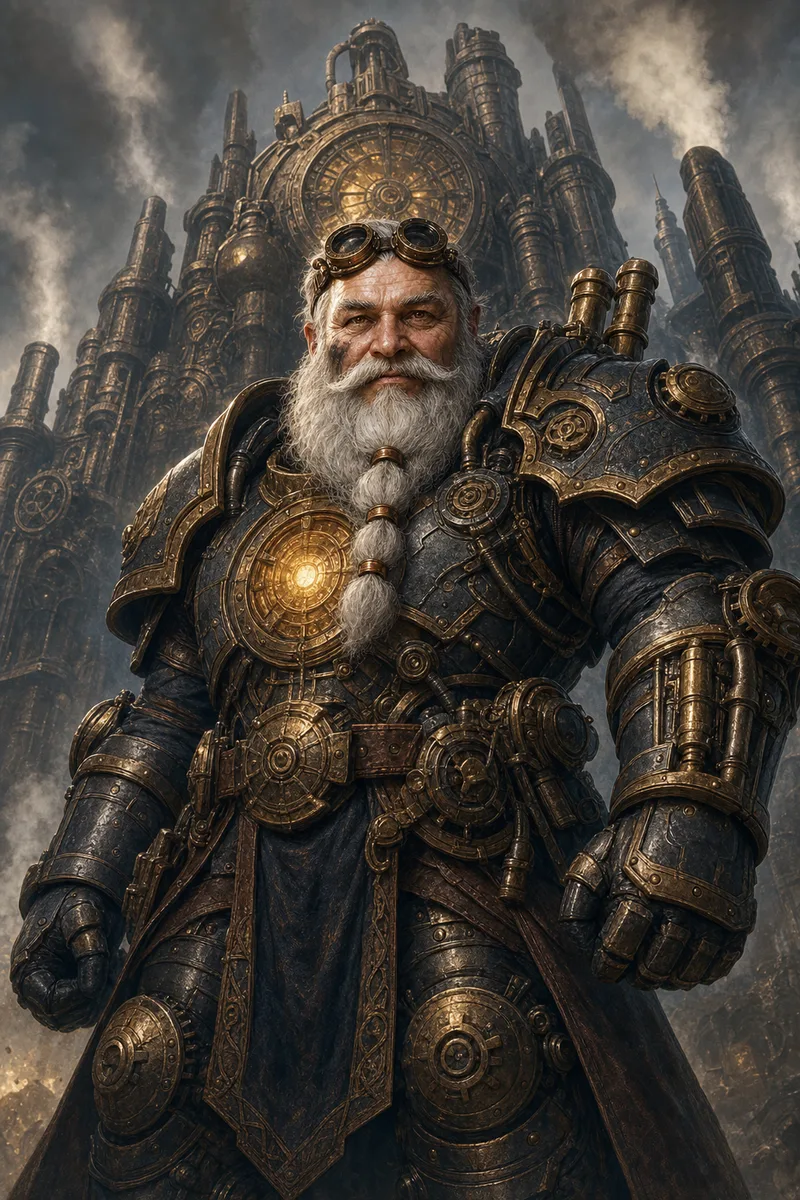
Level 1Journeyman
- Level 1Journeyman. One wrench, a leather apron.
- Level 5Brasswright. Brass gauntlet and a bandolier of tools.
- Level 12Artificer. Clockwork arm, arcane lens array.
- Level 20Gearlord. Clockwork plate with an arcane core.
Any art style. The same character.
Painted, woodcut, watercolour or pixel art. Lock an art style on the reference, or set one in the prompt. The face stays the same when the medium changes.
- Painted
- Woodcut
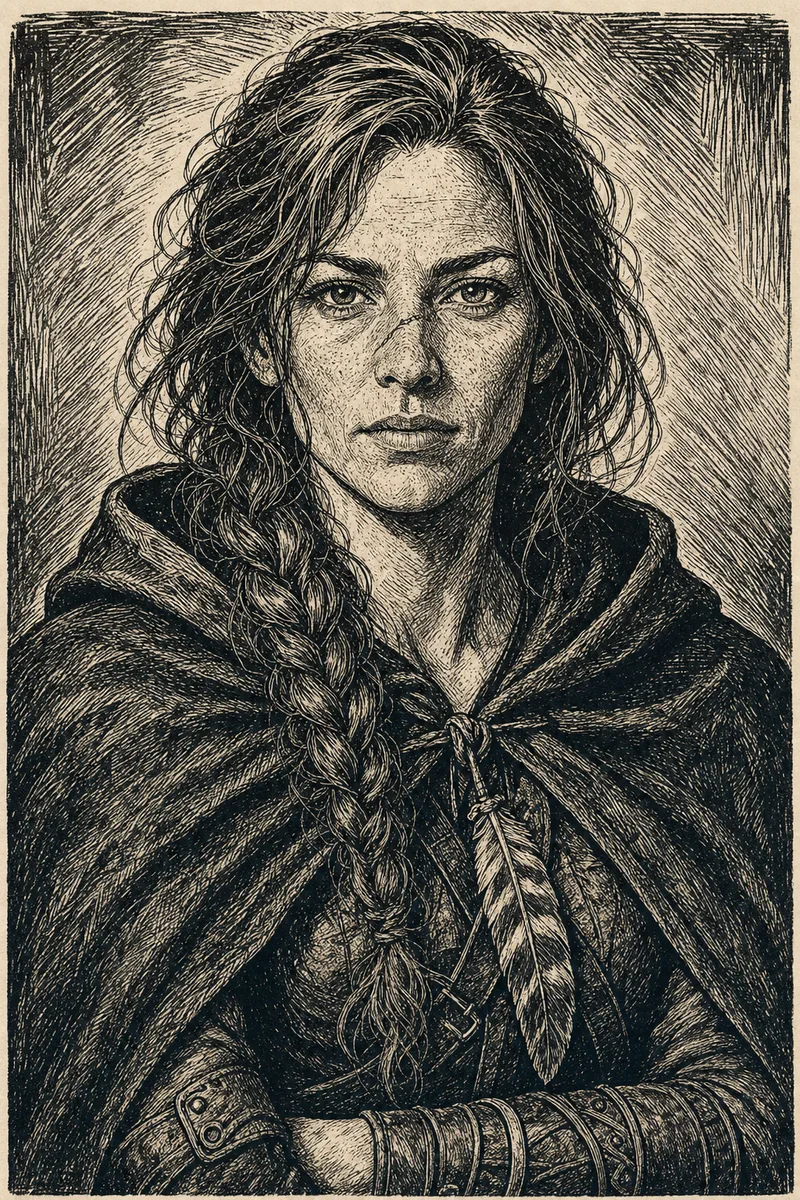
- Watercolour
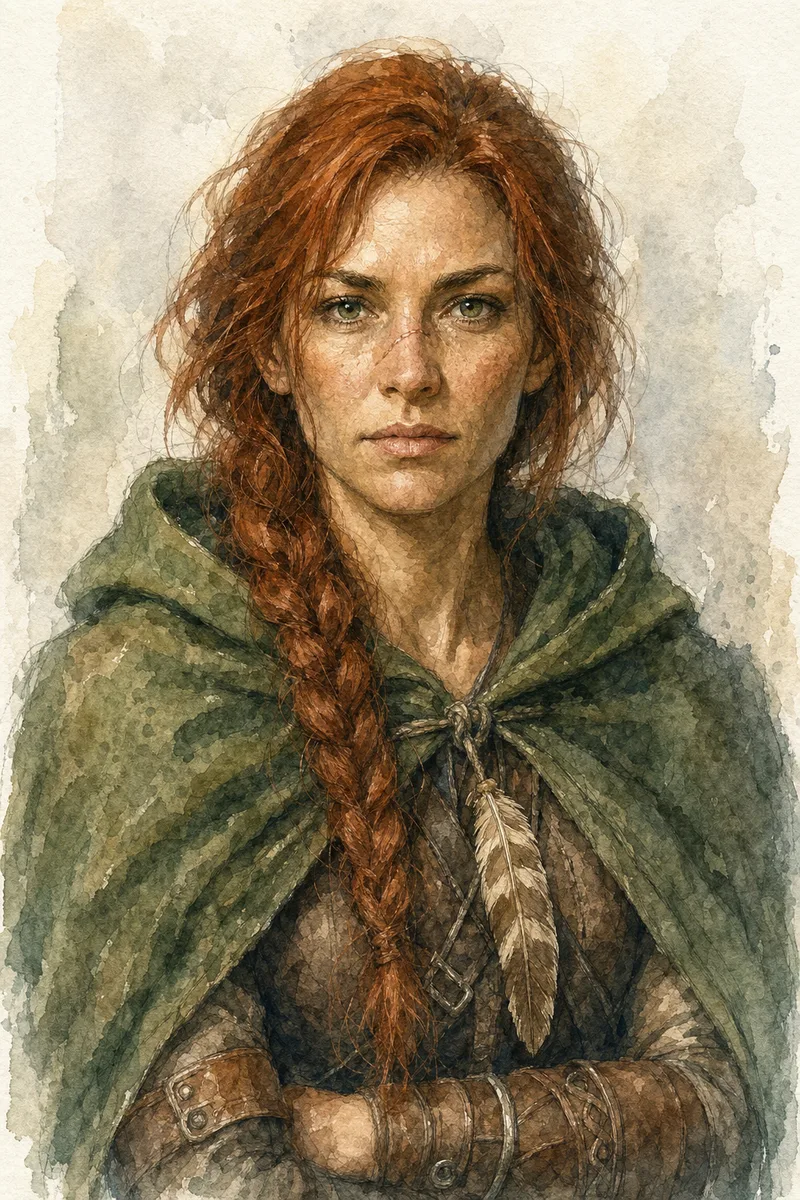
- Pixel art
Save once. Use it in every prompt.
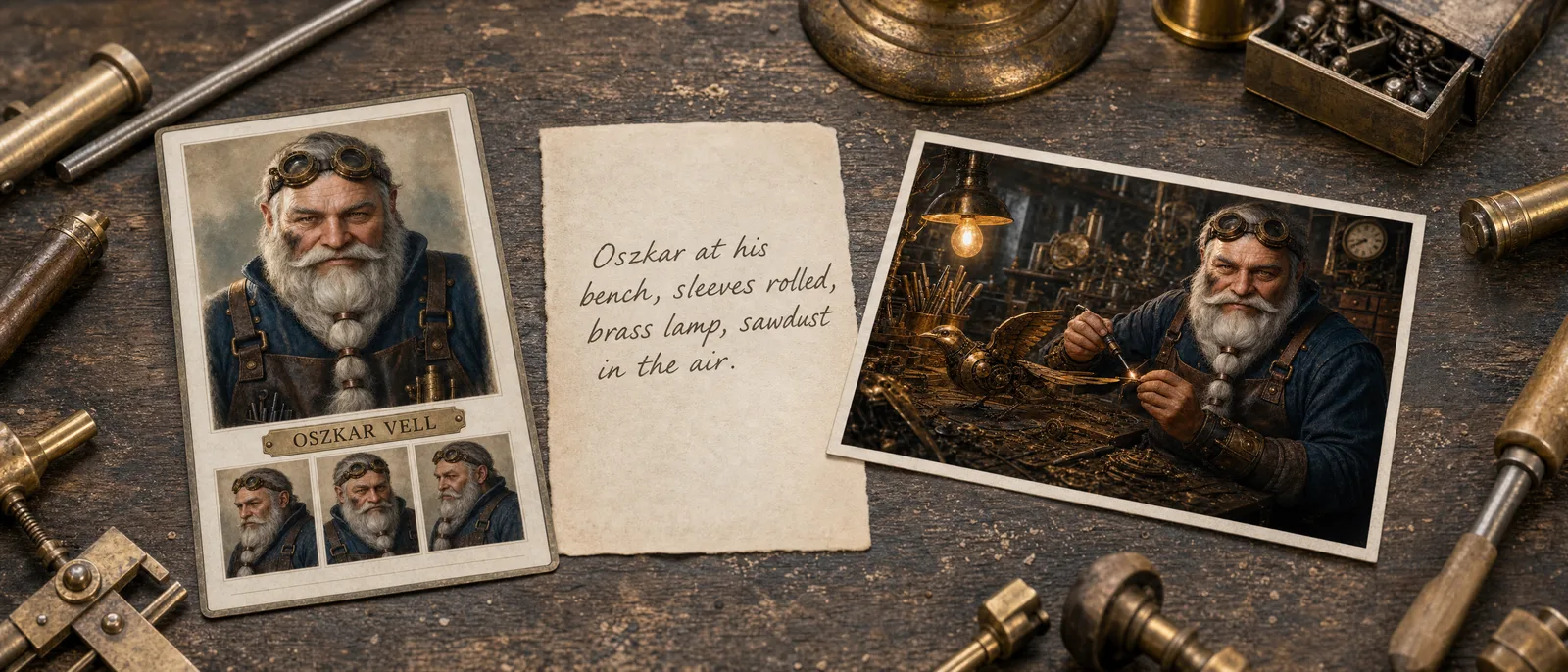
One Character Reference holds the character: up to six images and a short trait spec. The prompt only describes the scene.
1. Save
Open any portrait in your gallery, or a Character or NPC entity. Choose Save as Character Reference. Pick one to six images and check the trait spec.
2. Pick
On the Generate page, add the character from the reference picker. Write the new scene. CharGen adds the trait spec and the images to the request.
3. Render
Renders cost the normal gold price for the model. Every render is filed under the reference, so you can add a good one to the image set. Saving and keeping a reference costs no gold.
Before you save your first character.
What is character consistency in AI?
Character consistency means the same character keeps the same face, hair, build and gear across many generated images and videos. Text alone cannot do it, because every prompt is read fresh. CharGen does it with a Character Reference: saved images of the character plus a short trait spec that travel with every prompt. Free accounts get one Character Reference with three images.
What is a Character Reference?
A Character Reference is a saved character you can reuse. It has a name, one primary image, up to five more images, and a short trait spec that describes the character. When you add it to a prompt, CharGen sends the images to the model and puts the trait spec at the start of the prompt. You can add up to three Character References to one prompt.
Why does AI keep changing my character's face?
A text prompt describes a face in words, and each render reads those words in a new way. A Character Reference sends the model the face itself, as images, with a short trait spec for the details that drift most. The model copies what it sees instead of guessing from words.
Can I make multiple scenes with the same character?
Yes. Save the character once. Write each scene as a new prompt and add the reference. Every render is filed under the reference, so a storyboard, a book chapter or a level-up stays in one place and uses the same face.
How many images can a Character Reference hold?
Up to six images on any paid plan. One is the primary image. The others can show a different angle, a close-up, or an outfit. When an Elite or Ultimate member saves a new reference with one image, CharGen automatically adds Low-quality front, profile, back, and face-detail views at no Gold cost. Manual Medium and High Character Reference Views use Gold. Free accounts can add three images.
Which models work with Character References?
Every image model that accepts reference images, including Nano Banana Pro, Seedream 4.5, GPT Image 2, Krea 2 and the Flux 2 family. Each model accepts a different number of images, from 2 to 15. CharGen sends as many as the model accepts, in the order you set, and tells you when it had to leave some out.
Does it work for non-human characters?
Yes. Reference images fix the horns, scales, skin and build that text prompts often lose. The trait spec repeats the details that drift most, so a tiefling stays a tiefling and a dragonborn keeps its horn. Results are strongest when the primary image shows the face clearly from the front.
Can I use a Character Reference in a video?
Yes. On the video form, add the character from the reference picker. Video models that accept reference images, such as Seedance 2.0, Kling V4 and MiniMax H3, get the images and the trait spec. Models that take only a start frame cannot use a reference, and the form tells you why.
Save the character once.
Keep the identity everywhere.
One free reference for new accounts.
Renders cost the normal gold price.