
Campaign record
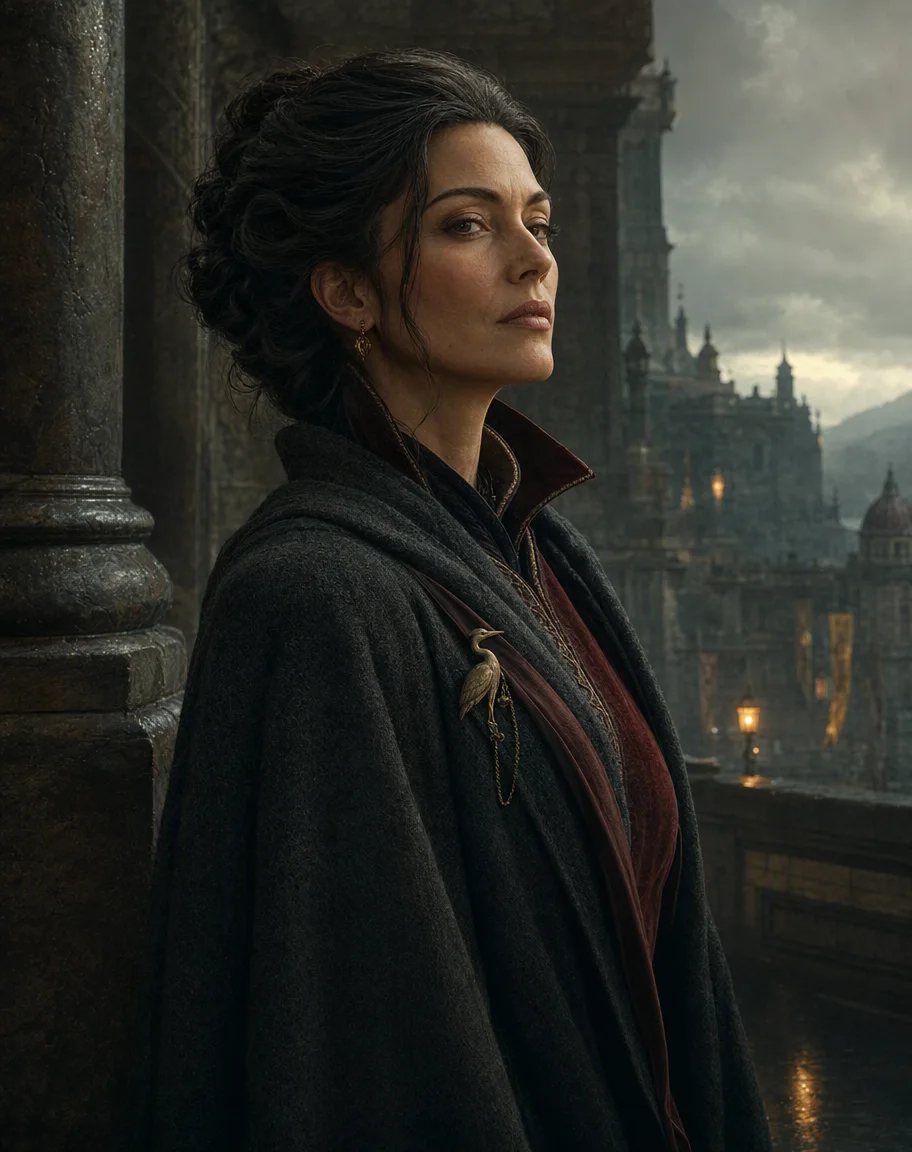
Lady Serane VeyraHouse envoy · guarded ally
Campaign Studio
Write campaign notes and prep, organise your world, and ask an Assistant that can show where every answer came from.
Campaign record
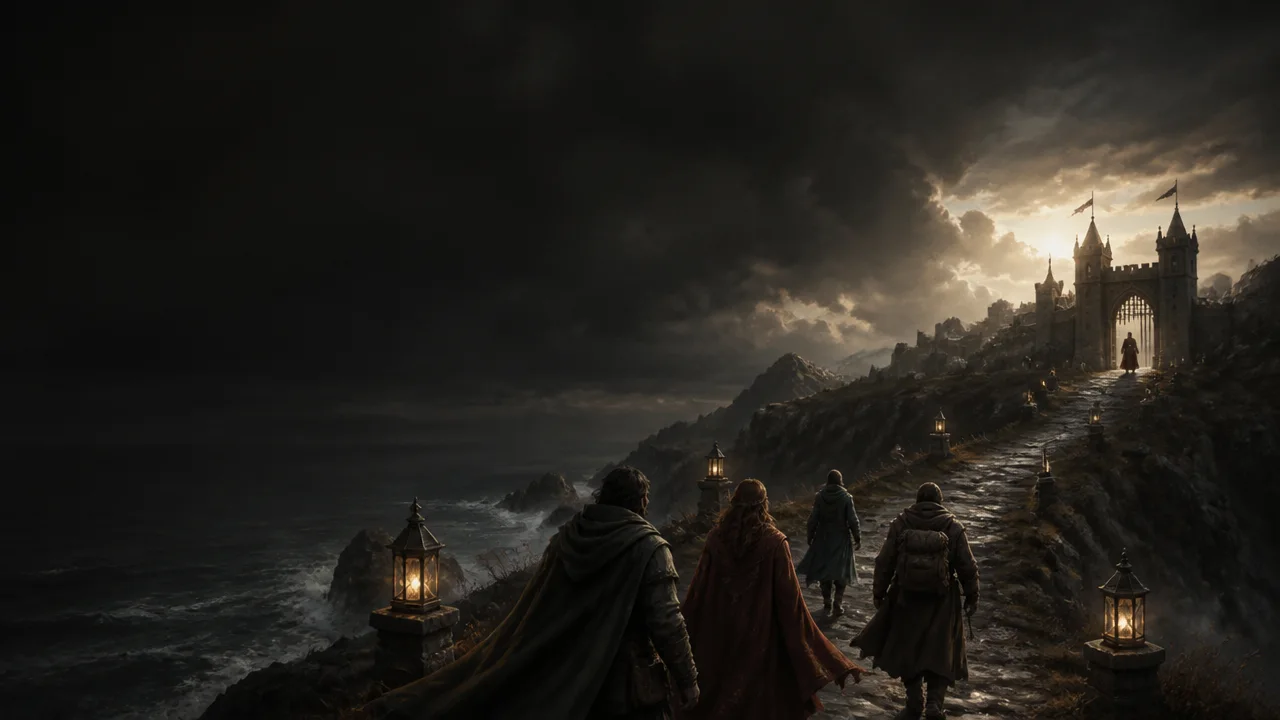
The party left Orlan behind before dawn.
Review it before it enters the campaign.
The campaign is the project
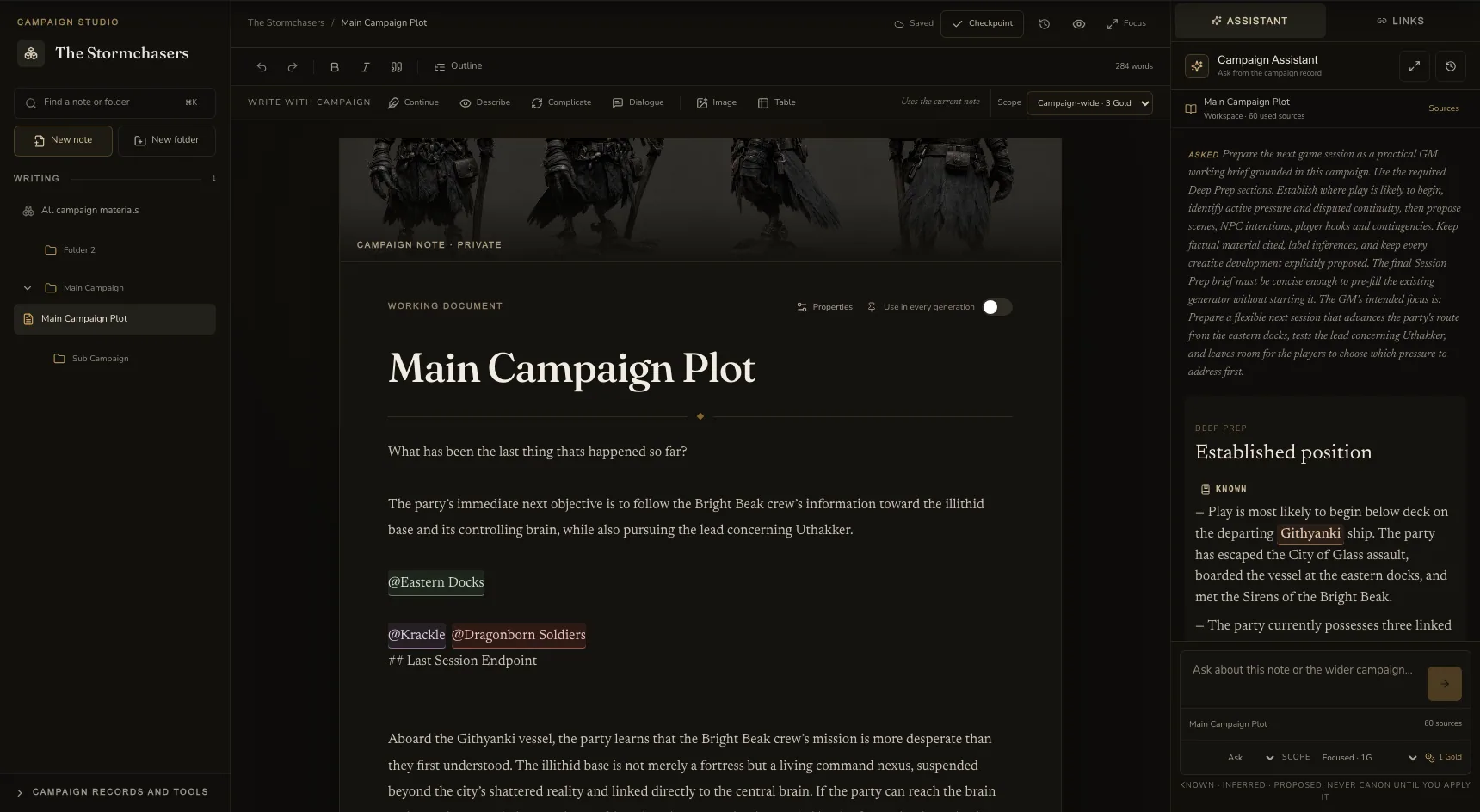
Campaign Studio is the first-party workbench for the material already inside your campaign. It does not ask you to rebuild the world in a new database.
Write
Open the notes and folders you already use, write at full width, mention campaign records, add images and tables, and keep the Assistant beside the page.
Write with your campaign
Leave the caret where the next line belongs or highlight the passage that needs work. Choose one focused action, read the proposal, then decide whether it enters the note.
Studio reads the passage around the caret and the campaign facts that matter, then drafts the next beat in the same voice without repeating what is already there.
Serane waits until the north gate closes behind them. “Now,” she says, “we can discuss what House Veyra actually wants.”
Continue, Describe, Complicate and Dialogue produce editable prose. Ask explains the wider campaign with sources. Nothing is added until you choose Insert, Replace or Apply.
Writing that stays connected
Mention something from the campaign, open its record, or file a new idea without leaving the sentence you were writing.
Write the moment
Open the record
File what matters
Research without tab hunting
Move through what happened, who mattered and what is still open. Each result returns to the same Studio desk and can become explicit Assistant context.
Session history, structured events and bounded transcript windows live inside Studio. Speaker labels and timestamps stay attached to the evidence.
Participation comes from measured transcript metadata, not an LLM guess.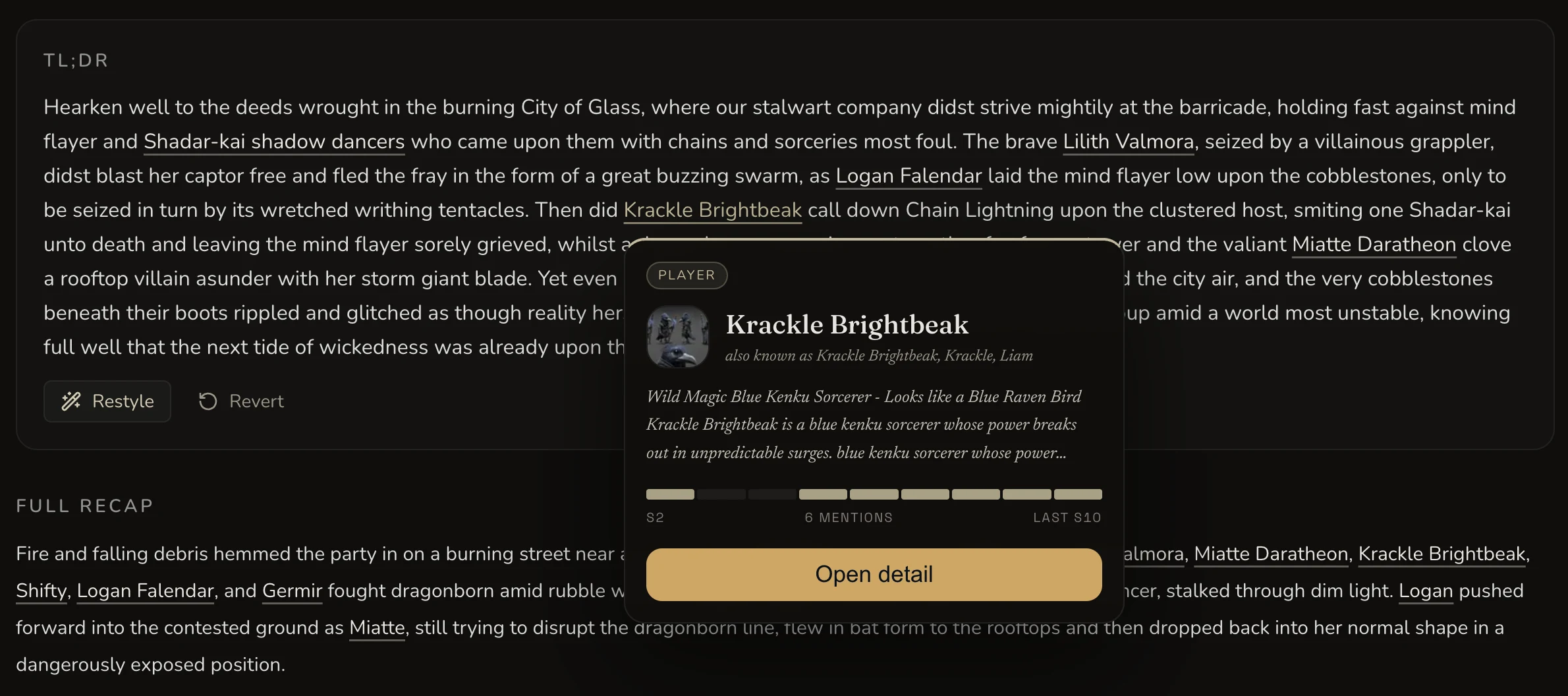
Campaign-aware, not chat-first
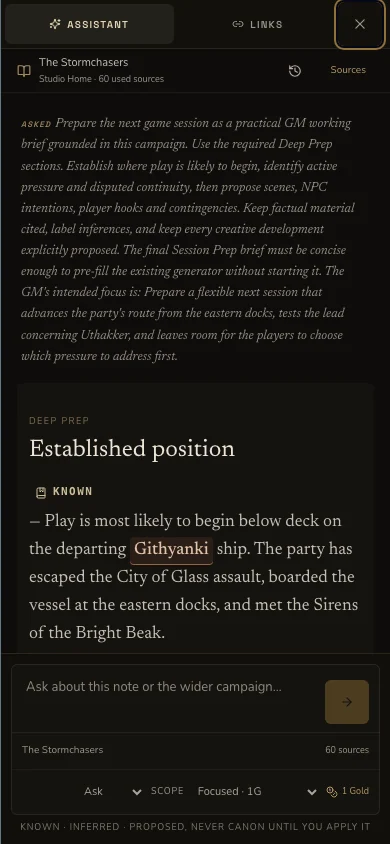
Ask where the last session ended, why an NPC matters, what remains unresolved, or what could happen next. Factual claims link back to the exact campaign material used.
The party reached the Githyanki ship after escaping the eastern docks. The Sirens of the Bright Beak then revealed a route to the illithid command hub.
Directly supported by the campaign record.
Session 14 · Final eventA reasoned reading of the sources, clearly labelled.
Transcript · 01:42:16A useful creative direction, not campaign canon.
Review before savingConflicting records stay visible instead of being flattened.
2 records disagree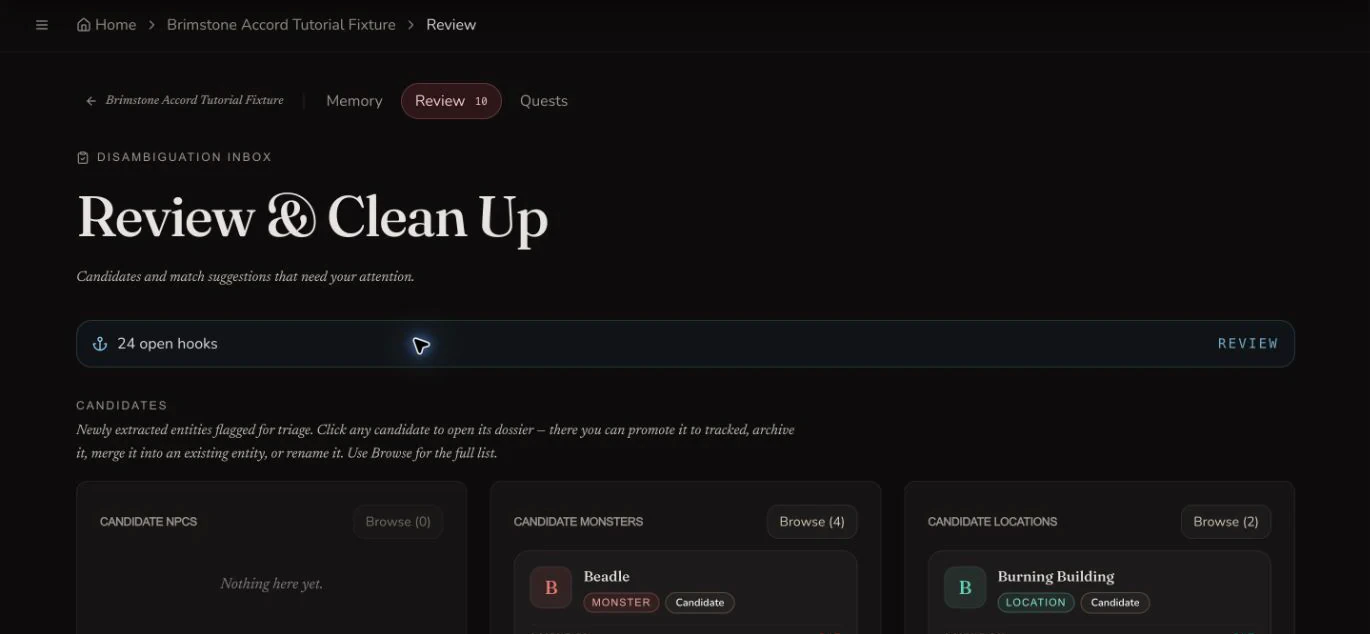
From session to campaign
Review new people, places and open hooks after the session, then carry the same Assistant thread back into the writing room. Sources and run history stay with the campaign rather than a browser tab.
From a line to the world
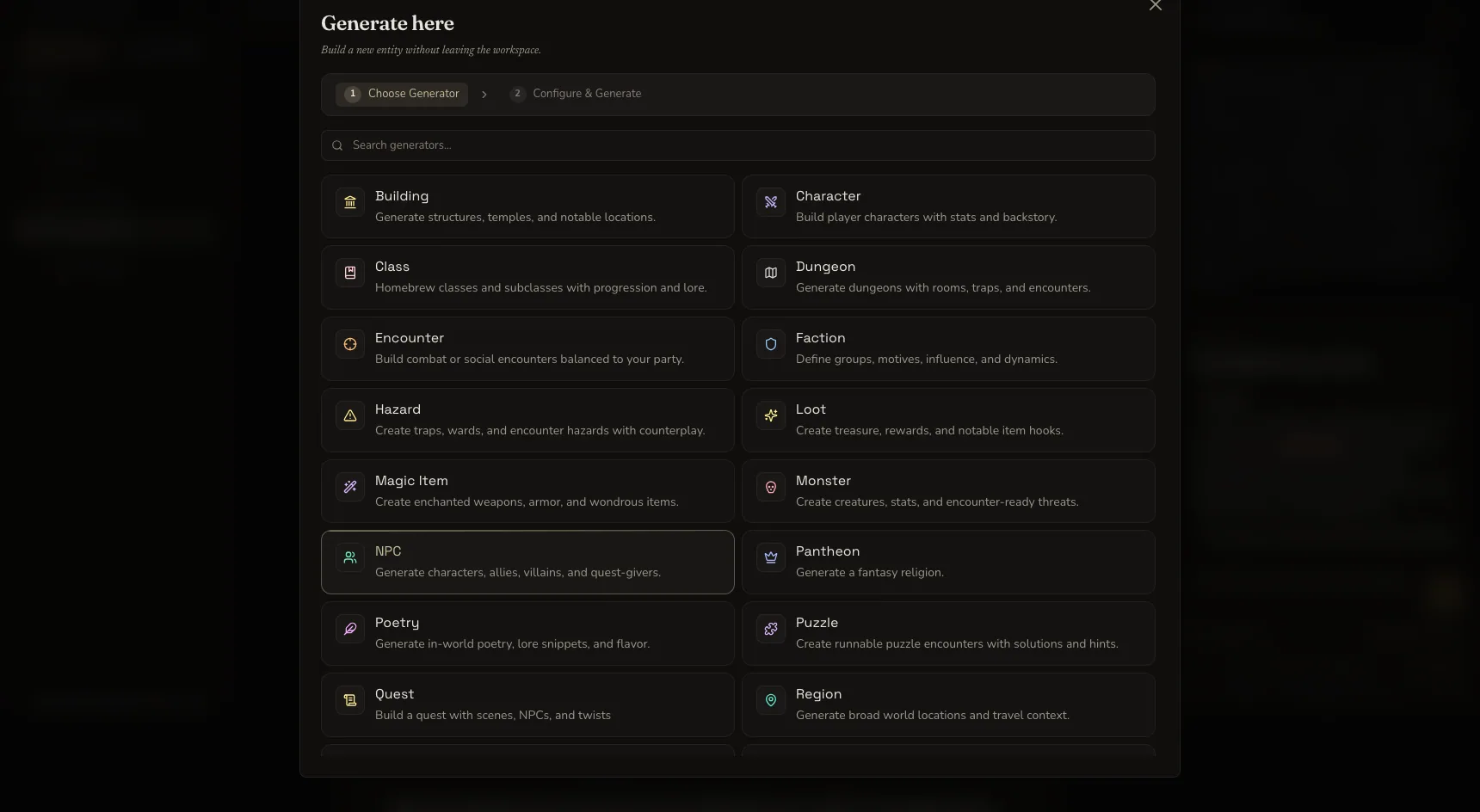
Highlight a new name, open Generate entity and choose the right existing CharGen generator. The selected text becomes guidance. You still confirm the quote and where the result is filed.

Campaign media, in context
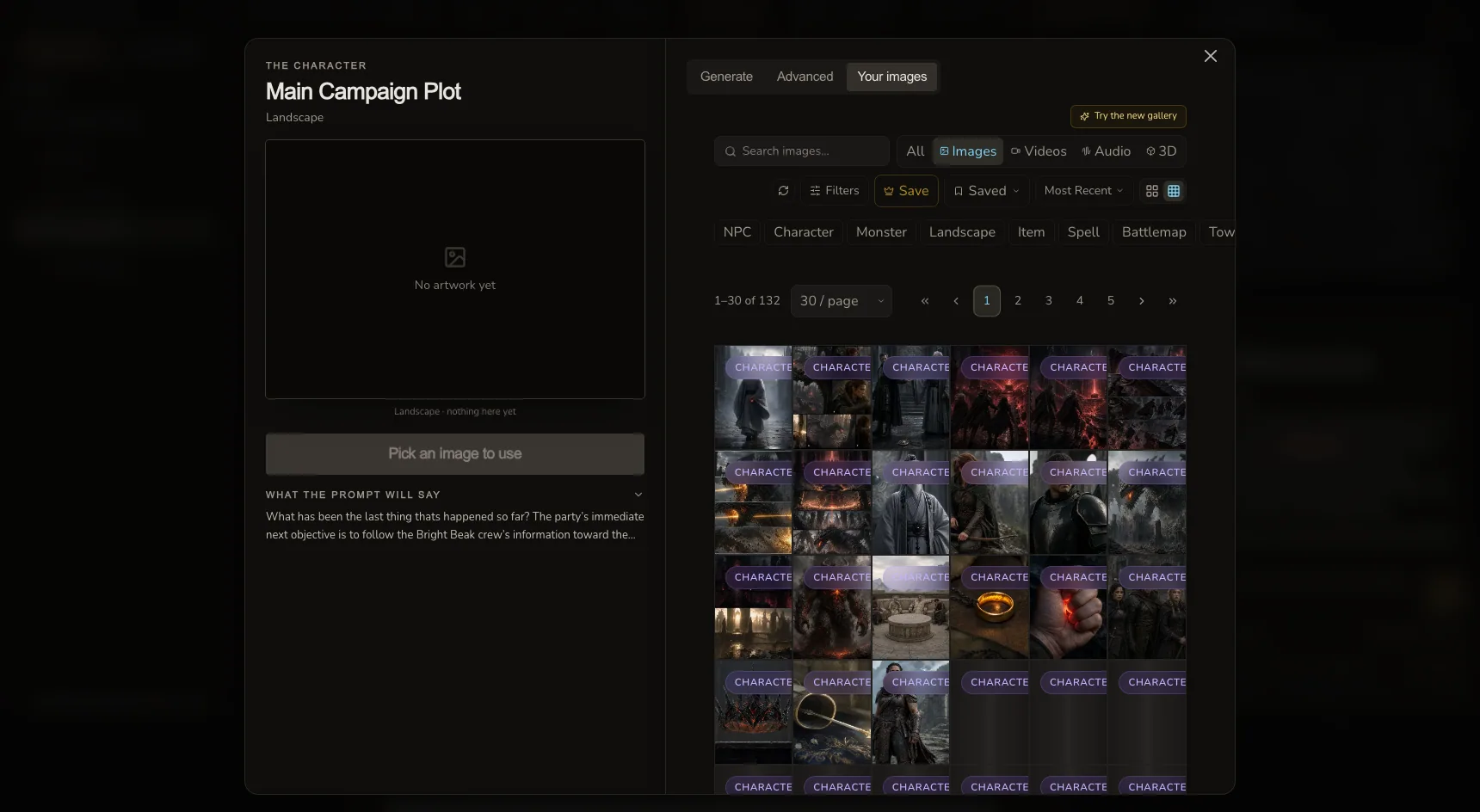
Add approved gallery images to the manuscript, generate art through the existing confirmed flow, or take a film brief into the campaign production desk.
A visible canon boundary
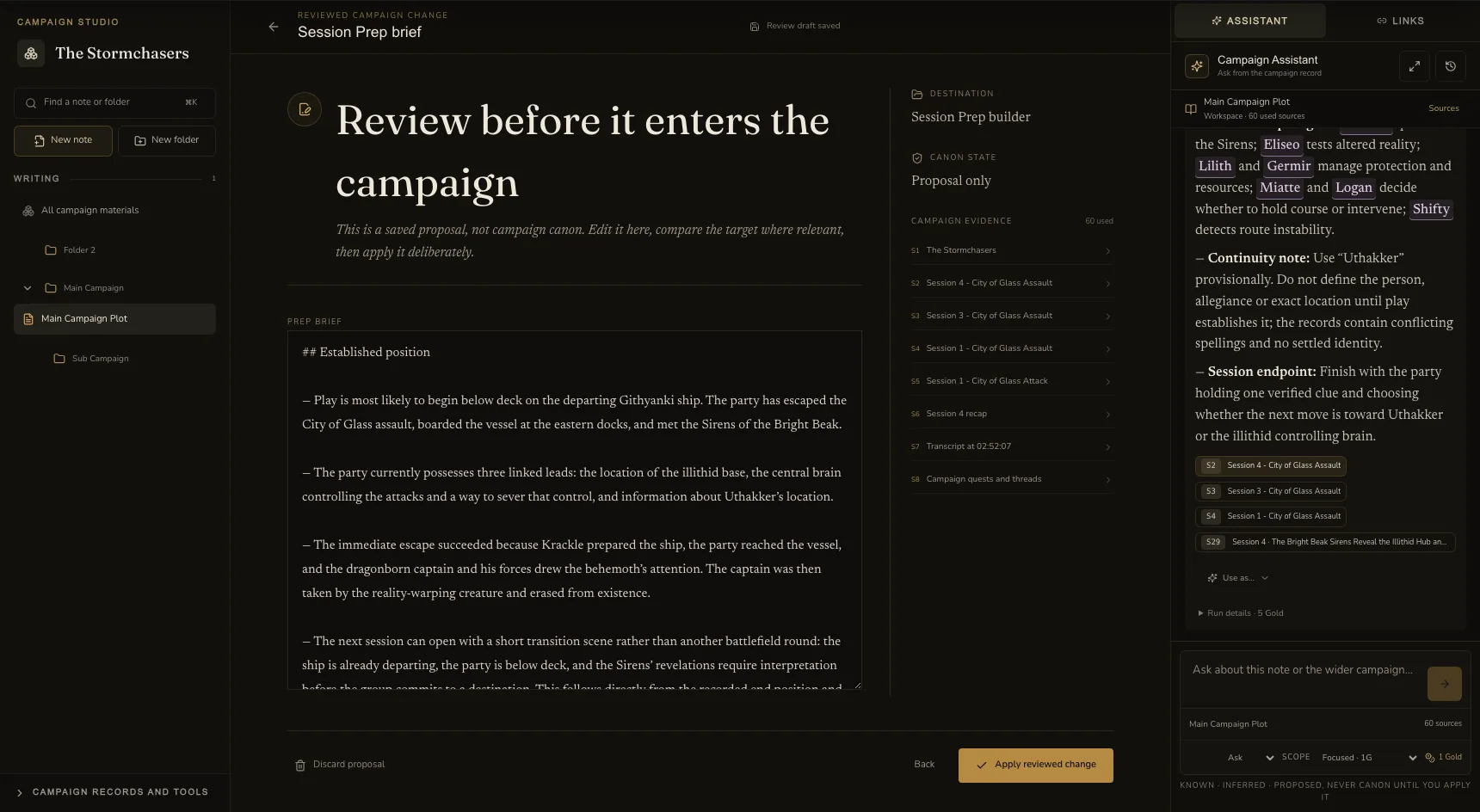
Notes, entities, quests, threads and prep briefs open in a review desk. Compare the proposal with the current record, edit it, inspect the evidence, then decide.
The idea stays separate from campaign canon.
Read the sources, destination and current version.
Your explicit action uses the existing campaign service.
Deep Prep
Give Studio a GM focus. It reads a bounded set of recent sessions, relevant transcript windows, quests, threads, relationships and campaign notes, then returns one sourced working brief.
Writer essentials
Campaign Studio is meant to replace the usual pile of detached notes, lookup tabs and copy-paste rituals.
Jump through long notes by Markdown heading without losing the caret.
Open canonical mentions, incoming links and suggested records beside the note.
Explicit saves create durable checkpoints. Autosave stays quiet.
Open templates, create a blank note or navigate from the command palette.
Import Markdown and keep the existing Obsidian and folder export path.
Explore one focused neighbourhood, then expand only when you need the whole campaign.
Visible cost, every time
The composer shows the Assistant price before sending. Failed or cancelled runs release the reservation, and a provider retry does not create a second charge.
Current note, selected text and focused campaign records.
A wider search across the campaign record and sources.
A deeper, sourced working brief for the next session.
Entity, image, film and Session Prep generation keep their own separate quote and confirmation.
At the desk and at the table
Desktop keeps the document, navigator and one support rail. On mobile, the Assistant becomes a focused sheet. The same campaign thread is there when you return.
Campaign Studio FAQ
Campaign Studio is the working room for a tabletop RPG campaign. It brings campaign notes, session records, World Codex entries, quests, threads, relationships, prep and generated assets into one writing-focused workspace.
Campaign Studio uses the same notes and folders as Campaign Workspace. Eligible campaigns open those records in the new Studio workbench, so existing campaign material is preserved rather than copied into another system.
Yes. Answers distinguish known campaign facts, inferences, creative proposals and disputed records. Factual claims link to the campaign sources used. Generated suggestions stay outside canon until you explicitly insert, file or approve them.
Yes. The Assistant can use session recaps, structured events and relevant transcript windows alongside campaign notes, entities, quests, threads, relationships and pinned context. Transcript sources retain speaker labels and timestamps where available.
You can write and organise campaign notes, generate supported World entities from selected text, add existing images, build Session Prep, and hand approved ideas into existing image and film workflows. Paid generation still shows its quote before work begins.
A Standard Assistant run costs 1 Gold and a Campaign-wide run costs 3 Gold. Deep Prep costs 5 Gold. The price is shown before sending, and a failed or cancelled run releases its reservation rather than keeping the charge.
Campaign Studio
Keep the notes, world, sessions and next ideas together, with the writing at the centre.
Open Campaign Studio Built for long-running tabletop campaigns