Describe / Upload
Start with a line,
or your own art.
Type a description and look at a free preview picture, or upload one picture of your character. You can also pick a picture from your CharGen library.
AI Miniature Generator
Describe it.
Print it.
125 gold a miniature. The preview pictures are free, 5 each day.
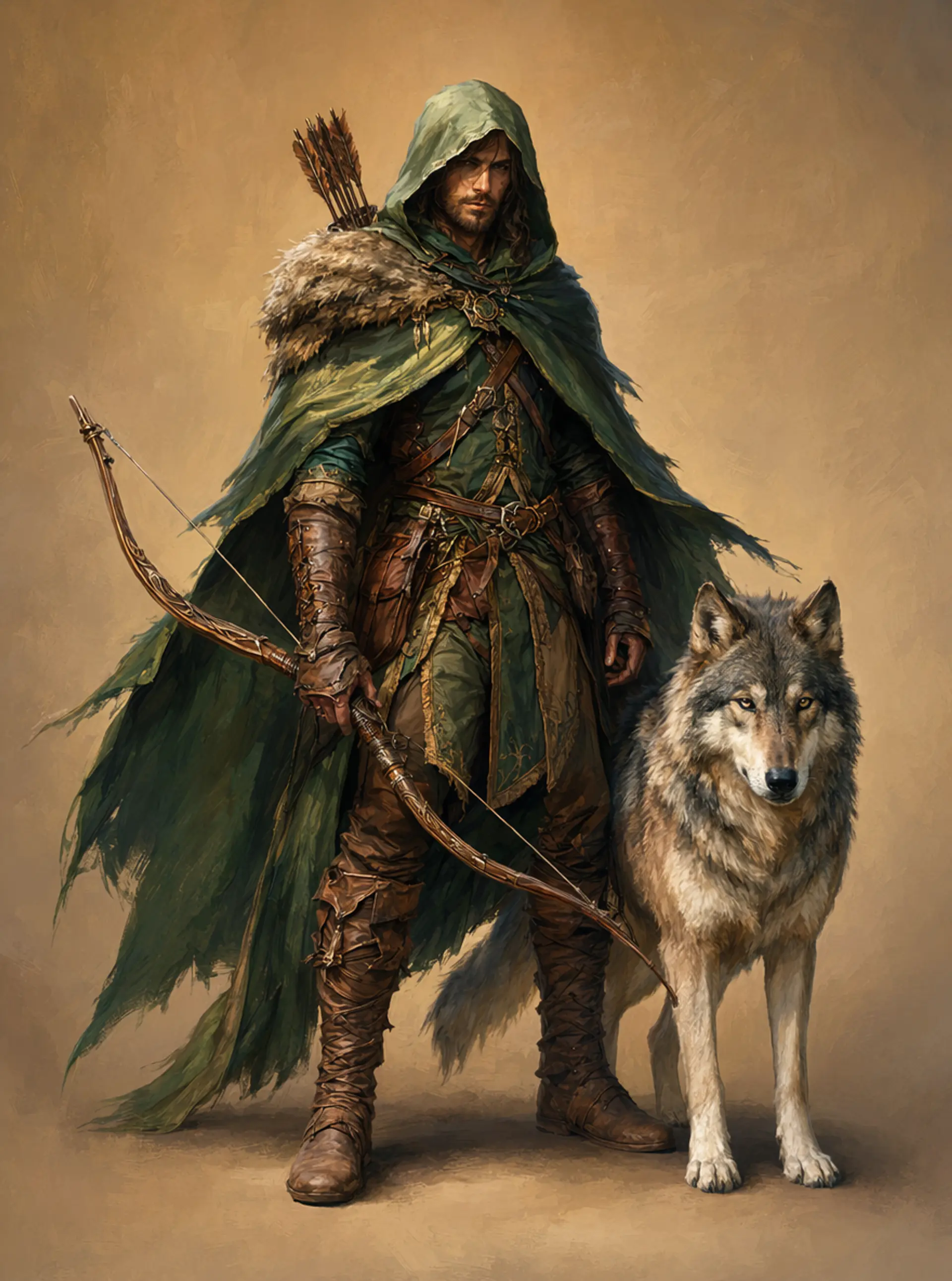
“human ranger with cloak, longbow, and wolf companion
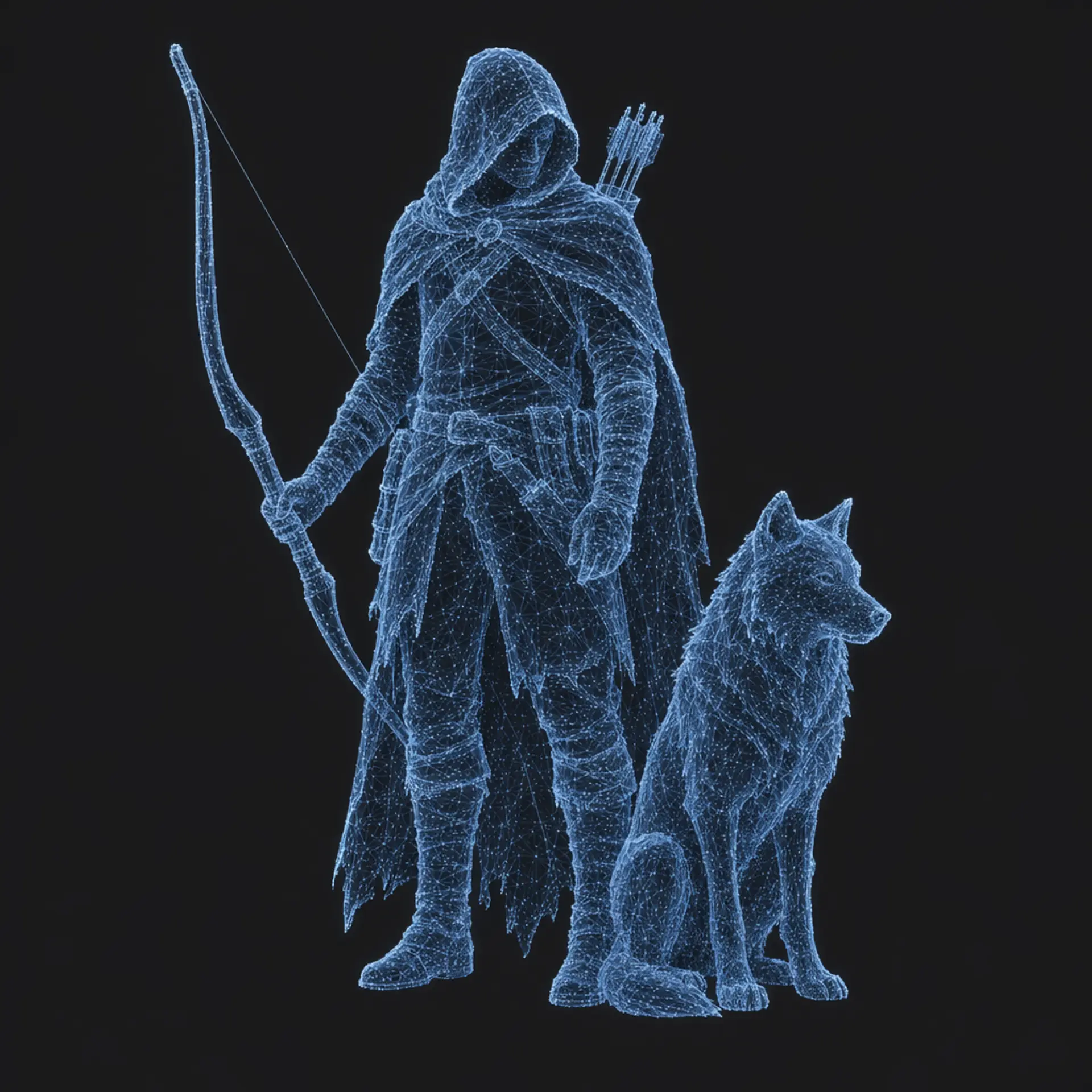
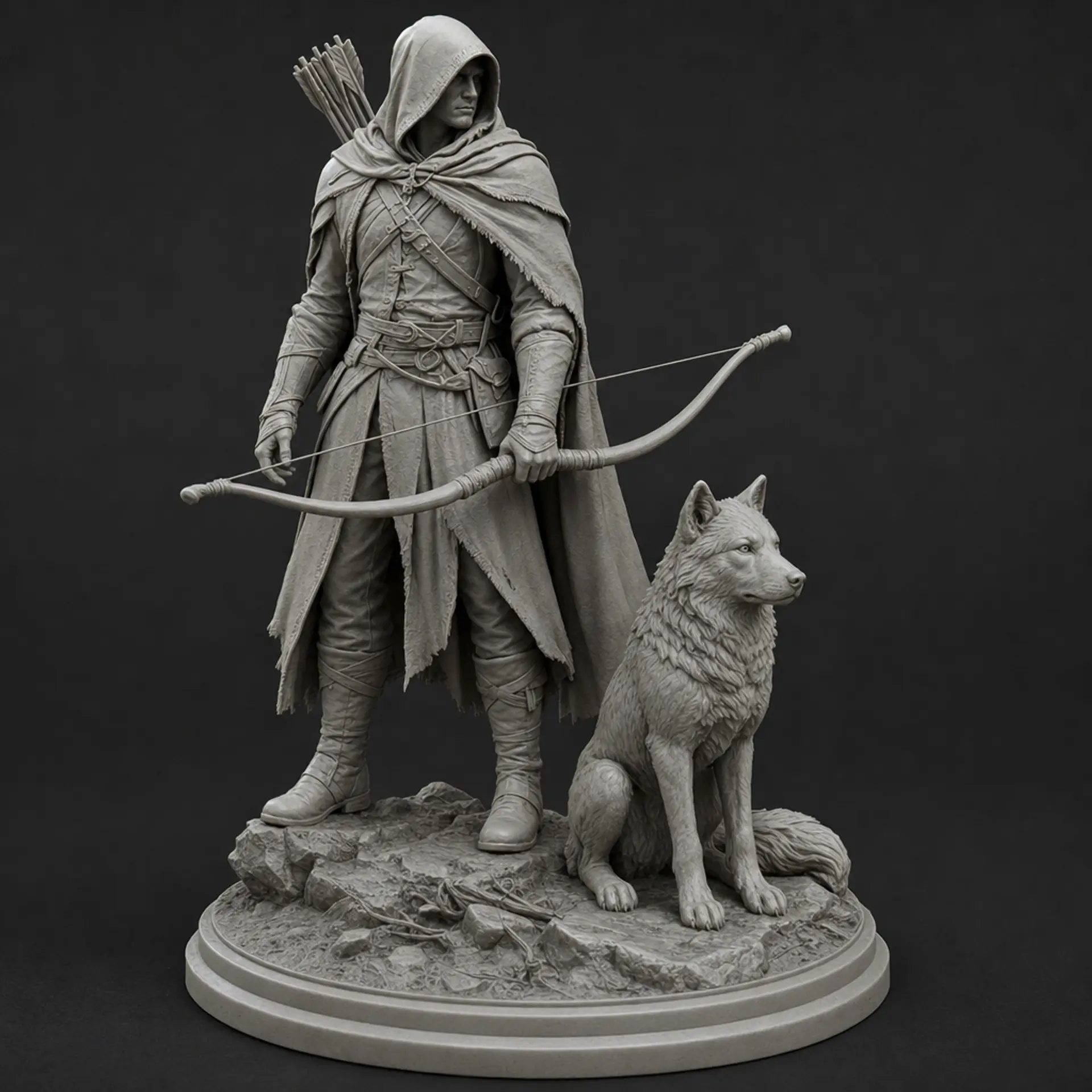
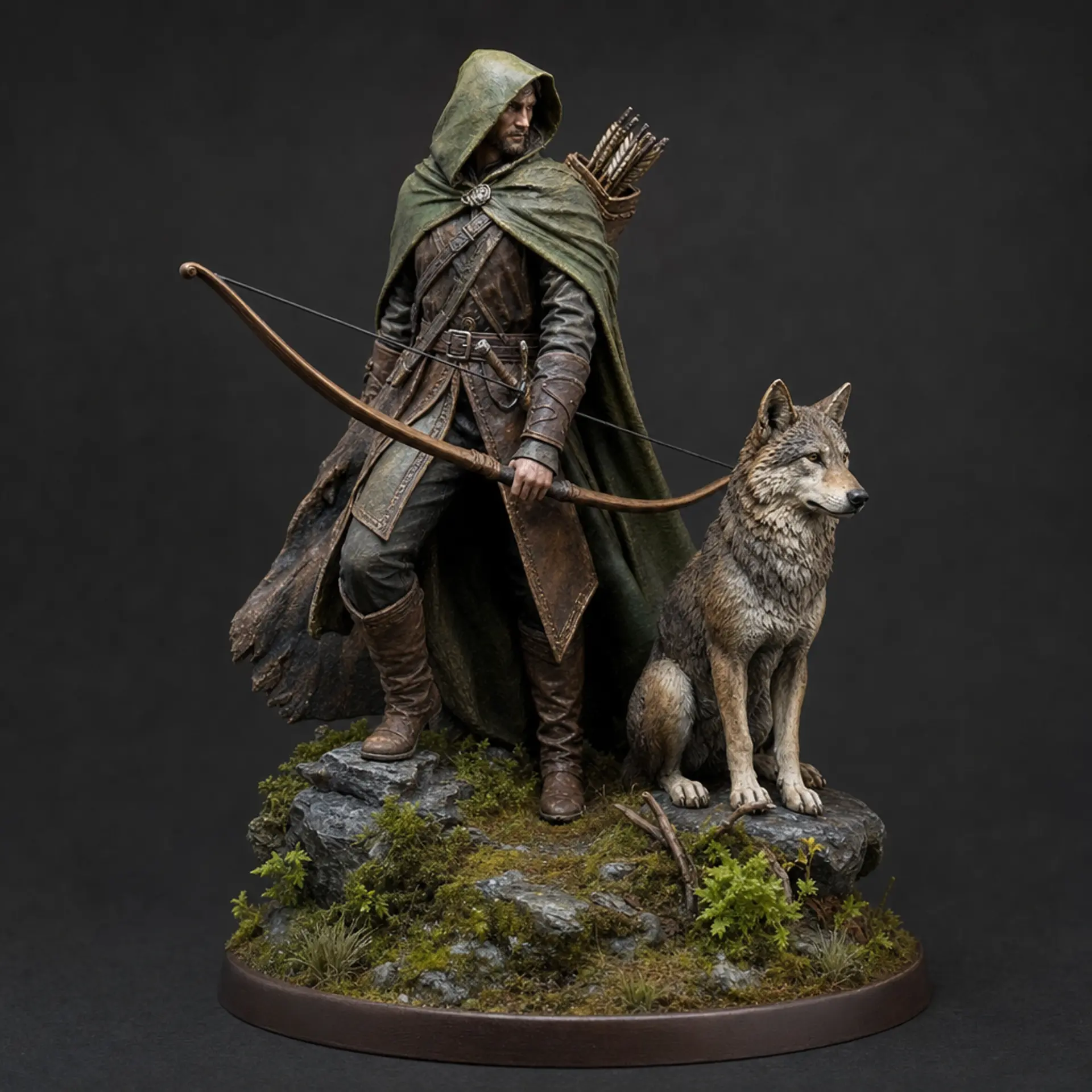
Three steps take a character from an idea to your build plate. You do not need to sculpt or to know 3D software. Use it for D&D, Pathfinder and wargames such as Warhammer.
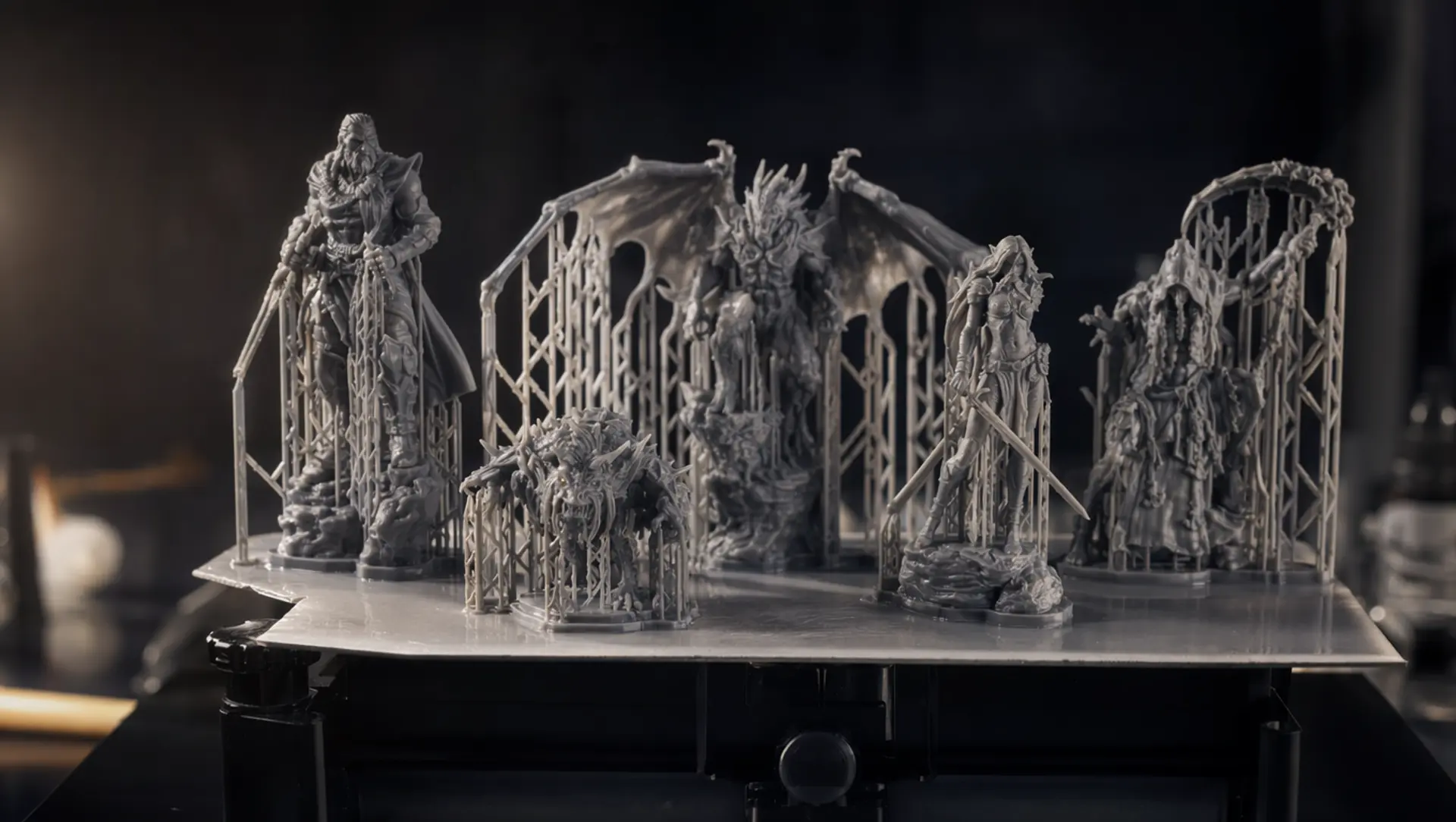
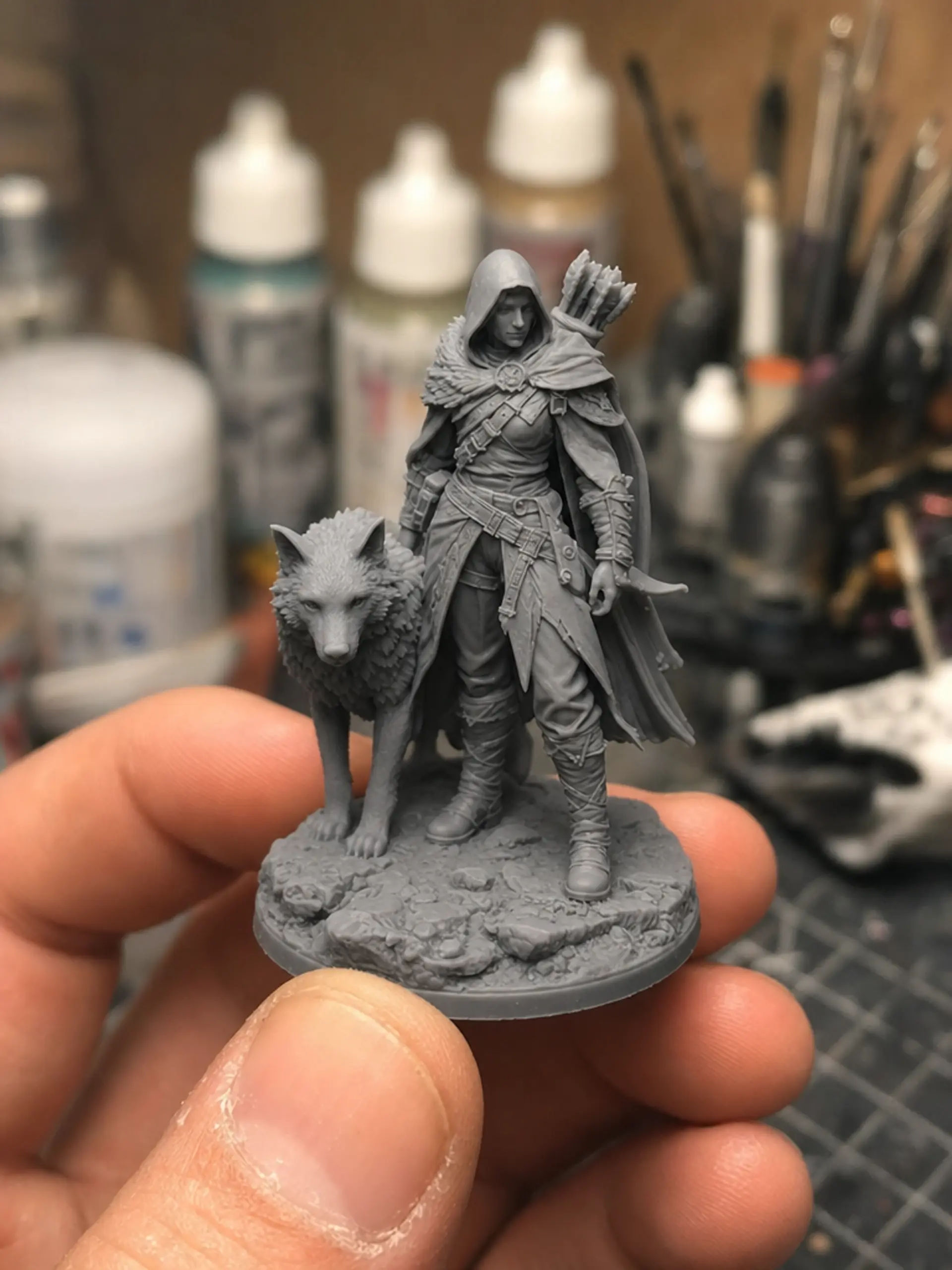
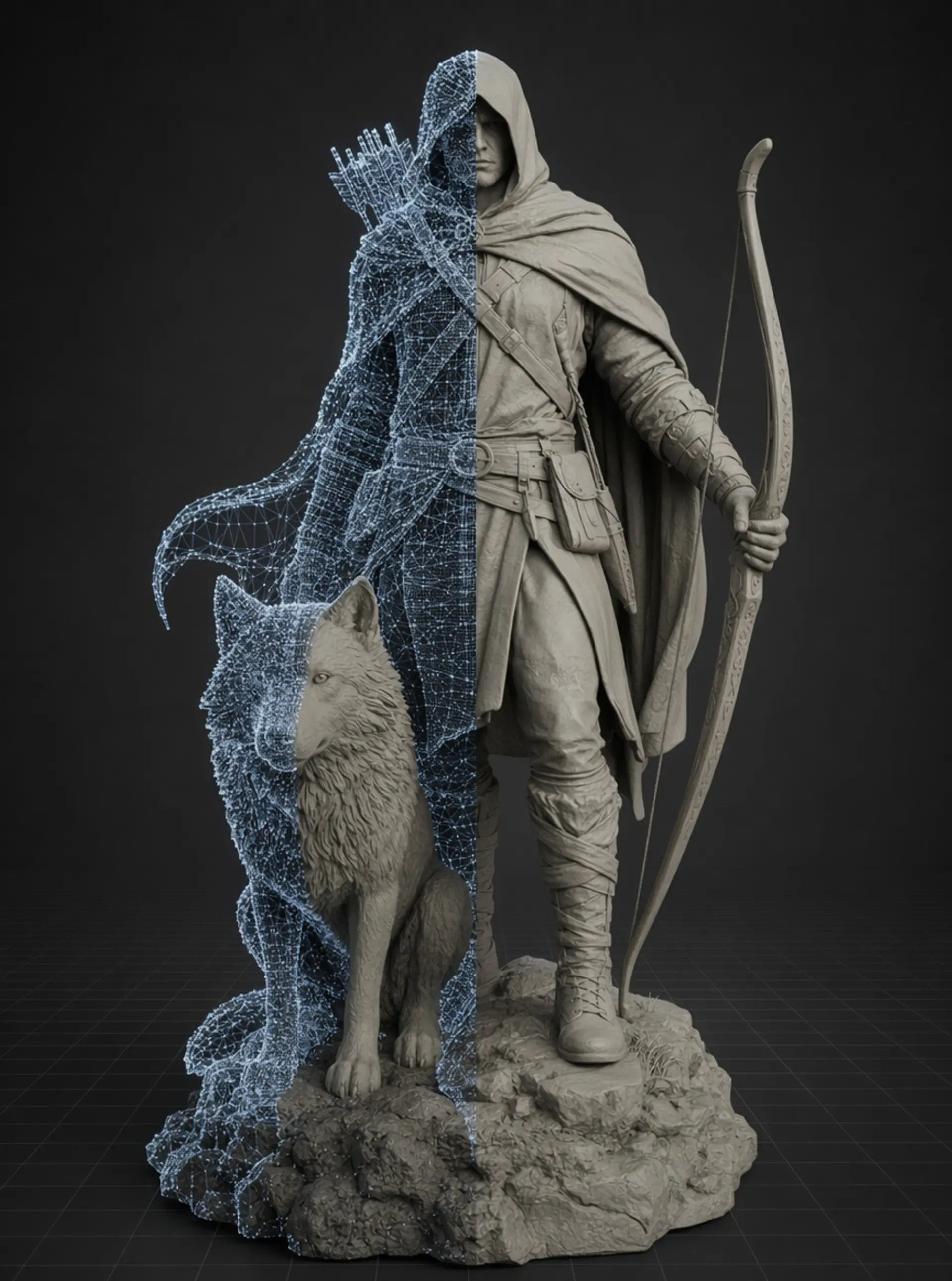
Make a 3D model of your D&D character. Write the species, class, gear and pose, or upload your character art. The generator makes a 3D model of the miniature. Download it as an STL file at the height you chose and print it at home on a resin or FDM printer.
Heroes, monsters, townsfolk, terrain, and props. Describe it in a sentence or give it a reference picture, and you get a 3D model to print.
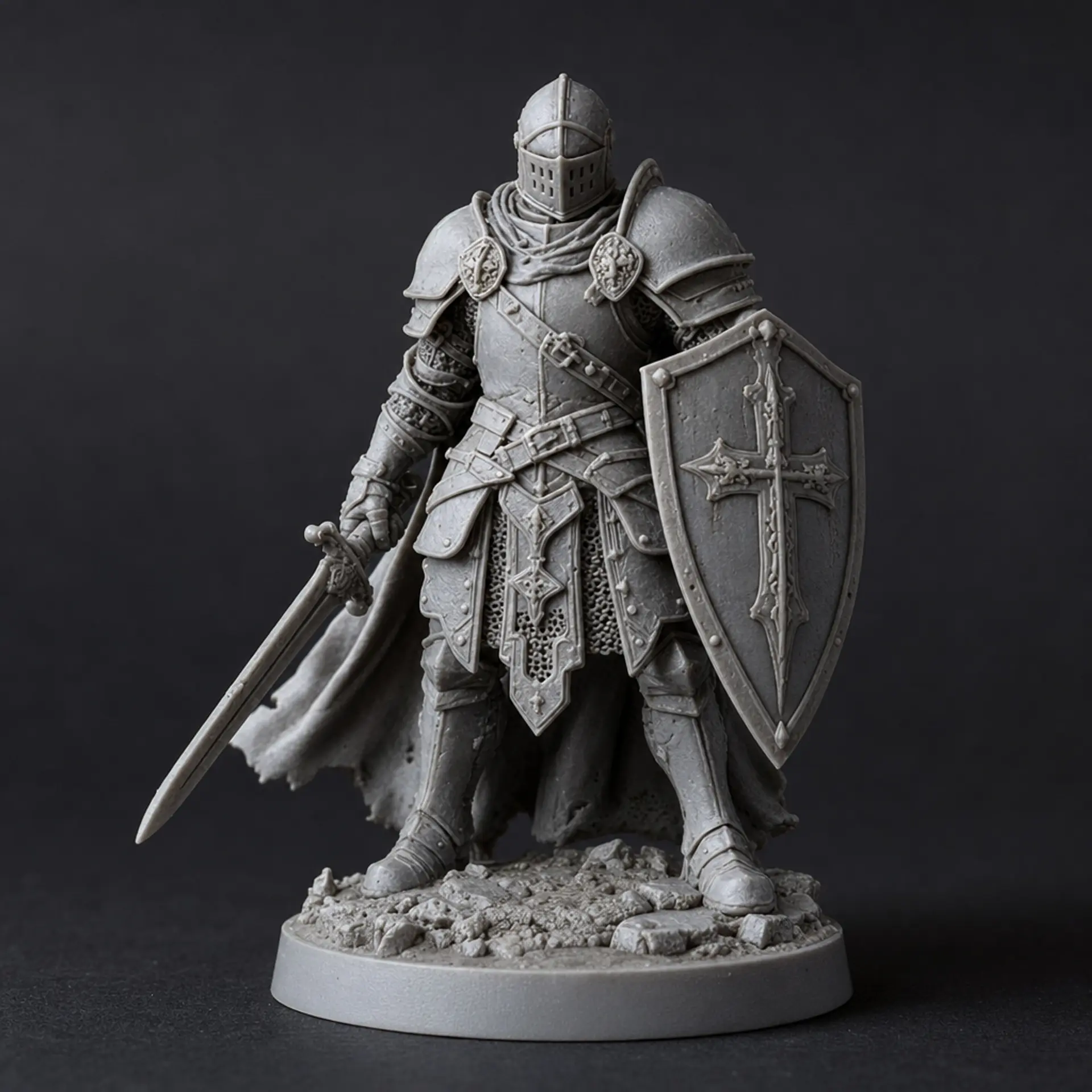
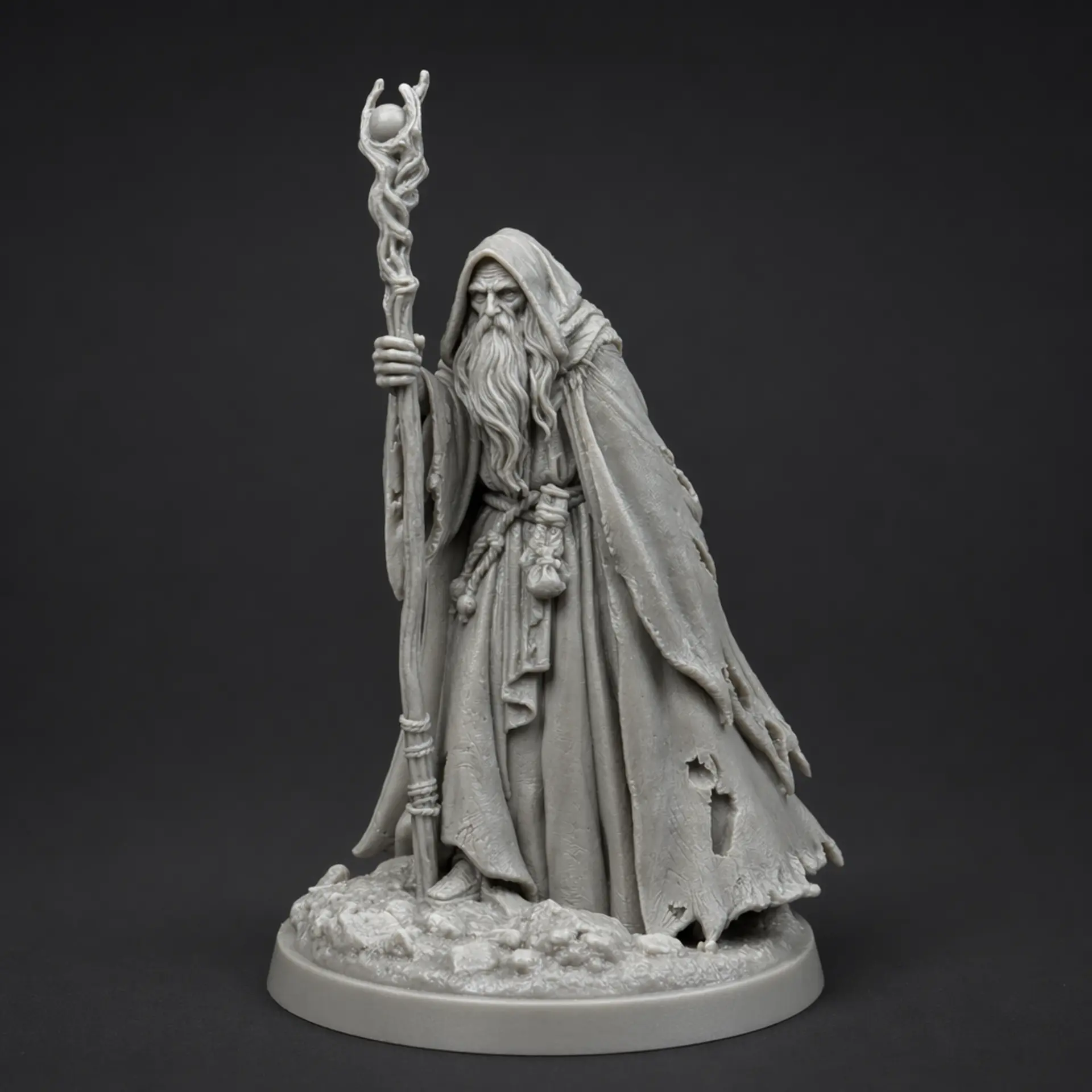
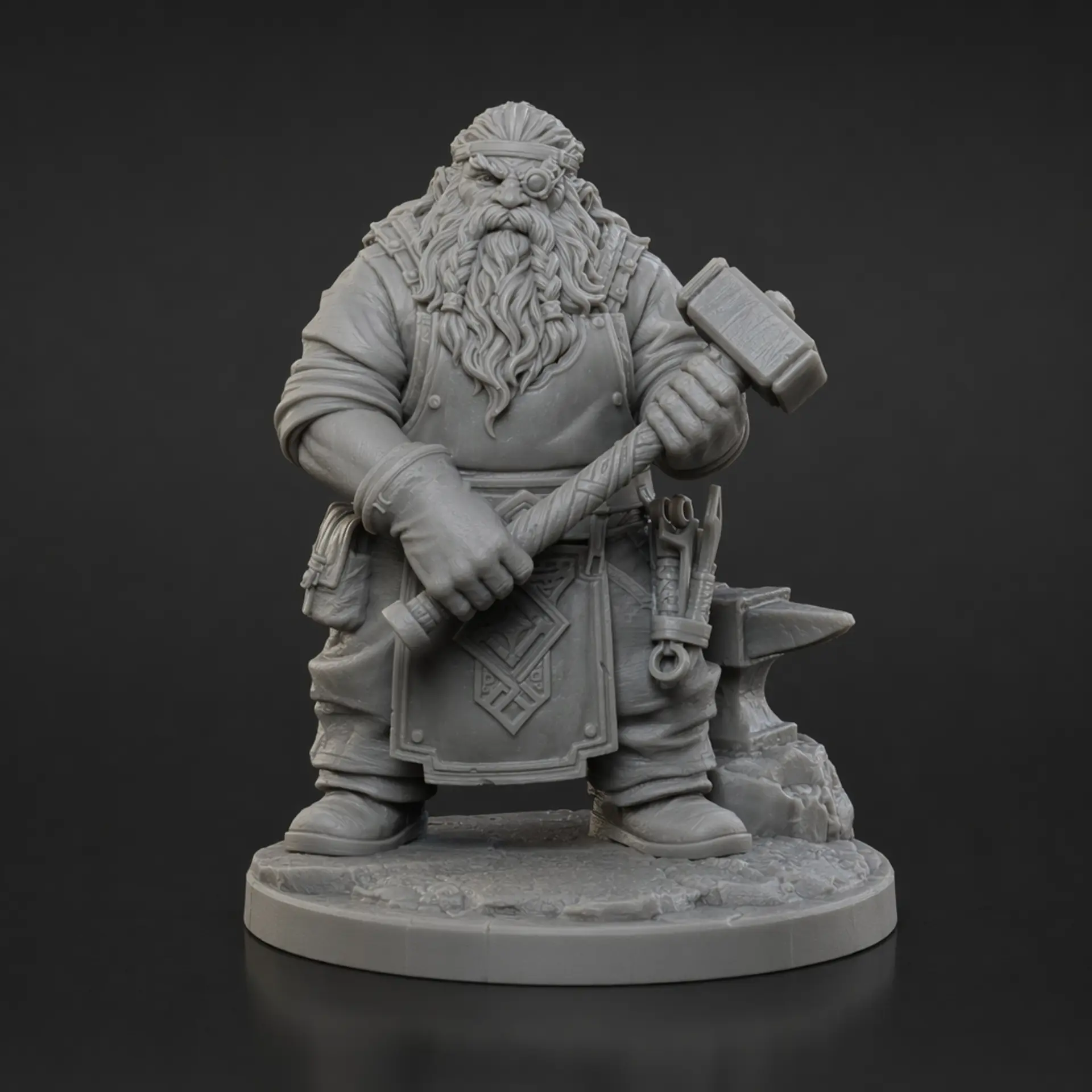
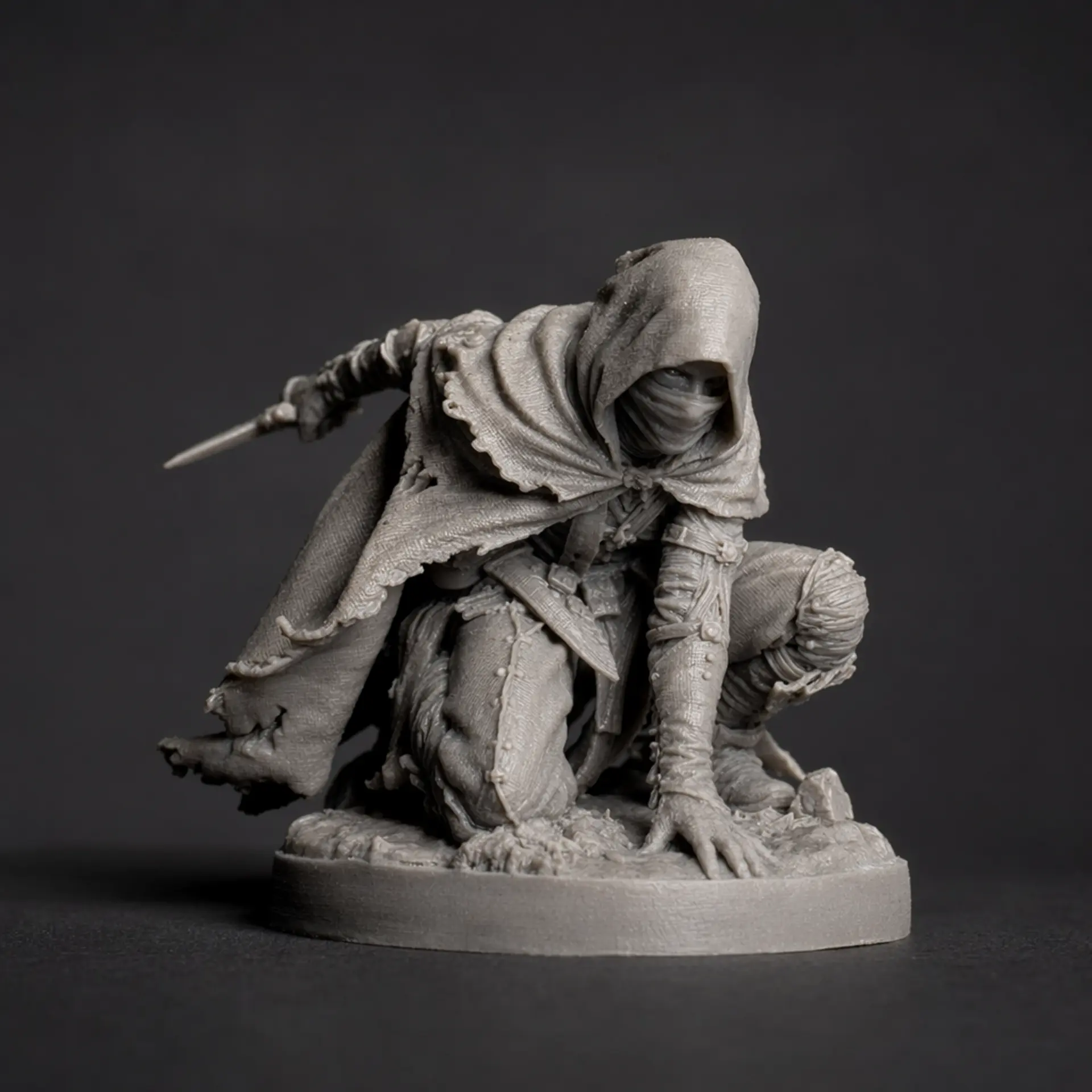
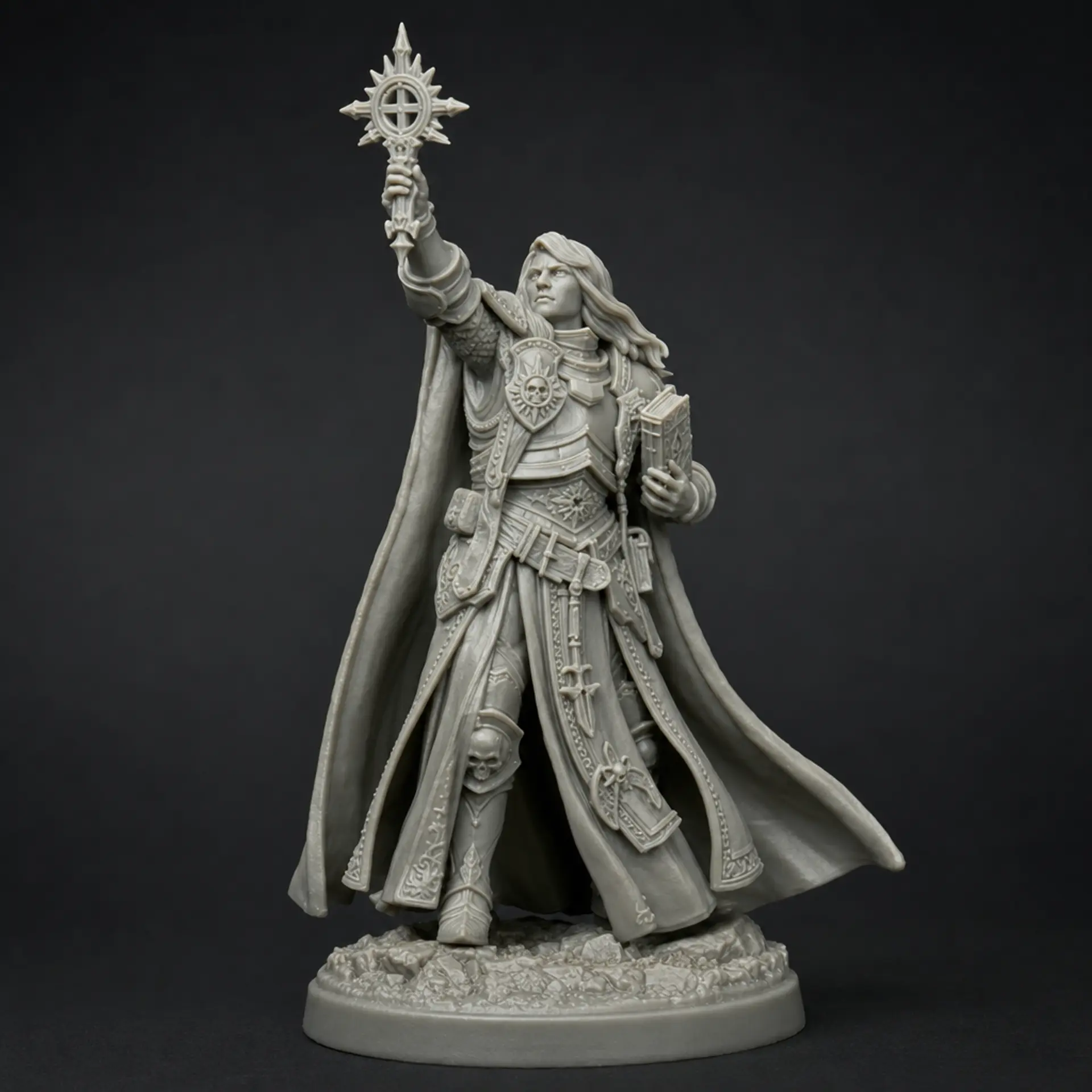
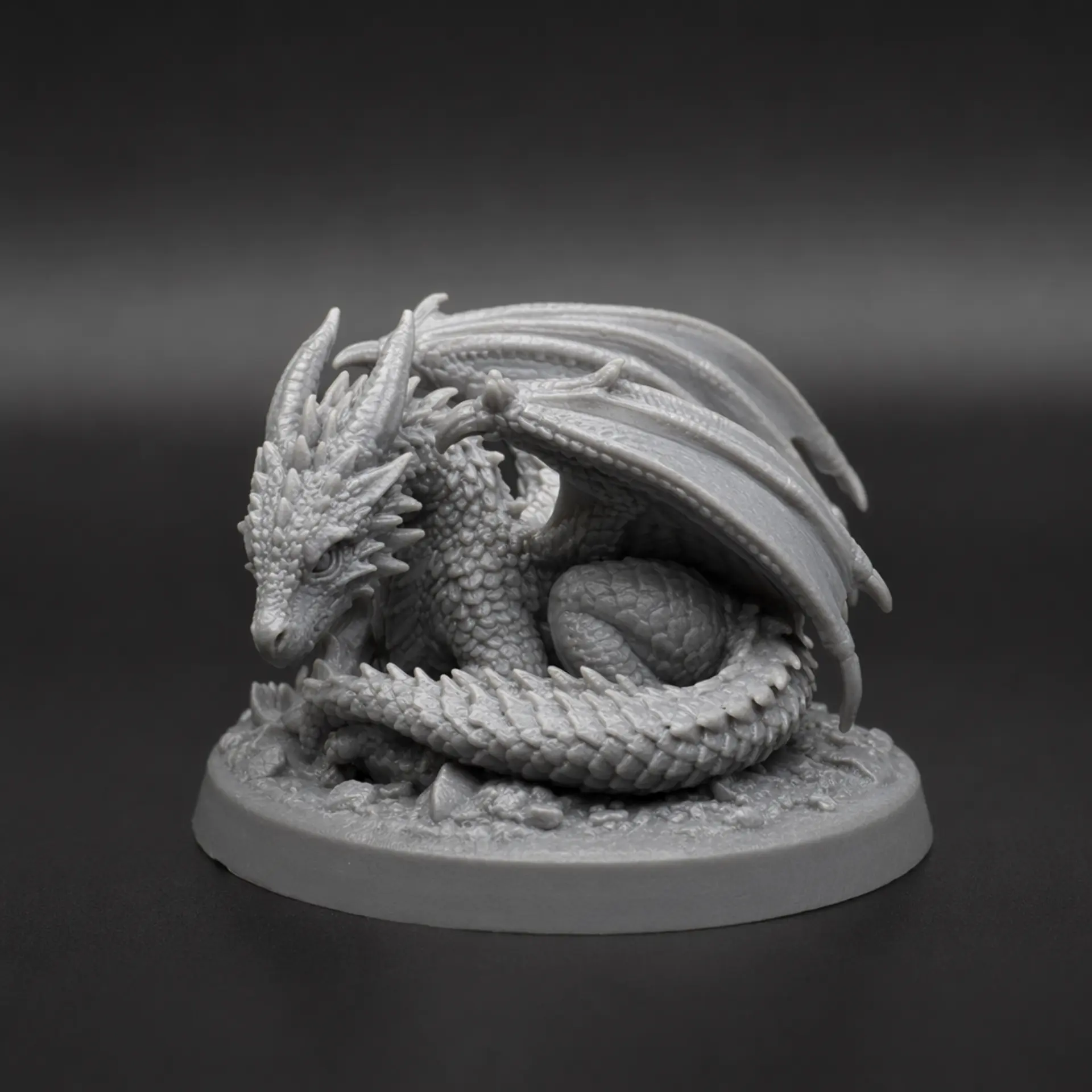
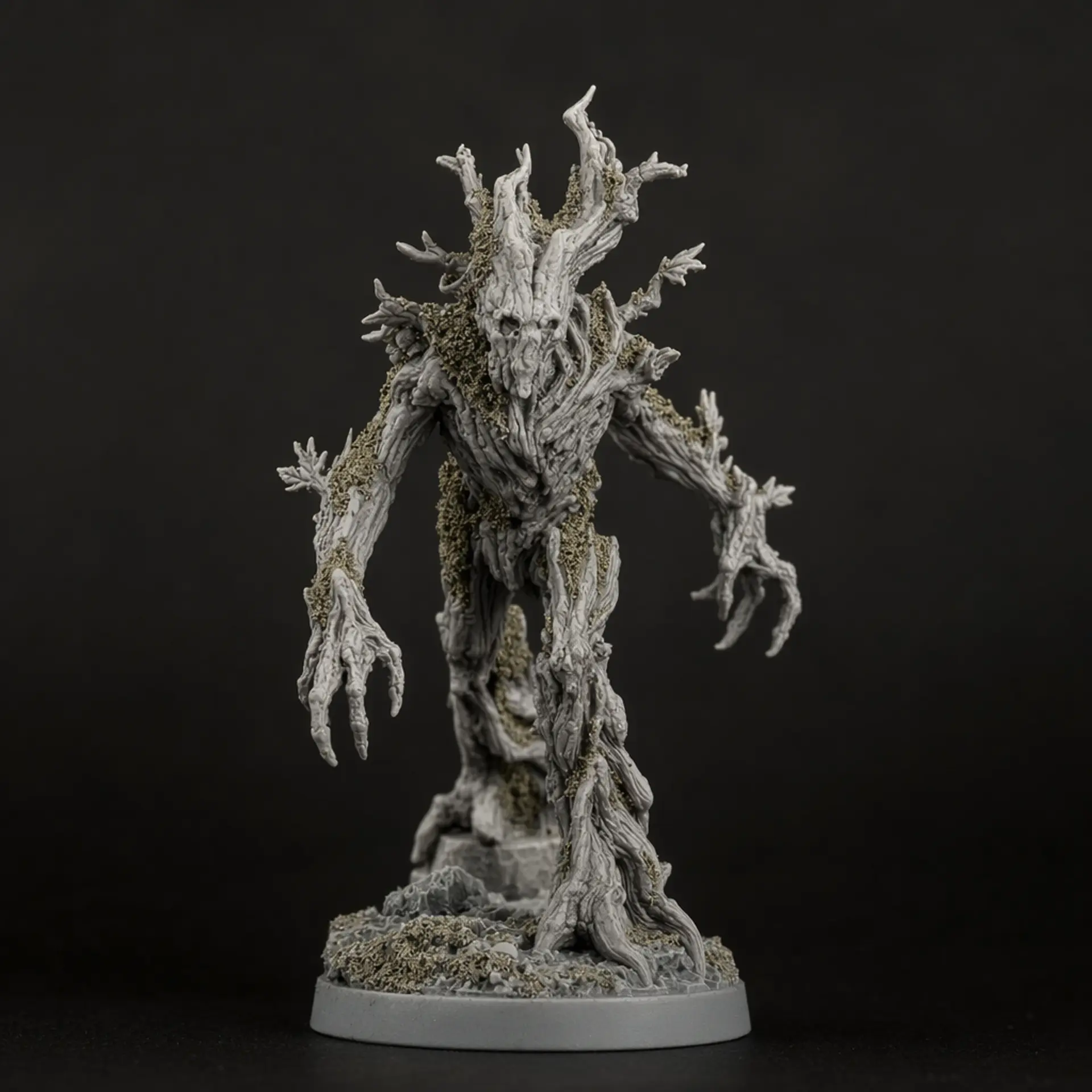
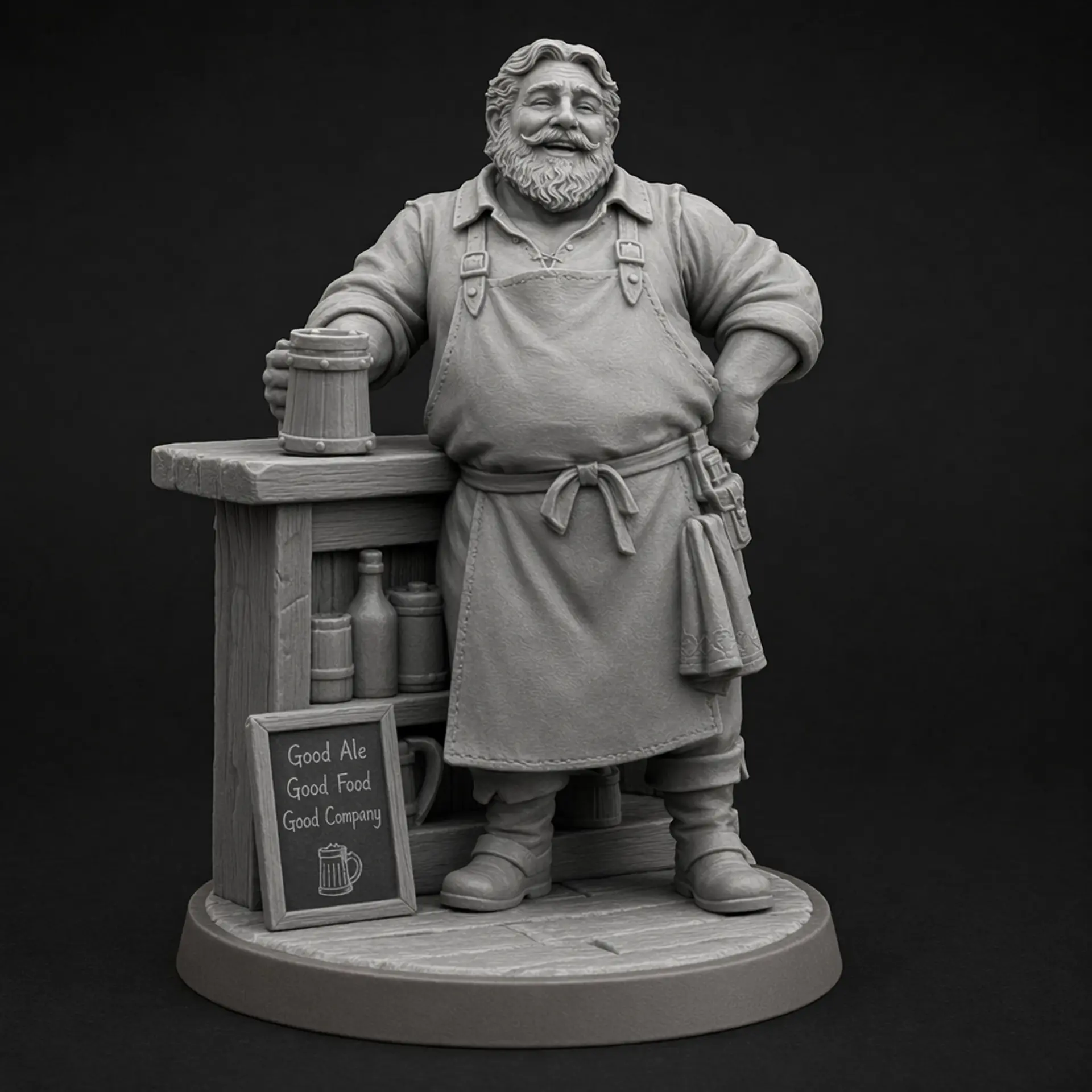
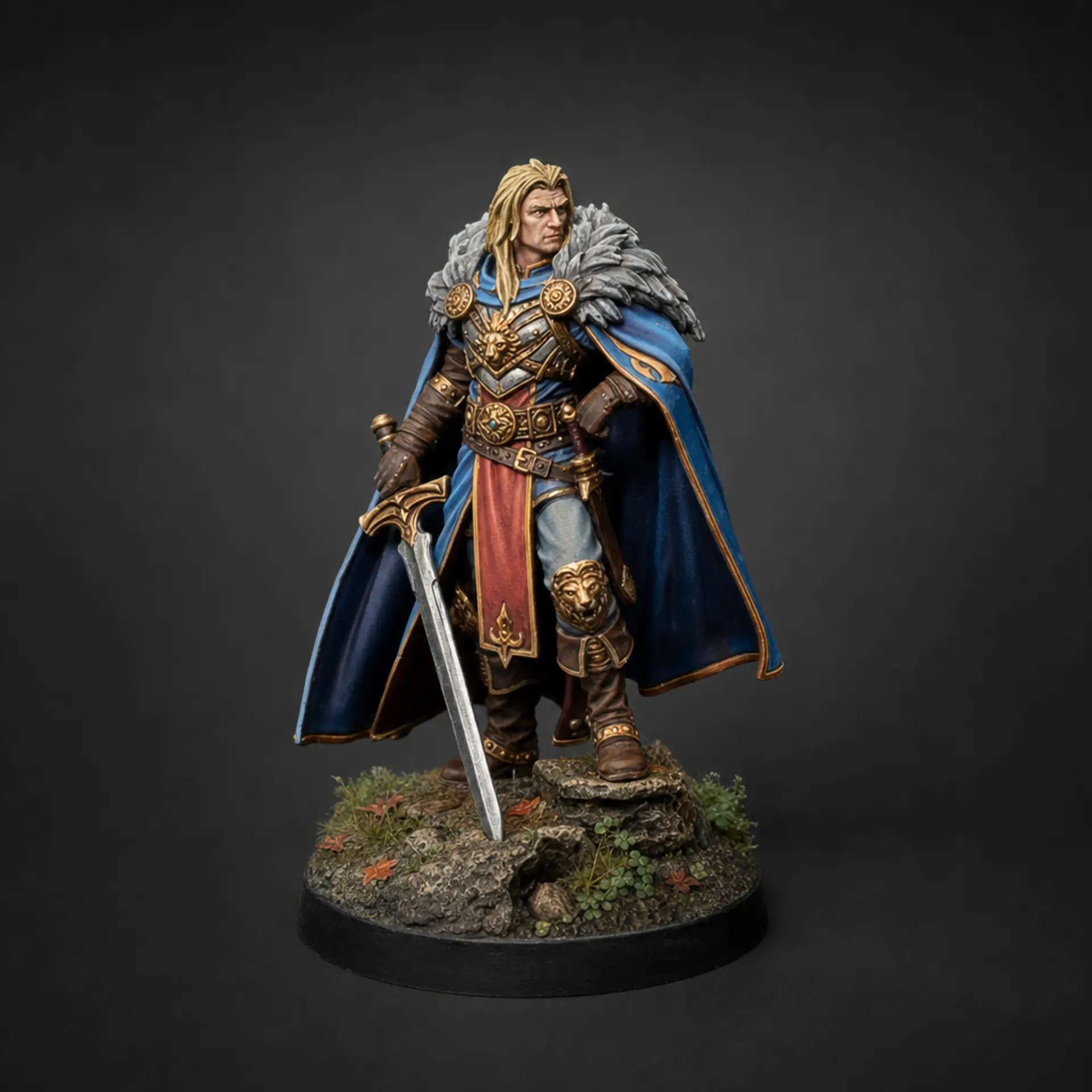
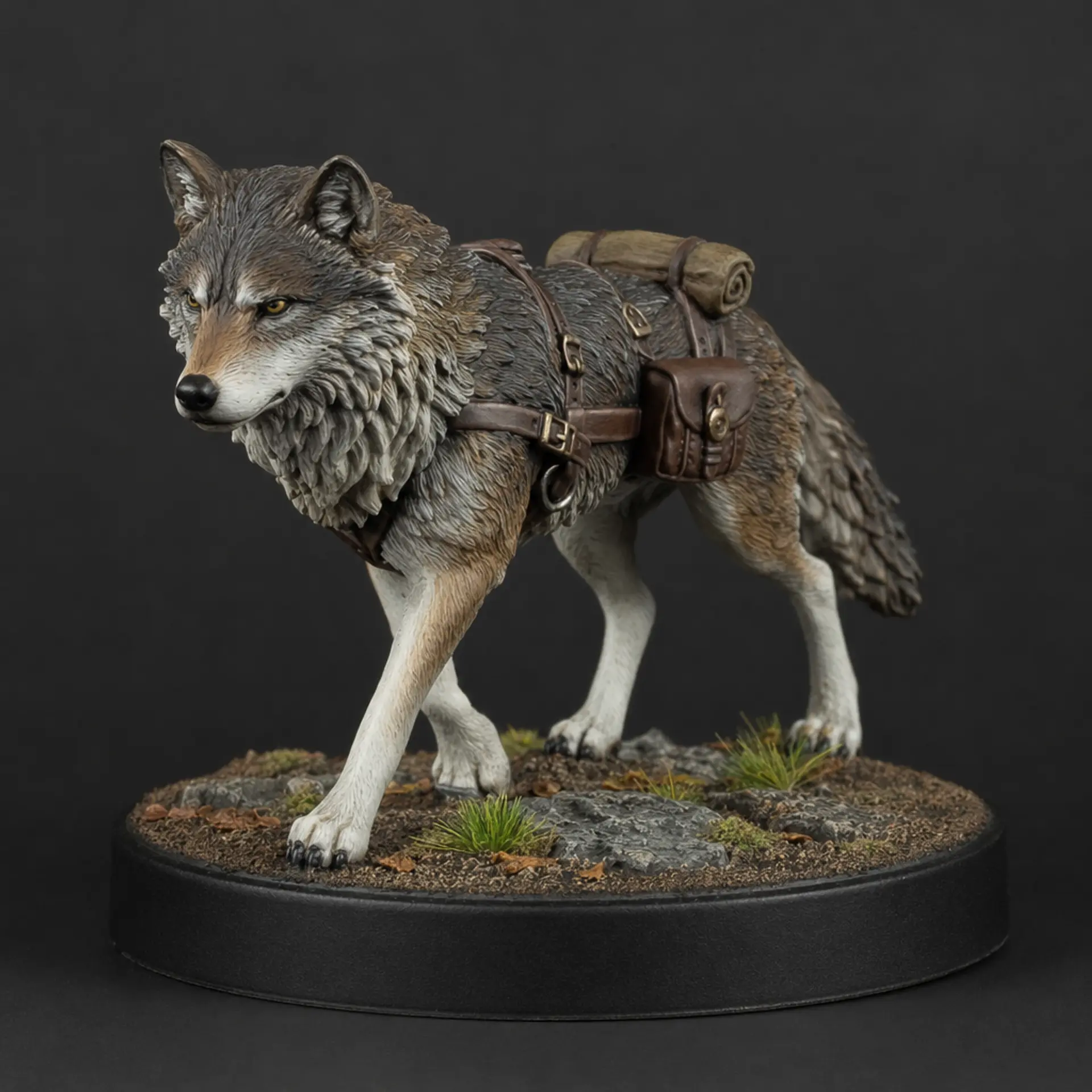
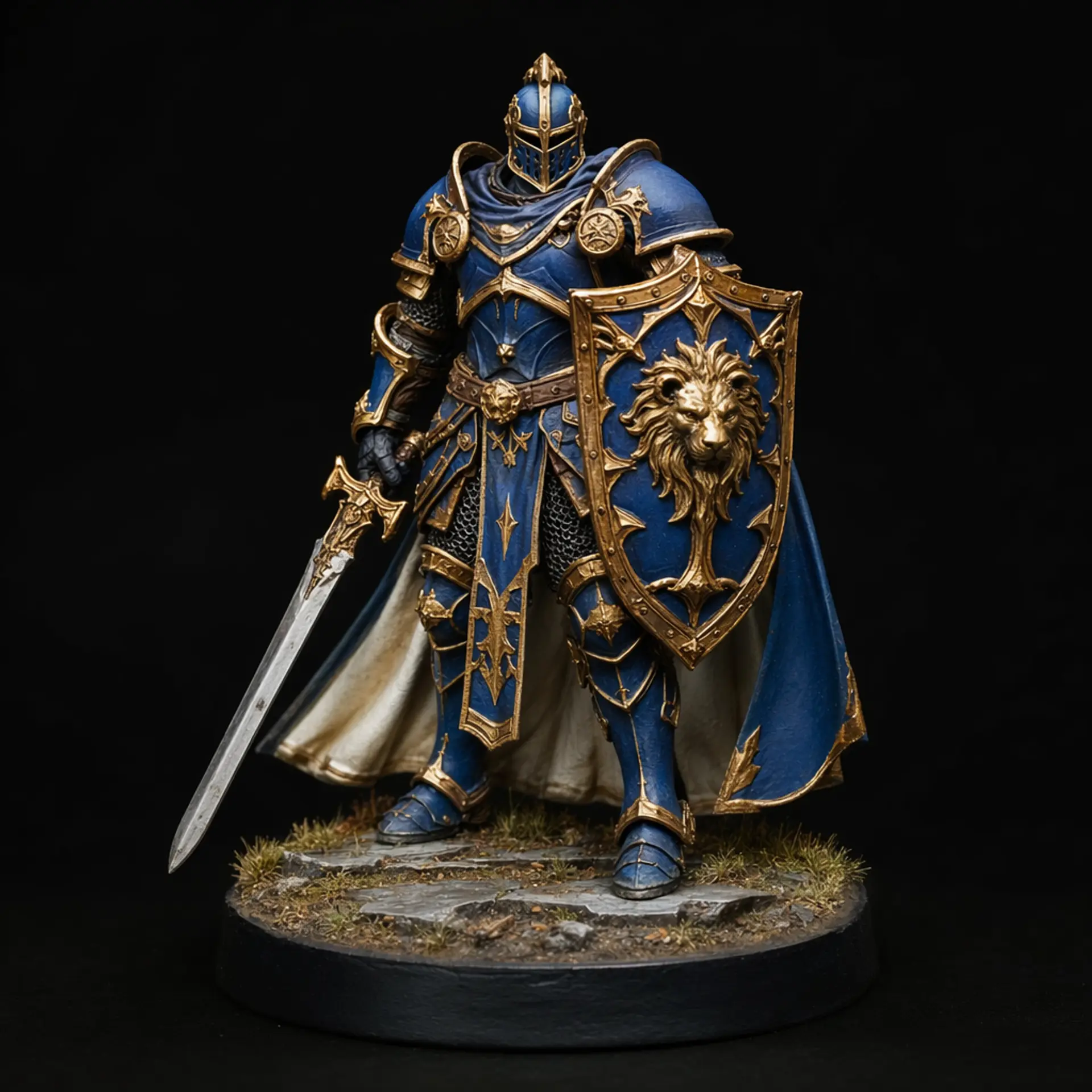
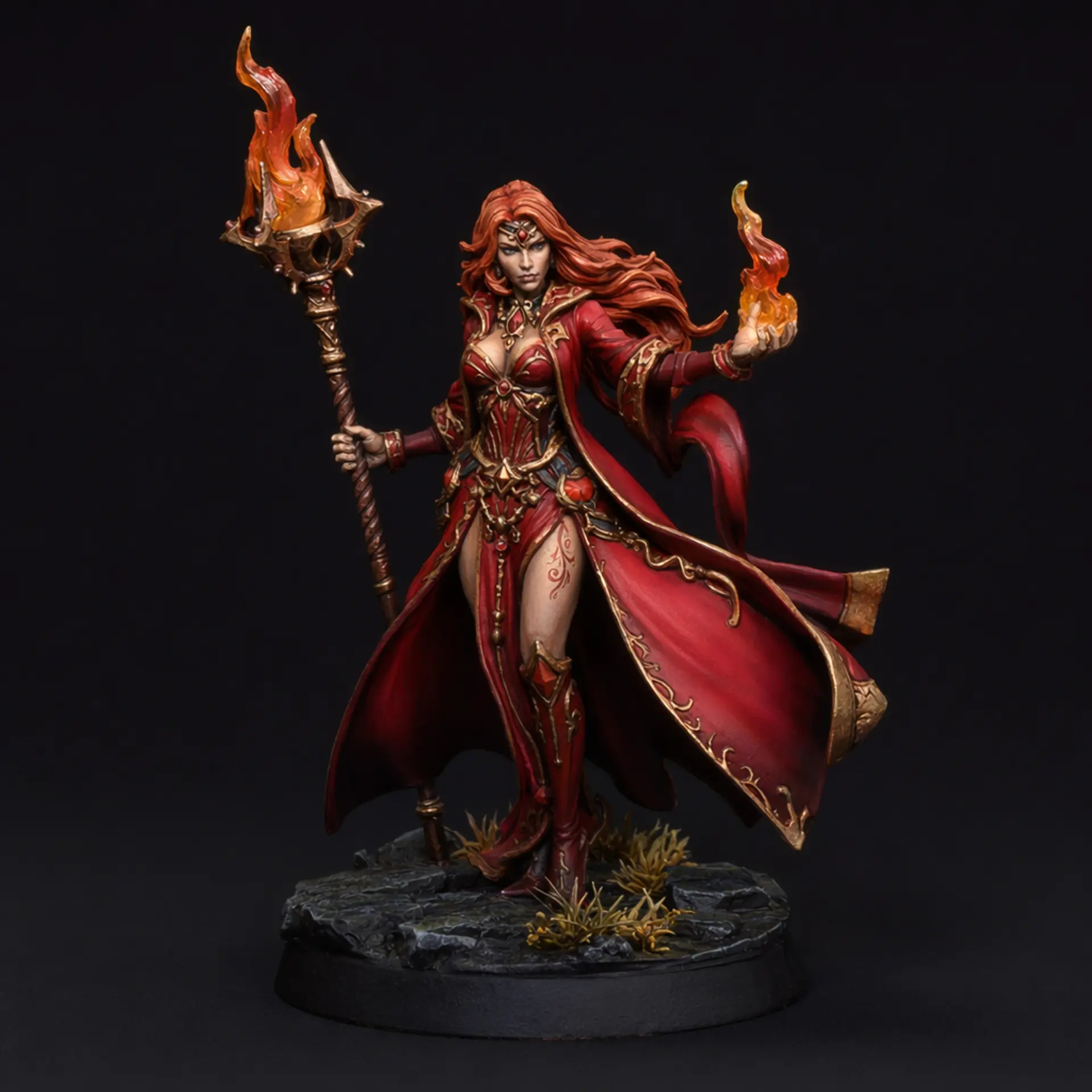
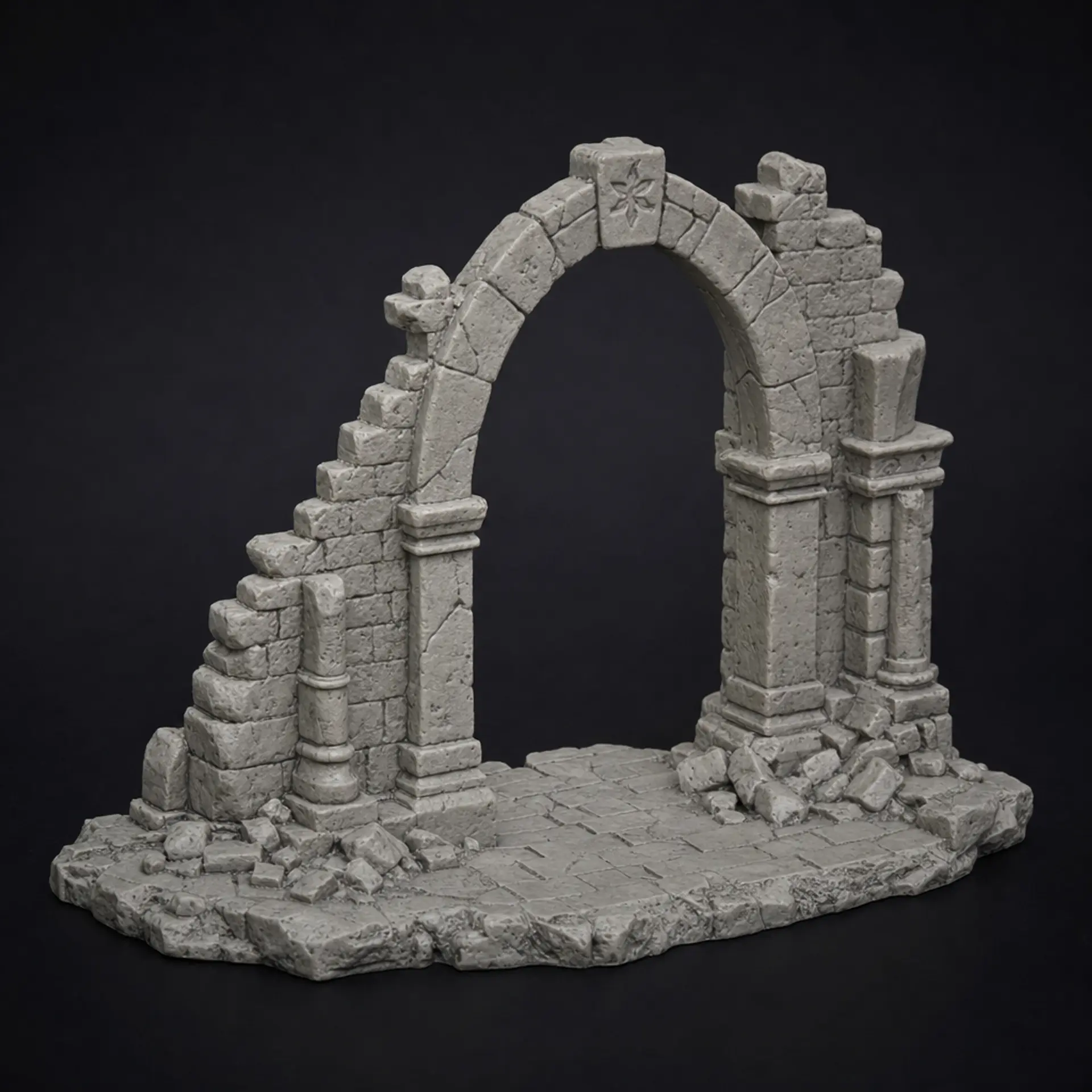
This AI miniature maker works from your description or your art, so the figure matches the character you play.
Make a miniature that looks like your own character. Write the species, class and gear, or upload the portrait you already use at the table.
Make a D&D character miniatureGive the boss fight its own figure. Describe the creature, or use the art from an NPC or monster you made in CharGen.
Make a monster miniatureThe generator follows your description, so it is not tied to one rule set. A kitsune magus or a goblin alchemist works the same way as a human fighter.
Make a Pathfinder miniatureMake a stand-in for a figure you do not own, or a leader for a custom unit. Use your own designs, not copies of the models of another company.
Make a wargame proxyPrint statues, chests, ruins and scenic bases to go with your miniatures.
Make a terrain piecePrint a larger version of a favourite character for the shelf. Choose a height up to 150 mm when you make it.
Make a display figureThe pictures of your party are already in CharGen. Pick a character, NPC or monster picture from your gallery and make a miniature from it. You do not need to draw it again.
From your libraryThe download is a standard STL file. It opens in the slicer you already use, such as Lychee, ChiTuBox, Bambu Studio, PrusaSlicer or Cura. It is already at the height you chose. Add supports and print on resin or FDM.
The generator gives you the model, and your slicer does the print setup. These five steps work for most miniatures.
Use the slicer for your printer, for example Lychee or ChiTuBox for resin, and Bambu Studio, PrusaSlicer or Cura for FDM.
The STL comes at the height you chose. For 28mm or 32mm scale, a human-size figure is about 28mm to 32mm tall. In D&D, a Medium creature stands on a 25mm (1 inch) base.
Blades, bow strings and fingers can be too thin to print at this size. The miniature page tells you when a figure has thin parts. Print the model larger, or make it again with thicker gear.
Use the automatic supports in your slicer. On a resin printer, tilt the model back 30 to 45 degrees first.
Resin shows the most detail. On FDM, a fine nozzle and thin layers give a cleaner face and hands.
| Resin | FDM | |
|---|---|---|
| Detail at 32mm | Very fine | Good with a fine nozzle |
| Layer height to start | 0.03mm to 0.05mm | 0.08mm to 0.12mm |
| Supports | Automatic, model tilted back | Tree supports |
| Good for | Characters and small monsters | Terrain and large monsters |
A model with many thin or separate pieces prints better in parts. The 3D model tools can split a model into parts and fill the hidden surfaces, so each part is solid.
Sculpting and commissions still have their place. For most tables, generating the model is faster, cheaper, and yours to print as many times as you like.
| Sculpt by hand | Hire a sculptor | CharGen | |
|---|---|---|---|
| Time to a mini | Days to weeks | 1 to 4 weeks | A few minutes |
| Skill needed | Years of practice | None, you pay | None |
| Cost per mini | Tools and hours | $60 to $150+ | 125 gold |
| Any character | Yes, slowly | Yes | Yes |
| STL file | You make it | Sometimes | By default |
The preview pictures are free, 5 each day. A plan adds gold every month. A pack adds gold once.
10 gold a day (up to 100), no card needed. A miniature needs a plan or a gold pack.
Start free900 gold every month, plus every other CharGen tool.
2,000 gold every month, plus every other CharGen tool.
4,500 gold every month, plus every other CharGen tool.
It is a tool that makes a 3D model of a tabletop miniature from a written description or from one picture. You download the model as a file and print it on your own 3D printer. You do not sculpt anything or use 3D software.
Yes. Write the species, class, gear and pose in a sentence and look at a free preview picture, or upload a picture of the character. You can also pick a picture of a character, NPC or monster that is already in your CharGen library.
Yes. Upload one picture and the generator makes a 3D model from it. A full-body picture with a plain background and one figure gives the best result.
The miniature page gives you an STL at the height you chose, which is the usual format for printing. You also get the 3D model with its colour as a GLB file.
The STL opens in any slicer at the height you chose. The page checks that the file is solid and tells you when the figure has thin parts. Add supports in your slicer before you print. The generator does not add supports or repair the mesh for you. Split a model into solid parts with the 3D tools
Yes, if your printer takes more than one filament. On a finished miniature you can get a colour print file for 90 gold. A miniature from a preview is painted from your words, and one from your own picture keeps its colours. You download a 3MF file with up to 4 colours at a height from 50 to 150 mm. The file opens in Bambu Studio. Under 50 mm the colours are too fine to print.
You choose the height before you make the miniature: 28, 32, 54 or 75 mm, or your own height from 15 to 150 mm. A human-size figure is usually about 28mm to 32mm tall in D&D and most wargames. Make large monsters taller to match.
A resin printer gives the most detail at this size. An FDM printer also works, best with a fine nozzle and thin layers. The STL opens in the slicer for any common printer, for example Elegoo, Anycubic, Bambu Lab, Prusa and Creality.
A miniature costs 125 gold. That is the 3D model, the STL file at your height and the print check. The preview pictures are free, 5 each day, so you pay only for a figure you like. A plan or a one-time gold pack gives you the gold. See plans and gold packs
A preview picture takes about 10 seconds. The miniature takes about 3 minutes. You can leave the page while you wait. The finished model is saved to your library.
No. You write a prompt or choose a picture, and the generator makes the model. Your slicer does the print setup.
Yes. Under the CharGen terms, the models you make are yours to use for personal or commercial work. Use your own designs, and do not copy the characters or models of another company. Read the terms
New models are public by default. You can make any model private from its page.
Hero Forge and similar builders give you a library of parts to combine and pose. CharGen makes a new model from your description or your art, so you are not limited to a parts list. Hero Forge can also print the figure and ship it to you. CharGen gives you the file to print yourself. Hero Forge alternatives compared
Clean up a mesh, add a skeleton, or split a model into parts for printing.
Build the character first, then make its miniature.
Make an NPC with a portrait, then print the figure.
Make a monster with a stat block and art for your next encounter.
Make a VTT token of the same character.
Make the map your miniatures stand on.
Stage a picture of your painted miniature on tabletop terrain.
Compare miniature builders and AI tools for character visuals.
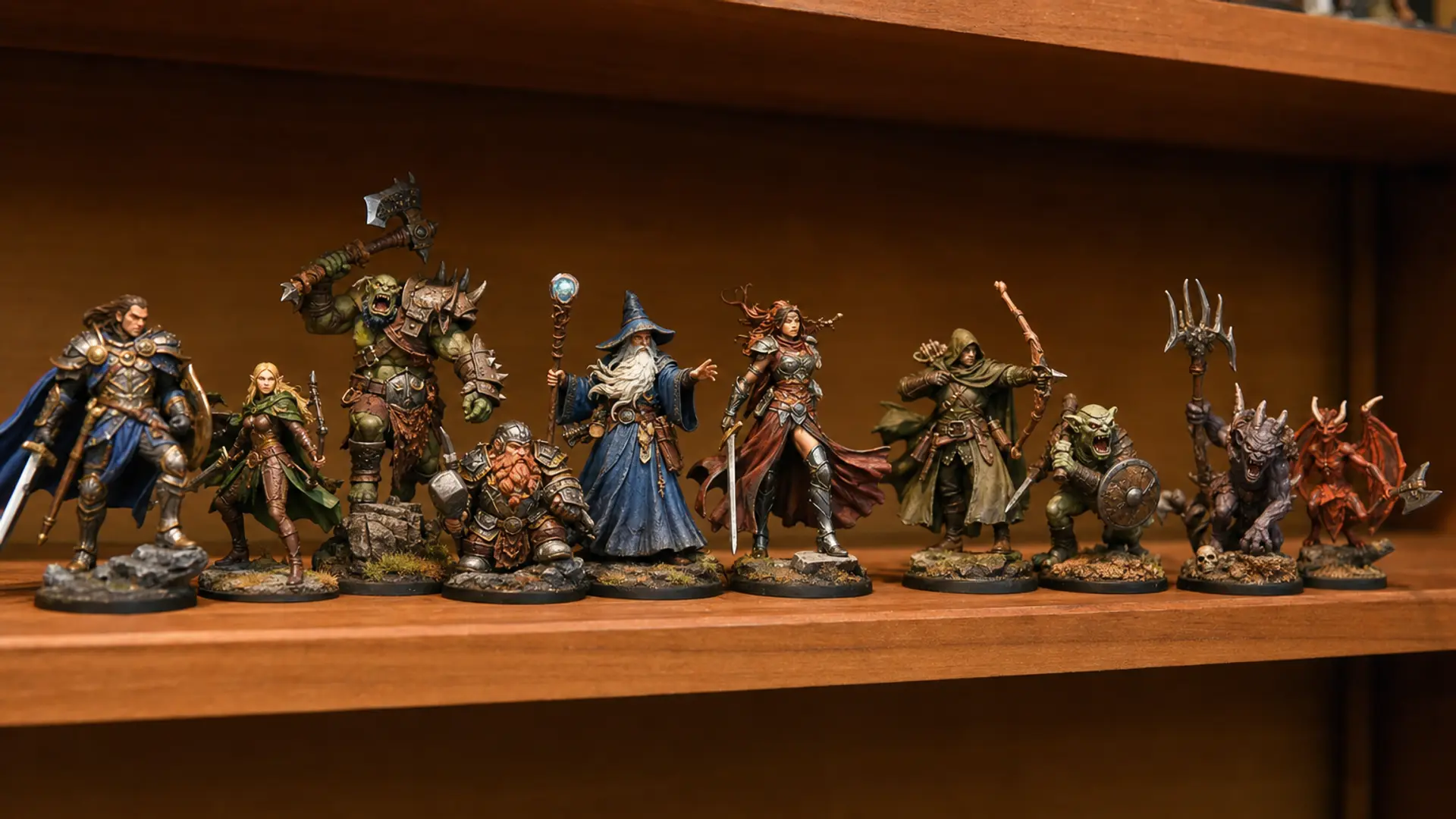
Describe a character, download the STL and print it for your next session.
Make your first mini