
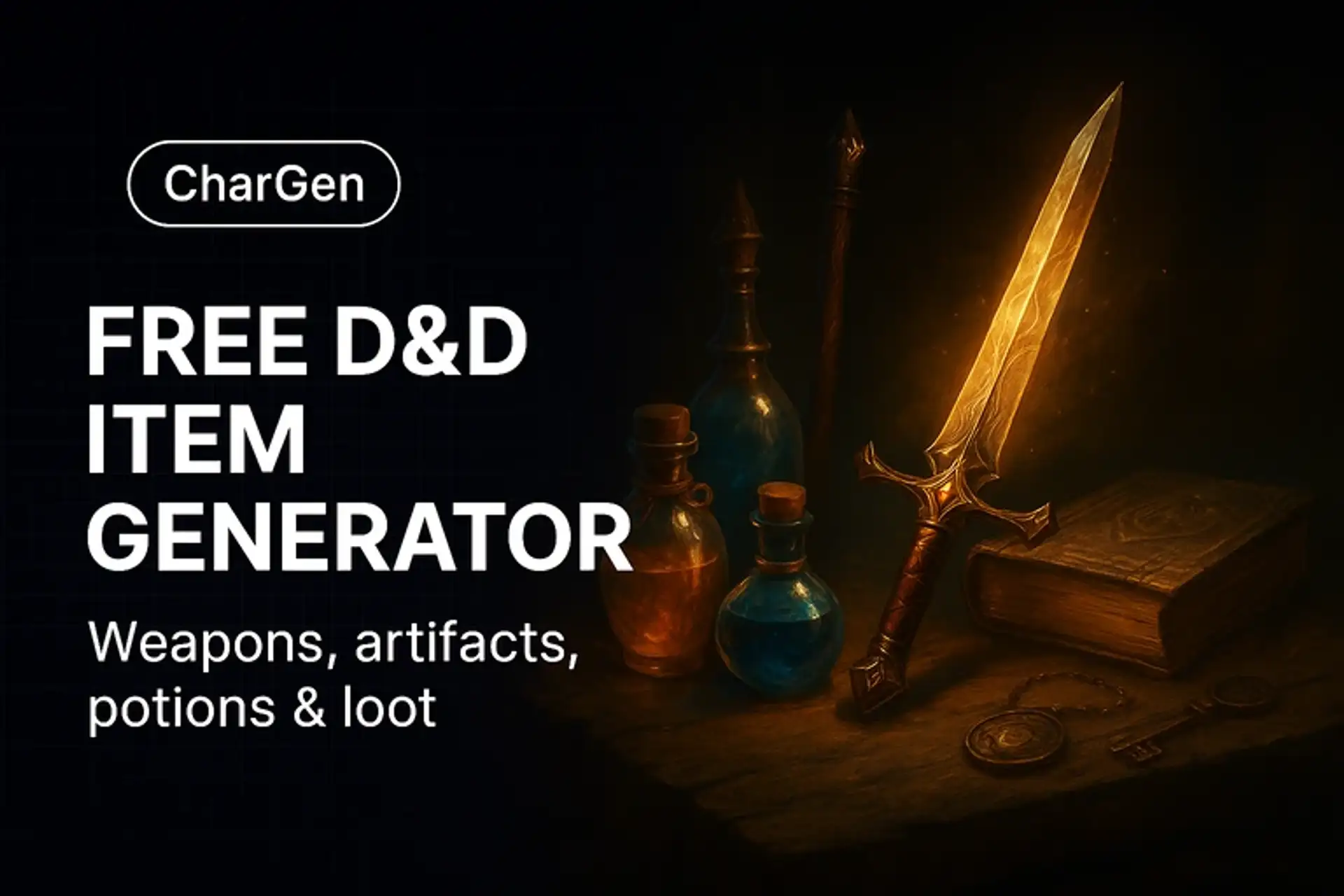

How to Use the D&D Item Generator
- Choose an item type for your prompt: weapon, armour, potion, artifact, or curio.
- Add optional themes to the prompt: element, school of magic, culture, rarity.
- Generate AI art from your descriptions; iterate until it fits your scene.
Why Use This Fantasy Item Creator
- Fast concepts with lore, properties, and flavorful drawbacks come from the Magic Item Generator.
- AI art for handouts, shops, and loot reveals.
- Great for custom treasure or stocking merchants.
Example Item Prompts
"Runed shortblade with ivy-wrapped hilt, emerald in pommel, forest-elf craft, painterly style."
"Clockwork reliquary with stained glass panels, glows from within, Art Deco fantasy, moody lighting."
D&D weapon generator: custom weapon art and stats
This page makes the picture of a weapon: a blade, axe, bow or staff for a handout, a shop card or a loot reveal. Describe the weapon, pick an image model and generate. The art carries no damage dice or rules text.
For the rules, open the Magic Item Generator. Set Item Category to Weapon, choose a Power Tier from Minor to Artifact, then a Curse Level. The form starts on D&D 5E and lists other game systems. Text generators are free and unlimited, while each image costs gold, with the price shown before you generate (checked 5 November 2026 on char-gen.com/pricing).
What to put in a weapon prompt
- The weapon type first: longsword, warhammer, shortbow or quarterstaff.
- One material: meteoric iron, coral, bone or black oak.
- One sign of age: a chipped edge, a worn grip or a maker's mark.
- The magic you can see: glowing runes, frost on the blade or seawater dripping from the prongs.
For a weapon icon on a VTT, pick the Transparent background option on GPT Image 2.6 Flare or Sunburst, added on 5 November 2026, or send the art to the Token Maker.