Schedule D&D without the group chat
Send one link, in the browser or in Discord. Players answer in one tap, you set the night, and the reminders go out for you.
Free. Players need no account.
Try it: answer as Krackle, then set the night.
When can you play?
You are Krackle · saves as you tapDates for session 13
Answers come in as players tapKrackle’s phone: tap Yes for Friday.
The poll in the group chat started well.
The group chat, or the Table
Then the answers scroll away under the memes, nobody knows what “maybe” means, and one player answers a message from last week. You chase each player by hand. This is what changes when the poll has its own link.
Three steps, and the night is set
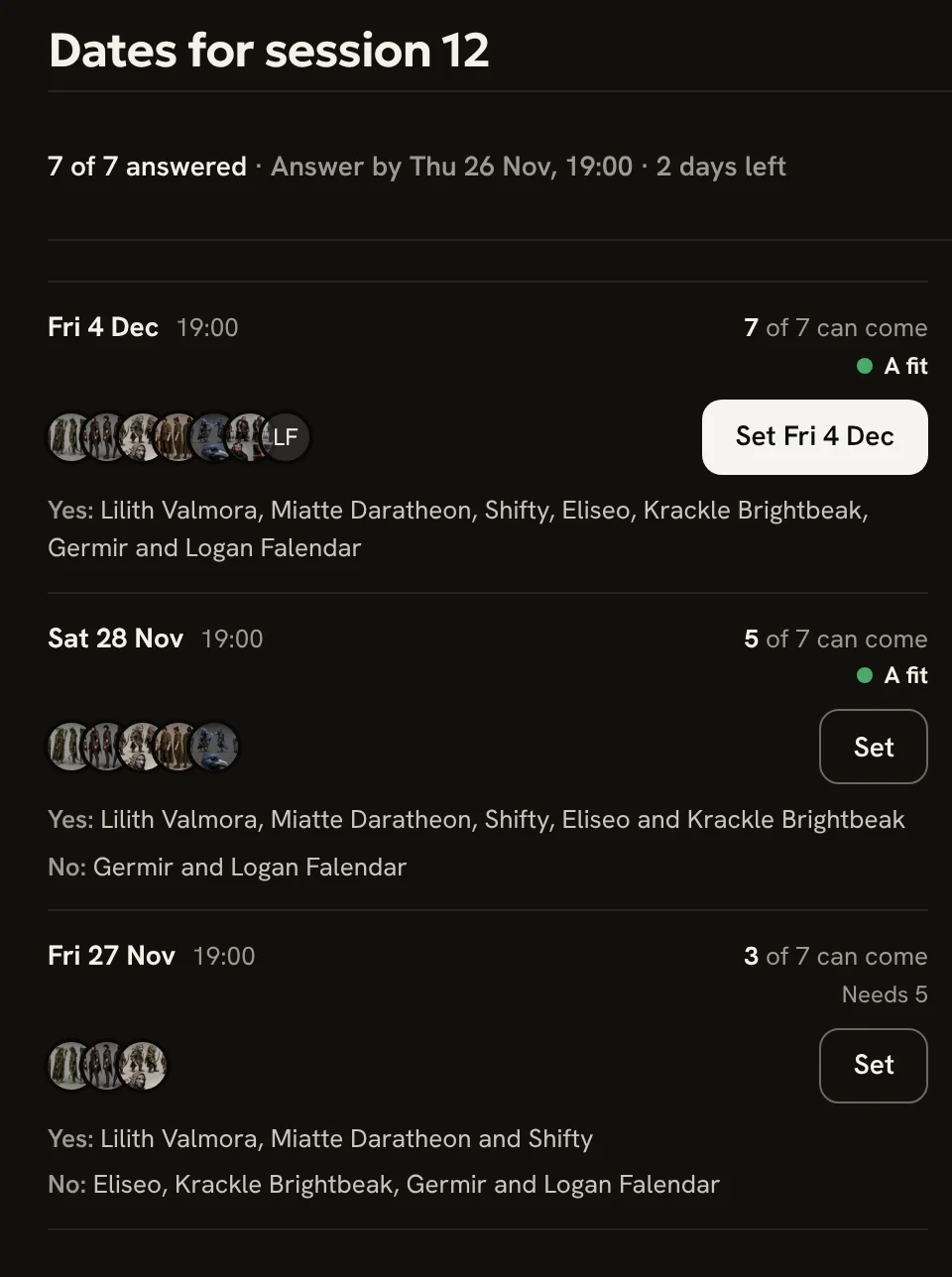
1. Offer 2 to 6 dates
Pick them on your campaign’s Table. Say how many players must come and the day to answer by, and the dates that reach it show first.
When can you play?
Session 13 · You are Krackle2. Players tap an answer
Yes, If need be or No, on the link or in Discord. Nobody makes an account: the phone remembers which character it is. Players who always play on the same nights can save them, and those dates start as Yes for them to send.
Next Friday, 19:00
 KrackleComing
 LilithComing
3. You set the night
Press Set on the best date. Everyone gets a ticket for Google, Apple or Outlook, and you have a minute to undo it.
Four of seven can come. Do you play?
Say how many must come, and by when
Set the number of players you need and a day to answer by. Dates that reach the number go to the top. The others show how many more you need, so you see which dates can still work.
- If need be counts. A player who can come if they must counts toward the number.
- A tie? When two dates draw, one roll picks the night.
Dates for session 13
5 must come · answer by WednesdayYou are the one who chases everyone.
Reminders go out without you
Players who ask get an email when you offer dates and when the night is set. The ones who have not answered get a nudge. Two days before, everyone gets “Still coming?”, so you know who is coming before you prep.
- Plans change. Move or cancel the night with a note.
- No date works? A player can suggest another, and you add it to the poll.
Still coming?
Session 13 · Next Friday, 19:00Yes, I am comingI cannot comeYou book the games, but you are not the DM.
The person who organises can run the poll
Turn on the Table for your group’s campaign and say which seat is yours. The DM gets a seat like everyone else and answers the dates from their phone, so the person who books the games does the booking.
Which one is you?
SavedKrackleYou run the TableYouLilithPlayerYour group lives in Discord.
Answer the poll without leaving Discord
Link a channel with /campaign link. The poll posts there, players tap Answer here or type /schedule, and the channel hears when the night is set.

Friday 19:00: 5 of 7 can come
Saturday 19:00: 7 of 7 can come
The same link keeps going after the date
The link your players opened to answer is also where the game lives. You can stop at the dates, or use the rest.
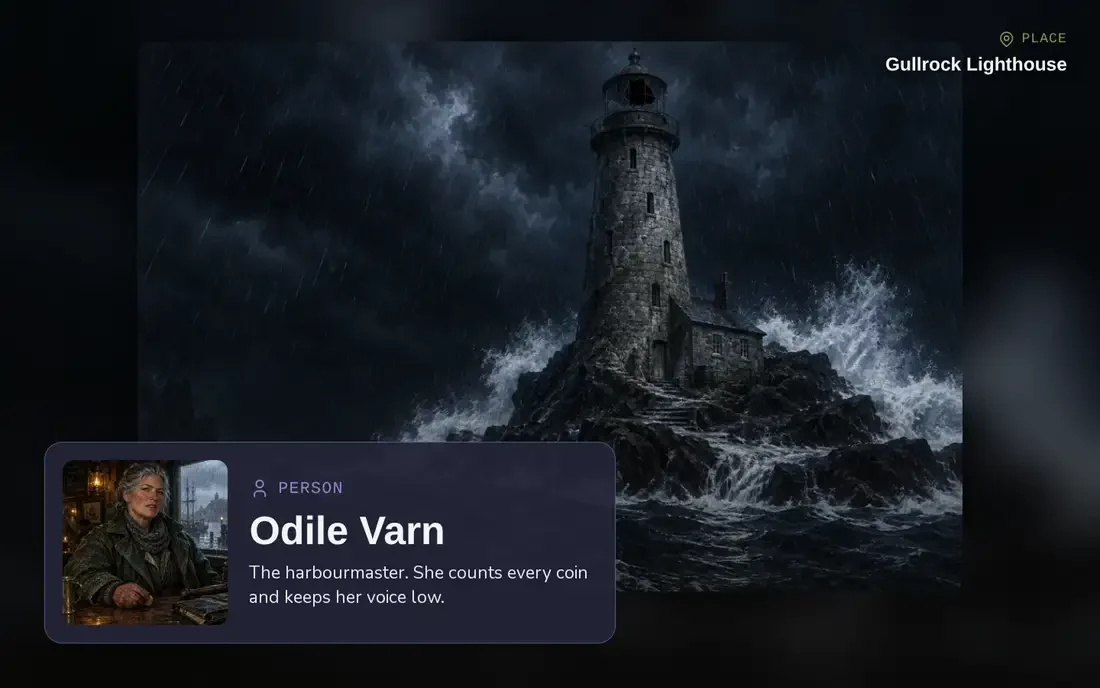
On game night
When someone names an NPC, her picture is on the TV and on every player’s phone. You press Show.
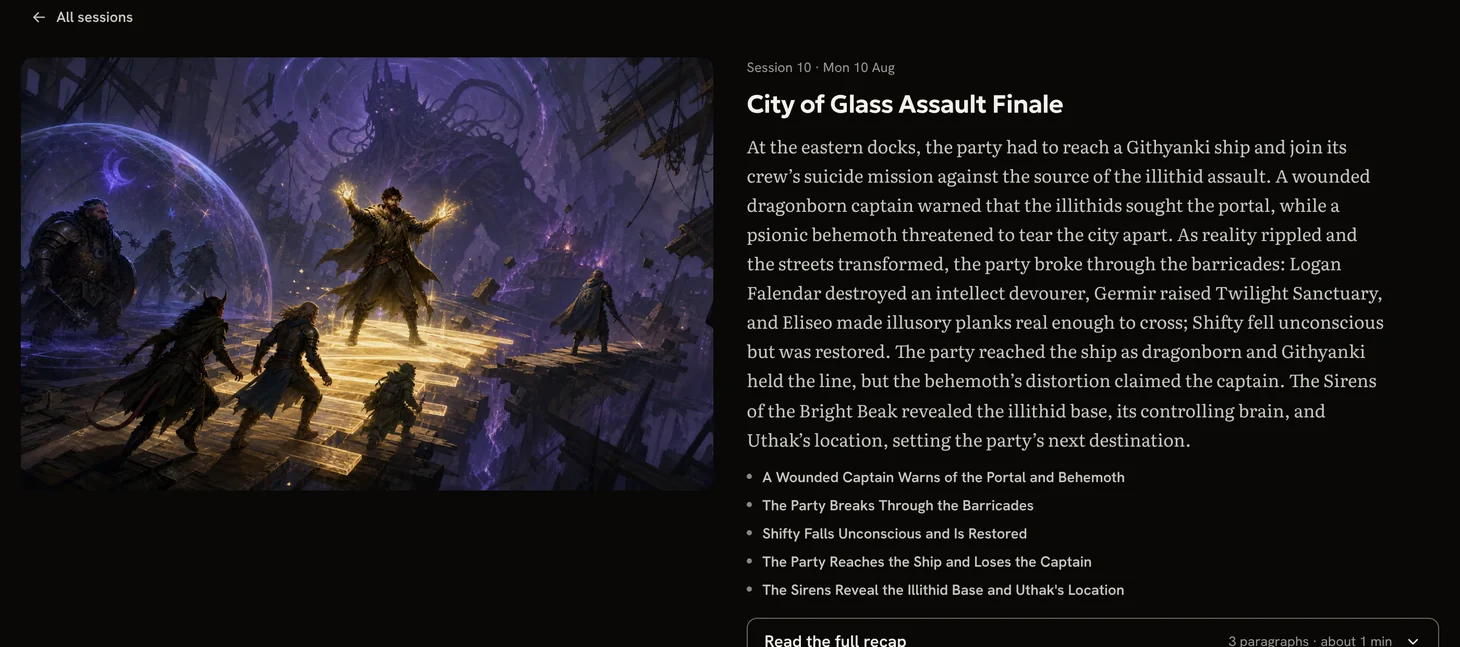
Between games
Last session’s recap, the NPCs they met and a page for each character, on the link they open for the next dates. Players send downtime actions there too.
How to find a date your D&D group can make
Four habits that work with any group. The Table does each one for you.
Offer two or three dates, not one.
One date is a yes or no question, and one no stops the game. Three dates give the group a choice.
Say how many must come.
Decide before the poll if you play with four of six. Then a date with four is a game, not a debate.
Give a day to answer by.
Without one, the last answer comes the night before.
Check two days before.
Plans change. A short “Still coming?” tells you to prep, or to move the night while there is time.
Free for you and your players
You need a free CharGen account to offer dates. Your players need nothing at all.
- Free, always
- The dates, reminders, calendar tickets, Discord answers and the players’ page.
- Listening on game night
- Your first night is free, and so is the next one after you answer 5 questions. Then 40 Gold for each hour started, after a free 15-minute test. Silence is not charged.
- The write-up of the night
- 45 Gold an hour, the same as session notes from audio. Your first CharGen session is free.
Questions
No. The link opens in any browser, and each phone remembers which character it is.
From 2 to 6 for each session.
Yes. Set how many must come and the day to answer by. Dates that reach it show first.
Yes. Each tap saves, and a player can tap again to change it.
The dates, reminders and calendar tickets are free, for you and your players.
Players can save their usual nights, so those dates start as Yes and they only press Send. “Still coming?” still goes out two days before.
Yes. The person who books the games can run the Table, and the DM answers the dates like a player.
Yes. Once the night is set, the ticket shows who is coming, who can come if they must and who cannot.
Yes. Make a campaign for it, turn on the Table and offer the dates.
Players get a ticket and “Still coming?” two days before. On game night the same link can show NPC pictures on the TV, and next week it has last time.
Send your group the dates
Turn the Table on for a campaign, offer a few dates and copy the link to your group.
Free. Players need no account.
