Write five short parts, in this order: subject, what moves, camera, place and light, finish.
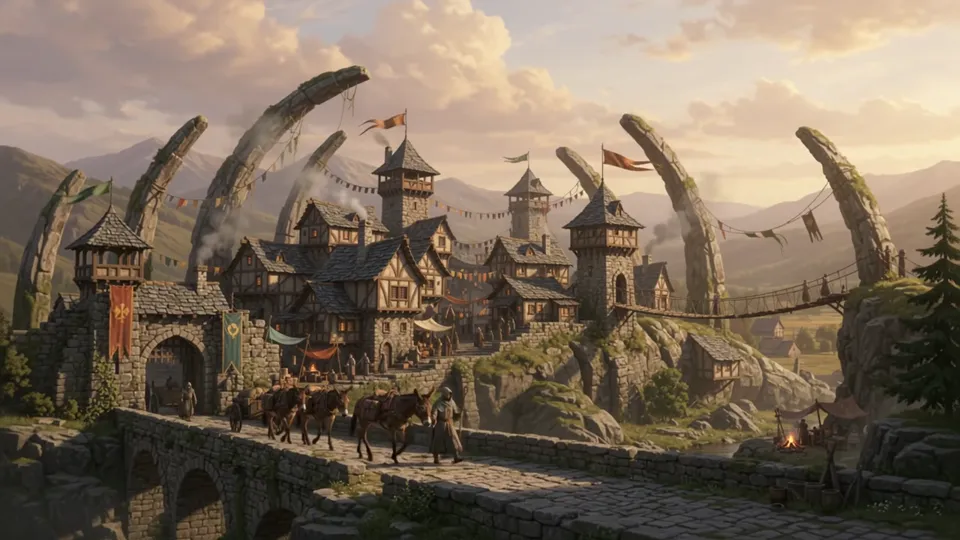
Wide establishing shot of a toll town built along the back of a fallen stone giant. Houses line the spine, rope bridges hang between the ribs. A mule caravan walks across a causeway in the foreground, market smoke rises and drifts, banners move in the wind. The camera pushes in slowly. Late afternoon, long shadows, muted greens and rust. Painterly fantasy landscape.
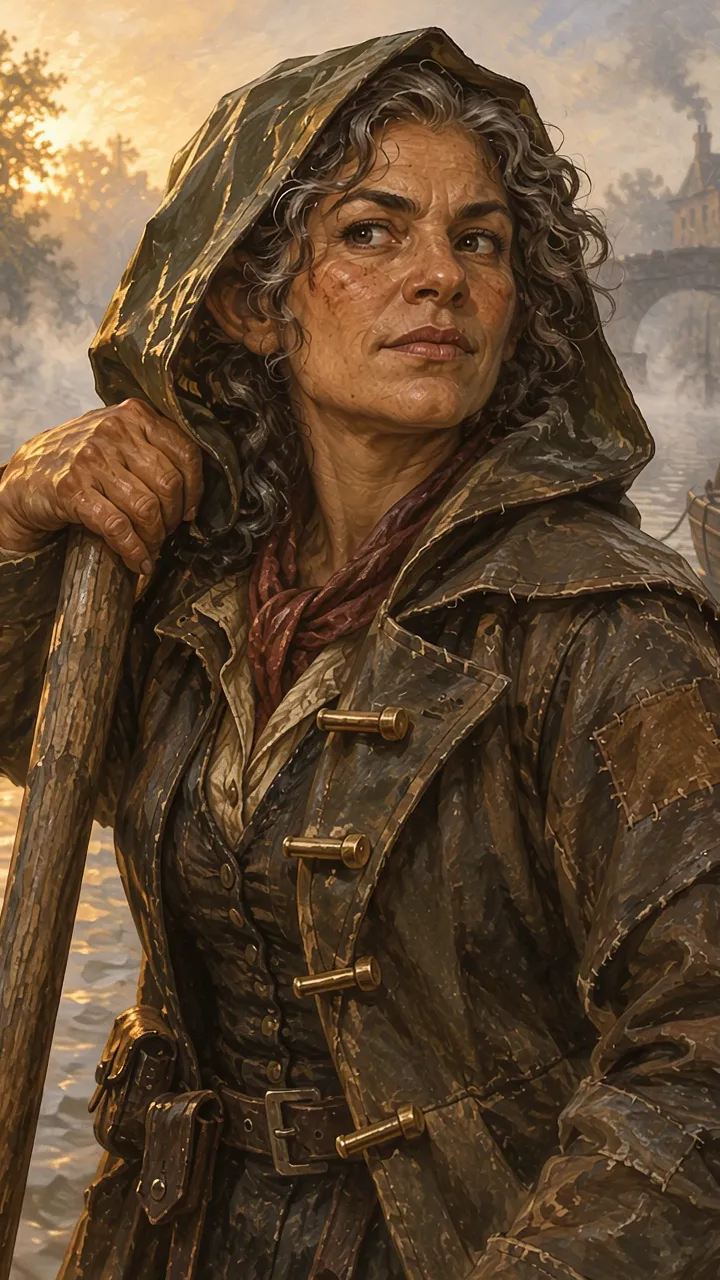
She shifts her weight on the barge pole and turns her head to look down the canal. Mist drifts behind her. The camera holds still.
It is a Google video model that CharGen runs through WaveSpeed. Google describes the Gemini Omni family as one model that makes and edits video from text, images, and video. On CharGen, one name covers text-to-video, image-to-video, reference-to-video, and video edit.
WaveSpeed says every clip comes with sound made from the same prompt. You can ask for dialogue, music, or ambient sound in your prompt. There is no control to turn the sound off.
16:9 or 9:16. 360p, 720p, 1080p, or 4k. The default is 720p.
3 to 15 seconds, with 8 seconds as the default. A video edit is billed on the length of the source clip, from 3 to 10 seconds.
Text, image, and reference clips cost the same: 4, 10, 15, or 29 gold per second at 360p, 720p, 1080p, or 4k. A video edit costs 7, 15, 20, or 37 gold per second. An 8 second clip at 720p costs 80 gold.
Up to 10 images in total, including a start image. Add reference images to use reference-to-video. One start image alone stays on image-to-video. WaveSpeed says reference images keep a person, product, or place recognizable.
Yes. Choose a source video and describe the change. WaveSpeed says an edit can change the subject, style, scene, or lighting and keep the rest of the clip. An edit does not use the size or length controls.
Yes. A free account gets one free try of Gemini Omni 1.2 Flash. After that, it needs a paid plan.
