How to write for it
Write five short parts, in this order. The phrases under each part are from the prompts on this page.
- 1SubjectWho or what it is, in one sentence. Say how the shot frames it.
Wide establishing shot of a toll town built along the back of a fallen stone giant.
- 2What movesOne to three things, each with its own verb. What you do not name can stay still.
A mule caravan walks across a causeway
market smoke rises and drifts, banners move in the wind
- 3CameraOne move, or say that it holds still.
The camera pushes in slowly.
The camera holds still.
- 4Place and lightWhere it is, the time of day and the colours.
Late afternoon, long shadows, muted greens and rust.
- 5FinishThe look. Both our clips came out as paint.
Painterly fantasy landscape.
A picture prompt says what is there. A video prompt must also say what moves and what the camera does. If you leave those two parts out, the model has to choose them.
The shot
Every video guide runs this shot with the same words, so you can compare one model with the next. Its prompt has all five parts.
Establishing scene
- Name what moves.“A mule caravan walks”, “smoke rises and drifts”, “banners move”. All three move in the clip.
- Give the camera one move.“The camera pushes in slowly.” The town comes nearer over the five seconds.
- Say the finish.“Painterly fantasy landscape” came out as paint.
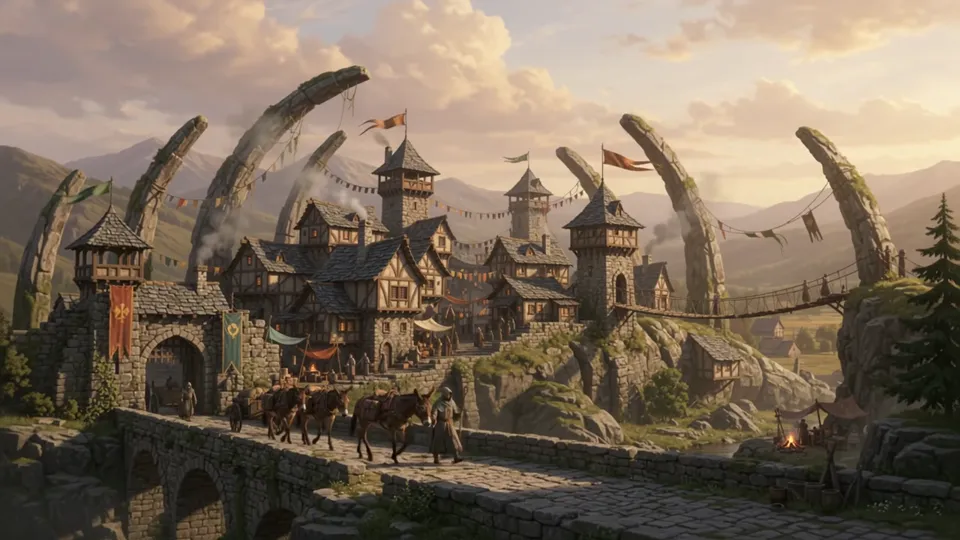
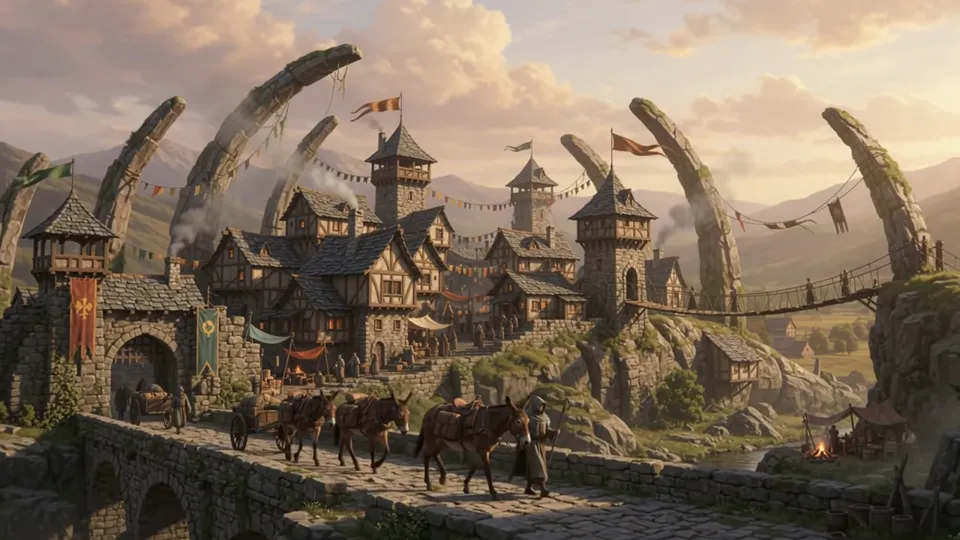
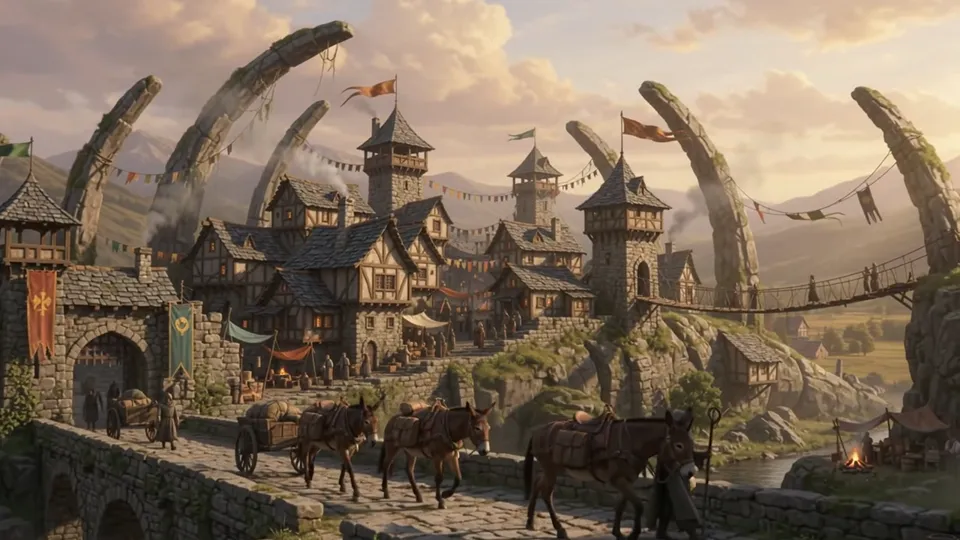
Wide establishing shot of a toll town built along the back of a fallen stone giant. Houses line the spine, rope bridges hang between the ribs. A mule caravan walks across a causeway in the foreground, market smoke rises and drifts, banners move in the wind. The camera pushes in slowly. Late afternoon, long shadows, muted greens and rust. Painterly fantasy landscape.
Open in studio opens the video studio on Gemini Omni 1.2 Flash with the prompt filled in. Set the length and the resolution there. The studio shows the price before you make anything.
The caravan walks across the causeway, smoke rises from the chimneys and the flags move. The camera moves in, as asked. The look is paint, so the finish words held. The giant is a row of stone ribs over the town, with no head. The clip came with sound that the prompt did not ask for.
The same shot on the other five models
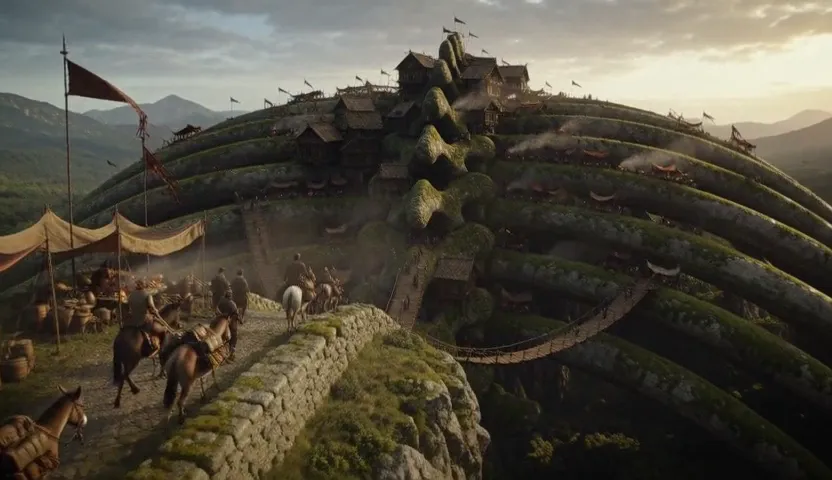
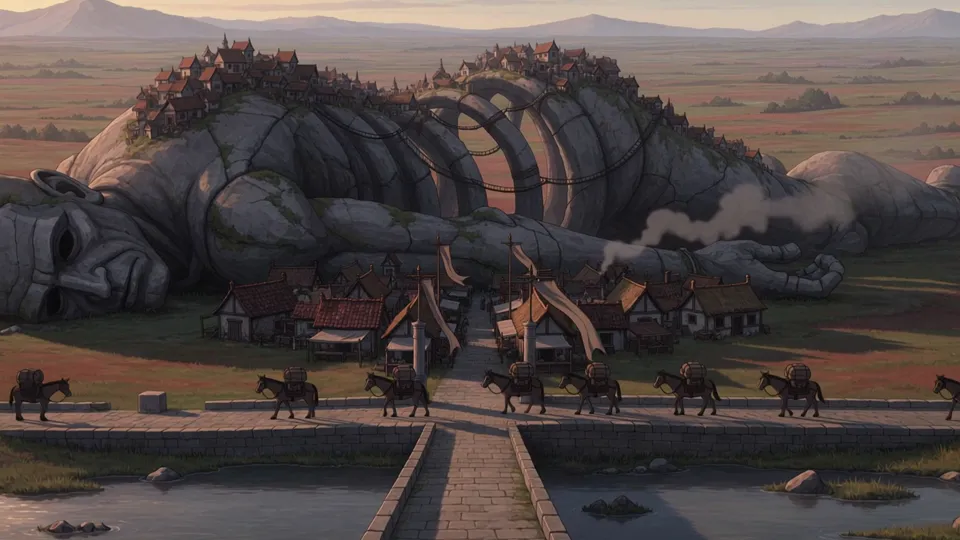 Kling V45 s · 720p · 16:9 · 100 goldThe whole fallen giant, in paint. The caravan walks and the camera moves in.
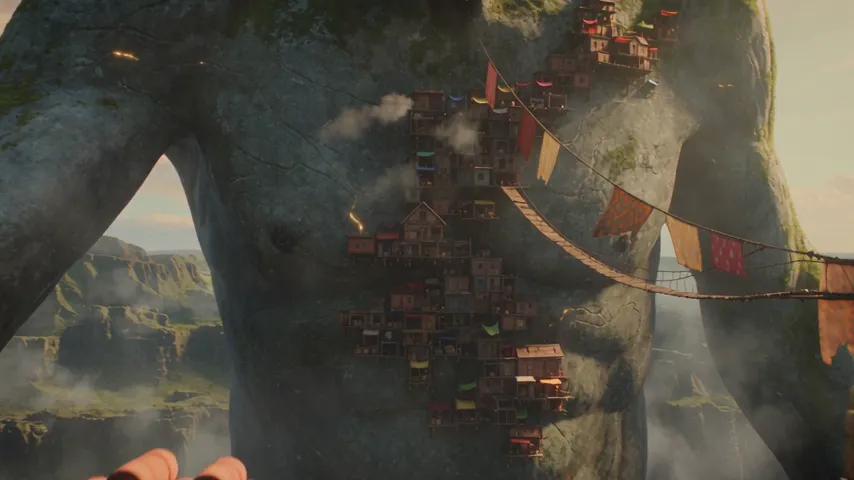
 MiniMax H3 Max5 s · 480p · 16:9 · 35 goldA film look, not paint. The caravan walks, the banners move and the camera moves forward a little.
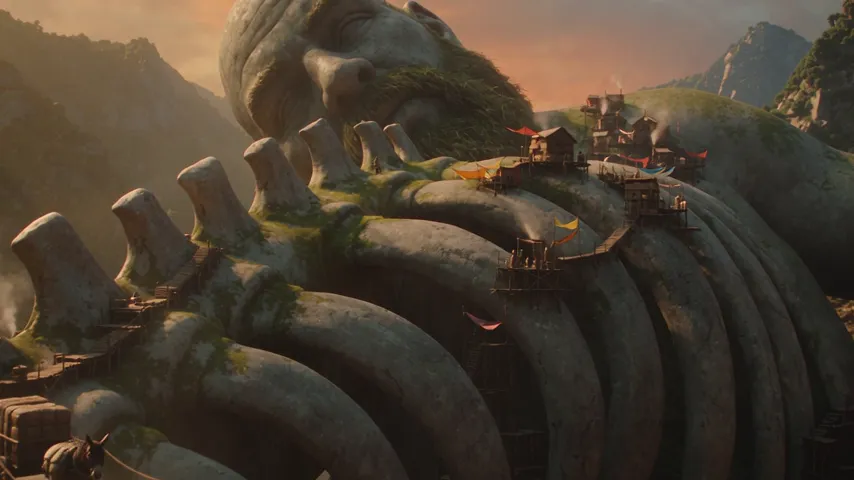
 Seedance 2.55 s · 480p · 16:9 · 125 goldA film look. The camera pushes far in, past the caravan, to the town on the giant.
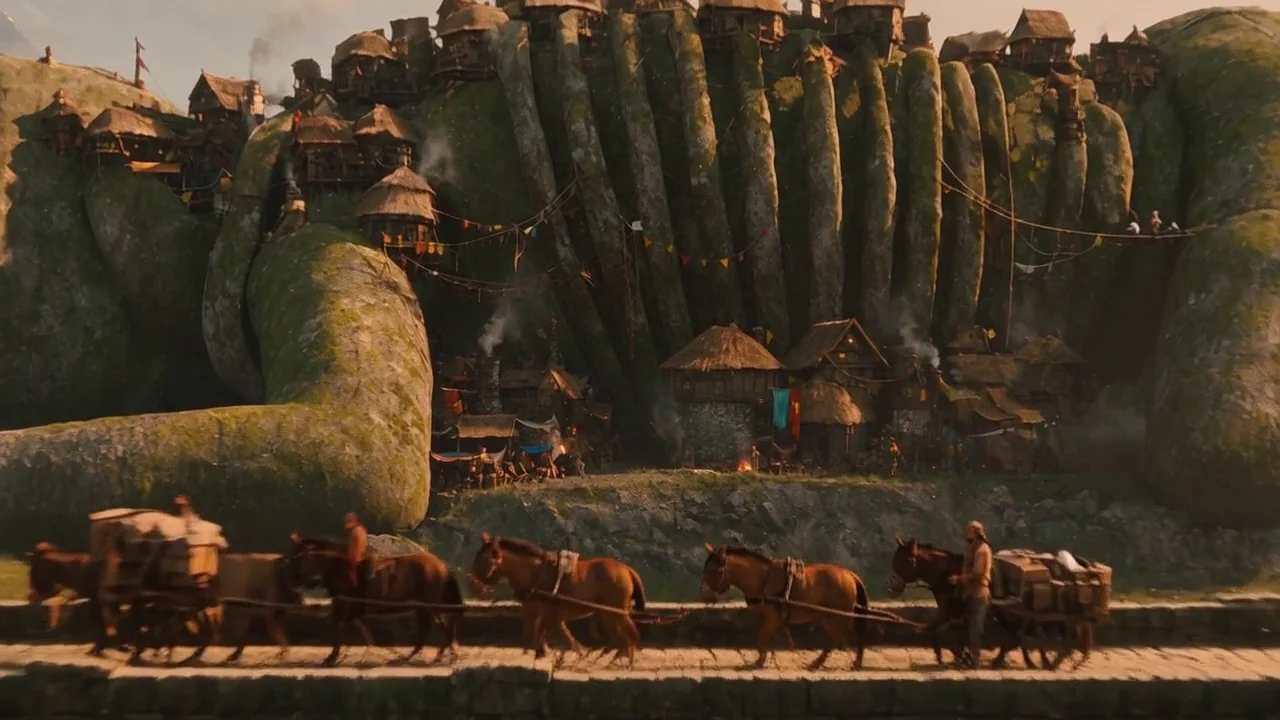
 Seedance 2.5 Flash5 s · 480p · 16:9 · 100 goldThe whole giant, head and all, as on Kling V4. A film look, and the camera moves in past the caravan.
 Seedance 2.5 Flash Turbo5 s · 720p · 16:9 · 100 goldThe whole curled giant with houses on its ribs, a closer look at the market, and the camera crosses past the bridge.
From a picture
A clip can start from a picture. The picture gives the face, the clothes and the place, so the prompt has only the motion and the camera.
A portrait, brought to life
- Start from a picture you have.The clip starts on the picture and keeps its hood, its coat and its paint.
- Write only what moves.The picture already says who and where. Our prompt names her weight, her head and the mist.
- The shape follows the model.This model makes 16:9 or 9:16. The picture is 2:3, so its sides were cut to 9:16.
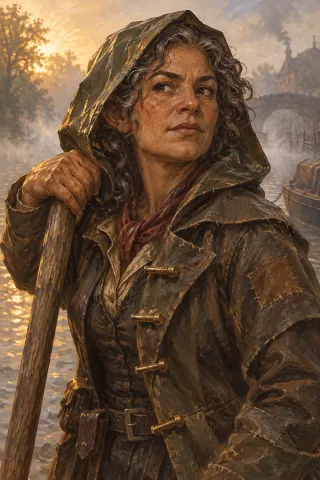
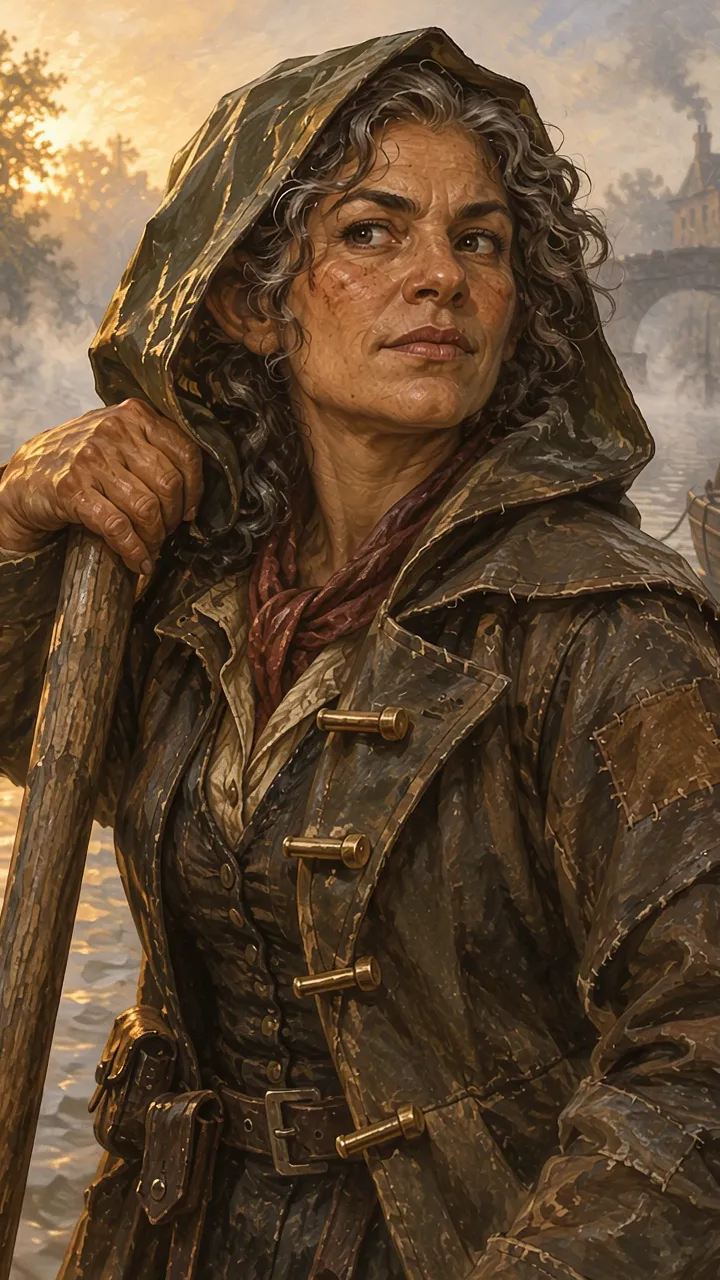
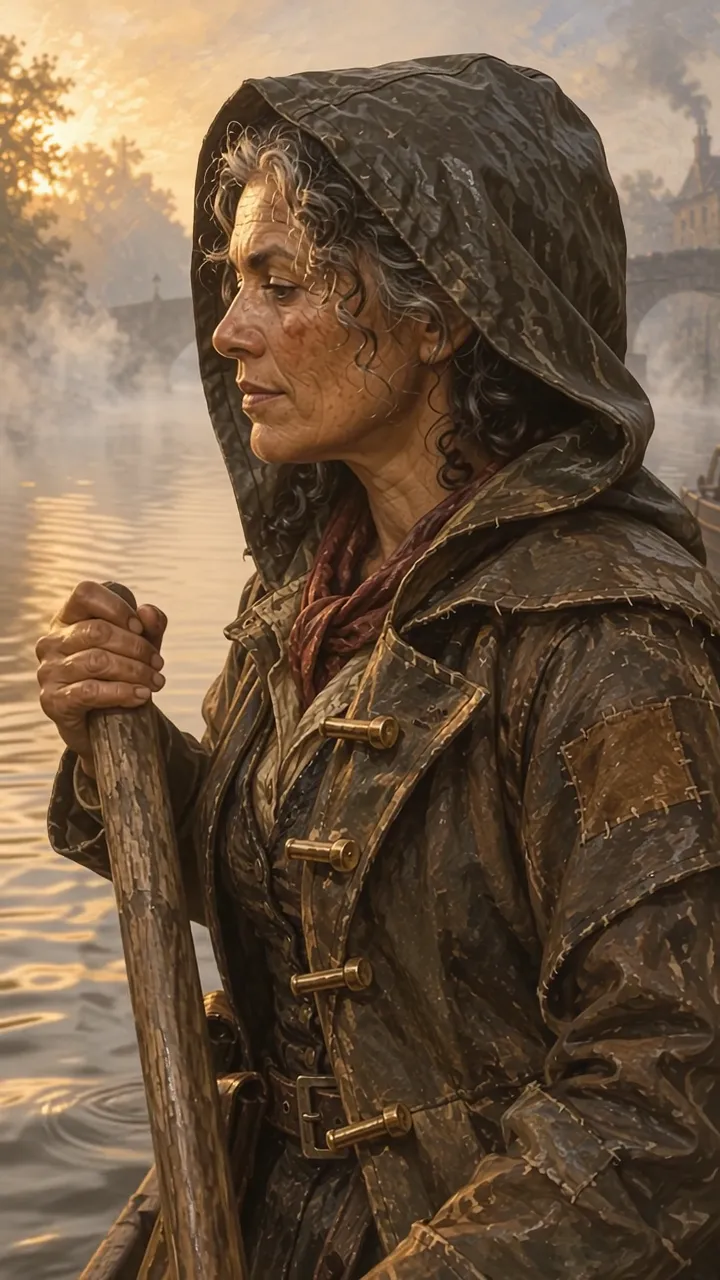
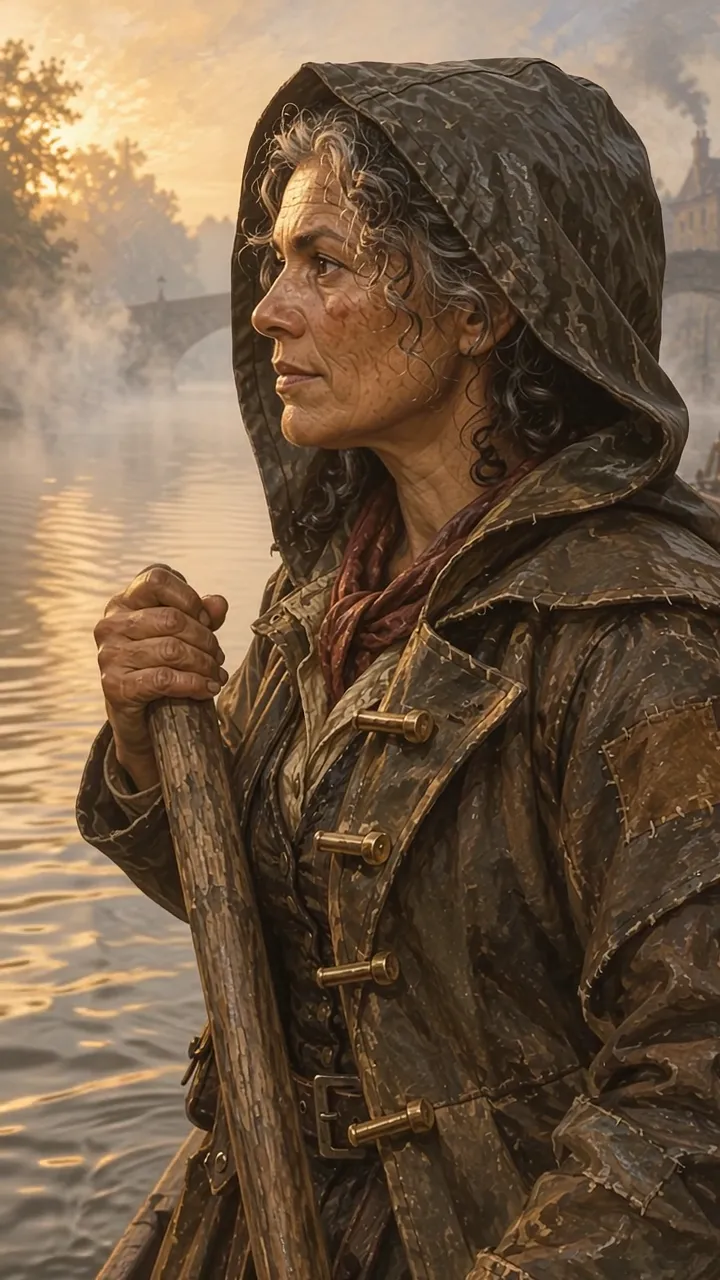
She shifts her weight on the barge pole and turns her head to look down the canal. Mist drifts behind her. The camera holds still.
She turns her head to look down the canal, and her hand moves down the pole. The hood, the coat, its patches and her hair are the picture’s own, and the paint look holds for all five seconds. The view turns a little to the side, where the prompt said the camera holds still. The clip came with quiet sound.
What else to know
The finish held. From text, “Painterly fantasy landscape” gave paint. From a painted picture, the clip stayed in paint.
A picture keeps the clothes and the paint. The portrait clip has the same hood, coat and paint as the picture it started from. She turns to the side, so her face is harder to compare.
It adds sound. The studio has no sound setting for this model, and both clips came with sound. Plan for it, or mute the clip at the table.
A camera that holds still can drift. In the portrait clip the view turns a little to the side.
It can leave a part out. The prompt said a fallen stone giant. The clip shows its ribs and no head.
Check your first clip
Make one short clip at the lowest resolution before you make a long one. These four things changed from model to model when we ran the shot on five of them.
- The finish.The same words, “Painterly fantasy landscape”, gave paint on two of the five models and a film look on the other three.
- How far the camera went.Every clip moved forward, one of them only a little. On two models the camera went past the caravan by the middle of the clip.
- What was left out.Two clips of five show the whole fallen giant. Two show its ribs and no head, and one shows it standing.
- What was added.All five clips came with sound, and two of the five models have a sound setting. One clip added glowing cracks in the stone.
Prompts to try
These prompts are for the table and follow the five parts. We have not run them on this model, so they have no clip and no gold here. The studio shows the price before you make anything.
Battle map that moves
For a virtual tabletop: a map with a little motion and a camera that does not move.
Top-down battle map of a flooded cellar under a tavern, seen from directly overhead. The green water in the east half ripples, the lantern light on the walls flickers and a small rowboat rocks at its rope. Nothing else moves. The camera holds still. Hand-painted tabletop map style.
Item that turns
To show a magic item from all sides before the players take it.
A ship's compass of tarnished brass with a cracked glass face turns slowly on a plain dark ground. Frost drifts off its needle of blue ice. One full turn at an even speed. The camera holds still. Painted fantasy item art.
Handout the camera reads
To open a scene. Make the poster as a picture first if its words must be right.
A weathered wanted poster nailed to a wooden post in the rain. The camera starts on the nail at the top and tilts down slowly to the bottom of the paper. Rain runs down the poster. Old paper, an ink sketch of a one-eyed dwarf, a dark street behind.
Limits on CharGen
- Price
- 4 gold a second at 360p, 10 at 720p, 15 at 1080p, 29 at 4k
- Length
- 3 to 15 seconds
- Resolution
- 360p, 720p, 1080p and 4k
- Shapes
- 16:9 and 9:16
- Starts from
- Text, a picture, up to 10 reference pictures and a clip to edit
A 5-second clip costs 20 gold at 360p, 50 at 720p, 75 at 1080p and 145 at 4k. The longest clip, 15 seconds, costs 60 gold at 360p, 150 at 720p, 225 at 1080p and 435 at 4k.
The clips on this page: 5 s · 720p · 16:9, 50 gold. 5 s · 720p · 9:16, 50 gold.
