
Use Video Edit and Portrait Modes
Choose the specialist mode for an existing video or a character plus speech.
Use Edit when you have a source video and one narrow change to request. Use Portrait when you have a cleared character plus speech. These are specialist one-clip modes under /generate?contentType=video; /video-studio remains the separate multi-shot film workspace.
Edit one existing clip with a narrow instruction
1. Attach Source Video and state one intended change
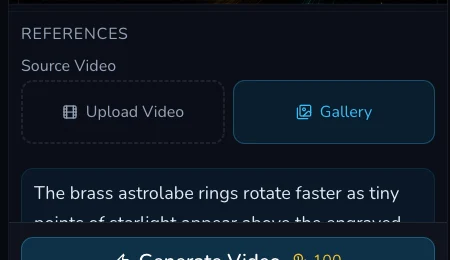
Select Edit and attach a cleared Source Video. The reviewed prepared controls required Source Video and Prompt. Keep the instruction narrow enough to compare against the original, for example: “Shift the scene to cool moonlight while keeping the camera movement and main composition.” Preserve the source file so you can judge whether the request changed more than intended.
2. Compare the completed Edit output with the source
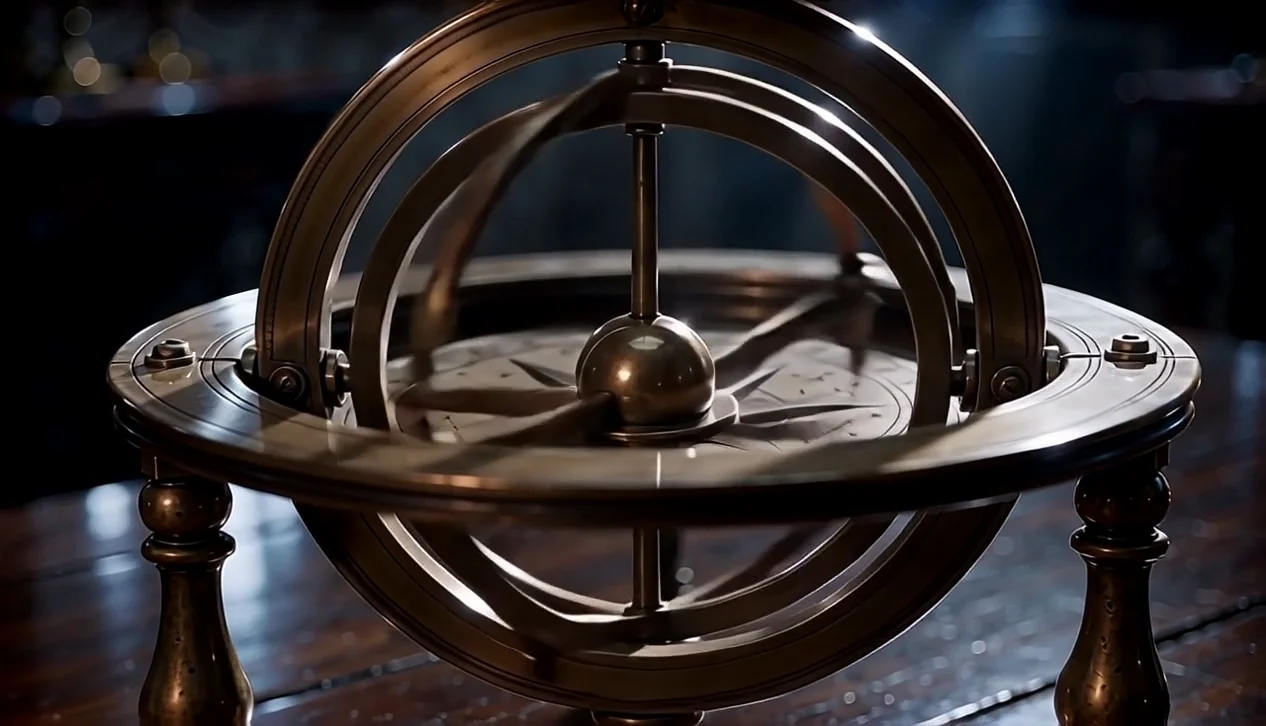
The reviewed Edit request completed, persisted in Gallery and produced a 1266 by 726, 5.056-second cool-moonlight output. Compare the overall light first, then camera movement, subject placement and unwanted changes. The completed result proves an output was available for review. It does not resolve the discrepancy between the dated 100 Gold display and the linked 50 Gold debit.
Prepare a speaking character in Portrait
3. Clear the character and choose the speech path
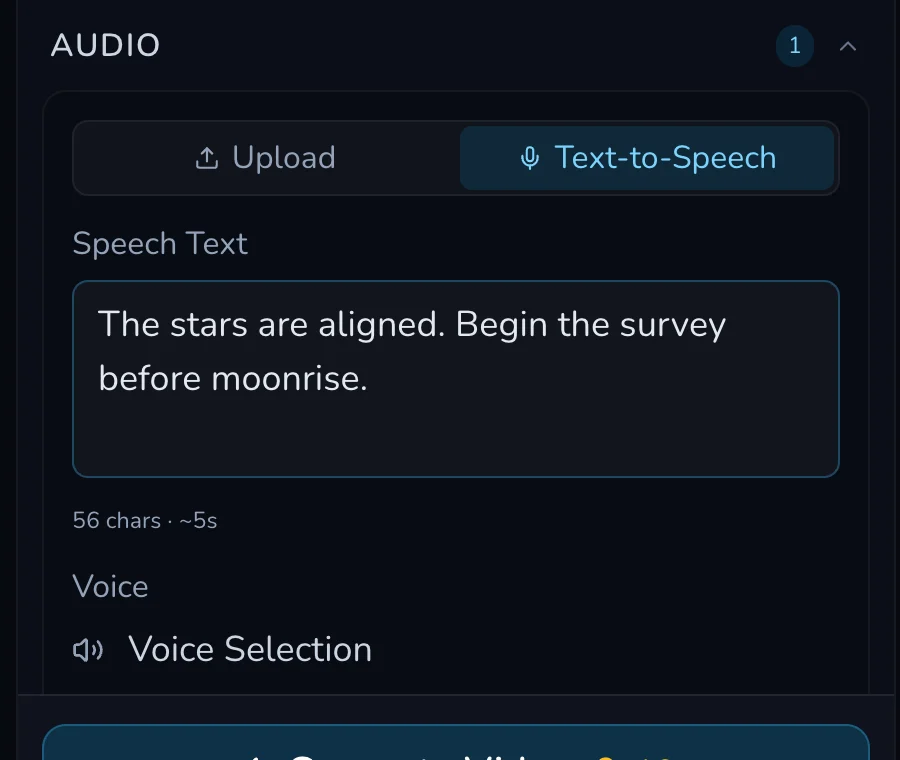
Select Portrait and provide a Character plus Audio. The reviewed prepared paths exposed Upload and Text-to-Speech. Use only a character you own or have permission to use for this speaking output, and only an audio path for which you have the relevant permission. Do not rely on a general-purpose consent assumption.
For the reviewed completed path, the fictional owned Wan character used Text-to-Speech with the built-in Wise Woman voice. No personal voice was used. That is a path-specific consent record, not permission to use a real person’s likeness or voice.
4. Review the completed Portrait output
The reviewed Portrait request completed and persisted in Gallery as a 464 by 832, 4.213991-second speaking-character output. Check that the character is the cleared one, the spoken text is intelligible and the framing works for the intended use. The displayed 16 Gold amount remains unsettled because no linked debit was observed in the dated review.

Checkpoint
Check your result
- Edit begins with the preserved Source Video and one comparison-ready instruction.
- Portrait begins with a cleared character and a permitted speech path.
- Each original and completed output can be compared for unintended changes.
- Dated displayed amounts are treated as unresolved discrepancies, never as settled pricing.
Troubleshooting and safe next action
If something looks wrong
Troubleshooting
- Symptom
- The Edit output changed more than the requested lighting.
- Likely cause
- The instruction was broad or the source comparison was skipped.
- Next safe action
- Return to the preserved source, write one narrower change and consider another request only after the first is terminal.
- Symptom
- The Portrait source is not clearly permitted.
- Likely cause
- Character and speech rights were not resolved for this exact output.
- Next safe action
- Stop before submitting. Use an owned fictional fixture or obtain the needed permission first.
- Symptom
- The displayed amount and account record do not agree.
- Likely cause
- The dated review found an unresolved settlement discrepancy.
- Next safe action
- Record the request state and current account evidence. Do not infer a settled price or duplicate the request while it is unclear.
For either mode, do not resubmit because a result is slow to appear. Wait for a terminal state, check Gallery and keep the source plus the exact instruction available. A later attempt should change one documented cause, not compound several uncertainties.