
Write Video Prompts for Motion, Camera and Timing
Write a short shot plan for motion, camera and timing.
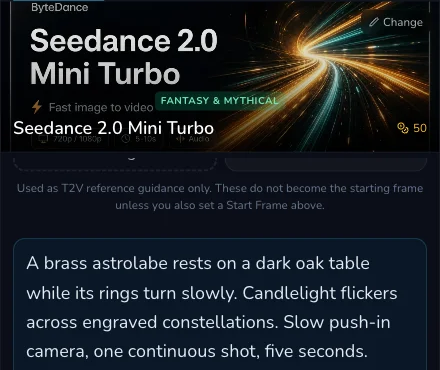
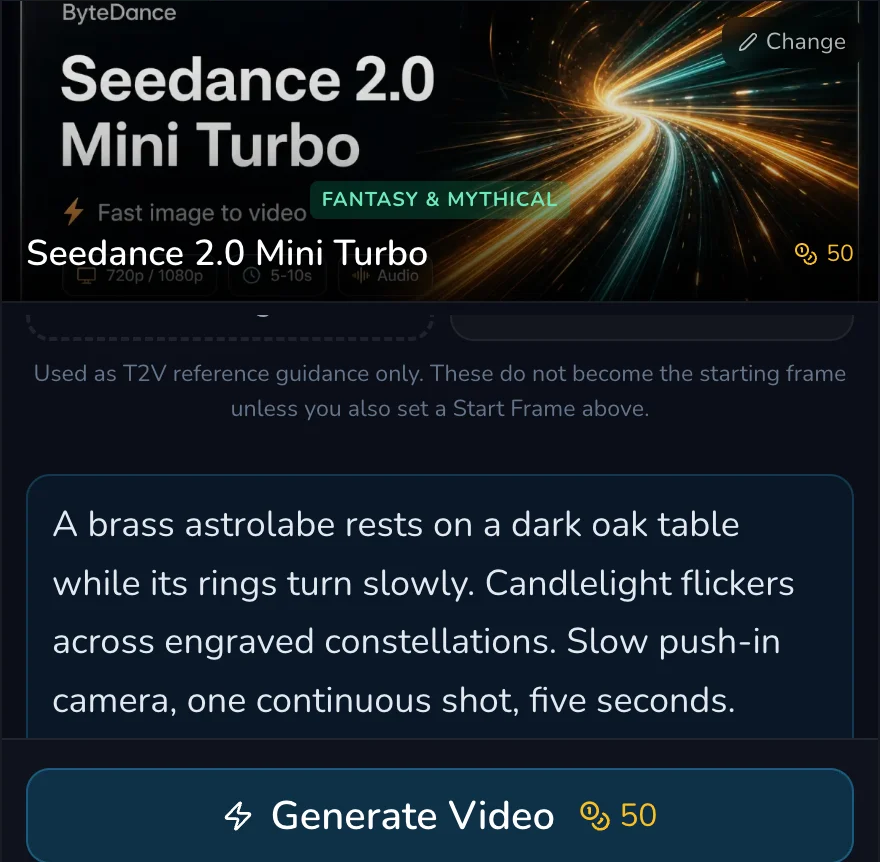
Write video prompts as a short shot plan: name what moves, what stays steady, where the camera goes and what should happen at each moment. This lesson is about prompt language, not dedicated motion, camera or timing editor controls. /generate?contentType=video creates one clip, while /video-studio is a separate multi-shot film workspace.
Give the shot four jobs
1. Name subject movement, environment movement, camera and beats
Start with four compact clauses:
- Subject movement: what the central thing does, such as “the astrolabe rings rotate slowly”.
- Environment movement: what changes around it, such as “dust drifts through candlelight”.
- Camera direction: where the viewer starts and ends, such as “slow push-in from a medium view”.
- Time beats: what should be true near the opening, middle and end.
This structure makes a prompt reviewable. “Cinematic, dynamic, beautiful motion” gives no clear test. “Rings turn slowly, dust crosses left to right, camera pushes in, end on a still centred astrolabe” gives several observable checks.
Build a five-second beat plan
2. Give the clip an observable beginning, middle and end
For a five-second astrolabe clip, use this compact plan:
- 0 to 1 second: establish the brass astrolabe on the walnut desk, candlelight already present.
- 1 to 3 seconds: rotate the rings at a slow, steady pace while dust passes through the light.
- 3 to 5 seconds: continue the push-in, then settle with the astrolabe centred and still enough to cut away.
The times are prompt-writing cues, not a timeline control. They make the requested order explicit, but the delivered clip can interpret pacing differently. Judge it by whether the intended sequence is recognisable rather than expecting frame-accurate choreography.
Revise one named clause
3. Change the cause you want to diagnose
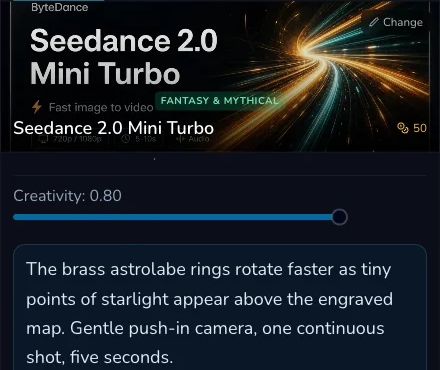
If the subject is right but movement is weak, revise only the subject-motion sentence. If the movement is right but the framing is wrong, keep the scene and motion clauses and revise only the camera direction. If the ending is hard to use, specify the final stillness or composition without adding unrelated style changes.
Before a later request, use this checklist:
- Is there one central subject and one observable action?
- Does the environment have a supporting movement, not a competing event?
- Does the camera verb say where it moves or holds?
- Can a viewer identify an opening, middle and ending beat?
- Did only one named cause change since the last completed request?
Checkpoint
Check your result
- The prompt separates subject motion, environmental motion and camera direction.
- The five-second sequence has a recognisable opening, middle and ending.
- Any revision changes one named clause rather than rebuilding the whole prompt.
- You review a completed clip against those clauses before deciding on a further request.
Troubleshooting and safe retry
If something looks wrong
Troubleshooting
- Symptom
- The clip has an attractive scene but no readable action.
- Likely cause
- The prompt emphasises mood or style rather than a subject movement.
- Next safe action
- Name one simple action with a speed or direction, then retain the rest of the brief for the next deliberate request.
- Symptom
- The camera and subject seem to fight each other.
- Likely cause
- Several movement verbs compete without priority.
- Next safe action
- Choose one primary subject action and one camera direction, then remove extra movement demands.
- Symptom
- The ending cannot be used as a cut point.
- Likely cause
- The last beat was not stated or is too busy.
- Next safe action
- Ask for a clear final composition or still moment, then assess the prior request before changing one ending clause.
Wait for the existing request to reach a terminal result before considering another one. Keep the original prompt, its visible configuration and the completed result available for comparison. Slow progress is not evidence that a duplicate request is needed.