Draw the plan. Get a battle map with its walls.
Draw rooms, doors and stairs on a grid. CharGen paints the map in one of four styles, and you export a Foundry scene or a Universal VTT file with the walls, doors and lights in place.
Drawing and every export are free. Painting a 24 by 16 map starts at 2 Gold for a draft, 10 for the final.
No plan needed. Draw on a computer. On a phone you can describe, paint and export a plan.
A real plan from the Maker
See each step
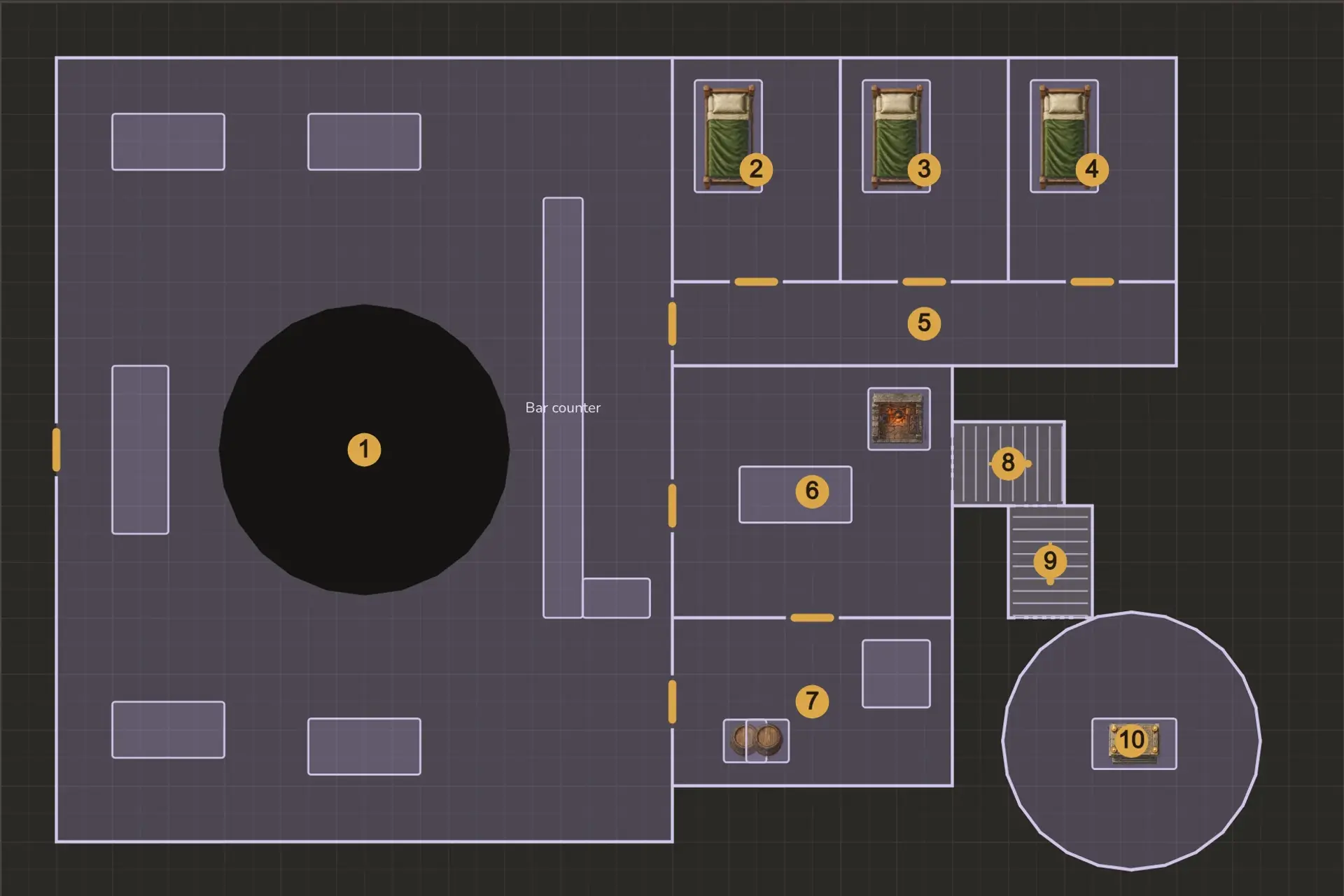
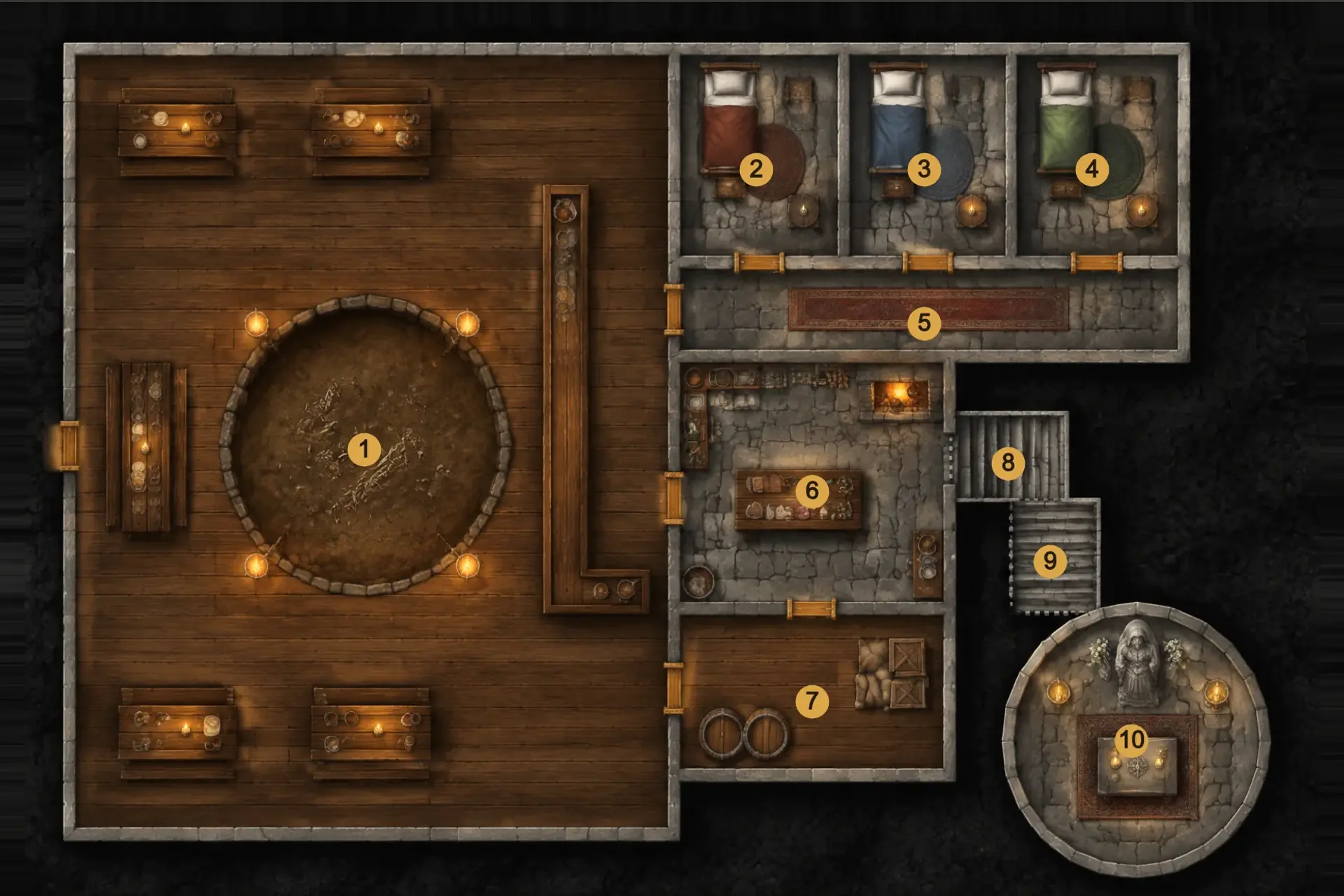
A real plan, painted and exported. Draw yours, and your plan stays in this browser until you sign up.
Open the MakerDraw it on a grid
Rooms, round rooms, corridors, doors that are secret, locked, arched or a window, stairs, water, 16 props and labels. Boards run from 8 to 80 squares a side.
- PaintedPlan
Paint it
Pick Painted, Inked, Photoreal or Hand-drawn. A wipe compares your plan with the painted map.
Export it with the walls
A Foundry scene with walls, doors and lights, a .dd2vtt file, or a PNG with a grid.
A battle map maker for Foundry VTT
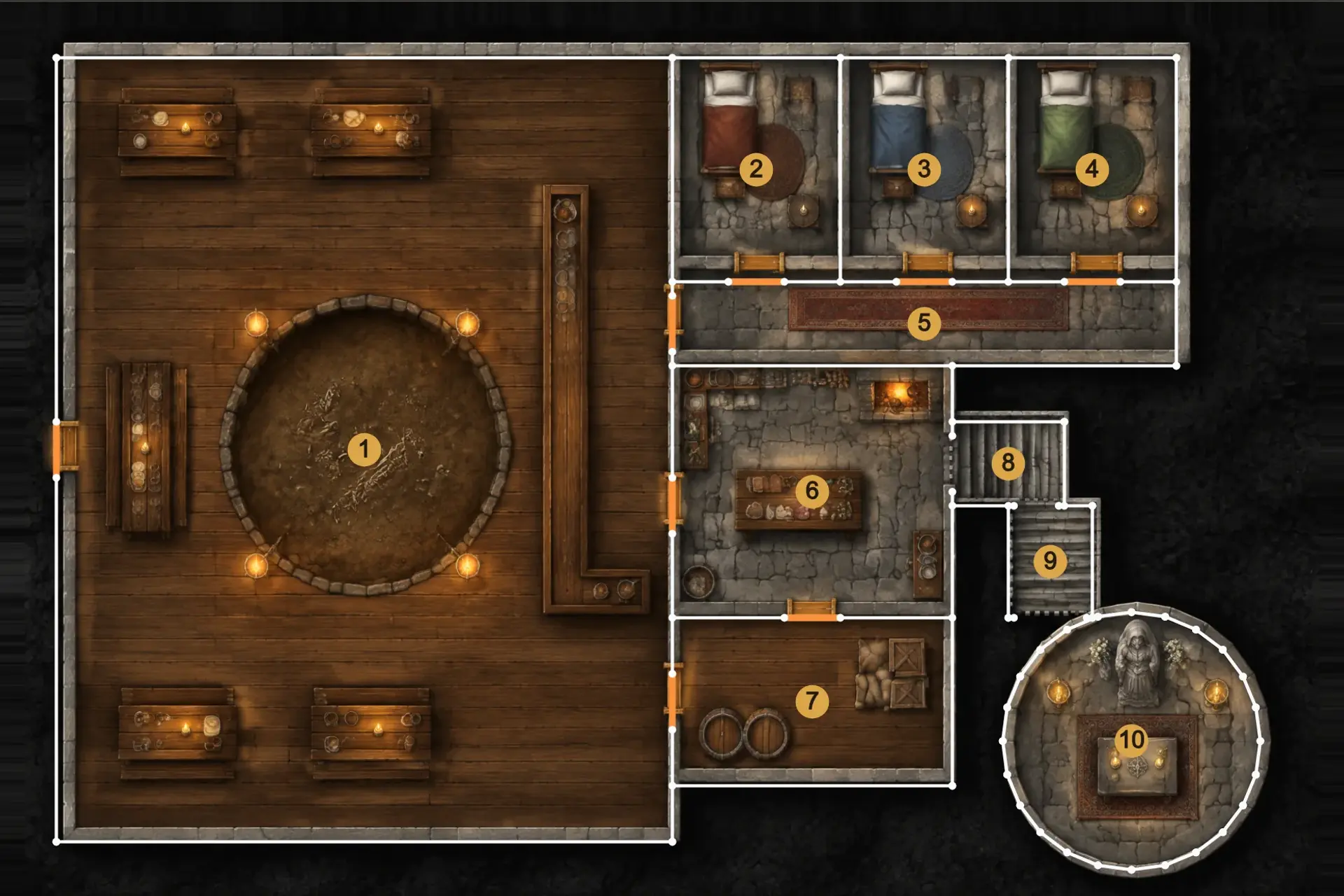
The Foundry scene file carries the map, the grid, the walls, the doors and the lights from your plan. Import it, and tokens stop at the walls and the doors open in play.
You do not trace a single wall by hand in Foundry. Every wall, door, secret door and window you drew in the Maker is in the scene, and so is every light, so the players see only what their characters can see.
Roll20, Fantasy Grounds and Owlbear Rodeo
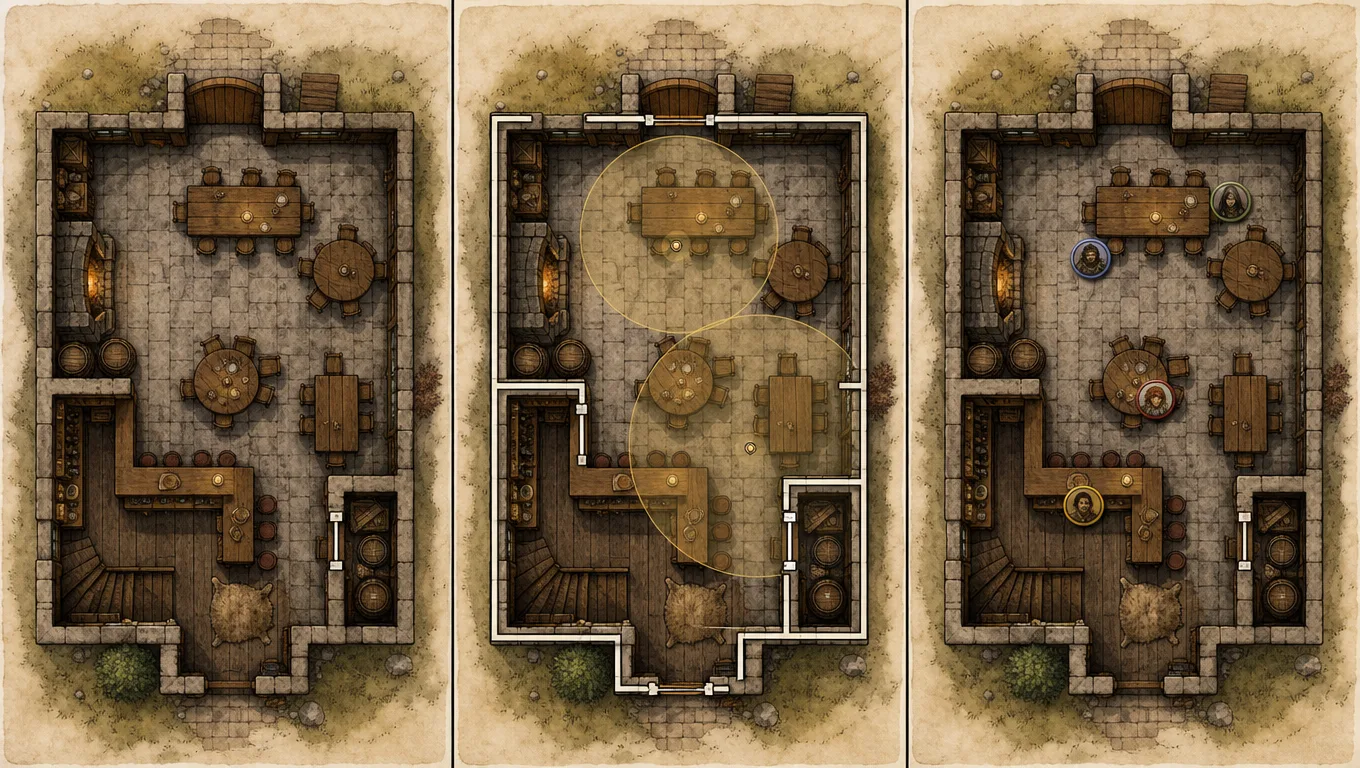
The .dd2vtt file, the Universal VTT format, holds the same walls and doors. Or take a PNG with a 70-pixel grid for any table, on a screen or on paper.
Universal VTT is an open format that many virtual tabletops read, so one file covers several of them. The PNG can show the room numbers for you, or leave them off for the players.
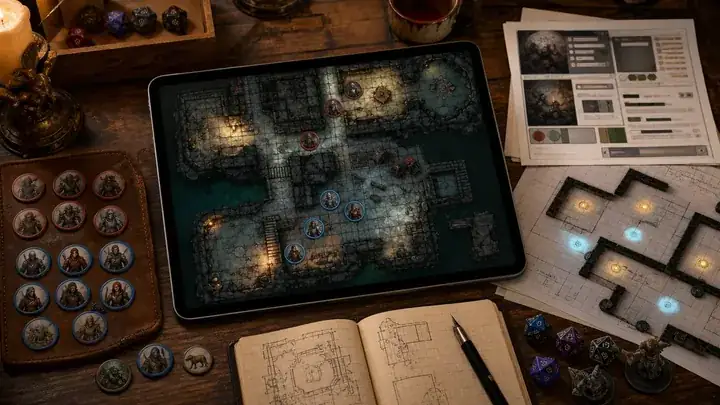
Start from words or from your own map
Describe the place and get a first plan to change, free. Or load a map you already have and trace its walls for the export.
The first plan from your words is a normal plan: move a wall, add a door, make a room bigger. Tracing works the other way round. Your own map stays the picture, and the Maker adds only the walls and doors that the VTT needs.
Made with it
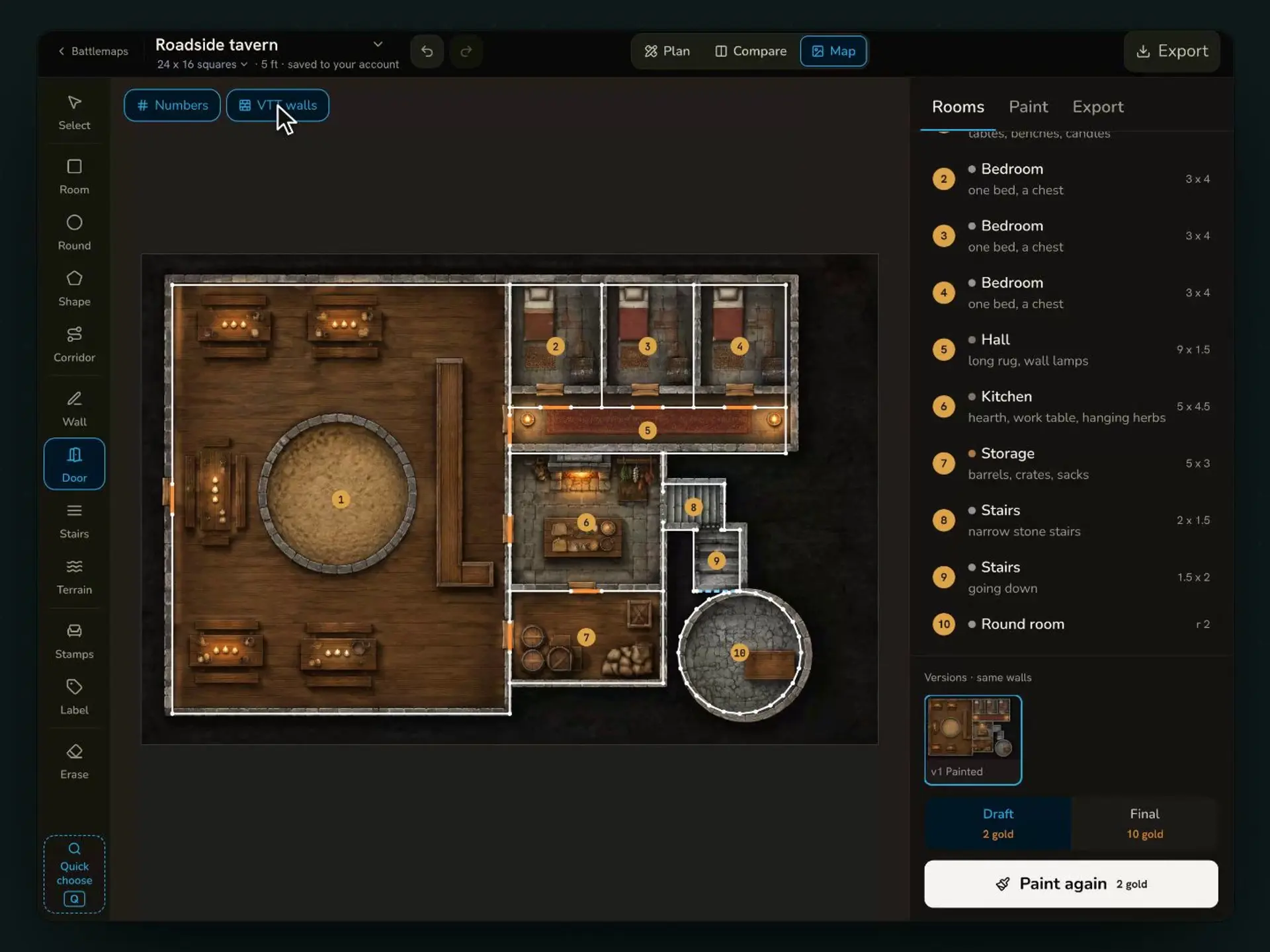
A tavern with a shrinePainted style
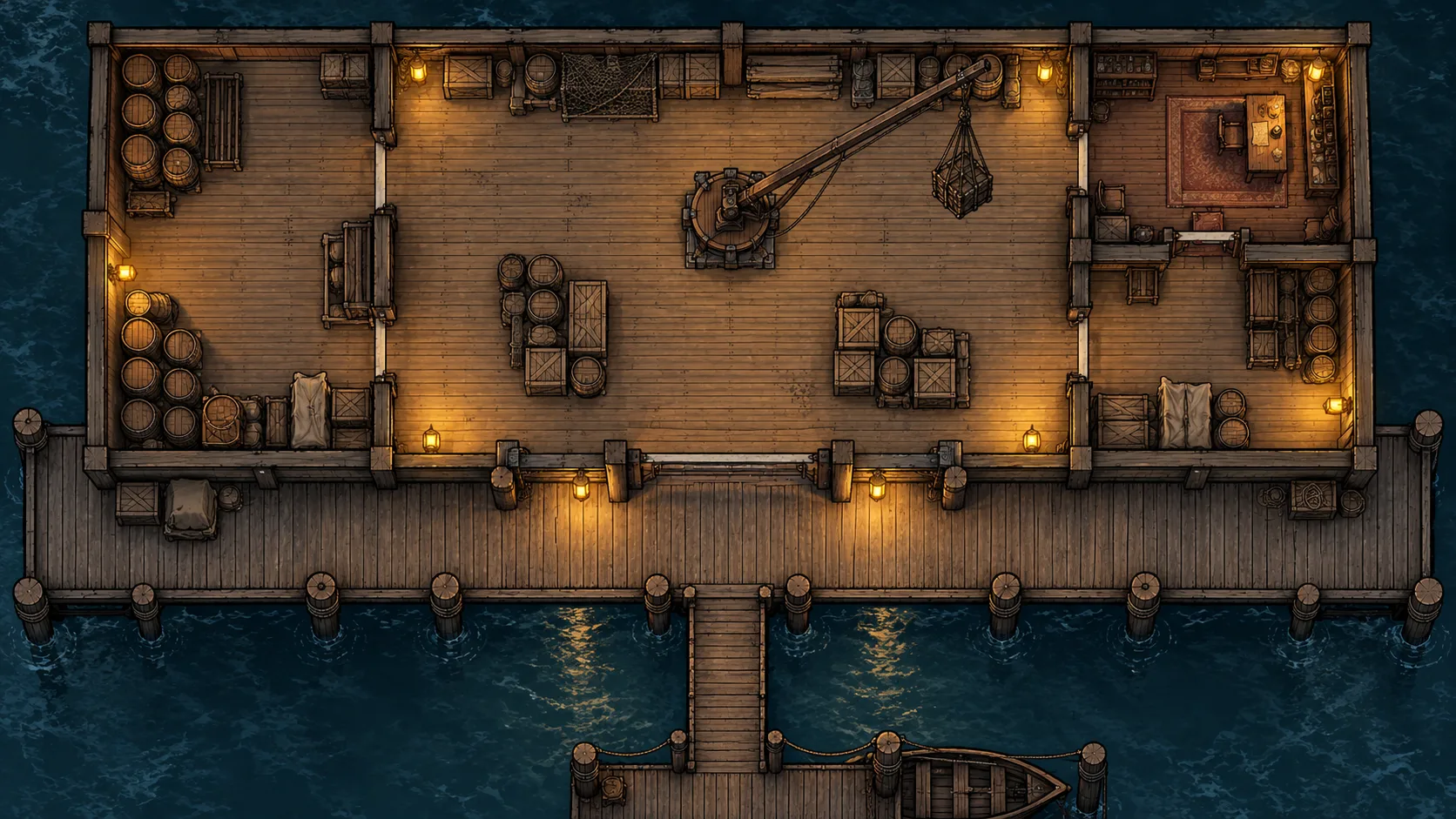
A warehouse on the docksBattle map Maker
Walls and doors, placedFoundry export
In Foundry, with lightsFoundry scene
What it costs
- Draw a plan
- Free
- Rooms, round rooms, corridors, doors, stairs, water, props and labels.
- A first plan from your words
- Free
- Describe the place and change what comes back.
- Trace walls on your own map
- Free
- Add walls and doors to a map you already have.
- Foundry scene file
- Free
- Walls, doors and lights in place.
- .dd2vtt or PNG
- Free
- For Roll20, Fantasy Grounds, Owlbear Rodeo and print.
- Paint a 24 by 16 map, draft
- From 2 Gold
- A quick painted version to check the layout.
- Paint it, final
- From 10 Gold
- The finished map at full quality.
- A bigger board, or open ground
- Shown before you paint
- A board you paint must be 3,600 squares or fewer (for example 60 x 60), with no side more than 3 times the other. A small building on a big board costs more in Painted or Photoreal, because the open ground gets its own pass.
No plan needed. The Maker shows the price of a paint before you press it.
Questions
Foundry VTT takes the scene file with walls, doors and lights. The .dd2vtt file (Universal VTT) is for Roll20, Fantasy Grounds and Owlbear Rodeo. Any other table takes the PNG with a grid at 70 pixels a square.
Drawing a plan, the first plan from your words and every export are free. You pay Gold only to paint the map: from 2 Gold for a draft of a 24 by 16 board and from 10 for the final.
Draw the map in the Maker, or load your own map and trace its walls, then download the Foundry scene file. Import it into your world, and the walls, doors and lights are already in place.
It is the Universal VTT format: one file with the map picture and its walls, doors and lights. Roll20, Fantasy Grounds and Owlbear Rodeo can read it with their importers.
No. You can draw a plan without an account, and it stays in this browser. You sign up to paint it.
A 24 by 16 board is from 2 Gold for a draft and from 10 Gold for the final map. A bigger board costs more, and so does a small building on a big board in Painted or Photoreal, because the open ground gets its own pass. The Maker shows the price before you paint. Drawing and exports are free.
Painted, Inked, Photoreal and Hand-drawn. You can paint the same plan again in another style.
Yes. Draw the rooms and corridors yourself, or describe the dungeon and start from the first plan. For a whole dungeon with its rooms, monsters and treasure, use the dungeon generator, which can open its plan in the Maker.
Yes. Load your own picture in the Maker, trace its walls and doors, then export the scene.
Yes. Change the plan and paint it again. Drawing is free, and the Maker shows the price of each paint before you press it.
Yes. Download the PNG with its grid, with the room numbers for you or without them for the players.
You can draw from 8 to 80 squares a side. To paint it, the board must be 3,600 squares or fewer (for example 60 x 60), with no side more than 3 times the other.
Drawing needs a computer. On a phone you can describe a place to get a plan, paint it and export it.
