
D&D NPC Generator in Spanish: 8 Languages for Your Campaign
Use a D&D NPC generator in Spanish with linked campaign records, account settings and eight language options. Learn what changes and what stays in English.
My campaign notes can be in one language while the rulebook is in another. That split creates extra prep. In a Spanish campaign, an English tavern keeper needs a rewrite for the table. Then you must check that her linked character keeps the same details. A D&D NPC generator in Spanish can help when it keeps related records in Spanish too. CharGen now lets you choose a language for new records. Linked NPCs, locations and session summaries can follow that choice.
This is a guide to the current language controls. It covers the Spanish workflow, the other seven supported languages, and the parts of your campaign that remain in English. The setting helps with new text. It does not translate old records or change the CharGen interface.
What a D&D NPC generator in Spanish can and cannot do
CharGen uses your saved language choice when it writes a record. You can choose English, German, French, Spanish, Italian, Brazilian Portuguese, Polish or Dutch. It applies to NPCs, monsters, taverns and other generated records. Related generations can use the same choice. A keeper created from a Spanish tavern can also have a Spanish record.
An AI D&D generator in Spanish can vary in scope. Some tools create one character at a time. Here, the focus is on a language choice that follows related CharGen records and new session summaries.
That solves a specific problem. A language hint may work for one generation. A second generator can miss it, so a connected character comes back in another language. A saved preference gives the account and campaign a consistent default. You can spend your prompt on the character's motives, habits and role. You do not need to repeat “write this in Spanish” in every request.
Old text does not change when you update the setting. CharGen's menus remain in English. Existing record text stays as it was written until you make a new version. Know this before changing a language on a campaign with years of notes.
Every plan includes this feature. Set one language for your account, then choose another for an individual campaign. Campaign settings take priority for records made in that campaign.
Set the language before you create an NPC
There are a few places to choose the language. Pick the one that matches your campaign, then check the setting before your next generation.
- Set an account default. Open Profile, then Settings, and choose Language for records. This is the fallback for new records without a campaign-specific choice.
- Set a campaign language. Open Edit Campaign or the campaign's style profile and choose its language. The campaign choice takes priority over your account default.
- Set a generator language. On a generator page, use the Written in row under Auto art. Choose Spanish before you create the record.
- Set the language for an older record. Open its ⋯ menu and choose Record language. New rerolls follow that choice. Text already saved on the record does not change.
Most groups should choose the campaign setting first. It keeps a long-running campaign predictable. Your account might also have an English one-shot or a German game. Set an account default when most of your work uses one language. Written in also changes that default. It applies to later records made without a campaign.
Check Written in before you create an NPC. If it shows Spanish, the new record should use Spanish. Check your campaign setting too. Its language override is the choice that matters for campaign records.
Build a Spanish NPC for a campaign, not a blank prompt
Language is only one part of an NPC. A record is easier to use when it has a place in the campaign and a reason to appear. Here is a practical setup for a Spanish-language coastal mystery.
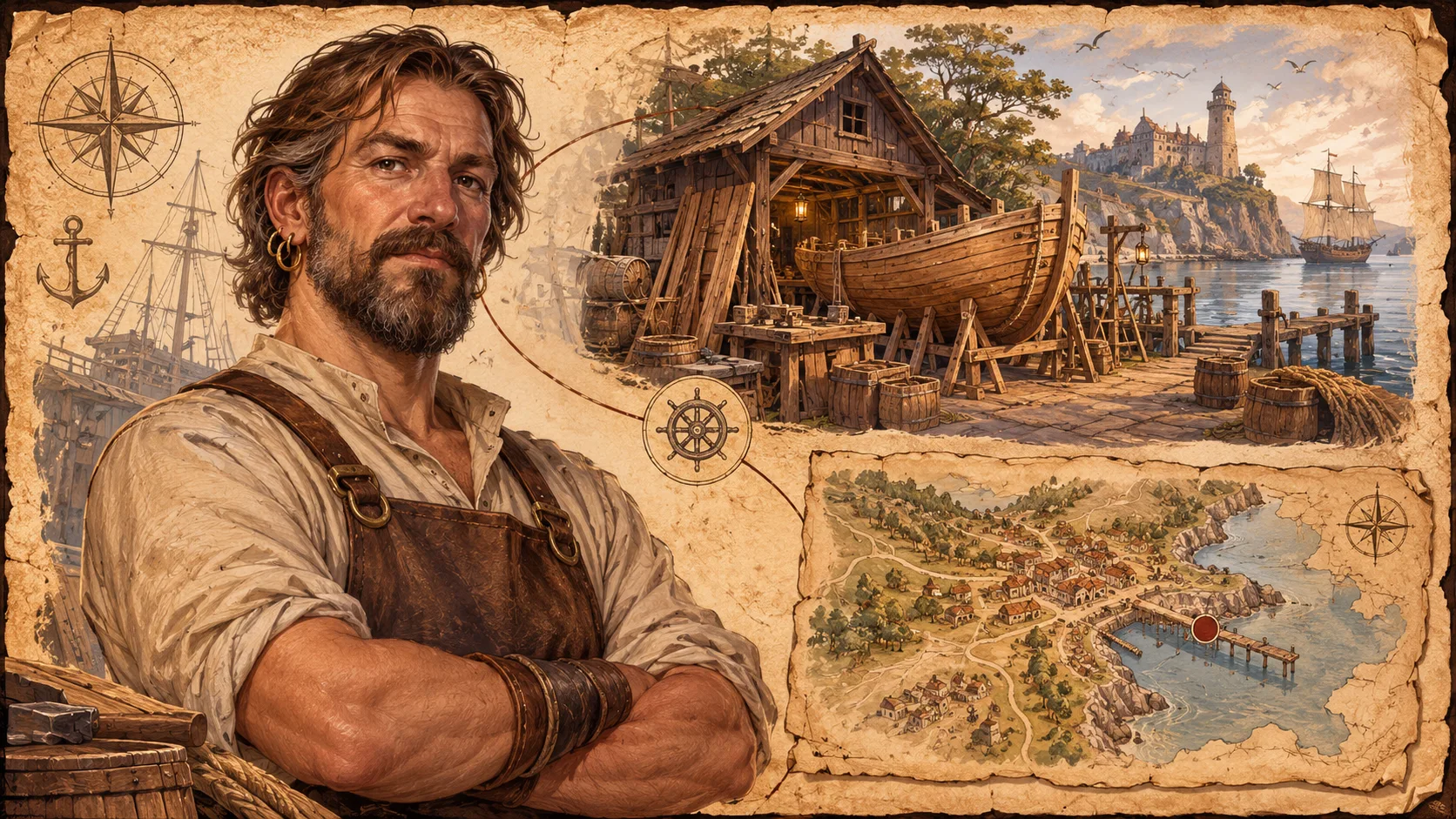
Puerto de Salmuera is a coastal town. Its harbour master, Inés Varela, logged a ship that no one remembers seeing. She is a careful clerk, not a secret villain. She knows which dockhands work at night. She fears the missing ship belongs to her brother. Those details give the generator a clear job. It must create a person who can answer some questions, hide others and return later.
For a D&D campaign in Spanish, set its language before creating Inés. Open the NPC Generator and confirm that Written in shows Spanish. Add her role, relationship to the port and current worry. Include one visible detail, such as a brass tally counter on a cord at her wrist. Players can recognise a concrete object more easily than a general mood.
Next, add her connection to the town. The RPG Workshop can help you create linked places and people. Keep the harbour at the centre of the problem. Add a night watchman and a net-mender who saw a lantern. Include the ship owner's empty storehouse. Records in the same campaign can use its Spanish setting too.
Use this sample prompt as a starting point, then change the details to match your game:
Inés Varela is the harbour master of Puerto de Salmuera. She checks each ship's manifest twice. She fears the entry for her missing brother. Give her a calm public manner and one private worry. Add a brass tally counter she turns when she lies.
You do not need to put a language instruction in that example if the campaign or generator already sets Spanish. Keep rules mechanics separate from character voice. If you know the NPC's immediate purpose, the output has a stronger chance of being useful at the table. “Suspicious harbour master” is a start. “Wants to protect her missing brother, but cannot admit why the ship record is false” gives you a scene.
After you review the first record, keep a short anchor note for a recurring NPC. Include the current job, public goal, private pressure and one relationship. Use the same spelling in later prompts. If Inés owns a brass tally counter, do not give her a bronze compass in the next portrait brief. A fixed anchor line makes rerolls easier to compare. Save only facts that you want the campaign to keep. Keep a separate private note for secrets the players have not found.
Before sharing Inés with players, separate known facts from secrets. Share her job, visible detail and public manner. Keep her brother's disappearance private until the party finds a clue. Label both kinds of notes clearly in your own process. The language setting does not mark secrets for you.
At the next session, let the players ask about the manifest. Use their question to decide what Inés reveals. Keep her original name and brass counter. Add a new fact only if play supports it. After the session, put the changed relationship or new clue in the recap. The recap gives you a fact to include or check before the next generation. It also gives you a clear check for whether the campaign record still fits.
Check the result before you keep it. Make sure each name is easy to say. Check that the details fit your setting. Give the character one reason to speak with the party. If a new fact changes the mystery, keep or remove it deliberately. Language choice does not replace your review as DM.
Keep linked NPCs and session notes in one language
Continuity is the strongest use case. Campaigns have people, places and events that appear in more than one record. Without a saved choice, each generation can lose the language. Prep can switch between English and Spanish while the table plays in Spanish.
With a campaign language set, linked records, bundles and world builds follow that setting. New session summaries also start in the campaign language, then use the account language if no campaign choice applies. That lets you prepare Inés, the harbour, the ship and the next recap with the same language preference.
Generated details do not become canon automatically. The NPC may say her brother died in one record. Another record may call him missing. Choose the version that belongs in your campaign. The language preference aligns the records by language. You still decide which facts fit.
After a session, use RPG Session Notes to keep the recap with the campaign. Note that the party found the second manifest. Record that the harbour master changed one entry. Add their promise to return before the next tide. A short recap with names and decisions is easier to build on than a transcript without clear references.
If a player misses a session, the recap can help. Share the relevant campaign record or summary. Carry the same NPC names and place details into the next scene. Keep private motives private until the player discovers them. Language consistency should make your notes easier to use. It should not give away every secret.
Choose a different language for each campaign
You do not need every campaign to match the language in your account. A DM might run one game in Spanish and join a German group. They might also keep an English one-shot for a convention. The campaign setting lets each game keep its own choice.
A multilingual D&D campaign can use Spanish for one table and German for another. The account default still helps with new work outside a campaign.
| Language | Example use |
|---|---|
| English | A home game with English notes and handouts |
| German | A German campaign with linked NPC and location records |
| French | A French-language mystery or city campaign |
| Spanish | A Spanish NPC generator and campaign records |
| Italian | An Italian one-shot with local names and scene notes |
| Brazilian Portuguese | A campaign prepared for a Brazilian Portuguese-speaking table |
| Polish | A Polish campaign with Polish character records |
| Dutch | A Dutch game with linked worldbuilding records |
The same steps work for a German D&D NPC generator workflow. Set German on the campaign, then check Written in before generation. For D&D worldbuilding in Portuguese, choose Brazilian Portuguese when that is your group's language.
Groups with different first languages can give each campaign its own setting. Choose the language your group uses at the table. Leave another campaign in the language of its source notes. This choice does not change the setting on your other campaigns.
For an international group, agree on the language for table-facing text before you create dozens of records. Keep proper names consistent. Decide whether a character's title stays in the language of the setting or follows the campaign's normal language. You may want to keep an original name, place name or spell title as written in an official book. A saved choice helps with generated prose, but it does not make those editorial decisions for you.
What stays in English, even in Spanish records
CharGen changes the language of generated record text. It does not change the language of the app, and it does not translate all game data. Game terms and notation stay in their current form. Examples include 1d8 + 4, DC 13, CR 3, 30 ft. and gp. SRD class feature text also stays in English for now.
The boundary helps when your group speaks Spanish but uses English rules material. Use the D&D Beyond Basic Rules as your rules reference. Prepare the character's motives and story in your chosen record language. Keep challenge ratings and roll notation beside Spanish descriptions.
There are also limits to the language list. It includes eight languages written with Latin scripts. It does not include every language or translate uploaded books, pasted source text or old campaign notes. If your table uses a mix of languages, review the output for names and game-specific terms that should stay unchanged.
Read names aloud before a session. Check that your players will recognise each place and person. For Brazilian Portuguese, set the Brazilian Portuguese option rather than assuming that Spanish, Portuguese and Brazilian Portuguese are interchangeable. Regional word choice matters, especially for NPC dialogue and local slang.
Who benefits from a Spanish D&D campaign setting?
Spanish settings suit groups that already play in Spanish and want matching campaign notes. They also help bilingual DMs who read rules in English but describe people, rumours and places in Spanish. The goal is not to translate every rule. Spend less time rewriting the same campaign material between sessions.
One recent r/rpg discussion about translating roleplaying games shows that need. Players described extra prep when English source material serves a table that speaks another language. One thread cannot show how common the problem is. It does describe a familiar split. Rules can stay in English while fiction and table talk use another language.
Language settings add less value if you make one NPC and write the rest yourself. They also cannot answer questions about a specific published rule. Use an official rule source for mechanics. Use campaign records for your own characters, locations, factions and events.
If you are new to CharGen, open the NPC Generator and choose the campaign. Check Written in before making the first record. Try one NPC and one linked location. Review the names and game terms. Then decide if the language choice fits the whole campaign. The campaign tools can support the setting once the first record feels right.
Create an NPC in your campaign languageFrequently asked questions
Can CharGen create D&D NPCs in Spanish?
Yes. Set Language for records in Profile, then Settings. Or select Spanish in Written in under Auto art on a generator page. Linked records follow the campaign language when one is set.
Does changing the record language translate text I already made?
Existing text stays as it is. The setting affects new generations and rerolls. It does not translate saved text.
Can different campaigns use different languages?
Yes. Each campaign can have its own language. It takes priority over the account setting for records made in that campaign.
Does CharGen translate D&D rules and notation?
Game terms and notation keep their current form, including DC 13, CR 3, 30 ft. and gp.
Does the language setting change the CharGen interface?
CharGen's interface stays in English. This setting changes generated records only.
Start a Spanish campaign by setting its language. Make one NPC and one linked place. Review both, then carry the names into your session notes.