
How to Reuse an NPC at a Higher Level in a D&D 5e Campaign
Learn how to reuse an NPC at a higher level in D&D. Scale a villain by level, keep the original safe, and review the new stat block before play.
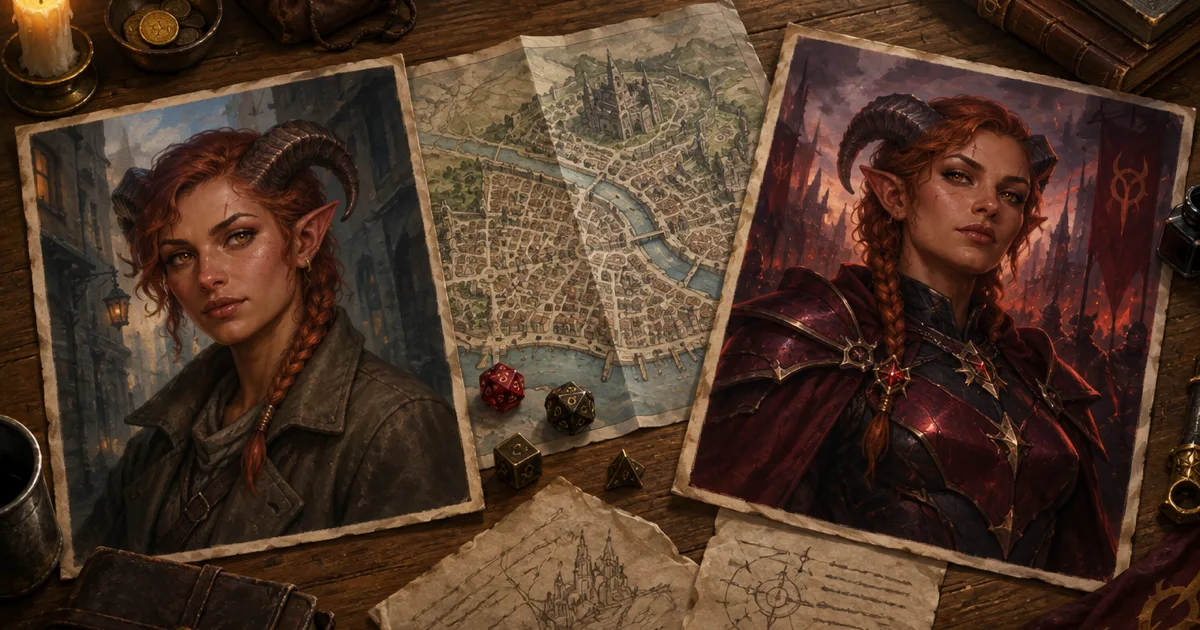
The party drove Sister Marrow out of a mill when they were level 3. At level 8, they find her name on the gate of a fortified chapel. Her return should feel like a consequence, not a new character wearing the old name.
When you reuse an NPC at a higher level in D&D, preserve the person while changing the threat. Keep the same motive, habits, and visual clues. Then review the new numbers against the party and the scene. CharGen's Scale action can create a stronger or weaker copy from an owned NPC, monster, or character. It leaves the original intact.
Reuse an NPC at a higher level in D&D without losing continuity
A recurring villain gives the party a reason to care about old choices. They may remember the enemy who escaped, the guard they spared, or the guide who sold their route. The returning NPC can show how the campaign has changed. Their new power should have a cause the players can understand.
I start with three things that must stay the same. The NPC needs a recognisable face or symbol. Their main goal should still make sense. Their method should feel connected to earlier scenes. A careful smuggler can become a city official. A local cult speaker can command a hidden order. A bitter rival can recruit the same people the party once ignored.
The new version can change more than hit points. It may have better armour, new spells, stronger allies, a prepared escape route, or control of a useful location. Those changes need a story reason. If the villain spent months studying the party, the new tactics can reflect what they learned. If the villain gained a relic, show where it came from and what it costs.
Scaling is useful when the same person remains in the story. It is a poor fit when the character's identity, role, or rules system has changed so much that the old entity no longer helps. In that case, create a new NPC and link the two through the story.
What CharGen's Scale action changes
Open an owned NPC, monster, or supported character entity in Workshop. The toolbar shows Scale when CharGen can read a current power value. CharGen NPC and character targets use level. D&D monster targets use Challenge Rating. Savage Worlds monster targets use Rank.
The supported targets are specific. CharGen NPCs and characters can scale from level 1 to 20. D&D monsters can scale from CR 0, the fractional values 1/8, 1/4, and 1/2, and whole CR values from 1 to 30. A Savage Worlds monster can use Novice, Seasoned, Veteran, Heroic, or Legendary. The feature does not expose Scale for every entity type. It also hides the action for Cypher characters.
The Scale dialog shows the current value and lets you select a target. You can change the copy's name and add optional instructions of up to 500 characters. The portrait choices are Keep this portrait, Generate a new one from it, and No portrait. The second choice opens image generation on the new entity with the current portrait as a reference.
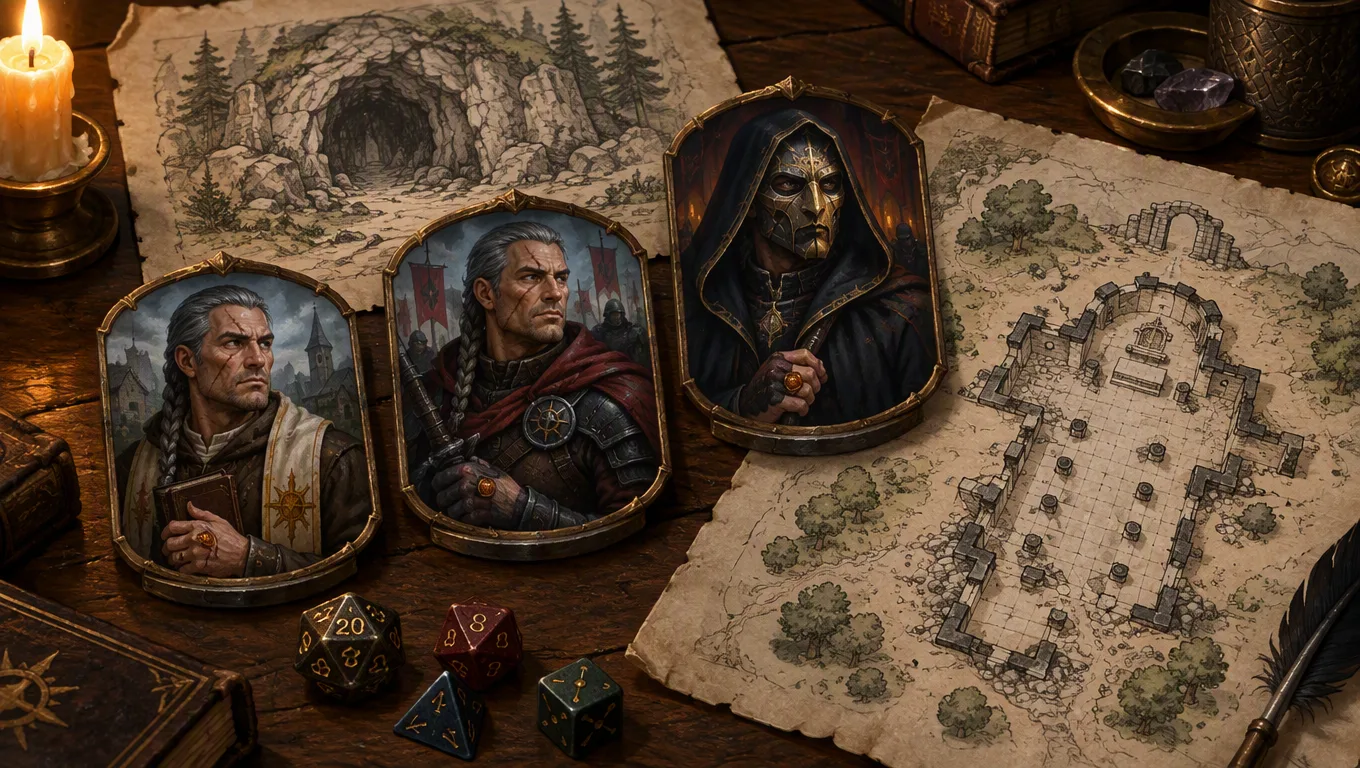
Scaling costs 1 Gold and is available on Plus and higher plans. CharGen creates a separate owned entity with a Scaled from relationship to the source. The original stays as it was. A short version navigation control on the entity page links the source and its scaled copies.
The feature updates the stat block for the selected power. It can change hit points, armour, attacks, spells, features, equipment, and tactics. Treat that result as a draft. It does not know your players' resources, the map, the number of allies, or the campaign's house rules. You remain responsible for checking the encounter.
The NPC Generator is a good place to create a named character before saving it to Workshop. For an enemy built as a creature, start with the Monster Generator. You can also browse the RPG Workshop when you want to manage an existing entity.
A practical workflow for a returning villain
Keep the original's identity
Write a short identity note before you scale the entity. Include the NPC's goal, one visible feature, one speaking habit, and one relationship the party already knows. Sister Marrow might protect the mill workers while using a brass bell to signal her followers. Those details help the new version read as the same person.
Do not keep every old weakness. A smart villain would study the last defeat. If the party stopped Marrow with silence, she might use hand signals or place trusted lieutenants nearby. Preserve the cause and effect. Avoid changing a defeat into a secret victory unless the campaign already supports that reveal.
Choose a target that serves the scene
The target level is a tool for building the next scene. It is not an award for surviving between sessions. If the party advanced from level 3 to level 8, a level 8 NPC is not automatically a fair opponent for all five characters. Their classes, resources, allies, terrain, and objectives matter.
Ask what the villain needs to do in this scene. A commander may need to survive long enough to negotiate. A cult leader may need to delay the party while followers finish a ritual. A recurring rival may need a clear route to retreat. Set the target with that job in mind, then test the whole encounter.
Name the copy for quick recall
Keep the name recognisable. A small title can mark the change without hiding the source. “Sister Marrow, Bell Keeper” might become “Sister Marrow, Bell Marshal”. The party can see her progress in the title and still find the old notes.
Use a name that also works in the Workshop list. Avoid a label such as “Level 8 Version 2”. That tells you the data state, but it does not help at the table. A title, faction, or place makes the difference easier to remember.
Add instructions with a clear purpose
The optional Instructions field accepts 500 characters. Use it to guide the new version's role and preserve a few details. For example: “Keep her promise to protect the mill workers. She now leads chapel guards and uses bell magic to control exits. Give her one strong control feature, a visible weakness, and a reason to retreat.”
That instruction tells the generator what should remain, what changed, and how the encounter should feel. It does not replace your review. If the result gives the NPC a power that contradicts the campaign, edit it or try a shorter instruction.
Decide what happens to the portrait
Choose Keep this portrait when the NPC should look the same. Choose Generate a new one from it when age, equipment, or a supernatural change should appear. Choose No portrait when art can wait. These are practical choices, not rules about character identity.
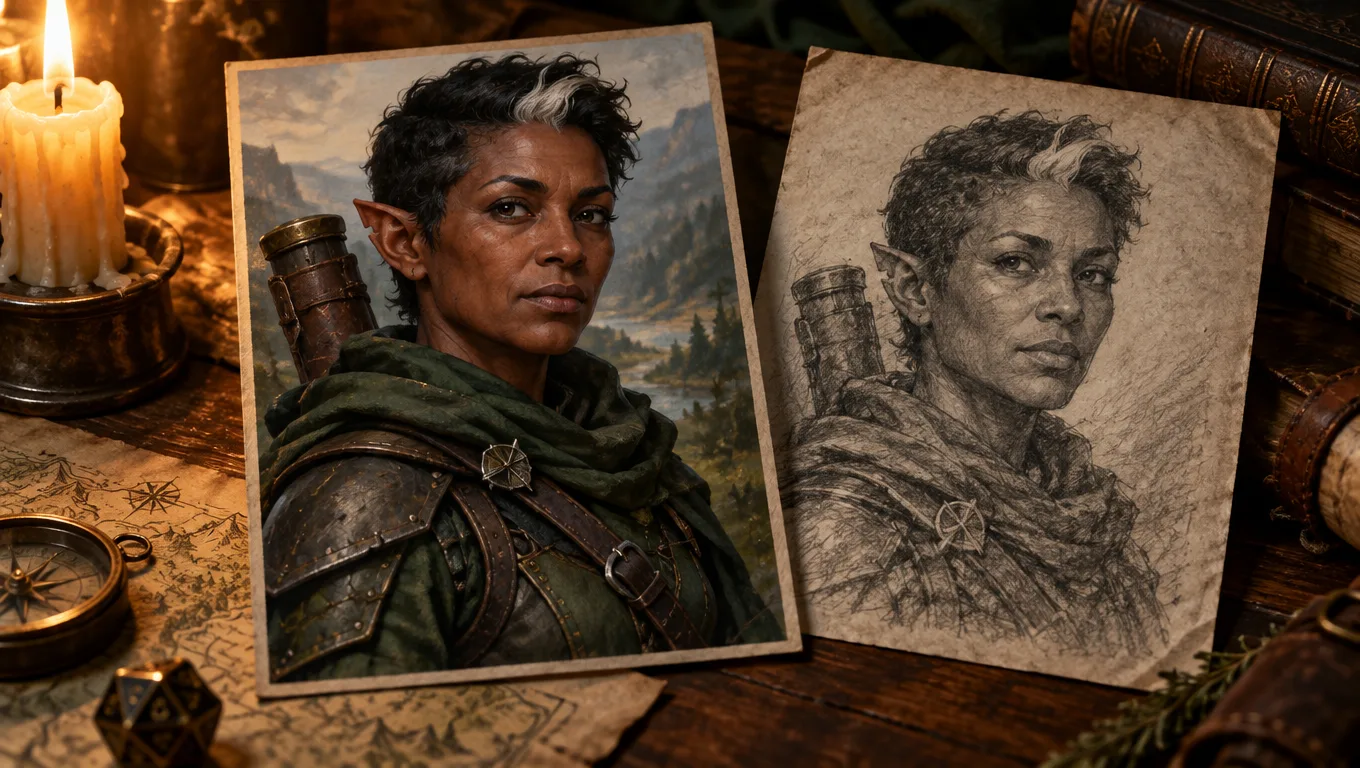
A reference image can help preserve a face, but it cannot guarantee a perfect match. Check the new portrait before you show it to players. Keep the old image in your notes. If you want a stronger visual change, name one detail. It could be a silver streak or a cracked horn. Do not ask for a completely different person.
Create an NPC to bring backExample: Sister Marrow returns as Bell Marshal
Suppose the group met Sister Marrow at level 3. She spoke for a small cult and used a bell to coordinate lookouts. The party broke her ritual and escaped with the workers. Marrow fled before the mill collapsed. She had a clear reason to return: the group damaged her network and exposed her name.
Several sessions later, Marrow has joined a group that protects a flooded chapel. She calls herself the Bell Marshal. She has a stronger position, but her old goal remains visible. She still wants control of the mill road. The chapel gives her a route to rebuild the cult and a reason to use the bell.
I would open the saved NPC, select Scale, and move from level 3 to level 8. I would keep the name close to the original. In Instructions, I would ask CharGen to preserve her motive and bell signal, give her tools to hold a doorway, and include one escape plan. I would keep the portrait if the party should recognise her at once. If the new equipment marks her change, I would create a new image from the old one as a reference.
The copy should support the scene rather than replace it. If the party meets Marrow in her chapel, her followers and terrain matter. A narrow bridge, a bell tower, and the workers she once claimed to protect can shape the choices. The players can talk, rescue someone, break the bell, or fight. That makes the return about an old conflict, not just a larger hit point total.
| Earlier version | Returning version | What the party can recognise |
|---|---|---|
| Level 3 cult speaker at the mill | Level 8 Bell Marshal at the flooded chapel | Her bell, her promise, and her route through the mill road |
| A small group of lookouts | Chapel guards and two committed lieutenants | The same signal now reaches a larger group |
| One exposed ritual | A plan to use the chapel as a new base | The party can act on the clues from their first win |
Use the same exercise for a friendly NPC. A healer who once travelled with the party might later lead a clinic. A guide who gave them a safe route might return with a stronger grasp of the region. The goal is not always a harder fight. A higher-level entity can help you represent growth, authority, or a new responsibility.
Levels, Challenge Rating, and Savage Worlds Rank
CharGen's Scale dialog uses level targets for NPCs and characters, and Challenge Rating targets for monsters. That is a product control, not a rule about every D&D NPC. The 2024 Monster Manual includes NPC stat blocks from CR 1/8 to CR 12, as D&D Beyond explains. A monster's CR helps the Dungeon Master judge its threat in an encounter. Do not change an NPC from level 3 to CR 3 just because the numbers match.
The official D&D Beyond rules for using a monster explain how Challenge Rating fits into a monster's stat block and encounter planning. CR is a starting point. The party's level, number of characters, resources, and the situation still matter. A monster can be a serious threat in a tight corridor and much easier to handle in an open field.
CharGen follows a separate target list for each supported entity type. The Scale dialog will show the target values for the source you opened. If you need a monster that grows from CR 2 to CR 6, open that monster and select a CR target. If you need a person who advances from level 3 to level 8, open the NPC and select a level. The target label matters more than the campaign nickname you use for the creature.
Savage Worlds monsters use Rank: Novice, Seasoned, Veteran, Heroic, or Legendary. These ranks describe a progression in Savage Worlds Adventure Edition. They are not a translation of D&D levels. Check the official Savage Worlds Adventure Edition page if your group uses that ruleset. Keep each entity tied to the game system it was made for.
Review the new stat block before play
A scaled copy can save preparation time, but it cannot make the final balance call. I check the result in this order.
- Read the concept and compare it with the NPC's history. The name, motive, and signature clues should still match.
- Check hit points, armour, movement, attacks, spells, and save difficulty. Look for effects that repeat without a cost.
- Count the actions available to the villain and allies. A large group with several strong turns can be more dangerous than one high number suggests.
- Check the battlefield. Cover, elevation, hazards, exits, and hostages all affect the scene.
- Write the villain's objective in one sentence. It may be to escape, delay, bargain, or protect a place.
- Decide what evidence the players can use. A repeated symbol or familiar phrase can reveal the NPC before initiative starts.
A higher level should not mean that every old problem disappears. If the party once found Marrow through a bell code, they should be able to recognise that signal again. If she improved her security, leave clues that show what changed. The party earned their knowledge in the earlier encounter.
I also give the villain a weakness that connects to the story. It could be a trusted lieutenant, a public promise, a fragile relic, or a limit on the bell's range. A weakness gives players a decision. It does not need to cancel the villain's new strength.
When CharGen changes the stat block, compare the output with the actual encounter. Adjust a feature that is too strong or remove one that does not fit. You can edit a field, change the instructions, or create another scaled copy. Keep the source version if you want to return to it later.
Keep the version history with the campaign
The new entity links back to the original through its Scaled from relationship. The version navigation helps you move between the source and its copies. That gives you a useful record when the party meets the NPC again after several sessions.
Write down what changed in the fiction. Marrow now controls a chapel, has a new title, and knows the party's usual approach. The campaign notes should also record what did not change. The brass bell still carries the same signal. The workers still remember who helped them. Those facts will matter if the party negotiates instead of fighting.
CharGen's RPG Session Notes can preserve what happened after the encounter. Record whether the party broke the bell, accepted Marrow's offer, or let her escape again. Link the relevant NPC and location in your prep. That way, the next version grows from play rather than from a stat block alone.
Use a new entity when the return is really a new character. Use Scale when the same person has changed enough to need different numbers. Keep the original safe, give the new version a clear job, and check the encounter before the session.
FAQ
Can I reuse an NPC at a higher level in D&D?
Yes. Start from an owned NPC with a current level that CharGen can read. Choose Scale, set a target level, and create a new linked copy. Keep the NPC's motive and recognisable details, then review the resulting stat block.
Does CharGen change the original NPC when I scale it?
No. Scale creates a separate owned entity with a Scaled from relationship to its source. The source remains unchanged. Scaling costs 1 Gold and is available on Plus and higher plans.
Do NPCs scale by Challenge Rating?
In CharGen, no: NPC and character targets use level. Monster targets use Challenge Rating. D&D also publishes NPC stat blocks with CR. Savage Worlds monster targets use Rank. Choose the target shown for your entity's game system.
Can I keep the same portrait when I scale an NPC?
Yes. Select Keep this portrait to copy the current image. Select Generate a new one from it to open image generation with the current portrait as a reference. You can also create the new entity without a portrait.
Before the session, write Marrow's current goal beside the mill clue. Then decide what she does if the party offers terms instead of attacking.