
D&D Species Generator: Build a Playable Homebrew Draft
Use a D&D species generator to turn an original idea into a playable homebrew draft. Check 2024 rules, traits, culture, and names before play.
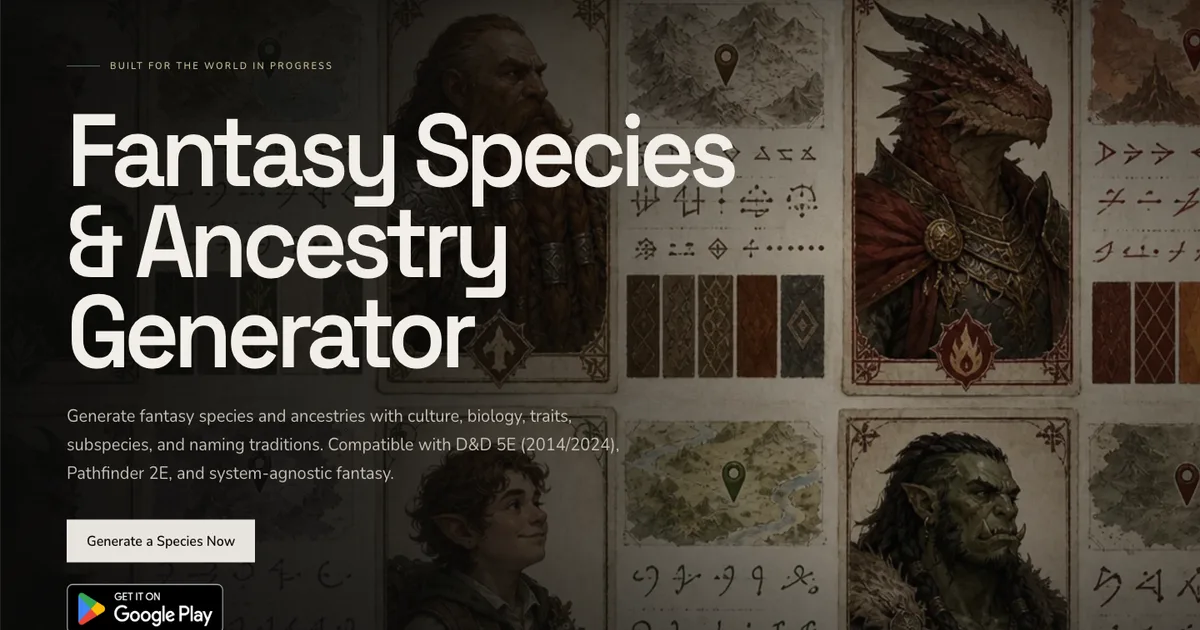
A D&D species generator can turn a rough idea into a named people with a homeland, culture, and traits. The hard part comes next. You need to decide which details belong in play, which belong in the setting notes, and whether the rules fit your table.
I start with one clear concept, then check the result against the rules edition we use. A species that lives in flooded caves might breathe underwater. It does not also need perfect darkvision, a climbing speed, and a free attack. Each trait changes what a character can do. That makes review part of the design.
CharGen's Species Generator can create a detailed draft for D&D 5E (2024), D&D 5E (2014), Pathfinder 2E, or generic fantasy. Its output can include biology, culture, names, subspecies, and adventure hooks. I would treat that output as a first draft for the Dungeon Master, not a promise of automatic balance.
Give the species one job at the table
Start with the job the species must do. Is it a player option, a people who live in one region, or a visual prompt for an NPC? Those choices affect how much rules detail you need.
For a player character, keep the mechanical section short. A player needs to know what their character can do, when they can do it, and what limits apply. A setting entry can include far more detail about history, food, social groups, or old migrations. That material can help the campaign without becoming a character feature.
Write one sentence before you open a D&D species generator. For example: “River-delta people with broad webbed feet, clear inner eyelids, and two communities shaped by the flood season.” This gives the generator a body, a habitat, and a point of difference. It does not make every member of the species behave in the same way.
Then write down the reason you want this species. Maybe a player has a character concept that does not fit the current options. Maybe the setting has a salt marsh that needs residents. Maybe the next adventure needs a group with a distinctive relationship to the coast. A strong reason helps you remove ideas that do not serve the campaign.
Keep the first pass narrow. A species with six limbs, night vision, shape-shifting, ancestral memory, and speech with fish contains several designs. Pick one for the first draft. Save the others in a note. You can add one later if the first version needs it.
Keep biology, culture, and rules separate
Fantasy species often become less convincing when anatomy, culture, and personality all point in one direction. Give each category its own notes.
| Design layer | Useful question | River-delta example |
|---|---|---|
| Biology | What physical feature helps in this habitat? | Broad feet help with soft mud. Clear inner eyelids protect the eyes in silty water. |
| Culture | What choices have different communities made? | One group maintains ferry routes. Another moves inland during the flood season. |
| Rules | What game effect represents the concept? | A limited water-related trait may fit. It needs a clear use and boundary. |
| Roleplay | What can an individual decide for themself? | A character can love dry places, avoid boats, or know little about local customs. |
This separation prevents a common problem. An environmental adaptation can make sense for the species without defining every person's values or career. Webbed feet do not make someone a sailor. A community with skilled boatwrights does not mean every member knows how to build a boat.
Make more than one community before you call the setting finished. Ask where people live, how they earn a living, and what disagreements exist between them. A cliffside group may protect a spring. A trading town may want open access to it. Both communities can share biology while holding different priorities.
Names need the same care. A naming tradition can give the group texture, but one list should not imply that every person follows it. CharGen can generate feminine, masculine, and neutral first names, family names, and roleplay prompts. Use those as options. Let the player decide how their character names themself.
Check what the 2024 rules assign to a species
The 2024 rules call this choice a species. The official Character Origins rules say that a species gives creature type, size, Speed, and special traits. A background supplies ability score increases, an Origin feat, skill and tool proficiencies, and equipment.
That division changes how a homebrew species draft should read. Do not put a fixed ability score bonus in a 2024 species description. Do not add a background's Origin feat or skill benefits to the species. The official character creation rules also make languages a separate origin choice. A class or another feature may grant more.
The 2014 rules use a different structure. If your group uses that version, choose the D&D 5E (2014) system in the form and review the result against your table's material. Do not mix a 2014 ability score bonus with a 2024 background choice by accident.
Before review, label the rules version in the document. “Homebrew species, 2024 rules” is clearer than “5e race” when the table has books from more than one version. If a player uses a legacy option, check the official guidance for combining older species and backgrounds with the 2024 rules.
For a player option, reduce the result to the parts a player needs during a session: creature type, size, Speed, and special traits. Keep broad world history, naming patterns, and the full list of communities in a longer entry. A player can read the short version while choosing a character. The Dungeon Master can use the rest when building the campaign.
Use a D&D species generator to draft the people
Open the CharGen Species Generator and choose the game system first. The form supports D&D 5E (2024), D&D 5E (2014), Pathfinder 2E, and Generic Fantasy. Pick the version your group uses before you judge the generated mechanics. CharGen labels text generation free, and the page asks you to sign up when you generate. Its pricing page also lists text generators as free to use.
The generator has fields for Quick Description, Creature Type, Size, Habitat, Inspiration Archetype, Power Level, and Additional Details. Write a short concept and set the fields you need. For a random result, leave Quick Description empty. Set Creature Type, Size, and Habitat to “Surprise me”. Use Additional Details for naming traditions or taboos.
For the river-delta example, I would set the habitat to Aquatic and keep the power level at Standard PC. I would describe the broad feet and clear eyelids in Quick Description. In Additional Details, I would ask for separate communities with different views about the seasonal floods. I would not ask for every person to share one belief or one role.
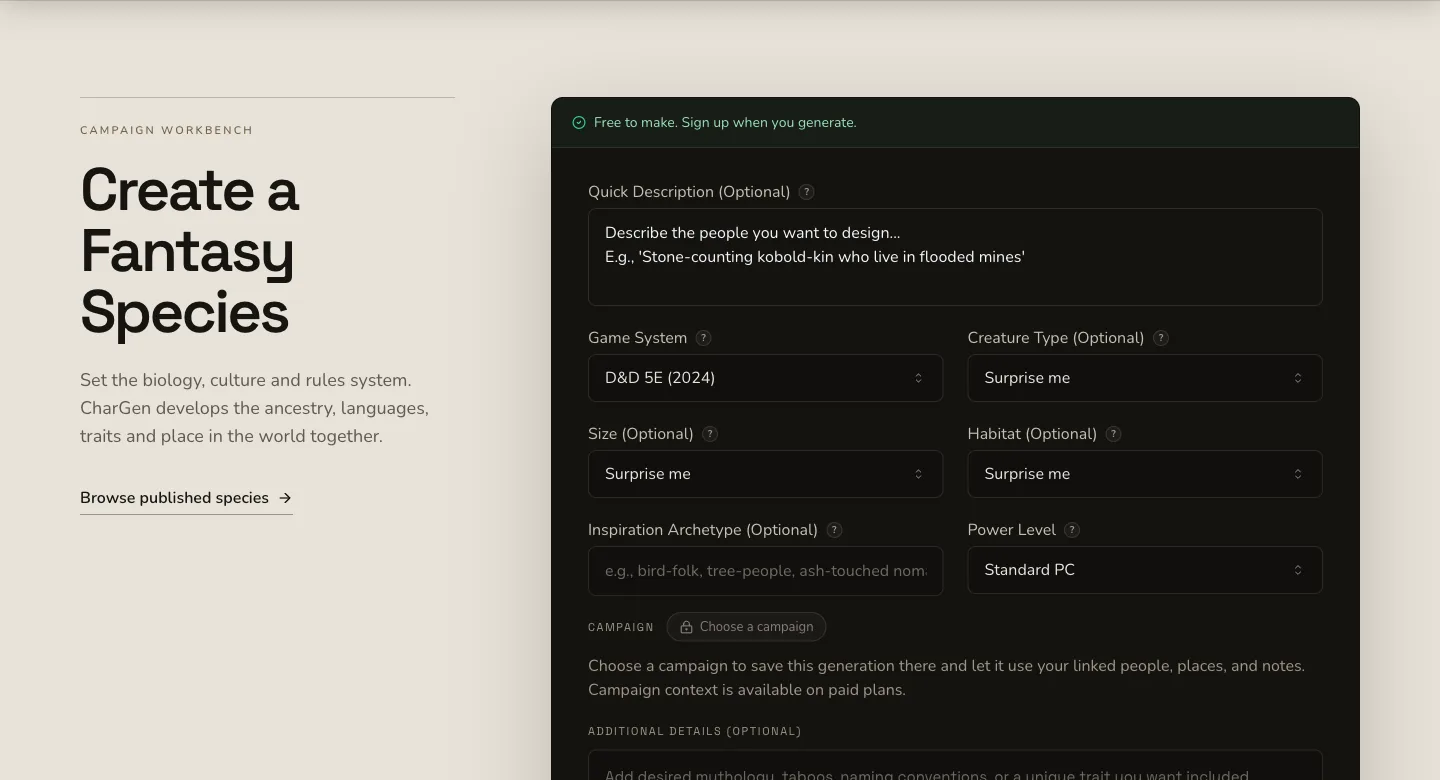
Read the first result for useful pieces, not as a finished answer. Keep a strong name, one visual detail, and one culture idea. Remove repeated claims. If the result says the species is both secretive and welcoming, write down when each description applies. If it gives a trait that does not match your campaign, leave it out.
The character's named people should also connect to the setting. CharGen saves generated species to the World Codex. From there, you can link a homeland region, create an NPC, or connect a faction. The Region Generator can help define the place, while the NPC Generator can make one individual. Keep those records distinct. One NPC should not stand in for an entire people.
If the species belongs to a player character, connect it to the Character Builder after the Dungeon Master approves the draft. You may also be making a new class for the campaign. Our D&D homebrew class guide can help you keep that design focused on its own rules.
A worked example: the Vellori
The Vellori are a fictional river-delta people in this article. Their communities live along a wide marsh where spring floods move homes and trade routes. The concept begins with two physical anchors: broad feet for soft ground and clear inner eyelids for silty water.
The first draft should not make every Vellori a ferryman. One community may maintain ferry routes and argue over safe passage. Another may live on raised platforms and move inland for part of the year. A third group could live far from the delta after generations of migration. These details give a player choices without making one culture universal.
For the player-facing rules, I would start with the standard creature type, size, and Speed used by the chosen rules version. Then I would ask whether any special trait is necessary. If the concept needs an interaction with water, I would compare that trait with the options permitted in the campaign. I would write its action, range, duration, uses, and recovery in plain language before the group tests it.
| Draft detail | Keep in the short player entry? | Review before play |
|---|---|---|
| Broad feet and clear inner eyelids | Yes, as descriptive traits | Decide whether either feature needs a rules effect. |
| Two communities with different flood plans | A short note, if it helps roleplay | Avoid treating one group's custom as universal. |
| A long history of trade disputes | Usually no | Keep it in the setting entry unless it affects the campaign. |
| An underwater feature | Only if the concept needs it | Check its action, limits, and effect on the adventures. |
This is a useful point to stop generating. The result can already support a character idea, a homeland, or a town rumour. Another round of generation may add detail without solving a real problem. Keep the short summary, then ask the player which part interests them.
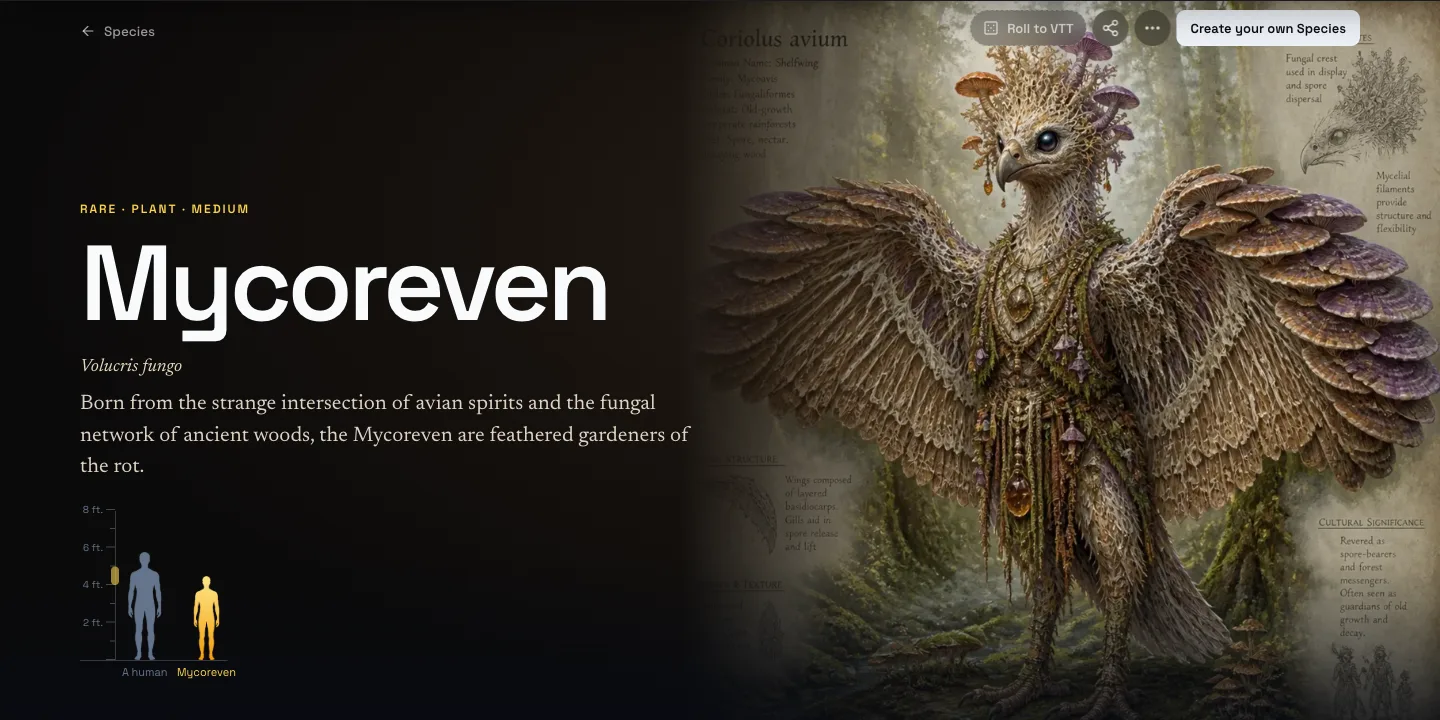
For a real example of the public result format, this is Mycoreven, a species page made in CharGen. It is separate from the Vellori example above.
Check each trait with the Dungeon Master
Read every mechanical trait as a rules change. Ask what the character can do, when the trait works, how often it works, and what it replaces or duplicates. A trait that is useful in one campaign may solve a major challenge in another.
For each trait, write the answers to these questions:
- Does the trait need an action, reaction, or no action?
- Does it work at a set range or only in a specific place?
- How long does its effect last?
- Does it have a use limit or a recovery rule?
- Does it overlap with a class, spell, background, or another species option?
- Can the Dungeon Master describe a situation where it changes a scene?
Do not use a numeric homebrew score as proof that a species is balanced. Check how several traits work together. A short-range sense, an escape ability, and a powerful movement option may each look modest in isolation. Together, they might remove a challenge that matters in your campaign.
Compare the result with an official option from the same rules version. This does not give you a perfect formula. It gives the table a shared point of reference. If one new trait solves a problem that an official feature handles at a cost, ask why the new version has no limit.
Bring the brief to the Dungeon Master before a character enters a long campaign. Show the chosen edition, the player-facing text, and the open questions. Agree on one version to test. If the result is too strong or too weak, change one trait at a time and write down what happened.
You can also use the species as an NPC or setting element instead of a player option. In that case, the mechanical checks may not matter. A species used only for lore can focus on ecology, relationships, naming, and how its communities meet the party. State that purpose so nobody mistakes a worldbuilding entry for an approved player choice.
Keep the first draft short enough to use
A full species page can hold biology, societies, subspecies, ages, names, and famous members. It can link to other campaign records. That is useful when you are building a setting. A character sheet needs a shorter version.
Write one paragraph about the concept. List the approved traits. Add a note about any rules the Dungeon Master still needs to decide. Keep unused ideas in the World Codex entry. When the campaign reveals a need, you can return to the longer notes and add one detail with a clear purpose.
If the next session only needs a name and one clue, make an NPC. If the group wants a full ancestry, finish the rules review. If the people need a home, build the region. The Species Generator can help you create the first draft, but the table decides what becomes part of play.
Take one concept to the Species Generator. Keep the first result as a draft. Ask the Dungeon Master to review every trait before a player uses it.
Create a Fantasy SpeciesFrequently asked questions
- Can I use a generated species as a player character?
- Ask your Dungeon Master first. Treat the generated species as a draft, check each trait against your campaign, then test it before a long game.
- Do species give ability score increases in 2024 D&D?
- The 2024 Basic Rules place ability score increases and an Origin feat in the background. Species sets creature type, size, Speed, and special traits.
- How do I check a homebrew species for balance?
- Check each trait's action, range, duration, uses, recovery, and overlap with class features. Compare it with an official option, then playtest it.
- What should I show my DM?
- Share a short concept, the player-facing traits, the 2014 or 2024 rules version, and any open questions. Keep unused lore in your notes.