
AI Ship Generator for D&D: Starships and Space Stations
An AI ship generator for D&D creates a vessel, crew, decks and plot hooks. Prepare a Spelljammer or sci-fi campaign ship with CharGen.
The short version
- Choose a ship's job before you choose its look.
- CharGen creates the ship, crew, decks, systems and story hooks.
- Open a deck in the Battlemap Maker to draw its map.
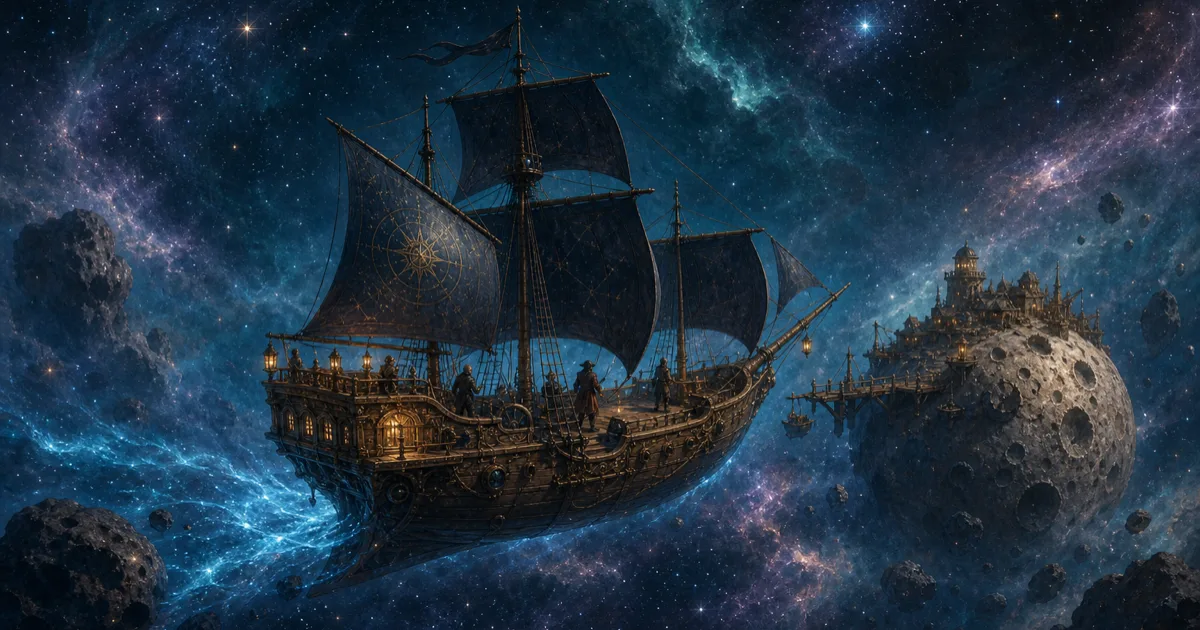
A crew needs more than a hull and a name. They need a reason to stay aboard, rooms to argue in, and a problem that reaches the bridge before breakfast.
An AI ship generator for D&D can give a Dungeon Master those details in one place. CharGen makes the vessel, named crew, decks, rooms, system conditions, history, rumours, plot hooks and a secret. I recommend treating that first draft as material to keep, edit or discard. Check its rules against the game your group plays.
The tool supports D&D 5E, Starfinder 2E, Pathfinder 2E, Savage Worlds, Cypher System and custom systems. It can make a spelljammer-style vessel, a riverboat, a submarine or a station. The same workflow also works for a science-fiction campaign.
What should an AI ship generator for D&D give you?
A useful ship record answers table questions. Who owns it? Who runs the engine? Where can the party sleep? What has failed? Why should the crew leave port today?
CharGen puts those answers into sections you can review and edit. Each section gives you a different kind of session material.
| Ship detail | What it gives you at the table |
|---|---|
| Kind, class and size | A clear silhouette and the space the vessel needs |
| Named officers and crew | People with roles the party can meet or replace |
| Decks and rooms | Locations for scenes, searches and fights |
| System conditions | A practical problem, such as a damaged drive or leaking hull |
| History and rumours | Reasons to ask questions before the ship leaves port |
| Plot hooks and a GM secret | A next session lead and one fact to keep private |
The ship page keeps these details together. You can read the crew without searching through the history. You can open a deck without copying its room list into another document. The secret stays separate from the public record.
An AI ship generator for D&D does not make every choice for your campaign. It gives you material to accept, change or discard. If the output says the ship has a disgraced captain, decide whether that history fits your group. Keep the detail if it creates a useful conversation. Edit it if the captain needs a different reason to serve.
Pick the ship's job before you choose its look
Start with what the vessel does in play. A ship might be the party's home, a place they must explore, a rival's base or a transport with a deadline. That choice makes the later details easier to judge.
For a party's own ship, give each player a reason to care about one room, officer or system. The pilot can claim a cramped chart room. The bard might run a mess hall that doubles as a stage. The fighter may want a clear route from the quarters to the weapons deck.
An enemy vessel needs a different shape. A fortress ship can have few entrances and a short supply of air. A fast courier might have hidden cargo, a small crew and a damaged navigation system. Those details suggest how the party can board it or bargain with its captain.
A passenger ship can create social scenes without turning every voyage into combat. The crew might carry a sealed parcel, a wanted passenger or a rumour about the next port. A station can serve as a home base, customs post or neutral meeting place. The Settlement Generator can help name its port. The Faction Generator can prepare the group that owns it.
One recent r/Spelljammer discussion asked what ship a new party should receive. The answers depend on the campaign and the group. That thread is one conversation, not a survey. It shows the choice a Dungeon Master faces. Give the party a ship now, make them earn one, or let them serve aboard someone else's vessel. An AI ship generator for D&D can help draft each option.
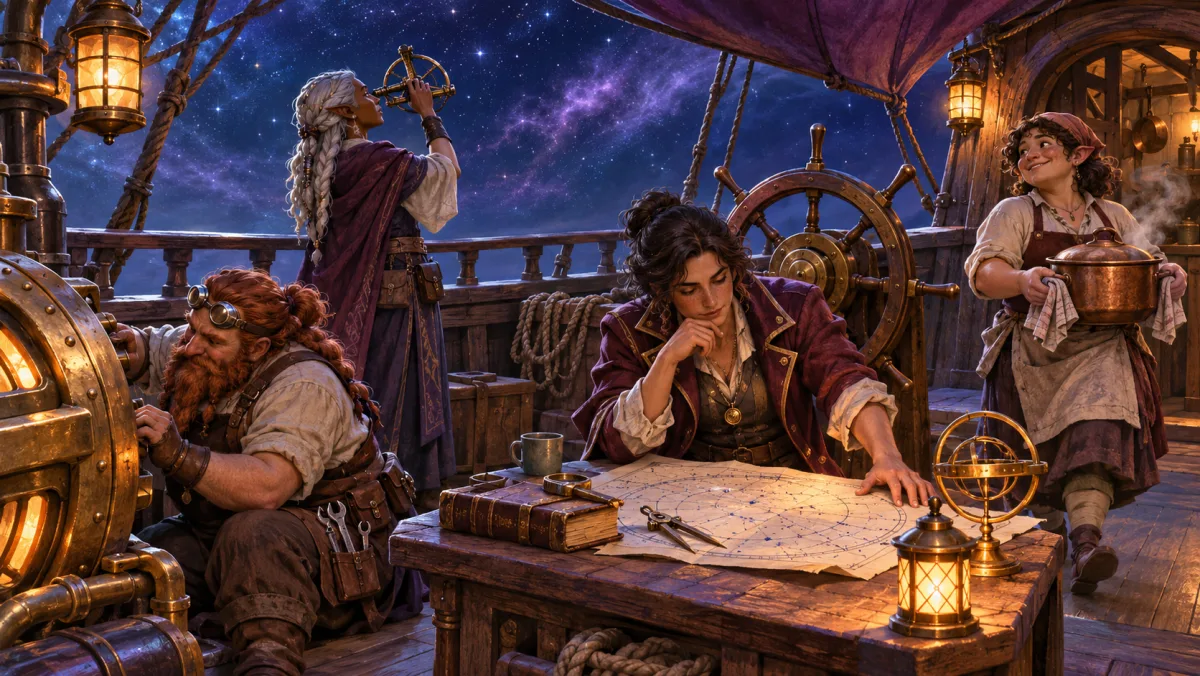
How to use an AI ship generator for D&D
Open the Ship Generator. The page starts with a form, not a blank chat. Choose the parts that matter to your session and leave the rest open for a surprise.
- Quick Description is optional. Use it for a short premise, such as a patched survey frigate that maps the edge of charted space.
- Kind has nine choices: Starship, Station, Airship, Sailing Ship, Astral Ship, Submarine, Riverboat, Small Craft and Other.
- Class accepts your own words or a suggestion for the selected kind. A survey frigate or an astral galleon can set the tone quickly.
- Size can be left for the generator. Small gives two decks, Medium gives four, and Large gives six.
- Game System starts on D&D 5E. You can select another supported system or enter a custom one.
- Crew is optional. You can assign NPCs or characters to roles, add a party and decide how it relates to the vessel.
- Additional Instructions lets you add a requirement that does not fit another field.
Use a detail that changes play. “A ship with blue sails” gives the generator a colour. “A riverboat that carries a sealed shrine through a flooded border” gives it a job and a problem.
The Ship Generator page says ship generation costs no Gold after a free sign-up. The default art style is free. Decide whether you want an image before you spend time polishing the description. The record itself is the useful starting point.
Make a ship in CharGenGive the crew useful jobs
A crew list works best when each officer can affect a scene. The captain can owe money to the port authority. The engineer can refuse to start the drive until the party finds a missing part. The ship's doctor can recognise a passenger's illness.
CharGen starts with roles that match the ship kind. You can put your own NPCs or characters into seats. Open seats can be filled by the generator. You can also add or remove roles. A new NPC from the NPC Generator can later take an empty position.
If the party owns the vessel, choose Their ship and assign players to officer seats. If they are passengers, choose Travelling aboard. Choose Meeting it when the ship belongs to somebody else. These choices help keep a party's role clear in the record.
I would keep the first crew small enough to remember. Give the captain a goal, the engineer a limit and one ordinary crew member a detail that changes a scene. A cook who keeps a list of every meal the captain has stolen can make the ship feel lived in. They do not need a full biography before the group has met them.
Do not make every crew member loyal to the captain. One officer might want to return to a family port. Another might stay only until a debt is paid. Those small disagreements can create choices without forcing the party into a mutiny plot.
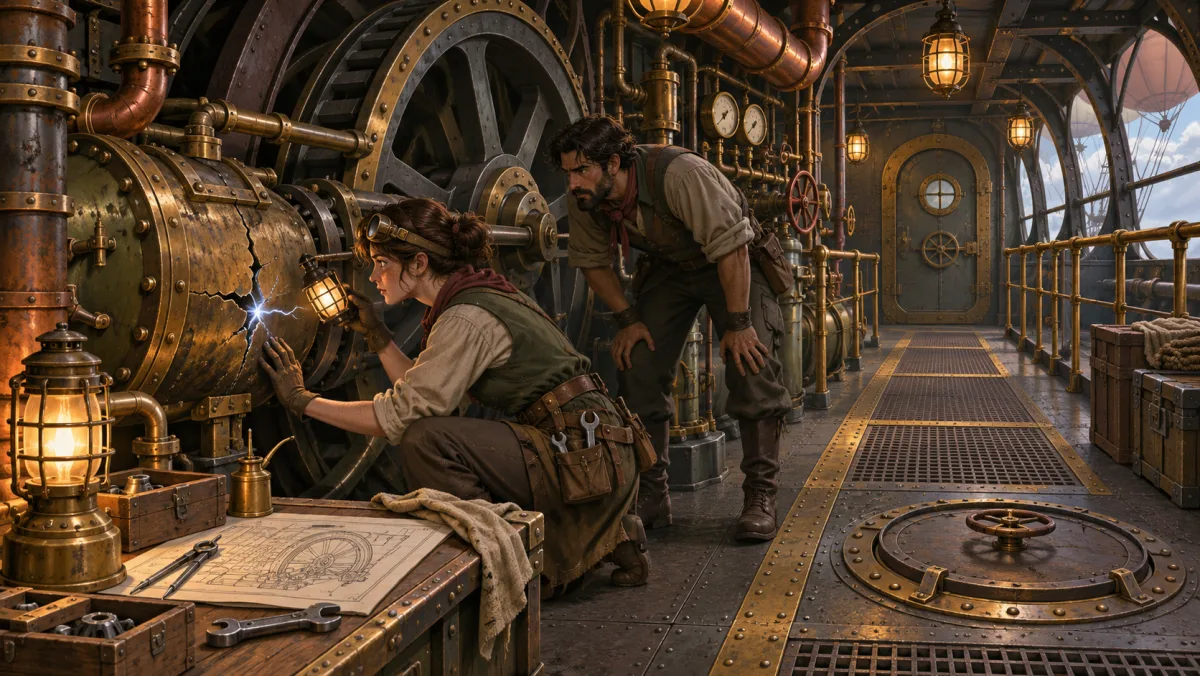
Make each deck useful in a scene
The generator gives each deck a list of rooms. It does not draw a finished map for you. Open a deck in the Battlemap Maker when you need a play space.
Before you draw, choose what the scene needs. A bridge needs a route to the engine room. A cargo deck needs places to hide. A passenger deck needs doors the party can watch. A submarine may need narrow passages, a noisy pump and a room that floods first.
Medium ships have four decks by default. That is enough for a short set of different spaces. You might have a bridge, a crew deck, a cargo hold and an engine room. Large ships have six decks, which gives you more room for factions, private areas and secrets. A Small ship has two decks, so each room must do more than one job.
Draw only the deck you expect to use soon. If the party is heading for a dockside meeting, make the bridge or cargo hold later. A complete ship plan is less useful than one map that supports tonight's scene. If the voyage leads to a ruin or cave, draft that site with the Dungeon Generator.
When you open a deck in the Battlemap Maker, the rooms give you a starting layout. Check the scale, exits and line of sight before the session. Add doors or cover if the party needs them. Save the finished map in the Battlemap Maker.
Use one generator for fantasy and science-fiction games
The Kind and Game System fields let you prepare ships for different campaign styles. A sailing ship can carry a crew through a storm. An astral ship can bring the party to a distant port. A station can make a good starting place for a Starfinder 2E campaign.
A Spelljammer ship generator, D&D starship generator and AI sci-fi ship generator answer similar prep questions. Decide who owns the vessel, who works aboard and which space the party will visit first. Choose Station for a space station generator for TTRPGs. An AI space station builder still needs a clear job, such as a port, base or safe house.
The wider D&D calendar also has crossovers. D&D Beyond lists D&D: World of Warcraft for release on 17 November 2026. It also lists a D&D-Star Wars collaboration for 2027. Neither changes ship rules. These releases give fantasy and science-fiction players more shared references.
The generator writes the ship for the system you choose. It is still a campaign record, not a replacement for your system's rulebook. Check movement, crew actions, ship damage and combat rules against the edition your group uses. Keep the generated history, rooms and story hooks if they help. Change any mechanics that do not fit your table.
For D&D 5E, you might choose Starship or Astral Ship and add a magic helm as a premise. For Starfinder, choose Starship and name the drive or station function that matters to the mission. A custom system can use its own terms. In every case, review the result before players rely on it.
A worked example: a damaged courier with a missing passenger
This is a fictional example, not a saved CharGen record. I would prepare a small astral courier for a campaign that begins at a crowded port.
I would choose Astral Ship, select Small and enter a short description. For example: “An old courier carries sealed letters between two rival ports. Its forward hull is patched. A passenger has vanished from a locked cabin.” I would choose D&D 5E, leave some crew roles open and assign one NPC as captain.
Two decks are enough. The upper deck has the bridge and the crew's common room. The lower deck has the engine room, cargo space and the passenger's cabin. The missing passenger's trunk remains in the cabin. The engineer knows the hull patch is newer than the ship's log claims.
The generated crew can give the party people to question. I would keep the captain calm, the engineer impatient and the cook worried about a missing set of keys. The party can search the rooms, check the passenger list or ask the crew what happened.
The secret might give the GM one explanation. It should not force one answer if the party finds a better one. If the group suspects that the passenger left voluntarily, I can keep the cabin evidence and change the next scene. That flexibility is useful in a session.
After I review the record, I would open the lower deck in the Battlemap Maker. I would draw the cabin, cargo hold and engine room. The upper deck can wait until the ship returns. The ship now gives the group a mystery, a crew and a map for the first session.
What to review before you use the ship
Generated detail is a draft. Check proper names, crew roles and private secrets before you share the ship with players. A secret written for the GM should not appear in a player handout or a public campaign page.
Check the vessel's mechanical claims too. A ship's size, weapons, speed and crew requirements depend on the system and edition. The generator can prepare a useful record, but you decide which rules apply.
Finally, make a list of the sections you want to use. A short campaign may need a captain, three rooms and one rumour. A long campaign can use more crew, several decks and a larger set of ports. You can edit the record by hand after generation.
CharGen can save the ship as a ship or station in your World Codex. You can find saved ships in your Library and in Browse. That makes it easier to return to a vessel when the party sees it again.
Create a ship for your campaignFrequently asked questions
What can an AI ship generator for D&D create?
CharGen can create starships, stations, airships, sailing ships, astral ships, submarines, riverboats, small craft and other vessels. A record can include a named crew, decks, rooms, system conditions, history, rumours, plot hooks and a GM secret.
Can I use the CharGen Ship Generator for Spelljammer?
Yes. Choose D&D 5E as the game system, then choose Starship or Astral Ship. Review any ship rules against the books your table uses.
Does CharGen generate a map of every ship deck?
No. The ship record lists decks and rooms. Open a deck in the Battlemap Maker to draw and save its map.
Can my D&D party serve as the ship's crew?
Yes. Choose your party and say how it relates to the ship: Their ship, Travelling aboard or Meeting it. When it is their ship, players can hold officer seats.
Is the CharGen Ship Generator free?
Ship generation is free after a free sign-up. The default ship art style is free too.
A ship becomes easier to use when it has one clear job. Give it a crew the party can talk to, a deck that supports the next scene and a problem worth solving.