
D&D Campaign Context Generator: Keep Your Lore Consistent
Use a D&D campaign context generator to keep NPCs, places, documents, and new AI content consistent with your established campaign lore.
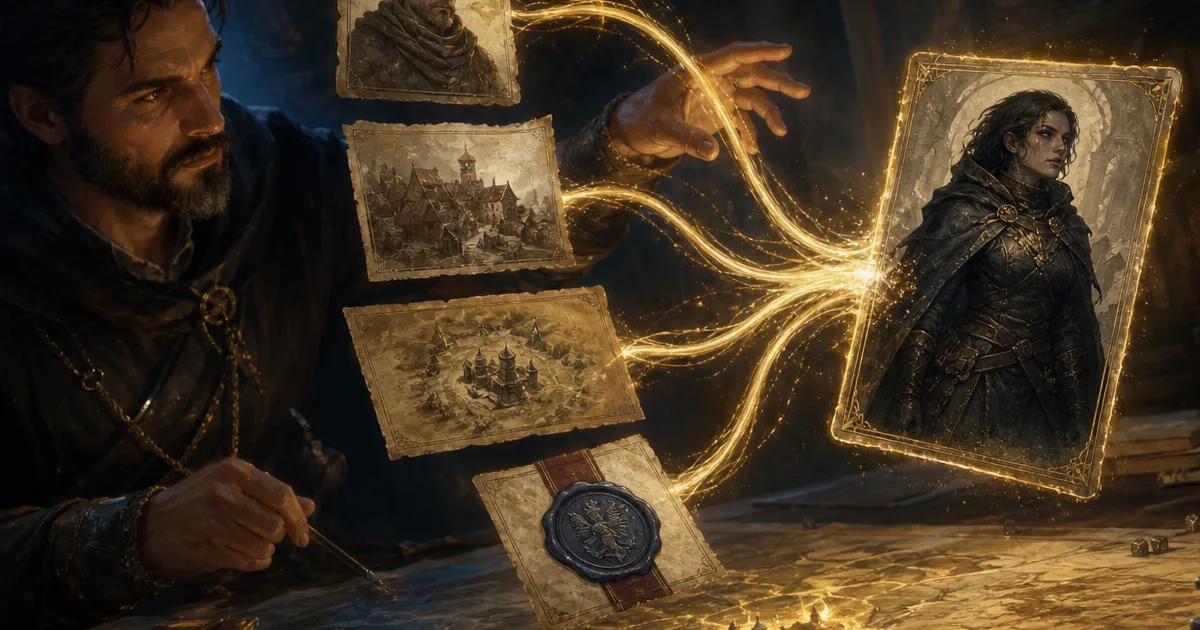
The D&D campaign context generator matters at the exact moment a familiar name enters a fresh prompt. Your party returns to Greywater. They ask for Captain Merrow, the one with the blue lantern and the grudge against the customs office. You want a new scene, maybe a harbour encounter or a portrait after a rough night, but you do not want the generator to quietly turn her into a cheerful elf in a mountain village.
That drift is not a failure of imagination. It is what happens when a tool receives only the latest sentence and none of the decisions that made your campaign yours. I have worked around it with copied notes, prompt fragments, and filenames that looked like merrow-final-real-final-3. None of that is a satisfying campaign memory system.
CharGen's campaign context bridge gives generators a better starting point. Choose a campaign, mention the tracked entities or documents that matter, and generate with that established material visible beside the guidance field. It does not replace the DM's judgement. It stops the app from pretending that every new request is the first thing you have ever made.
The consistency problem is bigger than one NPC portrait
Most DMs already keep notes. A recent discussion in r/DMAcademy described a familiar structure: locations, factions, characters, lore, quests, session logs, and a short "up next" list. That is sensible because campaigns are made of connected facts. The complication comes when a generator sees none of them.
Say the party has spent six sessions in a flooded trade city. You have established three facts: the Sunken Ledger controls the docks, Captain Merrow will not cross the customs bridge, and the river cult uses a cracked bell as a signal. A generic prompt for a smuggler encounter may give you something usable. A prompt that carries those facts can give you an encounter with a reason to belong.
The difference is not more lore for lore's sake. It is fewer repairs afterwards.
| Without campaign context | With campaign context |
|---|---|
| You repeat names, relationships, and setting rules in every prompt | You select the relevant campaign and mention the records that matter |
| A known character can acquire a new personality or appearance | The generator has a visible set of anchors to work from |
| Old notes stay in a separate tab | Pinned campaign documents can accompany generations automatically |
| You notice contradictions after the result arrives | You can inspect and remove context chips before generating |
The 2024 Dungeon Master's Guide still puts session preparation, table judgement, and campaign decisions with the DM. Good. A context-aware tool should support that work, not claim authorship over it.
How CharGen campaign context works
Open a generator from a campaign or choose a campaign in the Campaign Context row. In the guidance field, type @ to open the mention picker. It lets you select tracked campaign entities and campaign documents. If you have already named something in your guidance, CharGen can also notice the name and show it as a dashed chip.
Solid gold chips are the records I added deliberately. Dashed chips are suggestions the app found in my wording. I treat that distinction seriously. A suggested chip is not permission to pass private lore into every generation. I check it, keep it if it is relevant, or dismiss it if it is not.
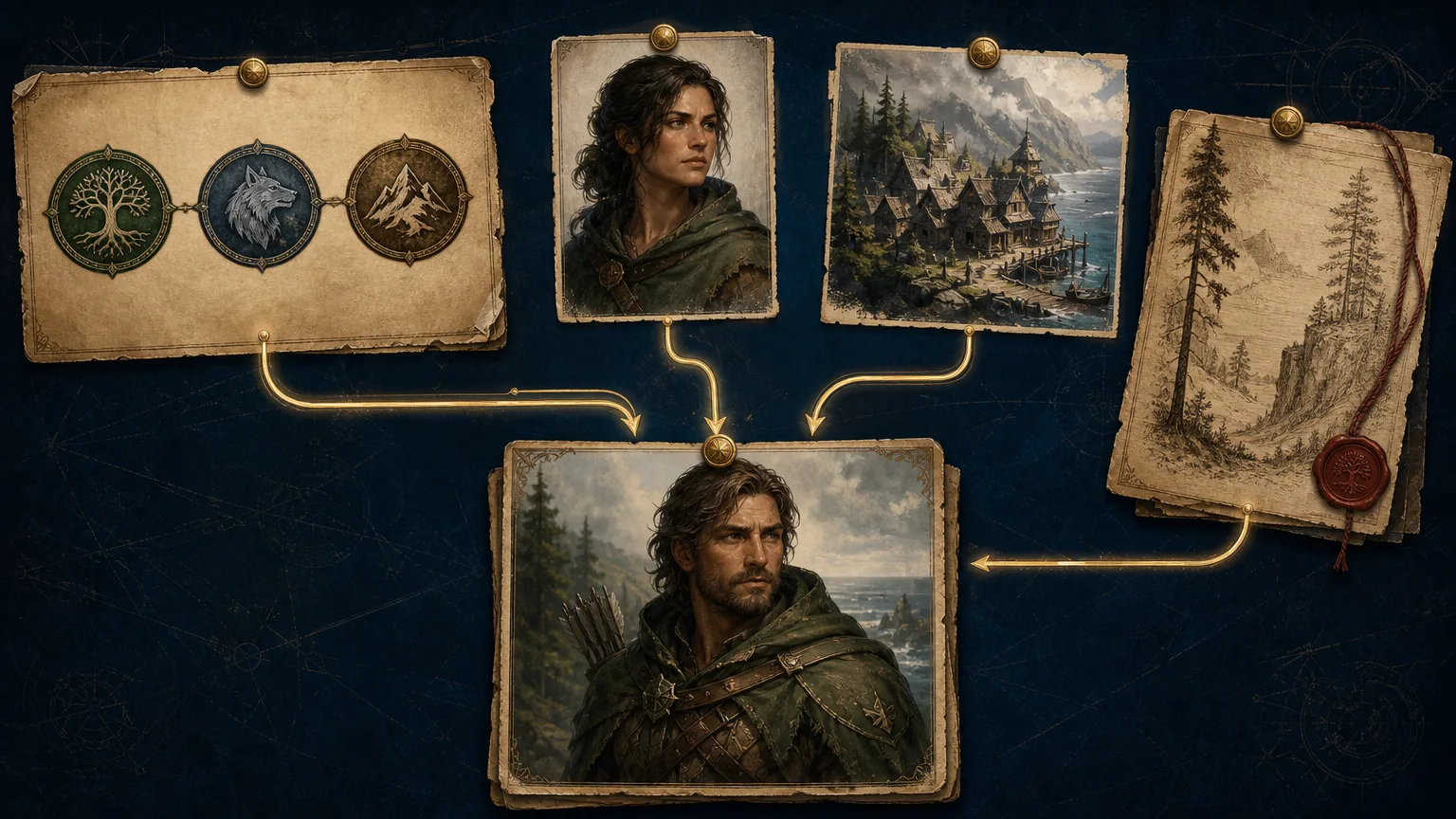
Pinned documents work differently. In the campaign's Documents tab, I can paste a session note, setting primer, or faction brief, then pin the document. Pinned material rides with every generation in that campaign. That is useful for a rule of the setting that should always apply, such as "magic is licensed by the Glass Senate" or "the sea gates close at dusk". It is not the place for every rough note I have ever written.
CharGen shows what is being included. That visible ledger is the feature I trust most. A generator can only be useful if I can tell what I have asked it to remember.
A practical example: bring back an NPC without rewriting her
Here is the workflow I use for Captain Merrow.
- Open the campaign and select the NPC record for Merrow.
- In the generator, pick the campaign in the Campaign Context row.
- Type
@Merrow,@Greywater, and@Sunken Ledgerin the guidance field. - Keep the pinned harbour primer, but dismiss a suggested chip for an unrelated mountain quest.
- Ask for a scene-specific result:
Merrow negotiating safe passage beneath the customs bridge after the cult's bell rings.
The actual prompt stays short because the details already exist in the campaign. I am not asking the app to invent her life again. I am asking it to use the life we have already played.
This helps with more than portraits. I use the same approach for a new NPC, a faction consequence, a location description, a monster tied to local history, or a character scene. The bridge is available across CharGen generators, so the useful habit is choosing the smallest set of records that makes the output more truthful to the table.
What belongs in a campaign document
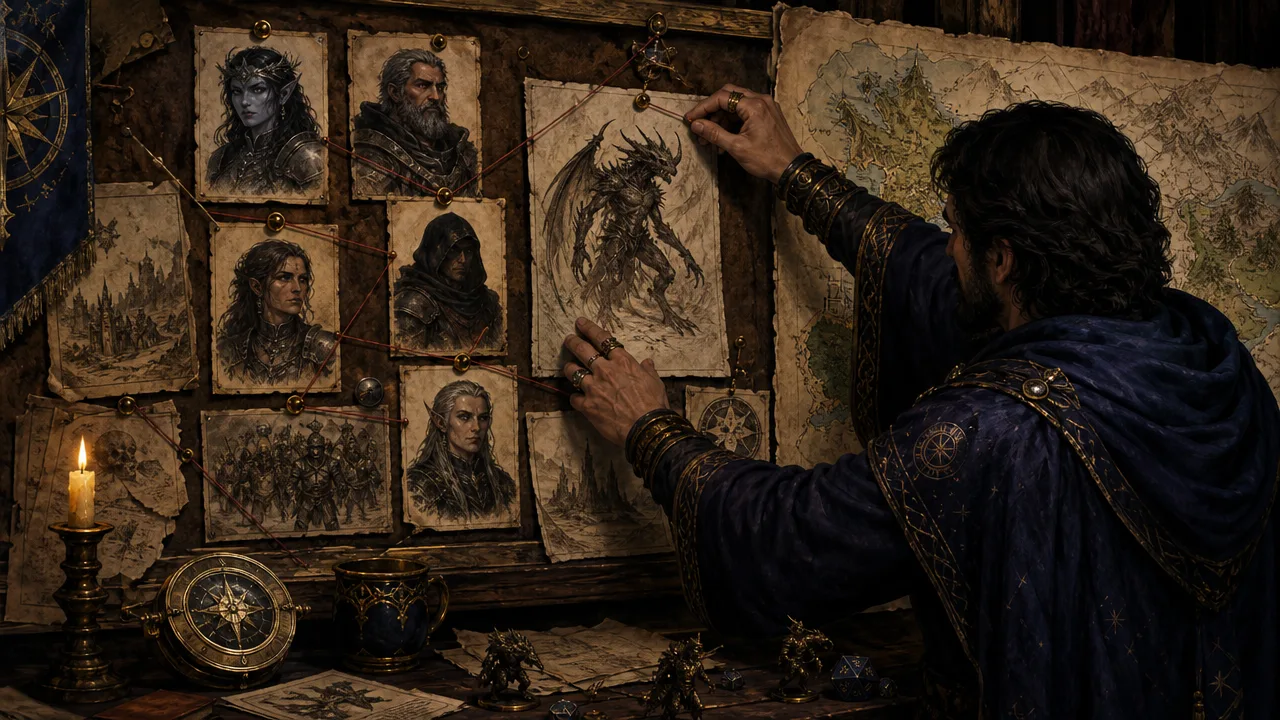
The Documents tab is not a dumping ground. A document earns a pin when it contains facts I want to apply repeatedly. I keep mine short and legible.
| Good document to pin | Why it helps |
|---|---|
| a one-page setting primer | keeps tone, geography, and magic rules steady |
| an active faction brief | gives missions and NPCs the right loyalties |
| a player-safe session recap | preserves public consequences without DM secrets |
| a city district guide | keeps recurring places recognisable |
I do not pin raw brainstorms, abandoned plot lines, or a full transcript just because I have one. More context is not automatically better context. It can make a simple request heavy, and it can push the generator towards a detail that has nothing to do with the current scene.
The same principle applies to DMs who do not want AI in every part of their game. Recent community conversations make that concern plain. Keep authorship with the group. Use the tool to organise and recall the canon you chose, then edit the result before it reaches the table.
A five-minute campaign context check before you generate
I have one small check that prevents most bad results. Before I press Generate, I ask five questions. It takes less time than fixing a contradictory result later.
| Check | What I ask myself |
|---|---|
| campaign | Is this request actually part of this campaign? |
| canon | Which two or three facts must remain true? |
| scope | Do I need an NPC, location, faction, document, or all of them? |
| privacy | Is there a DM-only note that should stay out of this generation? |
| result | What will I keep if the output is good, a portrait, a record, a token, or a scene hook? |
For example, I might be generating an antagonist for a faction the party has only heard about. I mention the faction and the city, but I do not include the DM-only document that explains the traitor inside it. I want the new antagonist to share the faction's tone and resources, not to spoil the reveal I have planned. Context should be precise, not indiscriminate.
That distinction also improves the writing. A prompt like make a cult leader for Greywater leaves a lot to chance. A short prompt with selected records can say The Sunken Ledger's negotiator arrives at the customs bridge with an offer that puts Captain Merrow under pressure. The generator receives the names and setting facts it needs, while I still decide the secret, the consequence, and whether the character ever appears.
If the result comes back with an idea I did not expect, I do not treat that as new canon automatically. I either edit it into the campaign record or discard it. That is the healthy order of operations: the campaign informs the generation, then the DM decides whether the generation informs the campaign.
Why visible context beats a giant pasted prompt
Long prompts are brittle. They invite me to paste a miniature campaign bible into every request, then forget which version I used last week. A campaign context generator changes the job from copying text to selecting records. The visible chips make that selection inspectable, and the Documents tab gives longer material a home that is not a note pasted into a generator box.
It also makes collaboration less mysterious. If I am co-DMing, I can show the other person which records guided the result. If a player asks why an NPC knows a particular name, I can trace it back to the session or document that established it. The app is not making a hidden decision; it is working from a brief I can see.
That will not cure every continuity problem. Players will still surprise you. You will still retcon a minor detail when a better idea arrives. The aim is more modest and more useful: stop the generator from causing contradictions you had already solved in your notes.
Common mistakes I avoid
The first mistake is selecting every entity that has ever appeared. A six-session campaign can already contain enough records to make a simple request noisy. I keep the context close to the scene. For a dockside negotiation, I choose the negotiator, the dock district, the relevant faction, and perhaps one pinned harbour brief. That is plenty.
The second is confusing a noticed name with a confirmed fact. Dashed chips are helpful prompts to check, not evidence that the generator has understood the relationship correctly. If I write "the old captain" and the campaign contains three captains, I select the right record myself.
The third is leaving campaign records stale. A context bridge can preserve only what the campaign says. After a session, I update the one or two facts that changed: who owes a favour, which quest moved, what location was damaged, or which NPC now knows the party's name. That is a much smaller job than re-explaining the whole world before every generation.
When to use campaign context, and when not to
I turn it on for recurring material: a villain returning after months away, an encounter in an established district, a quest that touches two factions, or art for a character the party already knows. It is especially helpful when I have not read my own notes for a fortnight.
I leave it off for disposable work. A random roadside inn, an unnamed guard, or a visual experiment does not need the whole campaign behind it. Starting blank can be faster and more surprising.
That balance keeps the RPG Workshop useful rather than fussy. The purpose is not to make every generation feel formally approved by a committee of old notes. The purpose is to give important work the continuity it deserves.
Campaign context is a paid feature, but the choice remains yours
The campaign row is visible on free accounts, but using campaign context requires a paid CharGen plan. Generating without it continues to work normally. I would start by trying it on one recurring NPC or one setting-heavy encounter, then decide whether the time it saves is worth it for your campaign.
For a long-running game, the pay-off is simple. Your notes, entities, and documents stop being reference material you have to manually translate into every prompt. They become a small, inspectable brief for the next piece of work.
Open Your Campaign WorkspaceFAQ
What is a D&D campaign context generator?
A D&D campaign context generator uses selected campaign records and lore documents as context, so new content can fit established names, places, relationships, and setting constraints instead of beginning from a blank prompt.
Can an AI generator remember my D&D campaign lore?
CharGen can use campaign entities you explicitly mention and pinned campaign documents when generating. You can inspect the chips before generating and remove material that does not belong in the request.
Do I need campaign context for every D&D generation?
No. Use it for recurring NPCs, known locations, faction work, or setting-heavy scenes. Leave it off for one-off ideas where continuity is not important.
The best first test is a familiar person in a familiar place. Mention the NPC, the location, and one active pressure, then compare the result with a blank generation. Keep the context only when it makes the next session easier to run.
Frequently asked questions
- What is a D&D campaign context generator?
- It is a generator that can use selected campaign records and lore documents as context, so new content fits established names, places, relationships, and constraints instead of starting from a blank prompt.
- Can an AI generator remember my D&D campaign lore?
- CharGen can use campaign entities you explicitly mention and pinned campaign documents when generating new content. You can see the context chips before generating and remove anything you do not want included.
- Do I need campaign context for every D&D generation?
- No. Use it when continuity matters, such as a recurring NPC, a known settlement, a faction mission, or a location with established rules. A one-off tavern extra may not need it.