
ChatGPT as a D&D Campaign Manager: CharGen MCP Tools
Connect ChatGPT or Claude to your campaign with CharGen's 48 MCP tools, so your AI D&D campaign manager can read, generate, and remember your world.
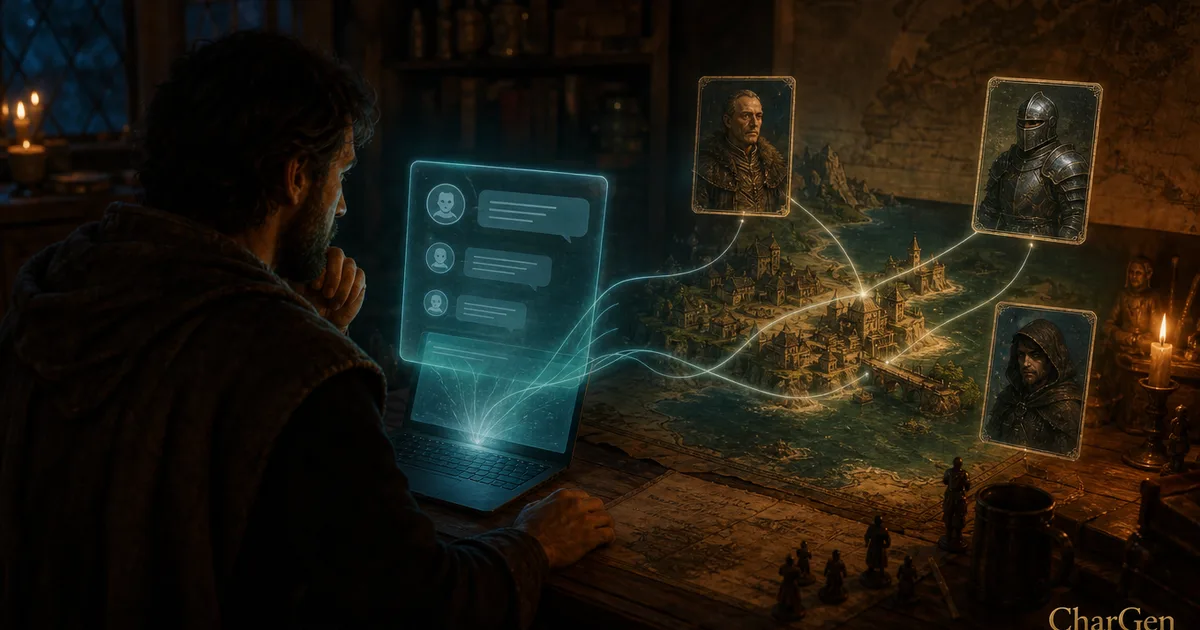
I typed one line into Claude on Tuesday: the party just reached the docks in Saltmarsh, who is waiting for them? About ten seconds later it handed back a smuggler with a grudge, a name, and a full stat block, and it managed that because it could actually read my campaign. That single fact is what separates a real AI D&D campaign manager from a clever stranger you have to brief from scratch every session. The assistant is only useful if it knows your world, and until recently ChatGPT and Claude knew nothing about the settlement you stocked last month or the faction your players betrayed.
CharGen closes that gap with a set of MCP tools that plug straight into the assistant you already use. I run CharGen, an AI toolkit for tabletop RPGs, and this is the feature I am most pleased with in a while, because it is the sort of thing nobody else in the niche actually ships. The landing page sums it up in three words: "Talk to your campaign." This is a walk through what that means, what the tools can and cannot do, and how to connect it in a couple of minutes.
What MCP is, in plain terms
MCP stands for Model Context Protocol, an open standard introduced by Anthropic in November 2024 and since adopted well beyond Claude. Think of it as a common plug. Instead of every app inventing its own bespoke way to talk to an AI, a service exposes a small set of typed tools over MCP, and any assistant that speaks the protocol can use them. The full spec lives at modelcontextprotocol.io if you want the technical version.
For a Dungeon Master, the practical upshot is simple. CharGen runs an MCP server at https://api.char-gen.com/mcp. Connect your assistant to that address, log in, and the assistant gains a menu of things it can do with your campaign data. The official MCP page lists the current count: 48 tools in total, split into 25 that read, 21 that write, and 2 that generate. Every one of them is scoped, so the assistant only ever does what you have allowed.
Right, so those three buckets are worth taking one at a time, because they behave quite differently.
The read tools: your assistant finally knows the story
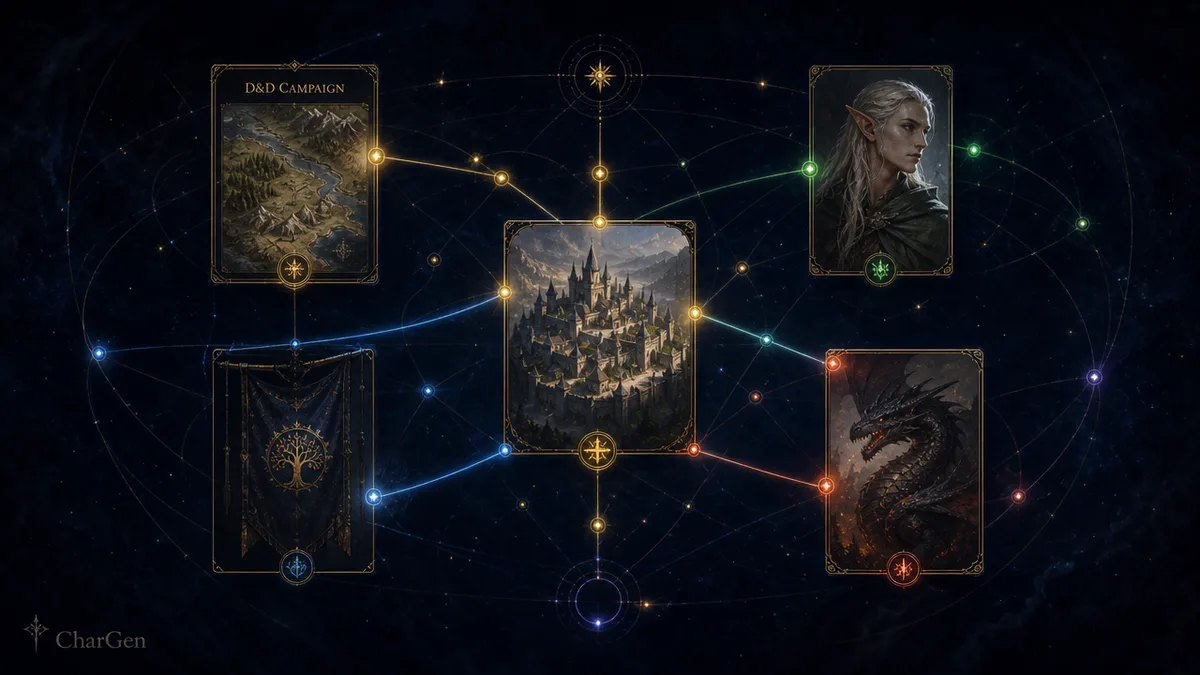
Twenty-five of the 48 tools are read-only. They cover campaigns, the World Codex, quest logs, timelines, relationship graphs, sessions, transcripts, parties, your image gallery, past generations, folders, and current pricing. In practice that means you can ask Claude "remind me who the party has annoyed in the harbour district" and it will pull the tracked NPCs, the faction ties, and the plot threads you logged from earlier recaps, then answer from your actual notes rather than making something up.
Reads are the safe half of the deal, and CharGen leans into that. The changelog for the 8 July 2026 launch put it plainly: "Reading is free, and it can never change or spend anything you did not allow." Reads work on any CharGen account, including the free tier, so you can wire this up and interrogate your campaign without paying anything. That alone replaces the tedious habit of copy-pasting half your session notes into a chat window and hoping the model keeps track.
The generate tools: build the smuggler without leaving the chat
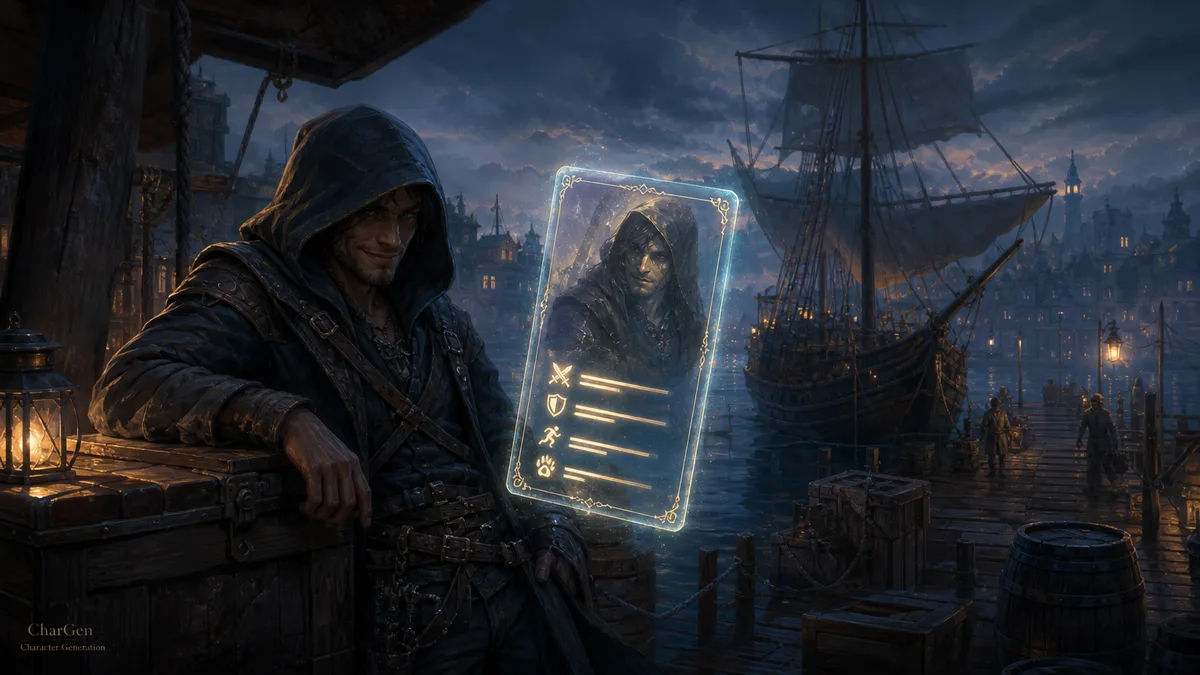
Two tools do the heavy creative lifting: entity generation and image generation. The entity generator covers 19 types, NPCs, monsters, characters, dungeons, settlements, quests and the rest, and it is the same engine as the site, so it returns a proper stat block plus a free portrait, not a paragraph of flavour text. This is where my docks example came from. The launch note described the exact loop: "tell it the party reached the docks and it hands you a smuggler with a grudge and a stat block."
Two things about cost, because I would rather be honest than have you find out mid-session. Entity generation is free for subscribers, same as it is in the app. Image rendering spends gold at the normal in-app rates, so a batch of portraits during a session will draw down your balance exactly as it would on the website. CharGen's free tier runs on that gold system, 25 gold on signup and 10 for each daily login, with no card required, so casual use stays free and heavy image days cost what they always did. If you want the full picture of where an AI assistant fits into a DM's kit, I compared the broader field in the best AI Dungeon Master tools for 2026.
The write tools: it updates the campaign, with your permission
This is the part that felt like science fiction the first time it worked. Twenty-one tools let the assistant change things: edit entities, update quests and plot threads, log a session, merge duplicate NPCs, manage folders, attach artwork, and fix recaps. After a game I can paste my rough notes into Claude and say "log this session and update the open quests," and it writes the recap back into the campaign where the rest of my tools can see it.
CharGen kept extending this through July. On 16 July 2026 it added eight folder-management tools, so an assistant can browse your World Codex and campaign folder trees, create and rename folders, move items in and out, and pull a codex folder into a campaign as a live reference. A day later, on 17 July, it added filing on creation: name a folder up front and the finished entity lands there automatically, no tidying afterwards. Small quality-of-life stuff, but it is the difference between a toy and something you actually keep using.
Writes are the half that can change or spend, so they sit behind a paid CharGen tier: Plus at £9.17 a month, Elite at £18.33, or Ultimate at £36.67. Reads stay free regardless. That split feels fair to me, since reading your own notes should never cost anything.
How to connect it in three steps
Setup takes about two minutes and needs no API keys.
- Open your assistant's connector settings and paste the CharGen connector URL:
https://api.char-gen.com/mcp. - Log in with your CharGen account through the OAuth 2.1 flow that pops up.
- Approve the scopes you want to grant: read, write, or generate.
That is it. On the security side, CharGen uses OAuth 2.1 with PKCE, issues short-lived tokens (one hour for access, 90 days for refresh), and enforces every scope on the server. The page's own line is the one I would underline: "Nothing happens until you approve it." No credential ever gets pasted into the chat, and you can revoke access whenever you like.
A quick compatibility note. The connector works with Claude on web, desktop, and Claude Code, with ChatGPT on the Plus, Pro, Business, Enterprise, and Edu tiers, and with Cursor and Windsurf. One caveat worth knowing before you get annoyed: Claude's custom connectors require a paid claude.ai plan, which is an Anthropic rule rather than a CharGen one.
Why this beats a DIY ChatGPT campaign manager
Plenty of DMs already run a campaign inside ChatGPT by pasting notes into a project or a long thread. It works until it doesn't. The model forgets, the context window fills, and you end up re-explaining who the villain is for the fourth time. The core problem is that the notes and the assistant live in separate places, so nothing stays in sync.
An MCP connection fixes the direction of the data. Your campaign lives in CharGen, tracked as a proper world graph of NPCs, settlements, factions and quests, the same interactive canvas the app has shown since the World Graph update. The assistant reads from that source and writes back to it, so there is one campaign and two windows onto it. Generate an NPC in Claude and it appears in your CharGen campaign; log a session in the app and Claude can recall it next week. For a sense of how much richer the source material can be, the backstory generator shows the kind of connected history the assistant then gets to draw on.
I will not pretend it is flawless. The assistant occasionally over-generates when you wanted a single NPC, and you still have to read what it writes back before you trust it in play. But the memory problem, the one that made every other "AI DM assistant" feel hollow, is genuinely solved here, and that changes how the tool feels at the table.
One session, start to finish
Here is roughly how a Thursday game runs for me now, so the abstract tool list has something concrete under it. Before the session I open Claude and ask it to summarise where we left off. It reads the last recap and the open plot threads and gives me a tight paragraph, which saves me trawling my own notes. I spot that the party still owes a favour to a dockside fixer, so I ask for a complication tied to that debt, and it generates a quest hook grounded in the faction I already logged.
Mid-session the players do the thing players do and wander somewhere I had not prepped, a back-alley shrine. I type one line, generate a priest NPC for a hidden shrine of a minor sea god, and get a name, a personality, a motive, and a portrait in the time it takes to refill a glass. Because the generate tool files into the campaign, that priest now exists in my world graph rather than on a sticky note I will lose by next week.
Afterwards I paste my scrappy bullet points into the chat and ask it to log the session and close the fixer's quest. It writes the recap back, updates the thread, and the next time I sit down the whole loop starts again with everything remembered. Four separate tools, one continuous conversation, and no copy-pasting between windows. That continuity is the entire point.
FAQ
Can ChatGPT really manage my whole D&D campaign?
With CharGen's MCP connector, yes, within limits. ChatGPT (on Plus, Pro, Business, Enterprise, or Edu) can read your campaign, generate entities, and, on a paid CharGen tier, write recaps and update quests back into it. It is managing your actual CharGen campaign data through 48 scoped tools, not holding a private copy in the chat that drifts out of date.
Does this cost money?
Reading your campaign is free on any CharGen account. Entity generation is free for subscribers. Image rendering spends gold at normal app rates, and the write tools need a paid CharGen tier (Plus £9.17, Elite £18.33, or Ultimate £36.67 a month). Separately, Claude's custom connectors require a paid claude.ai plan on Anthropic's side.
Which assistants work with it?
Claude on web, desktop, and Claude Code; ChatGPT on Plus, Pro, Business, Enterprise, and Edu; plus Cursor and Windsurf. Any client that speaks MCP and lets you add a custom connector should be able to reach https://api.char-gen.com/mcp.
Is it safe to give an AI write access to my campaign?
The connection uses OAuth 2.1 with PKCE, short-lived tokens (one hour access, 90 days refresh), and server-enforced scopes, so you decide whether the assistant gets read, write, or generate rights. Nothing runs until you approve it, and you can revoke access at any time. If you only grant read scope, the assistant physically cannot change anything.
Do I need to know anything technical to set it up?
No. You paste one URL into your assistant's connector settings, log in with your CharGen account, and approve the scopes. There are no API keys to copy and no config files to edit.
If you run your games through ChatGPT or Claude already, connect the CharGen MCP server and give your assistant the one thing it was always missing: your campaign.