
D&D Session Planning Tool: Build Your Next Session
Use a D&D session planning tool to carry campaign recaps into flexible scenes, choices and open threads. I show how CharGen keeps each draft reviewable.
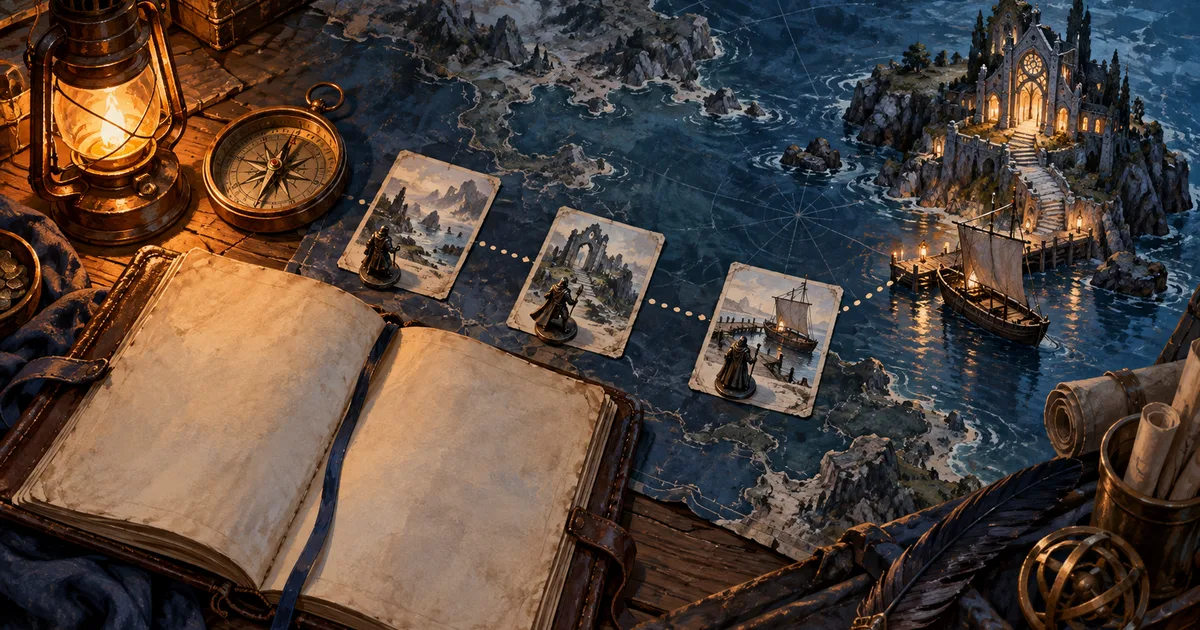
With forty minutes left, my notes hold a missing ferry keeper, last week's promise and a half-solved mystery. A D&D session planning tool should help me choose what matters next. It should leave the ending open.
CharGen's Story Plan does this with saved recaps, open hooks and threads from a campaign. It turns them into scenes and choices I can review, arrange and change. The point is to prepare options for the table, not to write the players' decisions for them.
What a D&D session planning tool should keep flexible
A plan is useful when it gives me enough detail to start play without requiring one exact path. I want to know what changed, which people matter, and what could happen next. I do not need to decide how the party will respond.
That balance is a common DM problem. In a recent r/DMAcademy discussion, one DM described two problems: some sessions felt over-written, while others lacked narrative direction. Replies suggested preparing situations and letting the players decide what to do. A campaign board should support that kind of preparation.
The 2024 D&D Basic Rules include a one-hour preparation guide for a published adventure. It recommends focusing on likely encounters before spending time on unlikely ones. I read that as a useful limit, not a timer for every group. A homebrew mystery, a three-hour dungeon and a social session need different amounts of preparation.
Story Plan helps with the smaller question: what do I want to have ready for the next game? I can keep one likely scene, one meaningful choice and a few unresolved details in view. If the players take another route, the rest can wait.
Start from the session that just ended
When I plan the next game, I start with what the players already did. A short recap is often more useful than a fresh page of ideas. It records promises, discoveries, changes and questions that are still open.
Here is a sample recap for the rest of this guide:
The party found a cracked bell in a tidal chapel. Mara, the ferry keeper, promised to take them across at dawn. The next morning, the ferry was empty. After the party left, the bell rang from inside the locked tower.
That gives me three facts and several unknowns. The bell rang. The ferry was empty. Mara had made a promise. I do not yet know who rang the bell, where Mara went, or whether the party wants to return.
Keep that difference visible. A fact belongs in the campaign record. A guess belongs in a note or an unconfirmed idea. If I write “Mara was taken by the chapel spirit” as fact, I may mistake my theory for a campaign truth.
CharGen's session notes and recap workflow gives a campaign a record of what happened. Story Plan can then use saved recaps and unresolved hooks or threads as planning material. It is a useful handoff from last session to next session, without asking me to rebuild the history from memory.
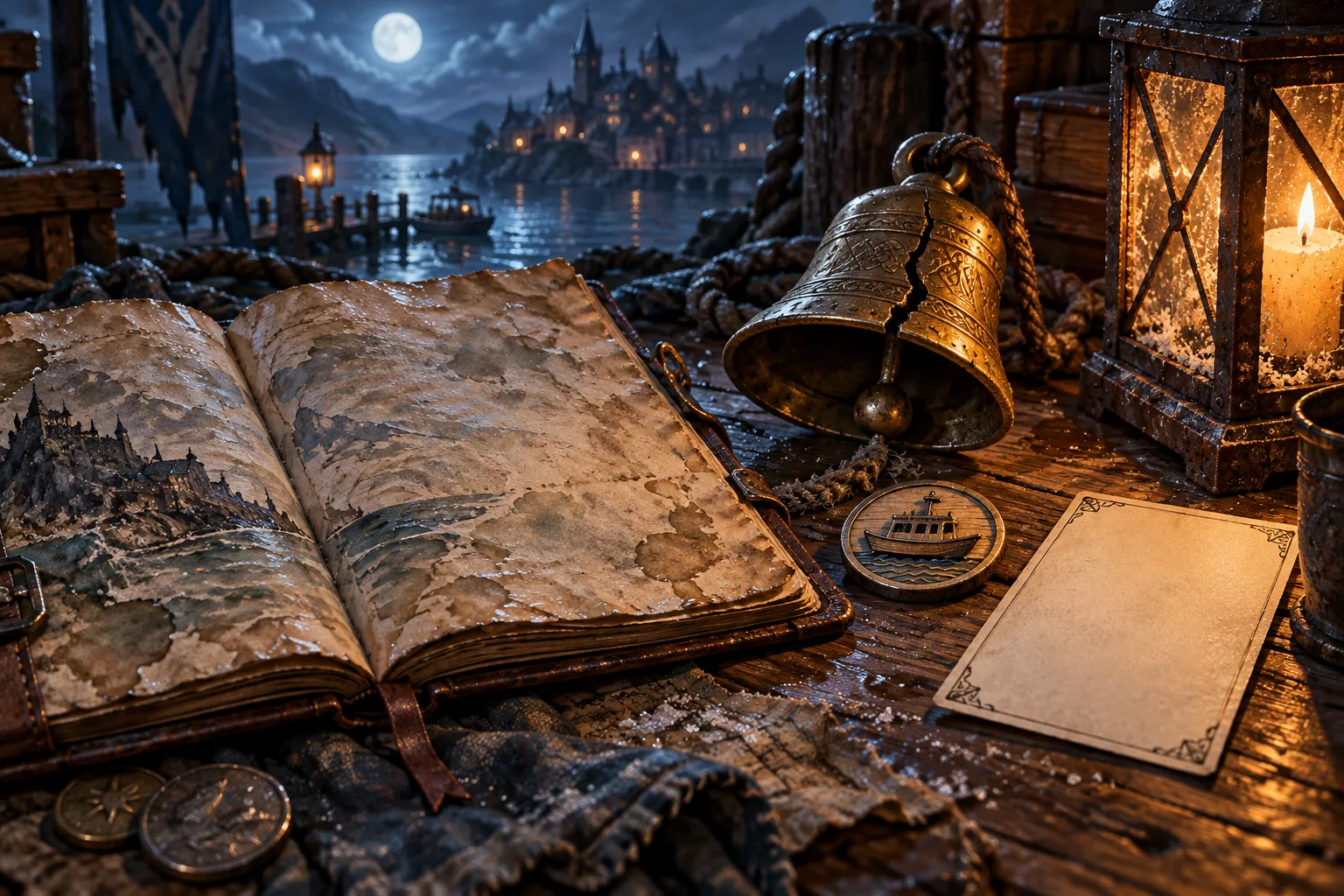
Make a plan from cards, not a wall of notes
Open your campaign and choose Story plan from the campaign navigation. The plan is for the campaign owner. Its toolbar says, “Only you see the story plan.”
The board keeps different kinds of material in separate frames. The standard frames give each idea a clear place:
| Frame | What I put there |
|---|---|
| What it is about | Campaign truths and reminders about the current direction |
| Played | Sessions and scenes that have already happened |
| Session N | Scenes and choices I may use in the next session |
| Maybe later | Open ideas that should stay available without taking over next session |
| Who and where | Campaign records, such as an NPC, place or faction |
I can add frames and give them names. That helps when a campaign needs a different structure, such as frames for faction meetings and long journeys. I would add a frame only when it helps me find something during preparation.
Cards also have clear jobs:
| Card | Use it for |
|---|---|
| Truth | A fact about what the campaign is about |
| Scene | Something that could happen in play |
| Choice | A decision with more than one possible direction |
| Note | A reminder for me |
| Record | An NPC, place or faction already in the campaign |
| Picture | An image from the Library |
For the chapel example, I might add a Scene called “Search the ferry landing.” A Choice card could hold “question Mara's brother” and “climb the tower.” A Record card could point to Mara, while a Note keeps the tide time beside the plan.
The choice is important. A scene does not have to mean that the party will see it. It means I have a useful option if the table moves in that direction. Lines can connect cards to show what leads to what, but the route is still a set of possibilities.
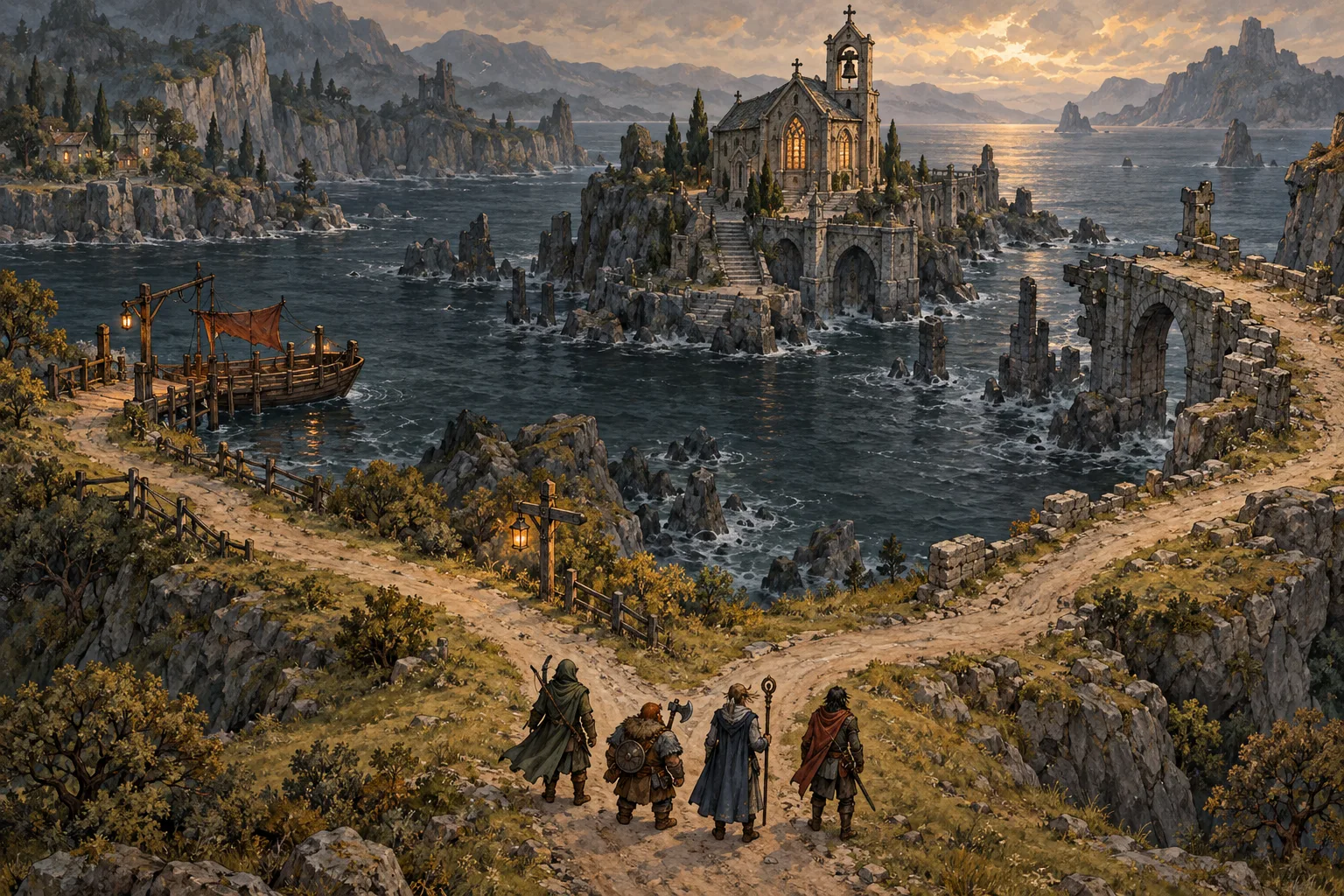
Carry open hooks into the next session
The Open from sessions control lists open hooks and threads from campaign recaps. Each entry can show which session it came from. That saves me from reopening several recaps to remember why a note is still unresolved.
If I want to keep an item available, I choose Put on the story plan. CharGen creates an Idea scene in Maybe later. The original hook or thread remains in the campaign record.
Some hooks no longer fit. I can choose Not needed to hide one from this tray. If I change my mind, the tray offers Undo. That is better than deleting the source note to clean up a planning view.
I would sort for relevance, not volume. A campaign can have ten open threads and still need only two for next week. The others can stay in Maybe later until the characters or the story make them useful.
This is also where a D&D plot thread tracker becomes practical. A thread needs more than a title. I want to know when it appeared, what the party knows, and one possible next step. The Story Plan tray gives me the open item and its session context. I add a scene only when I can see a sensible way to bring it back.
Let a free draft give you options
When a campaign has saved recaps and the next-session frame is empty, Story Plan may offer Draft a first plan. Choose Draft it to ask CharGen for suggested material. The current offer says the action is free.
The draft reads saved recaps and open hooks or threads. “Open notes” here means those campaign hooks and threads. It does not mean every document in the Writing area. That boundary matters. The result uses the campaign notes the feature can read, not every idea a DM has stored elsewhere.
While it runs, the page shows the stages: reading recaps, reading open notes, drafting, and placing the suggestions. It does not show a made-up percentage. That tells me what the tool is doing and what is still waiting.
The result can suggest truths and scenes. Suggestions stay marked for review. I can choose Keep or Discard on a card, or use Keep all and Discard all above the plan. Nothing becomes part of the plan until I keep it.
I still check every line against the recap. It says the bell rang after the party left. A suggestion that claims the party heard it would be wrong. A confident sentence is not evidence. I keep the idea only when its source and timing make sense for this campaign.
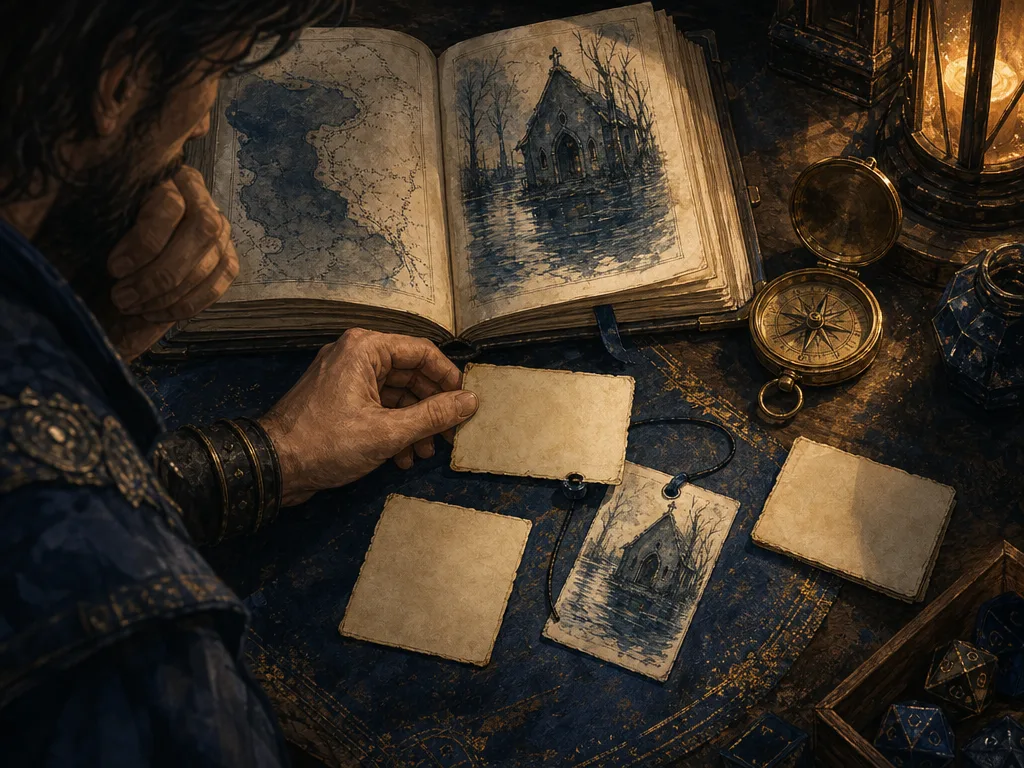
The AI campaign planner is most useful when it handles the first pass. I decide which ideas fit the players, which facts are established, and which open thread deserves attention. That keeps a draft from becoming canon by accident.
Keep the plan usable on the screen you have
On a desktop, Story Plan has Canvas and List views. I use Canvas when I want to see which scene could lead to which choice. List is easier when I want to scan the plan or edit with a keyboard.
Phones show the plan as a list. The Played, Next and Later sections keep the current session separate from campaign history. To move cards or connect them with lines, use a larger screen.
The layout saves as I work. The toolbar shows whether a change is saving, saved or waiting to be retried. I don't pause after each card. On a weak connection, I check that the last edit saved before closing the page.
The Picture card can bring existing campaign art into the plan. A Record card points to an NPC, place or faction instead of copying its details into a new note. I use those links when an image or a campaign fact matters to a scene. I leave the card plain when the title is enough.
Campaign Studio holds more of the wider campaign workflow, including notes and writing. Story Plan has a narrower job. It gives me a place to arrange the next possible scenes, open questions and relevant people.
Worked example: the bell, the ferry and the tower
I would keep the sample chapel plan small. It needs enough material for the party to make a choice, not a scripted route through every room.
| Card | Example content | Why it is on the plan |
|---|---|---|
| Truth | The bell rang after the ferry was found empty | This is established by the recap |
| Scene | Search the landing before the tide turns | This offers a clear next action |
| Choice | Ask Mara's brother or enter the locked tower | The group can choose which lead to follow |
| Record | Mara, the ferry keeper | Her promise and disappearance belong together |
| Note | The tide turns at midday | I may need this during the scene |
| Maybe later | Find out who has the chapel key | It can wait if the group follows another lead |
The point is not to fill every frame. I can leave What it is about alone if the campaign's central question is already clear. I can leave Maybe later empty if the plan is small. A board full of cards is not a better session by itself.
If I want a short time box, I would try this rough 20-minute pass:
| Time | Task | Keep |
|---|---|---|
| 5 minutes | Read the latest recap | The last known facts and the point where play stopped |
| 4 minutes | Scan open hooks and threads | One or two details that still matter |
| 6 minutes | Add a scene and a real choice | Options the group can approach in more than one way |
| 3 minutes | Attach the NPC, place or picture that will help | Only the records I may need at the table |
| 2 minutes | Check what is fixed and what is only a suggestion | A plan I can change when players surprise me |
That is my estimate, not a CharGen timer. Some sessions need more than 20 minutes. A new campaign, a complex mystery, or a large combat may need more work. The useful test is whether I can explain the current situation and respond when players choose an unexpected path.
After play, compare the plan with the recap
After a session recap arrives, Story Plan can show a review of planned scenes that appear to match it. The review includes recap quotations. I can check the matches and choose Mark 1 as played when I select one card. The button includes the number I select. Those cards move into Played.
That is a review step, not an automatic update. A scene may look similar but have played out differently. I can leave it in Next, mark it as not taken, or change the card before I move on. The recap remains the source for what happened.
This loop makes the next D&D session easier to plan because I keep the record and the outline close. I can see what the party did, what remains open, and what I chose to prepare. I do not need to search old chat messages while everyone is waiting.
Where Story Plan stops
Story Plan is a private planning area for the campaign owner. It does not publish GM notes to players, run a virtual tabletop, or decide which choice the party makes. It does not turn a suggested scene into a completed fact.
It is also not the same as a generated encounter or a prepared location. When I need a stat block, tavern, map or portrait, I open Session Prep or a CharGen generator. I check the form and cost first.
That separation is useful. The plan helps me decide what might happen. A generator helps me make one of the materials. A virtual tabletop runs the live map and tokens. I can use all three without asking any one of them to replace the others.
For the broader campaign room, open Campaign Studio. For a session recap, start with RPG Session Notes. Story Plan links both when I need to turn a recap into possible next steps.
FAQ
What is a D&D session planning tool?
A D&D session planning tool helps a DM prepare scenes, choices, people, places and reminders for the next game. CharGen Story Plan can use saved recaps and unresolved campaign hooks to start that outline.
Can CharGen plan a D&D session from a recap?
Yes. Story Plan can read saved recaps and open hooks or threads. Its free Draft it action suggests truths and scenes. You review each one and choose whether to keep it.
Can players see my CharGen Story Plan?
No. The Story Plan toolbar says only you can see it. Keep player-facing recaps and handouts in the places meant for sharing.
Can I use Story Plan on a phone?
Yes. The phone view is a list with Played, Next and Later sections. Use a larger screen to move cards or connect them.
Does Story Plan replace a virtual tabletop?
No. It helps you prepare. Use a VTT to run the live map, tokens and combat.
Open Campaign StudioFrequently asked questions
- What is a D&D session planning tool?
- A D&D session planning tool helps a DM turn recent play and open campaign threads into scenes, choices, records and notes for the next session. CharGen Story Plan keeps those ideas in a private campaign plan.
- Can CharGen plan a D&D session from a recap?
- Story Plan can read saved session recaps and open hooks or threads. Its free Draft it action suggests truths and scenes, which the DM must keep or discard.
- Can players see my CharGen Story Plan?
- No. The Story Plan tab says only you can see it. It is a private planning space for the campaign owner.
- Can I use Story Plan on a phone?
- Yes. Phones show the plan as a list with Played, Next and Later sections. Move and connect cards on a larger screen.
- Does Story Plan replace a virtual tabletop?
- No. Story Plan helps you prepare scenes and choices. Use a virtual tabletop to run maps, tokens and combat at the table.