
Turn a D&D Session Recap into Your Next-Session Brief
Use CharGen Session Notes to check a recap, resolve ambiguous campaign details and prepare a focused brief for your next D&D session.
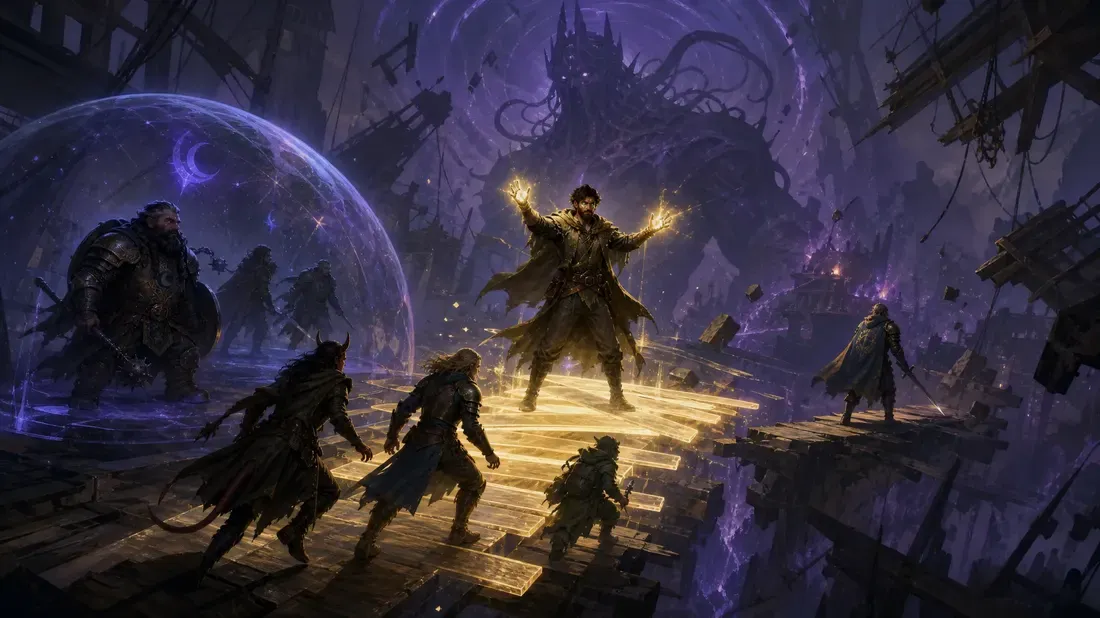
A session recap becomes useful prep when you reduce it to three things: what changed, what remains unresolved, and what the players are likely to do next. CharGen Session Notes gives you the source, recap, detected campaign details and exports in one record. Review those before you write the next brief.
Do not treat generated text as campaign truth by default. Use the recap to find the moments worth checking, then decide what becomes canon in your campaign.
Start with the recap, not the full transcript
Open the completed session in the Session Library. Read the short plot first. Then check the available Events, Highlights, Cast, World, Quests, Threads, Actions and DM notes sections.
Not every session has every section. A missing tab does not mean the session failed. It means the completed result did not contain that type of material.
Make three short lists as you read:
- Changed: facts that now differ from the previous session.
- Open: promises, threats, questions and unfinished choices.
- Next: the most likely player action at the next table.
Keep each item specific. “The party made an enemy” is too vague. “Captain Voss saw the party take the harbour ledger and now controls the eastern gate” is a usable prep fact.
Check consequential details against the source
Use the Transcript tab when a name, promise, item or decision will affect the next session. Search for a distinctive word or phrase, then narrow the results by speaker when needed.
For example, a fictional party leaves the drowned city of Bellfen with the Emberglass Compass. The recap says the party promised to return it to Archivist Mirren. Before making that promise the centre of next week’s session, search for “compass” and read the surrounding exchange. Check whether the promise was accepted, delayed or rejected at the table.
The transcript is a reading and retrieval view. It does not let you edit the transcript text or remap speakers. If the source itself needs a correction, fix it outside CharGen and review the displayed cost and effect before reprocessing.
Use the smallest correction that fixes the record:
- Edit a supported recap block when one generated detail is wrong.
- Correct a written source summary and regenerate only when the summary is the right source to change.
- Export first before using session-wide Find and Replace. It applies immediately and has no undo.
The recap correction lesson explains the supported editing boundaries in more detail.
Review people and places before they become campaign records
A recap can detect people, monsters and locations. Those mentions are suggestions, not automatic campaign entities.
Open the review for a detected record and compare it with the campaign. Ask three questions:
- Is this a new person or place?
- Is it an existing record with a different name or spelling?
- Does the source support the suggested type?
In the Bellfen example, “Mirren” might be a new NPC, while “the old archivist” could be the same person under a loose table description. Link it to the existing record when that is correct. Keep it new only when the source supports a separate character.
This step prevents duplicate NPCs and locations from accumulating in the campaign. It also keeps later searches and preparation grounded in the same names the players know.
Write a one-page next-session brief
Use the reviewed recap to make a brief that can be read in two minutes before play. Keep it private if it includes secrets or source material that players should not see.
A useful template is:
| Section | What to write |
|---|---|
| Opening state | Where the party starts and what has changed |
| Player promise | The decision or goal the group made |
| Opposition | Who can interfere and why |
| Three likely scenes | The next situations, not a fixed script |
| Names to remember | NPCs, places and items that need consistent wording |
| One secret | A fact the GM knows but the players do not |
For Bellfen, the opening state is “The party has escaped the drowned archive with the Emberglass Compass.” The player promise is “Return it to Mirren before the gate seals at dawn.” The opposition is Captain Voss, who believes the compass proves the party stole state property.
The three likely scenes could be a gate inspection, a negotiation with Mirren, and a chase through the flood tunnels. Each scene has a purpose, but the players still choose the route.
Move from the recap to preparation
Store the brief where you organise the campaign, then use it as the starting point for Session Prep. If it needs persistent campaign facts, continue in World Codex. Keep the recap linked in your own notes so you can return to the exact source when a player asks, “When did we agree to that?”
Session Notes can also export recap data and a plain-text transcript. Use an export as a backup before broad edits, and treat it as private campaign material unless everyone involved has agreed to share it.
The useful outcome is not a longer recap. It is a short, checked brief that gives you the next session’s pressure, choices and names without rewriting the whole campaign.
Next step
Open the most recent completed session, identify one unresolved player promise, verify it in the source, and write the opening state for the next game. That is enough to turn a recap into preparation.