
AI Art in D&D: Ask Before Using Player Character Art
AI art in D&D can raise a table question. Learn how to ask before using player artwork as a reference or sharing the result.
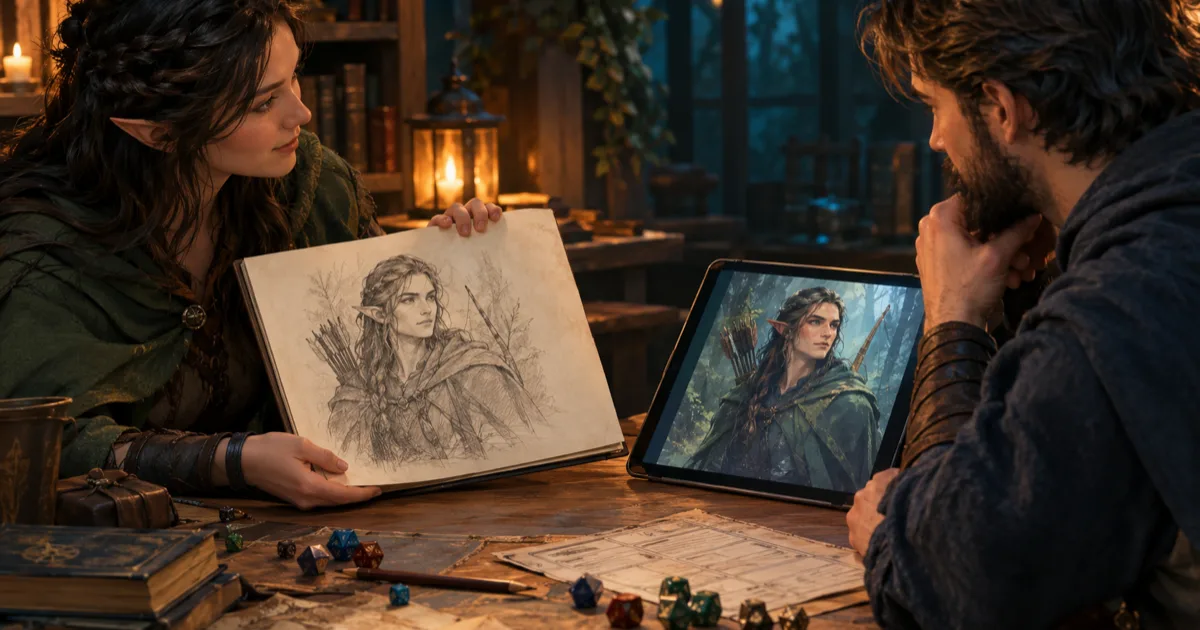
A player sends you a portrait they drew for their ranger. It has a bent nose, a yellow cloak, and a silver ring from their backstory. You want to make a short campaign comic, so you upload that drawing as an AI reference.
Uploading the drawing is a separate choice from showing it to the group. AI art in D&D raises a table question when the image comes from someone else or shows their character. Did the player and artist agree to this use?
A character portrait can move from a private reference to a generated image, then to a public post. Each step has a different audience. I would ask before each new use instead of treating one yes as a permanent pass.
Recent discussion shows why the question needs a clear answer. In a September thread about a DM using a player's art as an AI reference, people had different views. Some liked the campaign comic idea. Others said the artist should be asked before their drawing is uploaded. That thread is one conversation, not a survey. It does show that a friendly intent does not guarantee agreement.
Why a reference image needs its own question
Players often share character art for a clear reason. They might want the party to recognise a face. They might want the DM to see a costume detail. They might want a token for Roll20 or Foundry. Sharing a drawing for one of those jobs does not tell you how they feel about every later use.
An AI reference workflow changes the role of the image. The drawing becomes input to a generation request. The result may copy the face, clothes, colours, pose, or other choices. It may also change those details in ways the artist did not choose.
That difference matters even if the new image is private. The artist may accept one copy in the campaign wiki but reject an upload to an image service. They may approve a portrait they generate themselves. They may still refuse a DM's upload of the original file, or agree to one scene but refuse a full comic.
The simplest useful rule is to ask about the action. “Can I use this?” is vague. Ask directly: “May I upload your drawing as a reference for one private recap portrait?” Keep the question specific. Name the service and the people who will see the result.
I would also ask who made the image. A player may have commissioned a portrait from an artist. The player can explain what the commission covers, but do not assume that covers every later use. Ask the artist too when the drawing will guide new generated work. If the agreement is unclear, use a description instead.
There is a separate question about the image service. A reference image sent with a request is a different action from model training. Storage and data use depend on the provider and settings. Check the service's current terms first. Do not promise that it will delete or never retain an upload.
AI art in D&D can involve three separate choices
Before a generated portrait reaches the table, it can cross three boundaries. Keep them separate in the conversation.
1. Using the source drawing as input
This is the first decision. Ask if the artist and player agree to upload the exact drawing to the named service. Say why you want to use it. Share whether the request will make one image or several.
For example, a player might say, “You can use my character description, but please do not upload my drawing.” That is a complete answer. You can still use a text description if the player agrees to that approach.
If the art is commissioned, check the commission terms before you use it in a different process. Keep a copy of the agreement if the project has a public audience. Do not treat access to a file as permission for every use.
2. Showing the generated result in the game
The player may agree to a reference upload but still dislike the result. It might remove a scar, alter the character's body, add a costume detail, or change their age. It might also miss a feature that matters to the player.
Show the result to the player before you add it to a shared gallery, wiki, handout, or VTT. Let them request a correction or decline the image. A DM can offer a visual aid. The player still decides if it represents their character.
The player may approve a private portrait but ask you to keep their original drawing in the campaign wiki. Keep both files labelled so the group knows which is the artist's work and which is generated.
3. Sharing it outside the private game
Public use needs a separate question. A private handout, an unlisted stream, a public campaign wiki, and a paid comic have different audiences. People who agree to one may reject another.
Ask before you post an image to social media or show it during a public stream. Ask again before adding it to a video, public wiki, convention display, or product. Include who made the original drawing and how the generated result will be labelled, if the creator wants credit.
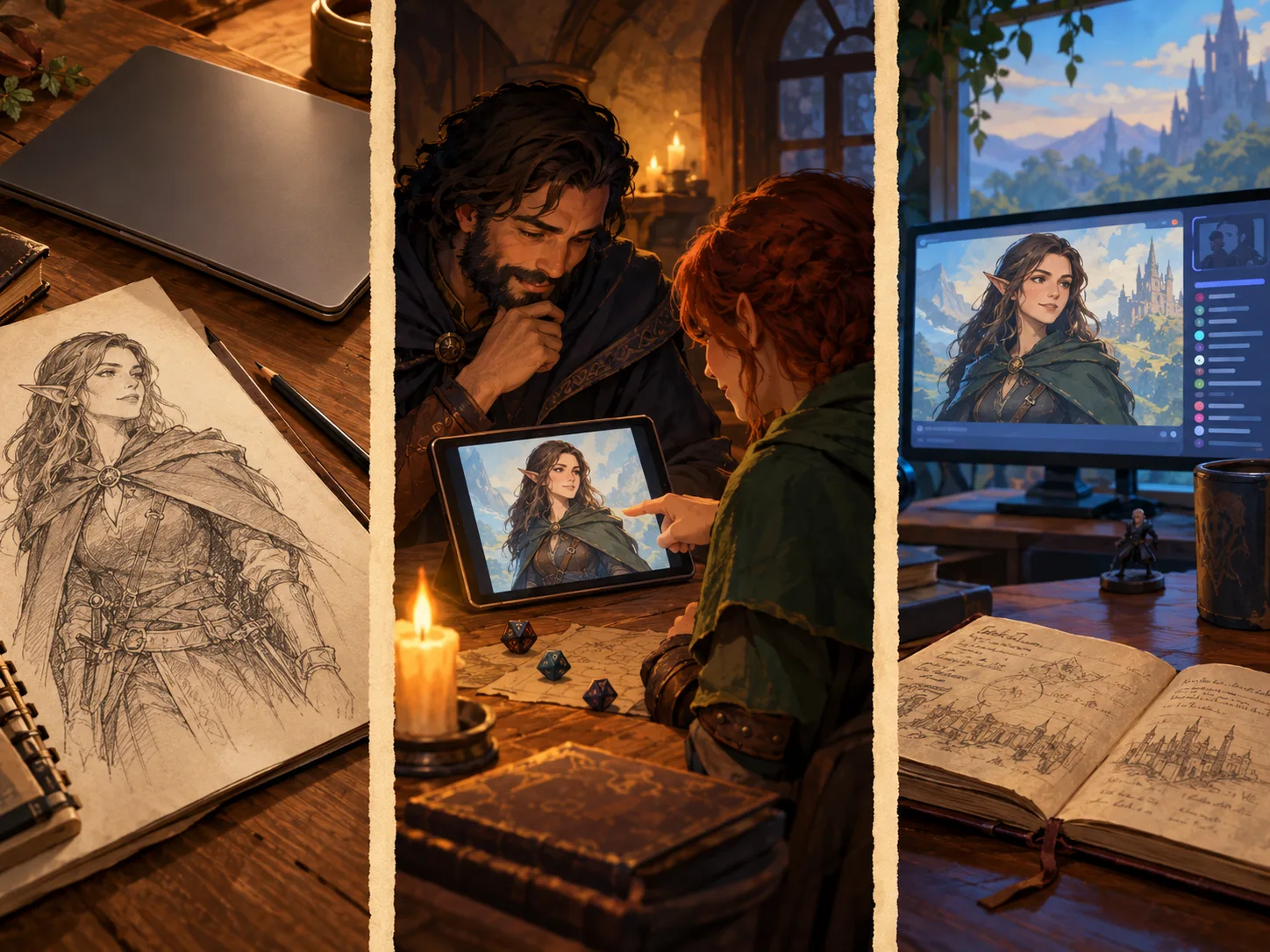
Ask before the first upload
Session zero is a good place to set the group's basic rule. It is not the only time to ask. The question may return months later. A player may have drawn a new portrait, or you may want a campaign recap.
Keep the request short. Name the drawing, service, intended output, and audience. Give the player a simple way to refuse. Do not ask them to defend the answer.
Here is a script I would use:
I want to make one portrait for our private campaign recap. May I upload your drawing as a reference? I will show the result to our group only. I will not post it or use it in a comic unless we agree again. A no is fine. Would you prefer a text-only version?
If the artist and player are different people, ask both. The player knows the character and the table context. The artist can explain any limits on their drawing. One person may be comfortable while the other is not.
For a small campaign, a written message is enough to prevent memory gaps. For anything public, record the exact scope in a shared note. Keep it factual and brief:
| Detail | What to record |
|---|---|
| Source | Which drawing or files the request covers |
| Input | Whether the art may be uploaded as a reference |
| Output | Which generated images the group has approved |
| Audience | Private table, wiki, stream, or public post |
| Credit | How the artist wants to be named, if at all |
| Review | When to ask again or remove the image |
Use this list as a reminder that approval has a scope. If the plan changes from a private portrait to a public comic, ask again before you change the audience.
What a no means, and what a yes covers
A no is useful information. Thank the person and keep the original file out of the request. Do not make them argue about how image models work. Do not say that the drawing is already online, so the choice no longer matters. They are answering a specific request from you.
Offer another route only if they want one. They might write a short description. They might choose a reference they made themselves. They might want to use a mini builder or commission an artist. They might want no new portrait at all.
If they agree, keep the agreement narrow. A yes to one portrait does not cover ten scene variations. A yes to a private game does not cover a public campaign page. A yes to generating art does not mean the player endorses every image or the service.
For a longer project, I would check in at a few points:
- before sending the original drawing to the image service
- after the first portrait is ready
- before the group sees it
- before any public post or stream
- if the project changes from a portrait to a comic or video
This may sound formal for a home campaign. In practice, it can be one message and one saved reply. It is less work than repairing a friendship after a surprise image reaches a public feed.
When a player says yes to a private image, show them the draft before you use it. Ask what looks wrong. A model can keep a yellow cloak and still invent an unwanted symbol or change a character's body. Review the result as a character portrait, not only as a nice image.
If they want a correction, use the feedback they give. Do not decide that their own design is too unusual or that a different face “works better”. The image exists to help the table recognise their character. It does not need to follow the DM's favourite version.
What the official D&D art policy covers
Wizards of the Coast has a published policy for people who contribute to official Dungeons & Dragons products. Its Generative AI art FAQ says artists, writers, and creatives contributing to D&D products must not use generative AI tools to create final products.
The policy addresses official products. Your group still needs to agree how it will handle AI-written notes, art, music, video, and player-created work.
Groups can set different rules and still play well together. One table may allow text-to-image portraits but ban uploaded artwork. Another may prefer hand-drawn art and maps. A third may accept AI use in private but not in public posts. Agreeing on one rule before someone makes a surprise image is easier than settling it during a disagreement.
If your group shares work outside private play, name the audience and purpose. A public wiki can be searchable. A livestream can be recorded. A campaign comic can circulate beyond the people who know the artist. Do not treat “it is only for our game” as a clear description if the file will be posted elsewhere.
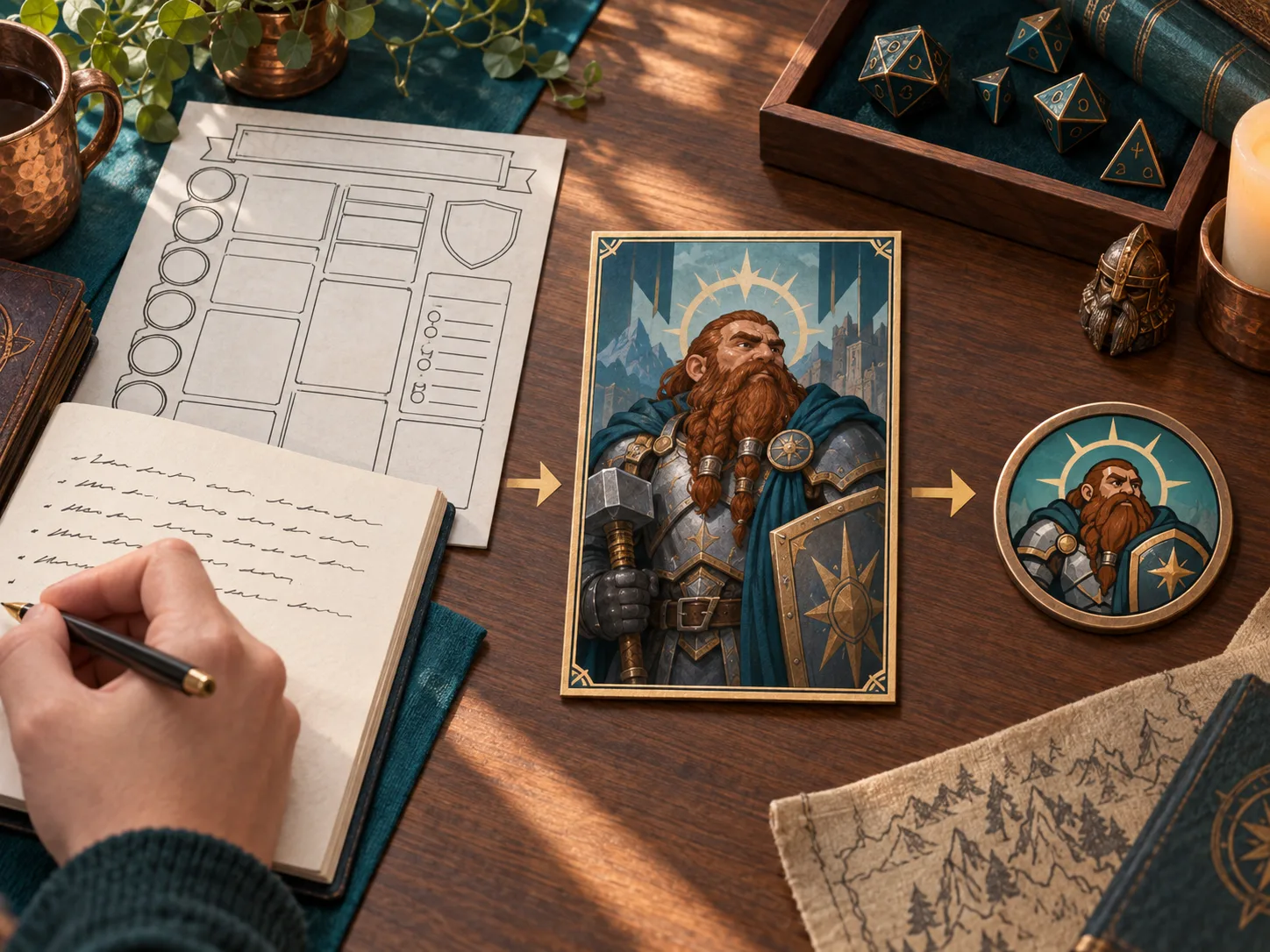
You can create character art without uploading the source drawing
Start an AI portrait from a written description or player-approved sheet. The player can choose which details matter and review the result. A character sheet can provide visible details too, if the player chooses to share it with that tool.
CharGen's Character Generator supports a text-first route. The page can also start from a character sheet, including a PDF or D&D Beyond link. The player can choose what to provide. There is no need to upload an artist's portrait just because it exists.
Ask the player for three details: face, clothing, and one personal object. A brief might say: “Half-elf ranger, crooked nose, yellow travelling cloak, silver ring on a leather cord.” The DM can add a rain-soaked watchtower. Let the player check if the result still feels like their character.
The AI D&D character prompt guide explains how to turn a character idea into a clear prompt. It uses visible anchors such as a scar, coat colour, weapon, or hairstyle. Those details can come from the player. You do not need another artist's file to start.
For a character who returns each week, the Character Reference workflow can keep approved images together. Use it only with images the player and artist have agreed you may use. When a portrait is ready, the Token Maker can turn it into a virtual tabletop token.
The text-first path has limits. It may miss a small visual detail. It can make the face or clothing drift between attempts. A written prompt can also include details a player does not want in the final image. Give them a chance to review the brief before generation.
If the player prefers a human artist, support that choice. Ask what budget and timing work, then commission new art under clear terms. When commissioning is out of reach, use a sketch, mini, public-domain image, or plain text description.
Keep the process simple. Ask before one person's drawing becomes another person's input. This gives the player a real choice and keeps the table's agreement clear.
Make the rule easy to remember
Write one short line in your campaign notes. For example: “Ask before uploading player or commissioned art as a reference. Ask again before sharing generated images outside the group.” If your table has a wider no-AI rule, write that instead.
Review the line when a new player joins or the project changes. A table rule made for private character portraits may not cover a public campaign wiki. Keep the wording direct, and give people a way to change their answer later.
If you want to make a portrait from text or a player-approved sheet, open the CharGen Character Generator. Start with the player's own description, then let them approve the image before you share it.
Create a D&D Character PortraitFrequently asked questions
- Should I ask before using a player's art as an AI reference?
- Yes. Ask the player and the artist, if they are different people, before you upload the drawing. Check any commission terms and the image service's current data settings.
- Is an AI reference upload the same as training a model?
- No. A reference image is supplied to guide a request. Training is a separate process. Check the image service's current terms before you promise how it stores or uses uploads.
- Can a player approve an AI portrait but refuse a public post?
- Yes. Keep permission for a private game separate from permission to post the image, show it on a stream, or include it in a public comic.
- Does the D&D AI art policy ban AI images at home games?
- Wizards of the Coast's policy covers people who make official D&D products. It does not set a rule for private home campaigns. Each group can agree its own policy.
- Can I create D&D character art without uploading existing art?
- Yes. Start from a written description or a character sheet when the player agrees. CharGen's Character Generator supports a text-first route and sheet input.