Change a picture with words
Upload a picture, or pick one you made, and the AI image editor changes it. Say what to change, or pick a tool: take out the background, paint over one part, make it bigger, or give it a new style.
From 1 Gold an edit. You see the price before you press.
Without a plan: 5 edits with words, and 1 more each day you claim your Gold. The other tools need a paid plan.
Pick a picture
Pick what to do
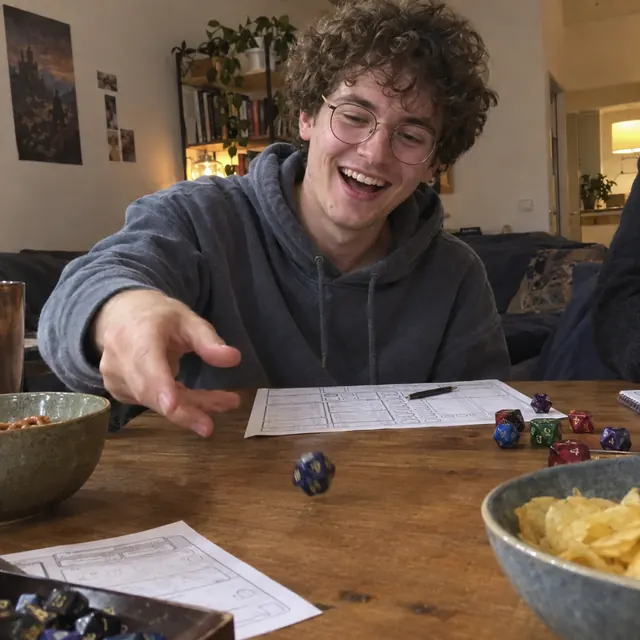
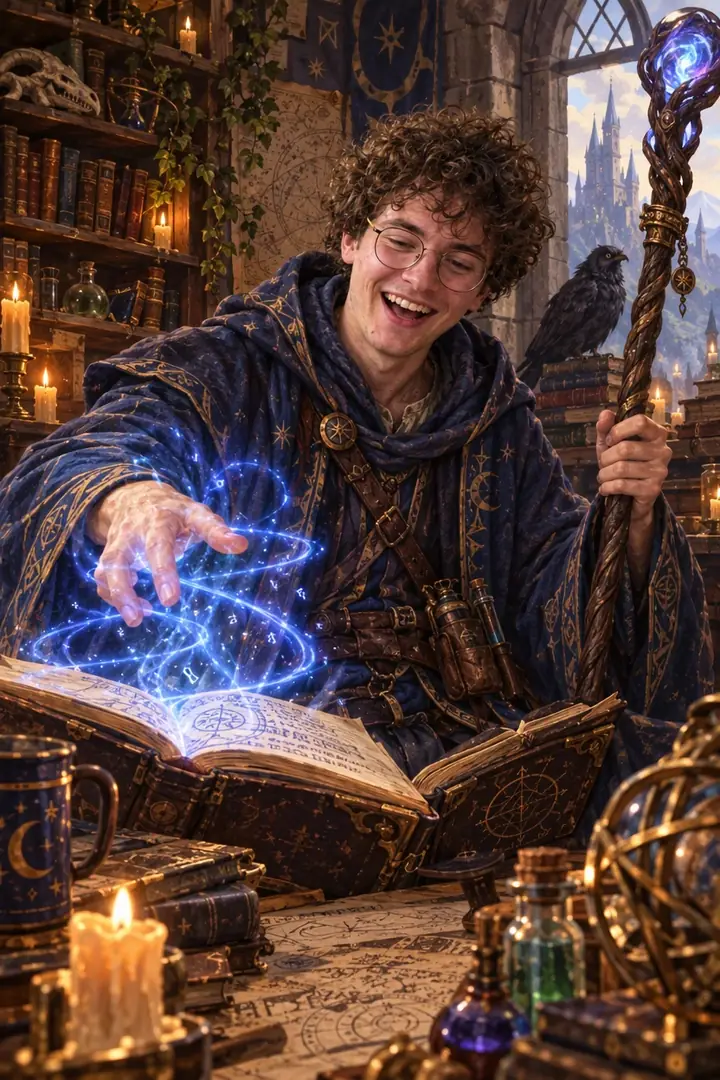
These are real results. Press the button to do the same to your own picture.
Do this to my pictureGive it a new style
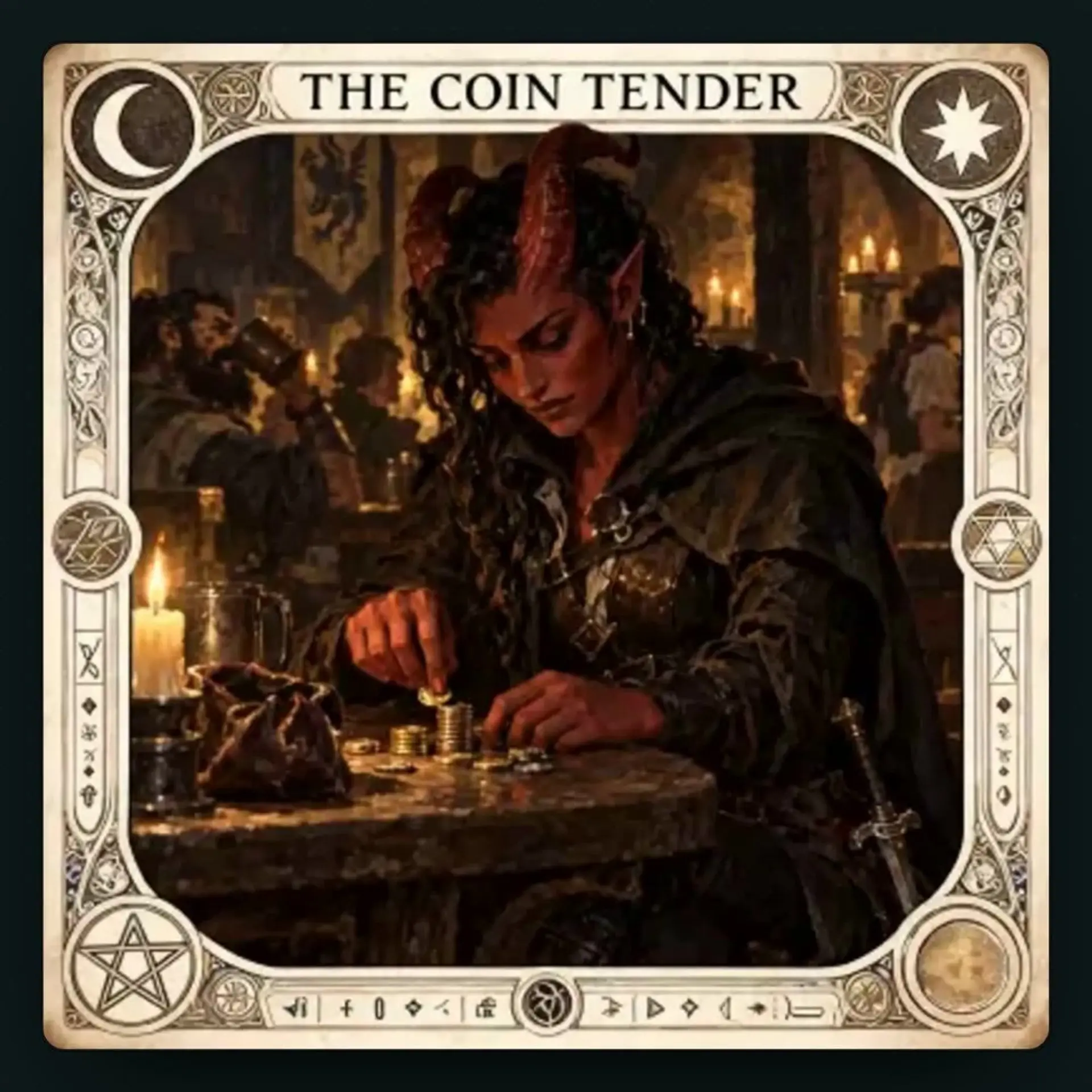
Restyle turns a picture into a tarot card, an oil painting or a comic page, in one press.
- Character variants
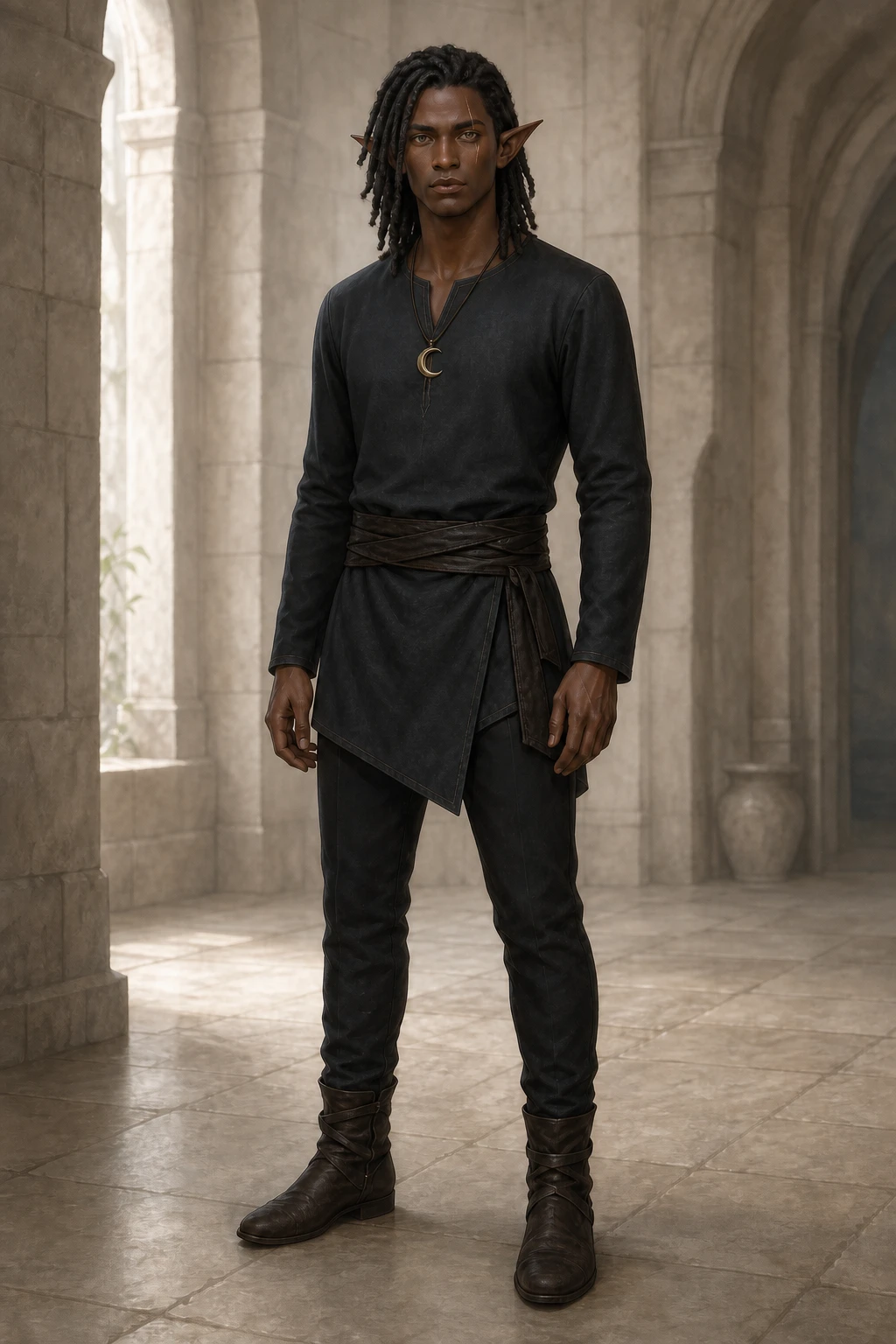 ArmourBefore
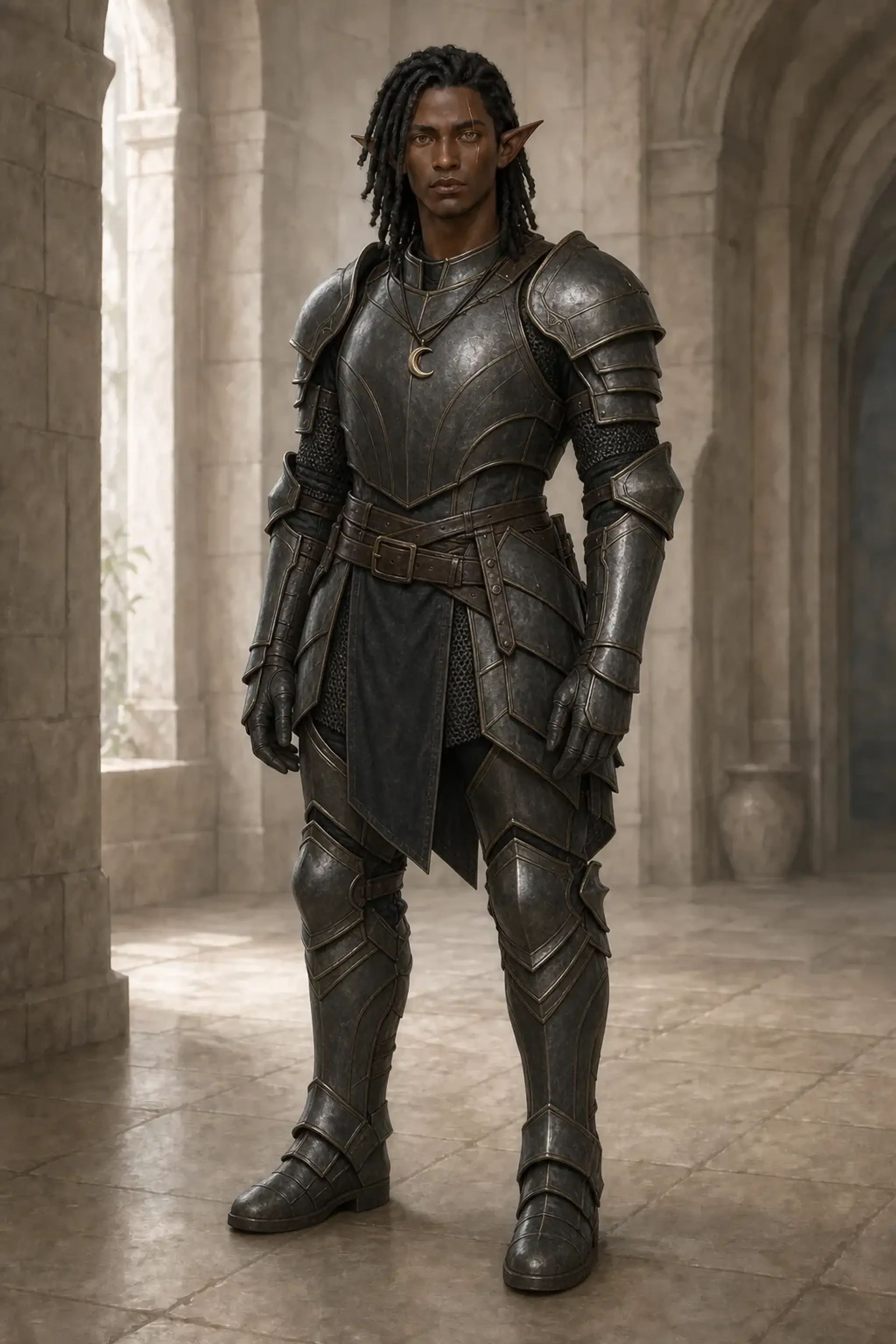
Change one part, keep the character
Put the same character in armour, new clothes or another hair style. The face and the build stay the same.
Make it move
Animate turns a picture into a short clip. Your first clips need no plan.
How to edit a picture with AI
Upload a picture or open one from your Library. Pick a tool, or type what should change, and press Edit. The button shows the price first, and your first picture stays as it was.
The AI image editor reads your words as a change to make, not as a new picture to draw, so the pose, the light and the face stay where they are. Start from a portrait you made on CharGen, a photo from your phone, or a picture from your campaign. Each result is saved to your Library as a new picture.
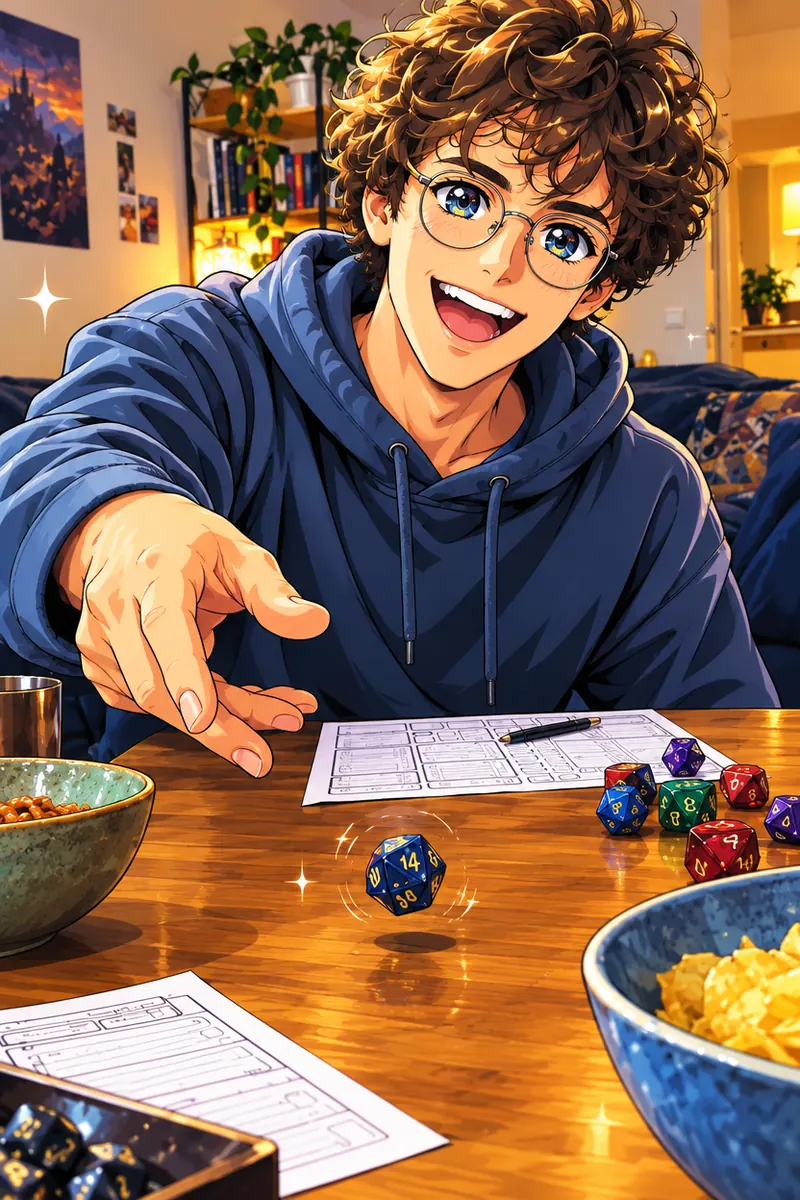
Your players, as their characters
A photo of a player at the table becomes their character in the party's world. Use it as a token, a portrait on the character sheet or a card for the group chat.
Upload one clear photo and choose a class, or let CharGen choose. The portrait keeps the face, the age and the build of the photo, and the class sets the gear and the setting. It works for pets too: the cat above is now a rogue.
Photo to D&D characterOne picture in any style
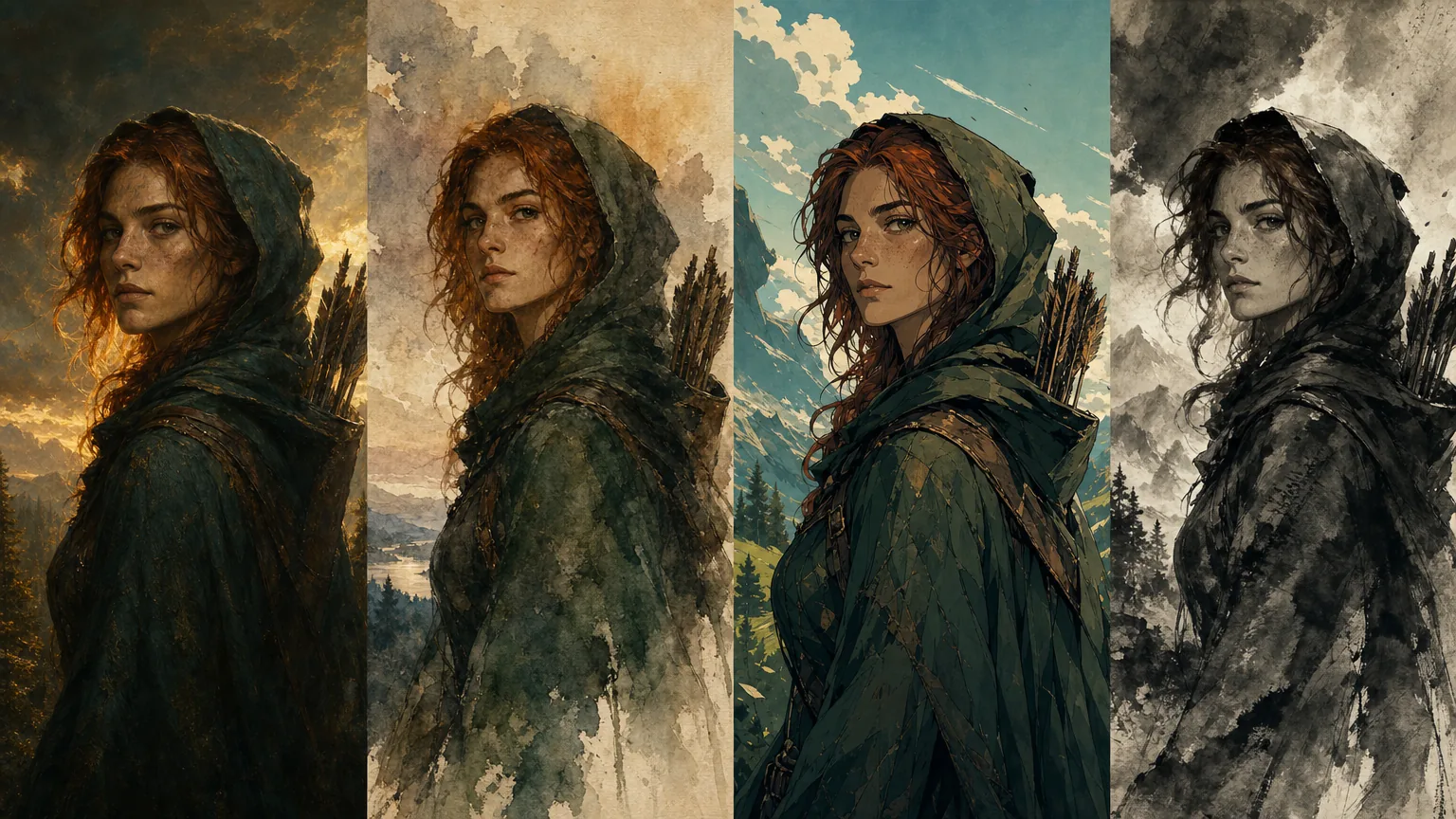
Make an NPC match the rest of your world: an oil painting, a watercolour, anime, a comic page or a tarot card. Pick the style and press once.
A restyle keeps what is in the picture and changes how it is drawn. NPCs made months apart can look as if one artist painted them all, and a portrait can become a tarot card or a page for your players.
Made with it
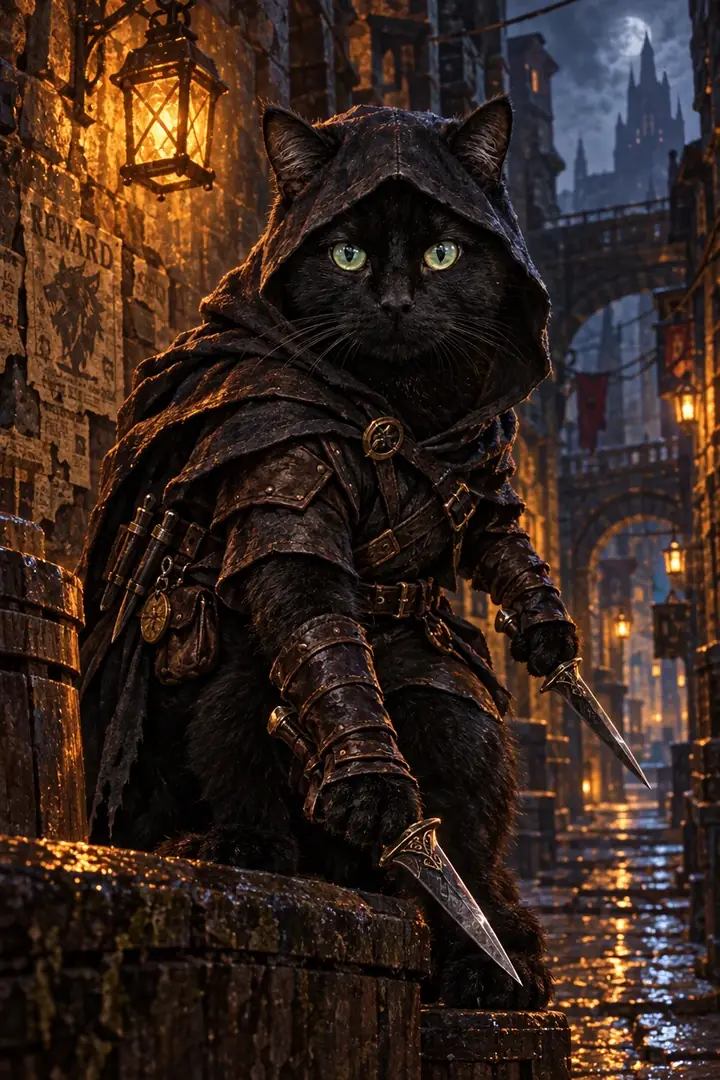
A cat, as a roguePhoto to D&D character
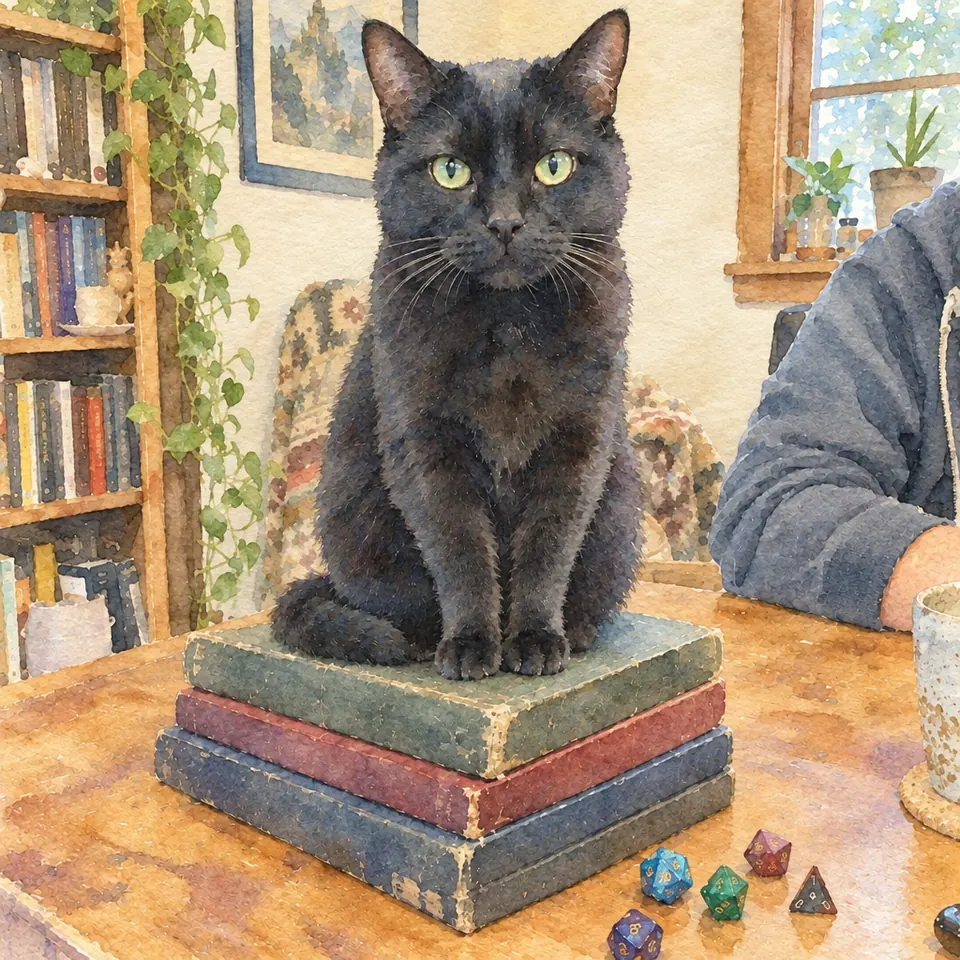
A watercolourArt style
A tarot cardRestyle
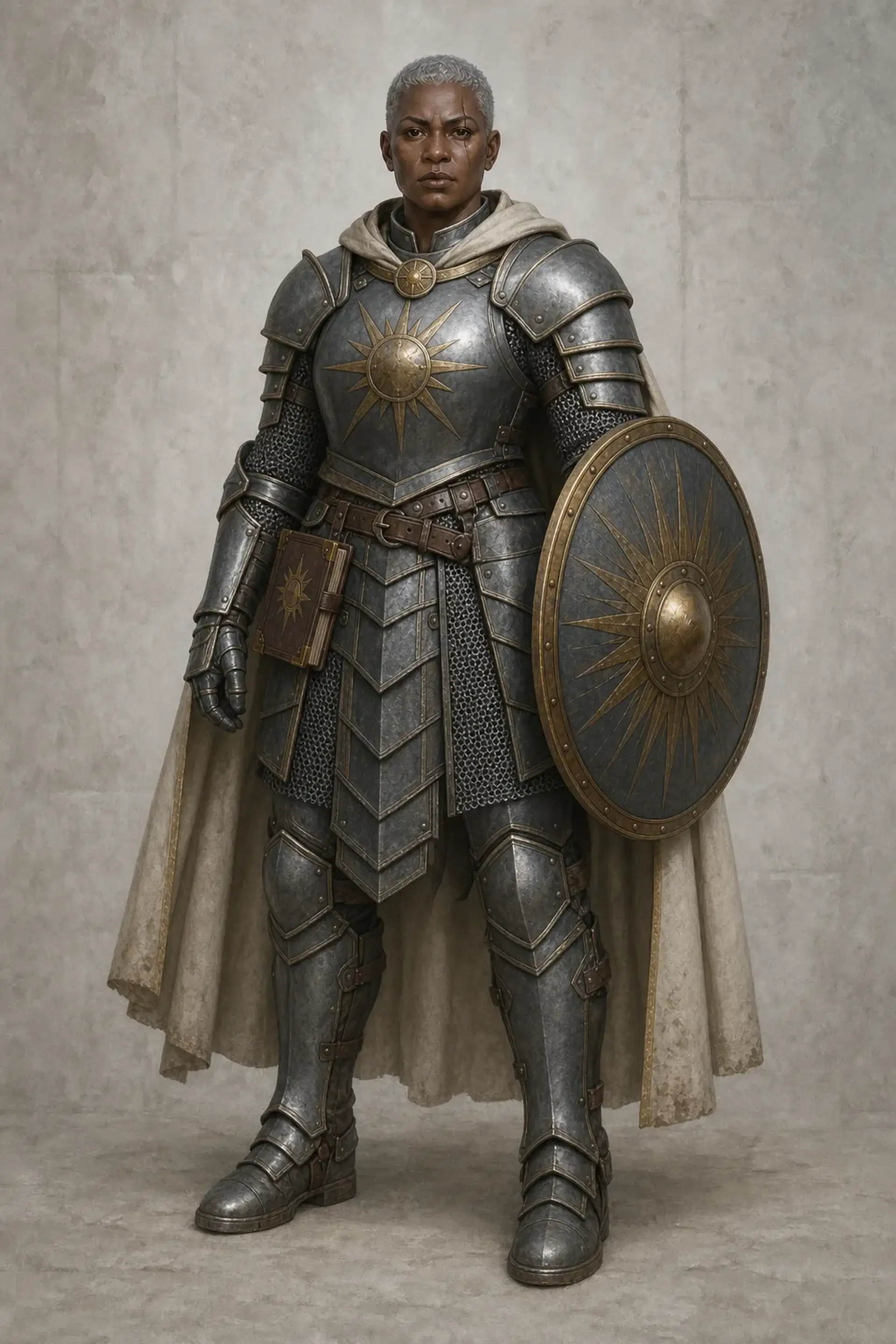
New armour, same warriorCharacter variants
What it costs
- Change with words
- from 1 Gold
- Type the change. The rest of the picture stays.
- Paint over a part
- from 1 Gold
- Brush over one area and say what goes there.
- Remove the background
- 2 Gold
- A clean cut-out for tokens and handouts.
- New background
- from 4 Gold
- Keep the subject and put it in a new place.
- Make it bigger
- from 1 Gold
- Upscale a picture for print or a big screen.
- Make it wider
- from 6 Gold a megapixel
- Add more of the scene around the edges.
- Fix faces
- 6 Gold
- Clean up eyes and faces.
- Restyle
- from 1 Gold
- Draw the same picture in a new style.
- Animate
- Shown before you press
- Turn the picture into a short clip. Your first clips need no plan.
- Crop
- Free
- Cut the picture to the size you need. On a paid plan.
Without a plan you get 5 edits with words, and 1 more each day you claim your Gold. The other tools need a paid plan.
Questions
Not to edit with words: without a plan you get 5 edits with words, and 1 more each day you claim your Gold, up to 5. Each edit still costs its Gold. Painting over a part, new backgrounds, fixing faces and the other tools need a paid plan. Your first clips with Animate need no plan. After your free tries, video needs a paid plan.
Edits cost Gold, from 1 Gold. Every account starts with Gold and gets more each day. Without a plan you get 5 edits with words. The other tools need a paid plan.
Each tool shows its price before you press. An edit with words is from 1 Gold, removing a background is 2 Gold and fixing faces is 6 Gold. Cropping costs no Gold on a paid plan.
Yes. Upload a picture from your computer or your phone, or pick one from your Library.
An edit with words changes what you ask for and keeps the rest of the picture. The result is a new picture, and the first one stays as it was.
Clothes, hair, the light, the weather, an object in a hand, the face's expression or the background. Ask for one change at a time for the best result. To change one small area only, paint over it instead.
Open the picture in the editor and pick Remove background. It costs 2 Gold and gives you the subject as a cut-out, ready for a token or a handout. To put the subject somewhere new, pick New background.
Yes. Paint over the part you want to change, then say what goes there. The rest of the picture stays as it was.
Say what to change and how it should look. "Make the cloak dark red" works better than "make it better". Ask for one change at a time for the cleanest result.
Yes. Save the portrait as a Character Reference and pick it when you make a new picture or a video. The face, the gear and the build stay the same.
Yes. The Photo to D&D character workflow paints the person in a photo as a fantasy hero of the class you choose, and keeps the face. It works for pets too.
Yes. Make it bigger (upscale) gives the picture more pixels for print or a big screen. For an old, blurry or damaged picture, use Image restoration.
In your Library. Each edit is a new picture, so the first one stays as it was and you can go back to it.
Under the CharGen Terms, your pictures are yours to use for personal or commercial work.
